1. Introduction and Overview
The Ulefone Armor Pad PRO is a rugged 8-inch Android tablet designed for durability and high performance in challenging environments. It combines advanced technology with robust protection, making it ideal for outdoor enthusiasts, field workers, and anyone needing a reliable device that can withstand harsh conditions.

Image: Ulefone Armor Pad PRO rugged tablet, highlighting its display and robust design.
Негизги өзгөчөлүктөр төмөнкүлөрдү камтыйт:
- Өтө туруктуулук: IP68/IP69K waterproof and dustproof, and MIL-STD-810H certified for drop protection.
- Күчтүү аткаруу: Equipped with up to 16GB RAM (8GB physical + 8GB virtual) and 128GB internal storage, expandable up to 2TB via microSD.
- Узак мөөнөттүү батарея: A massive 7650mAh battery provides extended usage, up to 14 hours of intensive tasks.
- Жандуу дисплей: 8.0-inch HD+ display with 800 x 1280 pixels resolution and 500 nits brightness for sunlight readability.
- Жогорку чечилиштеги камералар: Features a 48MP rear camera and a 32MP front camera for clear photos and video calls.
- Дүйнөлүк байланыш: Supports 4G LTE, 2.4G+5G WiFi, GPS, GLONASS, Galileo, and NFC.
- Өркүндөтүлгөн коопсуздук: Integrated fingerprint sensor for secure access.
2. Пакеттин мазмуну
Upon opening your Ulefone Armor Pad PRO package, you should find the following items:
- Ulefone Armor Pad PRO Tablet
- Заряддагыч
- USB кабели
- User Manual
- Кепилдик картасы
- Заряддоо нускамалары
- Accessories Ecosystem Brochure
Please inspect all items for any damage or missing components. If anything is amiss, contact customer support immediately.
3. Түзмөктүн жайгашуусу жана башкаруу элементтери
Familiarize yourself with the physical layout of your Ulefone Armor Pad PRO tablet:

Сүрөт: каптал view of the Ulefone Armor Pad PRO, illustrating the location of its ruggedized ports and buttons.
- Кубат баскычы: Капталында жайгашкан, аппаратты күйгүзүү/өчүрүү же ойготуу/уктатуу үчүн колдонулат.
- Үн баскычтары: Үн деңгээлин тууралоо үчүн кубат баскычынын жанында жайгашкан.
- USB-C порту: Covered by a protective flap, used for charging and data transfer.
- SIM/MicroSD карта слоту: Also protected by a flap, for inserting SIM cards and expanding storage.
- Ыңгайлаштырылган ачкыч: A programmable button for quick access to specific functions or apps.
- Арткы камера: 48MP camera with flash, located on the back, protected by a raised bezel.
- Алдыңкы камера: 32MP camera, located on the front for selfies and video calls.
- Кош сүйлөөчүлөр: Positioned for stereo sound output.
- Манжа сенсор: Integrated for biometric security.

Сүрөт: Арткы view of the Ulefone Armor Pad PRO, showcasing the 48MP camera and the tablet's ruggedized back panel.
4. Орнотуу
4.1 Баштапкы күйгүзүү
To power on your Ulefone Armor Pad PRO for the first time, press and hold the Power button until the Ulefone logo appears on the screen. The tablet will then guide you through the initial setup wizard.
4.2 SIM картаны жана MicroSD картасын орнотуу
The Armor Pad PRO supports dual SIM cards and a microSD card for expanded storage up to 2TB. Locate the SIM/microSD card slot on the side of the device, gently open the protective flap, and insert your cards as indicated by the tray's diagram. Ensure the flap is securely closed to maintain water and dust resistance.
4.3 Биринчи жолу орнотуу устасы
Баштапкы орнотууну аяктоо үчүн экрандагы көрсөтмөлөрдү аткарыңыз:
- Тил тандаңыз: Өзүңүзгө жаккан тилди тандаңыз.
- Wi-Fi'га туташуу: Wi-Fi тармагын тандап, сырсөздү киргизиңиз.
- Google аккаунту: Google аккаунтуңуз менен кириңиз же жаңысын түзүңүз. Бул Google Play Дүкөнүнө жана башка Google кызматтарына кирүү үчүн зарыл.
- Дата жана убакыт: Set your current date and time, or allow the network to set it automatically.
- Коопсуздук: Set up a screen lock (PIN, pattern, password, or fingerprint).

Image: The Ulefone Armor Pad PRO screen showing battery statistics, emphasizing its long-lasting 7650mAh battery.
5. Иштөө нускамалары
5.1 Дисплей жана навигация
The 8.0-inch HD+ display offers clear visuals with 500 nits brightness, ensuring readability even in direct sunlight. Navigate the Android 13 interface using touch gestures: tap to select, swipe to scroll, pinch to zoom.
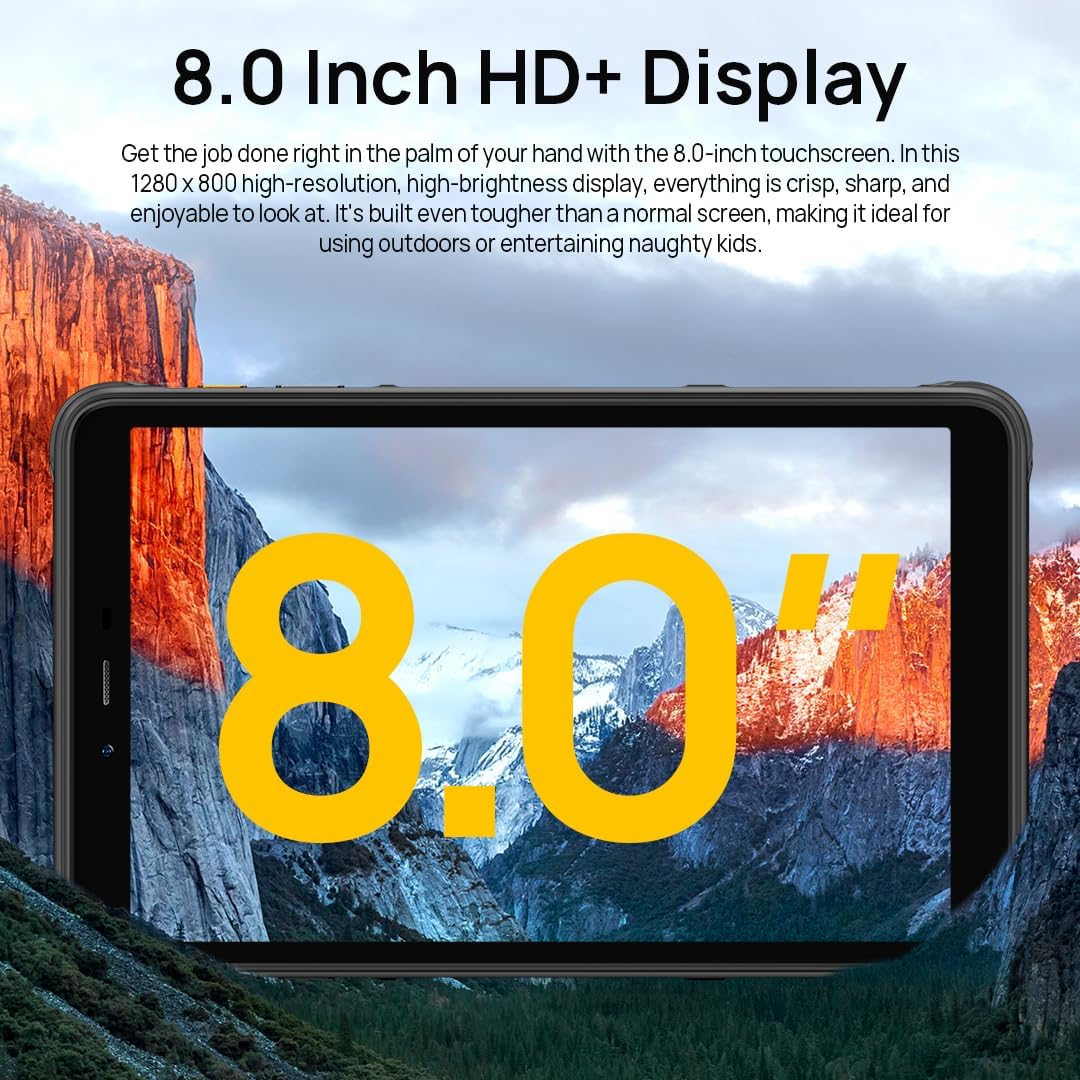
Image: The Ulefone Armor Pad PRO showcasing its 8.0-inch HD+ display, ideal for outdoor use and entertainment.

Image: A person using the Ulefone Armor Pad PRO outdoors, illustrating its 500 nits sunlight readable display.
5.2 Камералар
Capture high-quality images and videos with the tablet's advanced camera system.
- Арткы камера (48MP): Ideal for detailed photos and videos. Open the Camera app and select 'Photo' or 'Video' mode. Tap to focus, and press the shutter button to capture.
- Алдыңкы камера (32 мегапиксел): Perfect for selfies and video calls. Switch to the front camera within the Camera app.

Сүрөт: деталдуу view of the Ulefone Armor Pad PRO's 48MP rear camera, designed for high-quality imaging.

Image: A user engaged in a video call, demonstrating the clarity of the Ulefone Armor Pad PRO's 32MP front camera.
5.3 аудио
The tablet features dual stereo speakers, providing a rich and immersive audio experience for media consumption and communication.
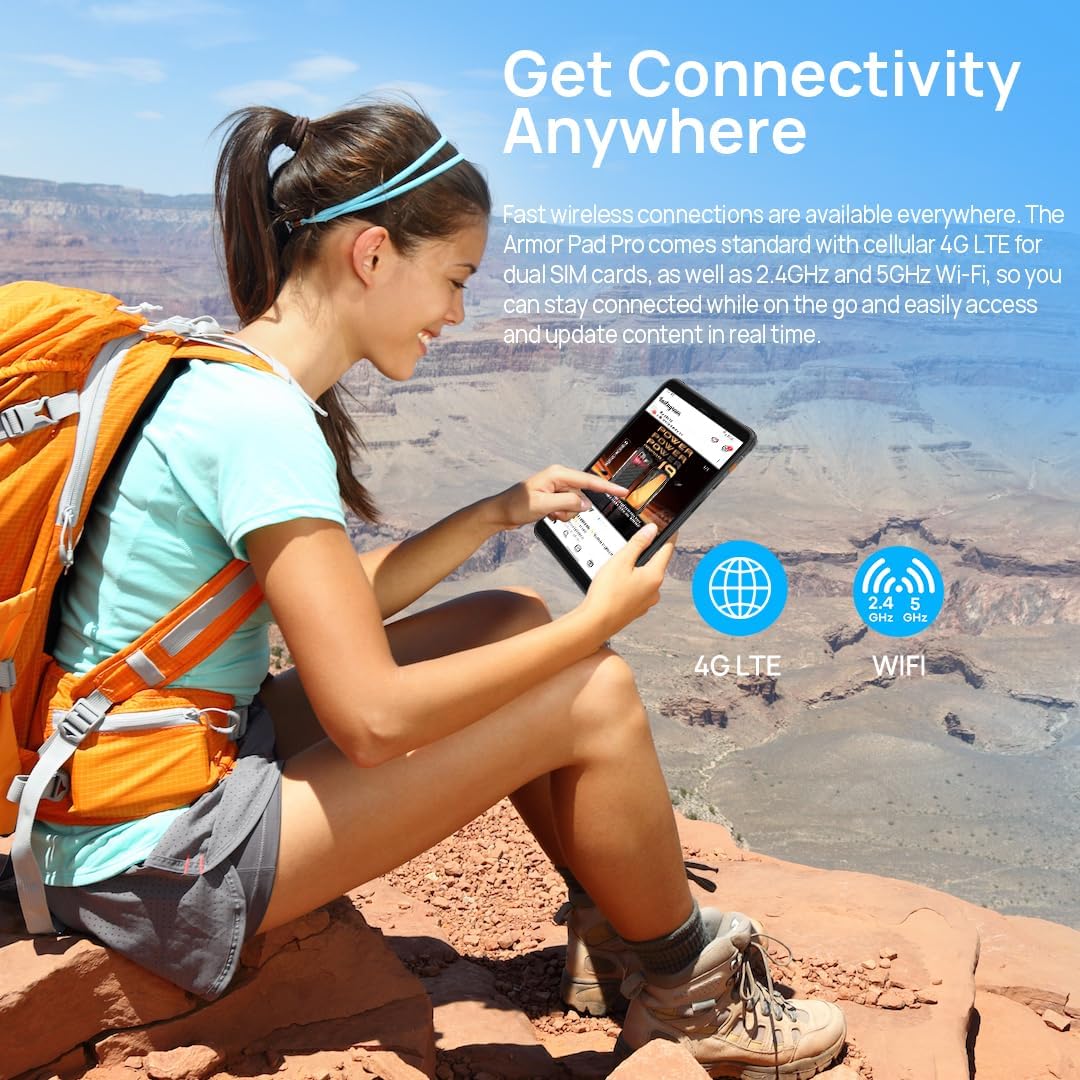
Image: The Ulefone Armor Pad PRO showing a musical performance on its screen, emphasizing the tablet's dual stereo speakers for enhanced audio.
5.4 Байланыш
Stay connected with various options:
- 4G LTE: Insert a compatible SIM card to access cellular data and make calls. Note: Not compatible with AT&T, Cricket Wireless, Sprint, Straight Talk, Boost Mobile, or other CDMA-based carriers.
- Wi-Fi (2.4G+5G): Интернетке кирүү үчүн зымсыз тармактарга туташыңыз.
- GPS/GLONASS/Galileo: Utilize built-in navigation systems for precise location tracking.
- NFC: Enable Near Field Communication for data sharing and mobile payments (e.g., Google Pay).

Image: A person using the Ulefone Armor Pad PRO outdoors, illustrating its 4G LTE and Wi-Fi connectivity options.

Image: The Ulefone Armor Pad PRO demonstrating its NFC capability for contactless payments.
5.5 Коопсуздук өзгөчөлүктөрү
The tablet offers robust security options:
- Манжа сенсор: Register your fingerprints in Settings > Security > Fingerprint to unlock your device quickly and securely.
- Жүзүнөн ачуу: Ыңгайлуу кулпусун ачуу үчүн бетти таанууну конфигурациялаңыз.

Image: The Ulefone Armor Pad PRO highlighting its integrated fingerprint sensor for secure and convenient access.
5.6 Ыңгайлаштырылган ачкыч
The programmable Custom Key on the side of the tablet can be assigned to various functions, such as Push-to-Talk (PTT), flashlight, screenshot, or launching specific applications. Configure this in Settings > Smart Assistant > Custom Key.

Image: The Ulefone Armor Pad PRO displaying various customizable shortcut options for its dedicated key.
5.7 Gloves Mode
For use in cold environments or industrial settings, the Armor Pad PRO supports Gloves Mode, allowing responsive touch interaction even when wearing gloves. Activate this feature in Settings > Smart Assistant > Gloves Mode.

Image: Two workers using the Ulefone Armor Pad PRO while wearing gloves, demonstrating the tablet's Gloves Mode functionality.
6. Техникалык тейлөө жана кам көрүү
The Ulefone Armor Pad PRO is built to be rugged, but proper care will extend its lifespan and maintain its performance.
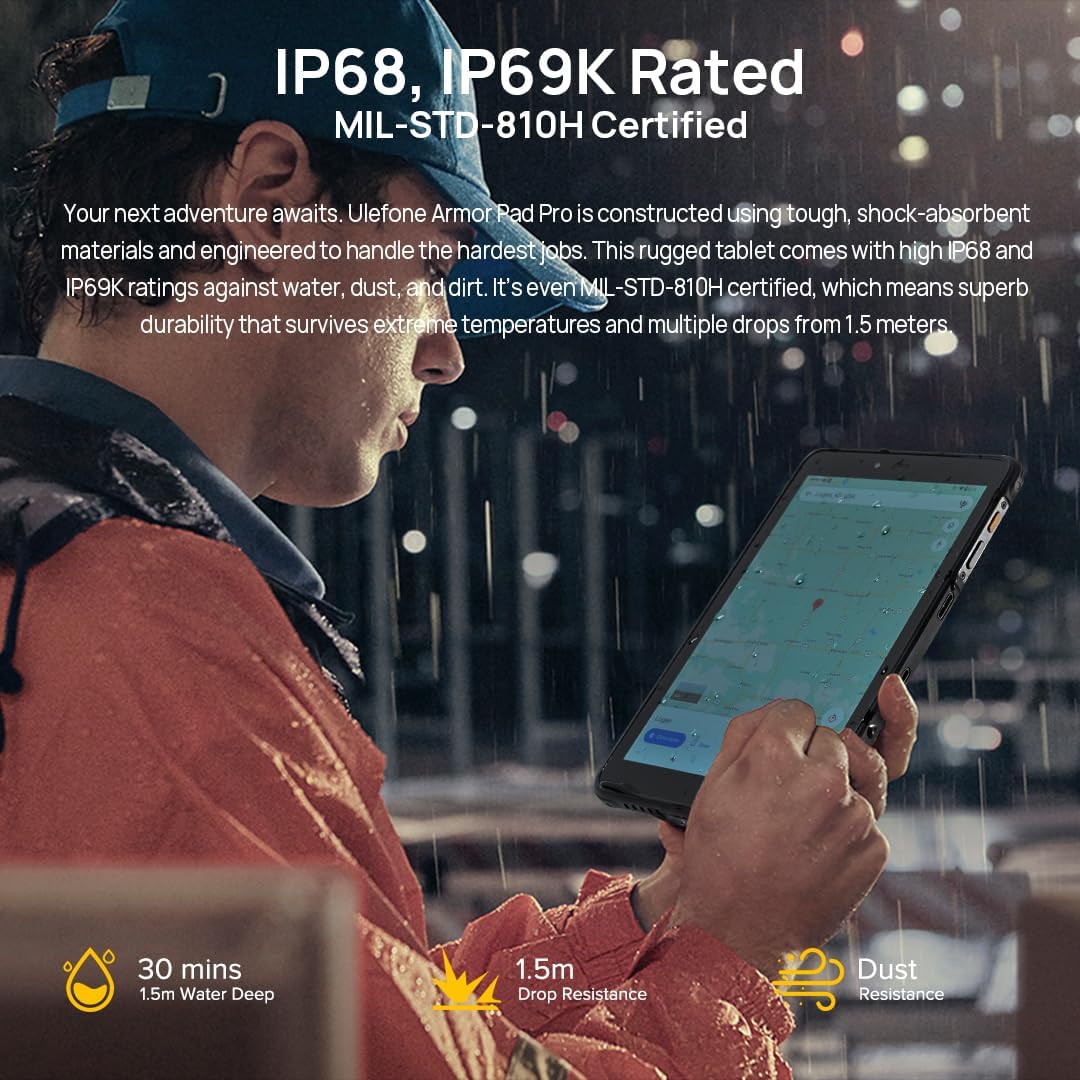
Image: A person using the Ulefone Armor Pad PRO in a wet outdoor setting, emphasizing its IP68/IP69K and MIL-STD-810H ruggedness certifications.
- Суу жана чаңга туруктуулугу: Ensure all port covers are securely closed before exposing the device to water or dust. Do not intentionally submerge the device beyond its rated depth (1.5m for 30 minutes) or expose it to high-pressure water jets.
- Drop Protection: While MIL-STD-810H certified for drops up to 1.5m, extreme impacts can still cause damage. Avoid unnecessary drops.
- Батареяга кам көрүү: Avoid exposing the battery to extreme temperatures. Use only the provided charger and cable. Do not fully discharge the battery frequently.
- Тазалоо: жумшак колдонуу, damp cloth to clean the device. Avoid harsh chemicals or abrasive materials. For ports, ensure they are dry before charging.
- Температура: Operate the device within recommended temperature ranges. Extreme heat or cold can affect performance and battery life.
7. Кыйынчылыктарды
If you encounter issues with your Ulefone Armor Pad PRO, try the following solutions:
- Түзмөк жооп бербейт: Кайра күйгүзүүгө мажбурлоо үчүн кубат баскычын 10-15 секунд басып туруңуз.
- Wi-Fi'га туташуу мүмкүн эмес: Ensure Wi-Fi is enabled in Settings. Restart your router and the tablet. Forget the network and reconnect.
- Poor Cellular Signal: Check if your SIM card is properly inserted. Ensure you are in an area with network coverage. Note network compatibility restrictions mentioned in Section 5.4.
- Батарея бат эле түгөнөт: Reduce screen brightness, close unused apps, disable unnecessary connectivity features (Bluetooth, GPS) when not in use. Check battery usage in Settings to identify power-hungry apps.
- Колдонмолор бузулуп/тоңуп жатат: Clear the cache and data of the problematic app in Settings > Apps. If the issue persists, uninstall and reinstall the app.
- Аппараттын ысып кетиши: Close background apps, reduce screen brightness, and avoid using the device while charging for extended periods.
- Заводдун баштапкы абалга келтирүү: As a last resort, if software issues persist, you can perform a factory reset in Settings > System > Reset options > Erase all data (factory reset). Эскертүү: Бул түзмөгүңүздөгү бардык дайындарды жок кылат. Улантуудан мурун маанилүү маалыматтардын камдык көчүрмөсүн сактаңыз.
8. Техникалык шарттар
| Өзгөчөлүк | Спецификация |
|---|---|
| Бренд | Ulefone |
| Модель аты | Ulefone Armor PAD PRO |
| Операция системасы | Android 13 |
| Screen Size | 8 дюйм |
| Screen Resolution | 800 x 1280 пиксел |
| Процессор | MediaTek MT8788 (2 GHz, 8 Cores) |
| RAM | 16 ГБ (8 ГБ физикалык + 8 ГБ виртуалдык) |
| Ички сактагыч | 128 GB Flash Memory (Expandable up to 2TB) |
| Арткы камера | 48 депутат |
| Алдыңкы камера | 32 депутат |
| Батарея сыйымдуулугу | 7650 mAh (Average Battery Life: 1 month standby) |
| Зымсыз түрү | 802.11ac (2.4G+5G WiFi) |
| Байланыш | 4G LTE, OTG, GPS, GLONASS, Galileo, NFC |
| Өлчөмдөрү (LxWxH) | 8.3 x 5.07 x 0.55 дюйм |
| Элемент Салмагы | 2.12 фунт |
| Түс | Кара |
| Сертификаттар | IP68, IP69K, MIL-STD-810H |
9. Кепилдик жана колдоо
The Ulefone Armor Pad PRO comes with an industry-leading 24 айлык кепилдик, ensuring peace of mind for your investment. For detailed warranty terms and conditions, please refer to the Warranty Card included in your product package.
For technical support, troubleshooting assistance, or any inquiries regarding your device, please contact Ulefone customer service through their official website or the contact information provided in your user manual. Keep your purchase receipt and product serial number handy when seeking support.


