Introduction
Thank you for choosing the BINNUNE Wireless Gaming Headset. This manual provides detailed instructions on how to set up, operate, and maintain your headset to ensure optimal performance and a superior gaming experience. Please read this manual thoroughly before using the product.
Кутуда эмне бар
Upon unboxing your BINNUNE Wireless Gaming Headset, please verify that all the following components are included:
- BINNUNE Wireless Gaming Headset (Blue)
- 2.4 ГГц USB Dongle
- 3.5 мм аудио кабель
- USB заряддоо кабели
- Колдонуучунун Колдонмосу (бул документ)

Image: The BINNUNE Wireless Gaming Headset in blue, accompanied by its 2.4GHz USB dongle and a 3.5mm audio jack. These are the primary components included in the product package.
Продукт бүттүview
Familiarize yourself with the key features and components of your BINNUNE Wireless Gaming Headset:
- Жөнгө салынуучу баш боосу: Ыңгайлуу ылайыктуу үчүн.
- Жумшак кулакчындар: Large-size memory foam earmuffs (110mm diameter, 45mm thickness) made of breathable PU leather and mesh material for extended comfort.
- 50 мм драйверлер: High-performance 50mm driver units for clear and rich stereo sound.
- Unidirectional Noise-Canceling Microphone: A 120° adjustable boom mic designed to filter out background noise for clear communication.
- Гарнитурадагы башкаруу элементтери: Buttons for power, volume adjustment, and microphone mute.

Сүрөт: деталдуу view of the BINNUNE Wireless Gaming Headset's unidirectional boom microphone, highlighting its flexible design and noise-canceling capabilities.

Image: An exploded diagram illustrating the internal components of the 50mm audio drivers within the BINNUNE headset, emphasizing their design for rich, full-range sound.
Жайгашуу
Гарнитураны заряддоо
Before first use, fully charge the headset. A full charge takes approximately 3 hours. A 10-minute quick charge can provide up to 3 hours of battery life. The headset offers up to 80 hours of continuous use in 2.4GHz mode and up to 120 hours in Bluetooth mode.
- USB заряддоо кабелин гарнитуранын кубаттоо портуна туташтырыңыз.
- USB кабелинин экинчи учун шайкеш келген USB кубат булагына (мисалы, компьютердин USB портуна, USB дубал адаптерине) туташтырыңыз.
- The LED indicator on the headset will show charging status (refer to the headset's LED guide for specific indications).

Image: The BINNUNE Wireless Gaming Headset displayed alongside a visual representation of its impressive 120-hour battery life, indicating extended usage time.
Туташуу параметрлери
Your BINNUNE headset supports three connection modes:
- 2.4GHz Wireless (USB Dongle): Provides ultra-low latency (15ms) for gaming. Ideal for PS5, PS4, PC, and Mac.
- Bluetooth 5.3: For wireless connection to mobile phones, tablets, PC, and Mac.
- 3.5mm Wired Connection: Universal compatibility with any device featuring a 3.5mm audio jack.
2.4GHz Wireless Connection (for PS5, PS4, PC, Mac)
- Insert the 2.4GHz USB dongle into an available USB port on your PS5, PS4, PC, or Mac.
- Power on the headset. It will automatically attempt to connect to the dongle.
- Once connected, the LED indicator on the headset will confirm the connection (refer to LED guide).
- On your device, ensure the BINNUNE headset is selected as the audio output and input device.
Bluetooth 5.3 Connection (for PC, Mac, Mobile Phone, Tablet)
- Ensure the headset is powered on and in Bluetooth pairing mode (usually indicated by a blinking LED). If not, double-press the power button to switch to Bluetooth mode.
- On your device (PC, Mac, mobile phone, tablet), go to Bluetooth settings and search for available devices.
- Select "BINNUNE BW01" (or similar) from the list of found devices to pair.
- Once paired, the LED indicator will show a solid light (refer to LED guide).
3.5mm Wired Connection (for All Platforms)
- 3.5 мм аудио кабелдин бир учун гарнитуранын 3.5 мм портуна туташтырыңыз.
- Connect the other end of the 3.5mm audio cable to the 3.5mm audio jack on your device (e.g., PS4/PS5 controller, PC, mobile phone).
- The headset will function in passive wired mode. Note that some headset features (like LED lighting or specific controls) may be limited in wired mode.
Note: The BINNUNE Wireless Gaming Headset is not compatible with Xbox consoles.
Шайкештик бүттүview
The following table provides a quick reference for device compatibility across different connection modes:

Image: A visual compatibility chart detailing which devices (PC, PS4/PS5 Console, PS4/PS5 Controller, Switch, Cell Phone, Tablet) support sound, microphone, and microphone mute functions across 2.4GHz Wireless (USB Dongle), Bluetooth 5.3, and 3.5mm Wired connection modes.
Иштөө нускамалары
Күйгүзүү/өчүрүү
- Күйгүзүү: LED индикатору күйгөнгө чейин Кубат баскычын болжол менен 3 секунд басып туруңуз.
- Өчүрүү: LED индикатору өчмөйүнчө кубат баскычын болжол менен 3 секунд басып туруңуз.
Switching Between 2.4GHz and Bluetooth Modes
The headset supports simultaneous wireless operation, allowing quick toggling between 2.4GHz and Bluetooth modes.
- Режимдерди которуштуруу үчүн: Double-press the Power button. The headset will switch between 2.4GHz wireless mode and Bluetooth mode.
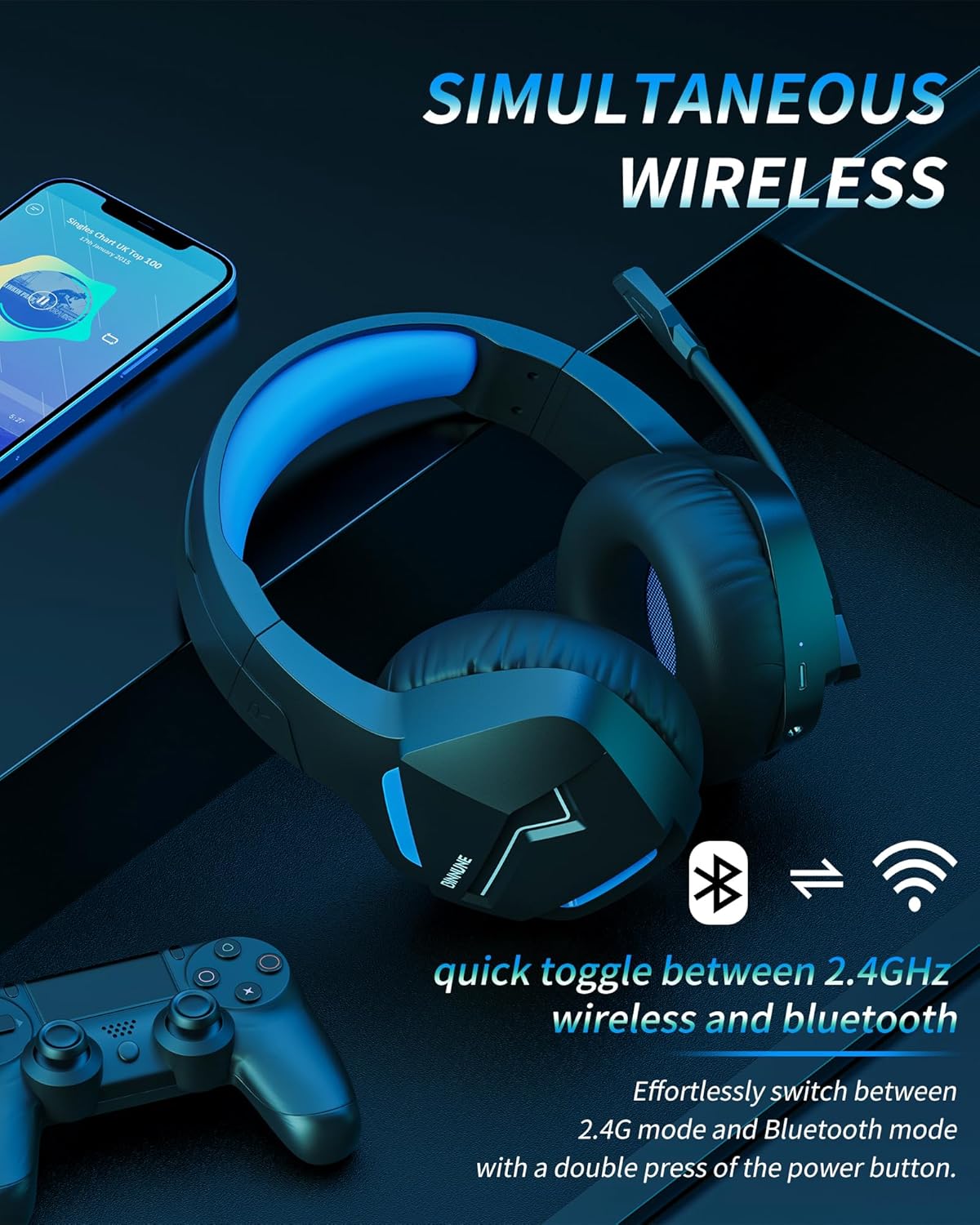
Image: The BINNUNE Wireless Gaming Headset shown with icons representing both 2.4GHz wireless and Bluetooth connectivity, indicating its ability to switch between these modes for versatile use.
Үндү көзөмөлдөө
- Көлөмүн жогорулатуу: Үнүн жогорулатуу (+) баскычын басыңыз.
- Көлөмдү азайтуу: Үндү азайтуу (-) баскычын басыңыз.
Микрофонду башкаруу
- Микрофондун үнүн басуу/ачуу: Press the Microphone Mute button. A red LED on the microphone tip usually indicates it is muted.
- Микрофондун абалын тууралоо: The 120° adjustable memory line microphone can be freely shaped and adjusted to your ideal angle.
Gaming Performance
The headset is designed for an immersive gaming experience with features like:
- Accurate Sound Positioning: The 50mm drivers provide clear and rich stereo sound, allowing you to accurately pinpoint in-game sounds like footsteps and environmental details.
- Төмөн күтүү: The 2.4GHz wireless technology ensures an ultra-low latency of 15ms, providing synchronized audio and video for competitive gaming.
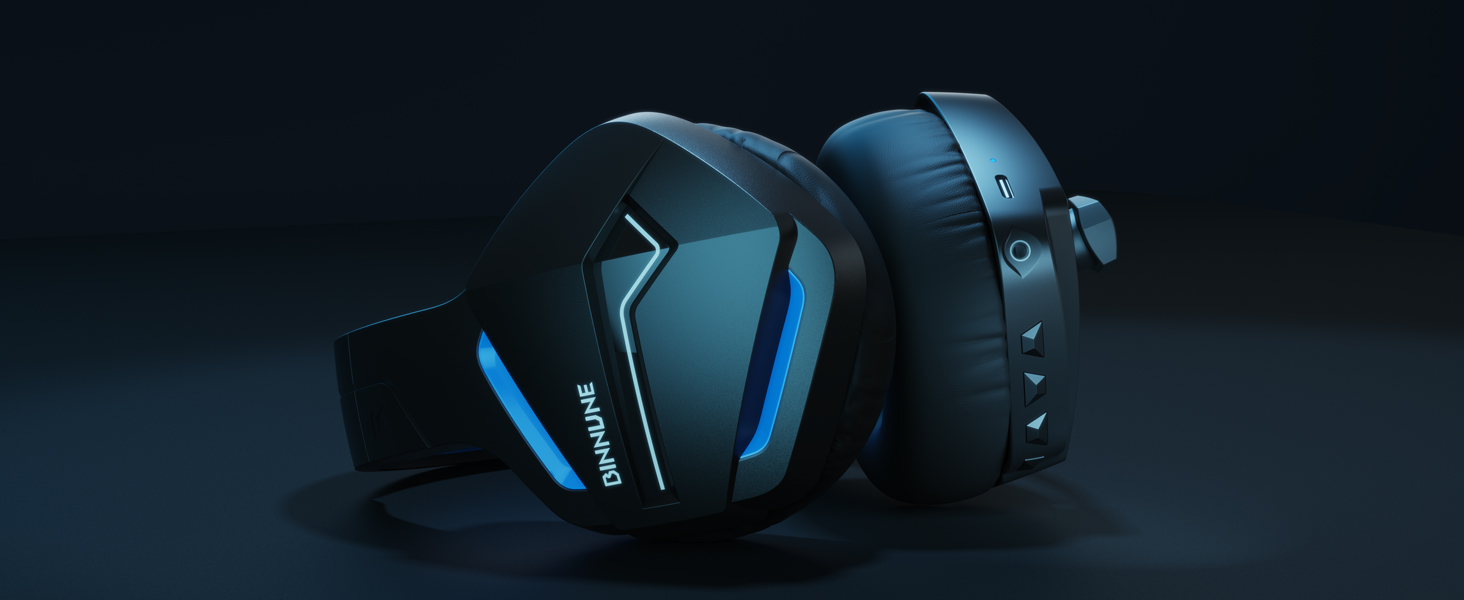
Image: A gamer immersed in a game, wearing the BINNUNE headset, highlighting the benefits of low latency and stable wireless connection for an enhanced gaming experience.
Техникалык тейлөө
Proper maintenance ensures the longevity and performance of your BINNUNE Wireless Gaming Headset.
- Тазалоо:
- Use a soft, dry, lint-free cloth to clean the headset's surfaces.
- For earmuffs, gently wipe with a slightly damp кездемеге ороп, колдонуудан мурун толугу менен кургатыңыз.
- Катуу химиялык заттарды, тазалоочу эриткичтерди же күчтүү жуучу каражаттарды колдонбоңуз.
- Сактагыч:
- Гарнитураны күн нурунан жана экстремалдык температурадан алыс салкын, кургак жерде сактаңыз.
- Гарнитуранын үстүнө оор буюмдарды коюудан алыс болуңуз.
- Батареяга кам көрүү:
- Батареяны бат-баттан толук кубаттап калуудан алыс болуңуз.
- If storing for a long period, charge the headset to about 50% every few months to preserve battery health.
Проблемаларды чечүү
If you encounter issues with your BINNUNE Wireless Gaming Headset, please refer to the following common solutions:
| Көйгөй | Мүмкүн себеп | Чечим |
|---|---|---|
| Үн жок / Төмөн үнү |
|
|
| Микрофон иштебейт |
|
|
| Connection Issues (Intermittent/No Connection) |
|
|
| Headset Not Compatible with Xbox |
|
|
Техникалык шарттар
Detailed technical specifications for the BINNUNE Wireless Gaming Headset (Model: BW01):
| Өзгөчөлүк | Деталь |
|---|---|
| Модель аты | BW01 |
| Байланыш технологиясы | Wireless (2.4GHz USB Dongle, Bluetooth 5.3), Wired (3.5mm Jack) |
| Зымсыз байланыш технологиясы | Bluetooth 5.3 |
| Bluetooth диапазону | 10 метрге чейин (33 фут) |
| Аудио кечигүүсү (2.4 ГГц) | 15ms (Ultra Stable 2.4GHz Wireless Connection) |
| Аудио драйвер түрү | Динамикалык драйвер |
| Аудио драйверинин өлчөмү | 50 миллиметр |
| Frequency Response | 20 Гц - 20 000 Гц |
| Сезимталдуулук | 96 дБ |
| Микрофон | Unidirectional Noise-Canceling Mic (120° adjustable) |
| Батареянын иштөө мөөнөтү | Up to 80 hours (2.4GHz mode), Up to 120 hours (Bluetooth mode) |
| Заряддоо убактысы | Болжол менен Толук заряддоо үчүн 3 саат |
| Наушник формасы | Oval (110mm diameter, 45mm thickness memory foam) |
| Материал | Plastic (headset), PU leather and mesh (earmuffs) |
| Элемент Салмагы | 10.7 унция (болжол менен 303 грамм) |
| Продукциянын өлчөмдөрү | 8.27 x 7.48 x 4.33 дюйм |
| Шайкеш түзмөктөр | Gaming Consoles (PS4, PS5), Laptops, PC, Mac, Mobile Phones, Tablets |
| Башкаруу түрү | Control Button |
| Камтылган компоненттер | User Manual, 2.4GHz USB Dongle, 3.5mm Audio Cable, USB Charging Cable |
Кепилдик маалымат
BINNUNE products are manufactured with high-quality standards. While specific warranty details are not provided in this manual, BINNUNE typically offers a limited warranty against defects in materials and workmanship. For detailed warranty terms, conditions, and registration, please refer to the official BINNUNE webсайтка же кардарларды колдоо менен байланышыңыз.
Кардарларды колдоо
For further assistance, technical support, or inquiries regarding your BINNUNE Wireless Gaming Headset, please contact BINNUNE customer support through the following channels:
- Official BINNUNE Webсайт: Visit the official BINNUNE webКөп берилүүчү суроолор, колдоо булактары жана байланыш формалары үчүн сайт.
- Amazon дүкөнү: Сиз да зыярат кылсаңыз болот BINNUNE Store on Amazon for product information and seller contact options.
Please have your product model (BW01) and purchase details ready when contacting support.


