1. Киришүү
Thank you for choosing the MARVO H8325 Wired Headphone. This manual provides essential information for the proper setup, operation, and maintenance of your new headphones. Please read it thoroughly before use to ensure optimal performance and longevity of the product.
2. Коопсуздук маалыматы
- Угуу жөндөмүнө зыян келтирбөө үчүн катуу үн менен көпкө угуудан алыс болуңуз.
- Айланадагы үндөрдү уга албаганыңыз кооптуу болушу мүмкүн болгон учурларда (мисалы, унаа айдоо, велосипед тебүү, жол тыгынында жөө басуу) кулакчындарды колдонбоңуз.
- Кулакчындарды суудан жана нымдуулуктан алыс кармаңыз.
- Наушниктерди ажыратууга же өзгөртүүгө аракет кылбаңыз. Бул кепилдикти жокко чыгарат.
- Кургак, жумшак чүпүрөк менен гана тазалаңыз.
3. Пакеттин мазмуну
- MARVO H8325 Wired Headphone
- Интегралдык 3.5 мм аудио кабель
4. Продукт бүтүп калдыview
Familiarize yourself with the components of your MARVO H8325 headphones:
- Жөнгө салынуучу баш боосу
- Padded Earcups
- Ийкемдүү микрофон
- Inline Remote Control (Volume, Microphone Mute)
- 3.5 мм аудио джек
- RGB Lighting (on earcups)
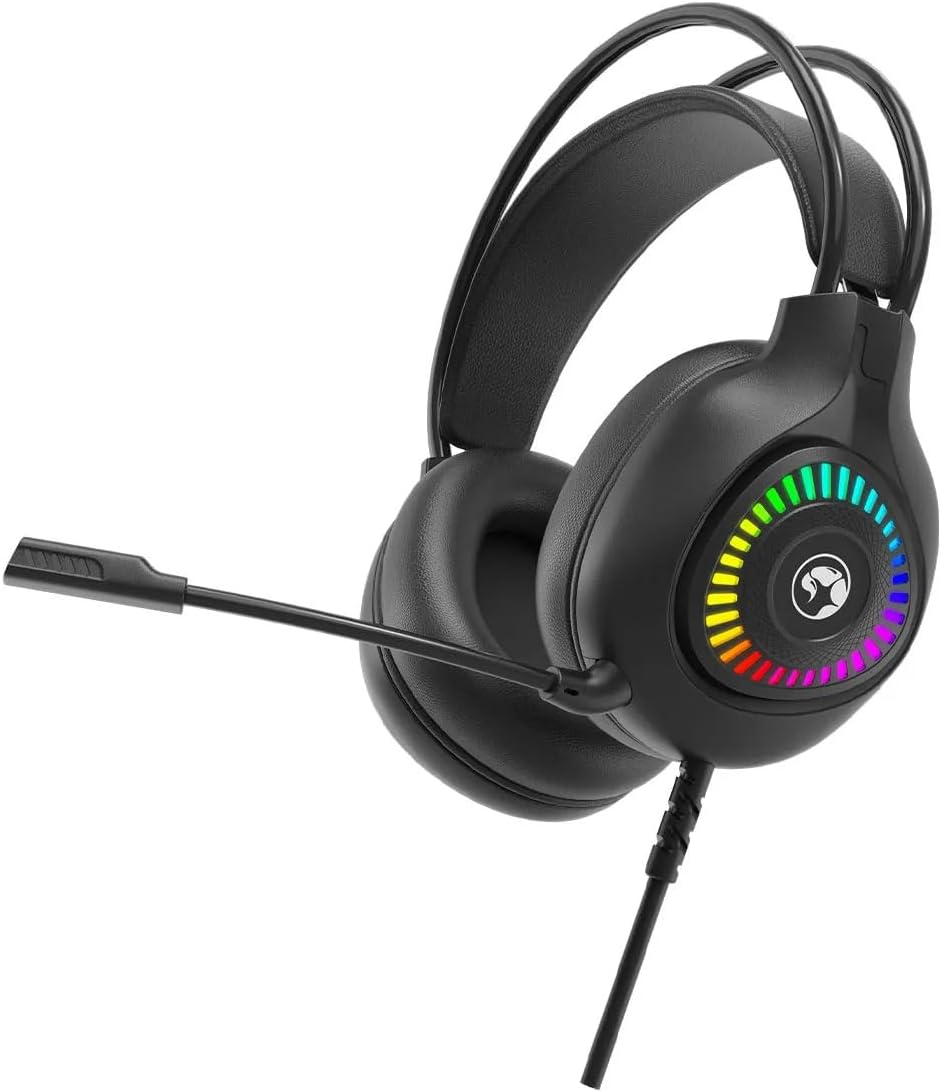
Сүрөт 4.1: Алдыңкы view of the MARVO H8325 Headphone with microphone extended, showcasing the RGB lighting on the earcups.
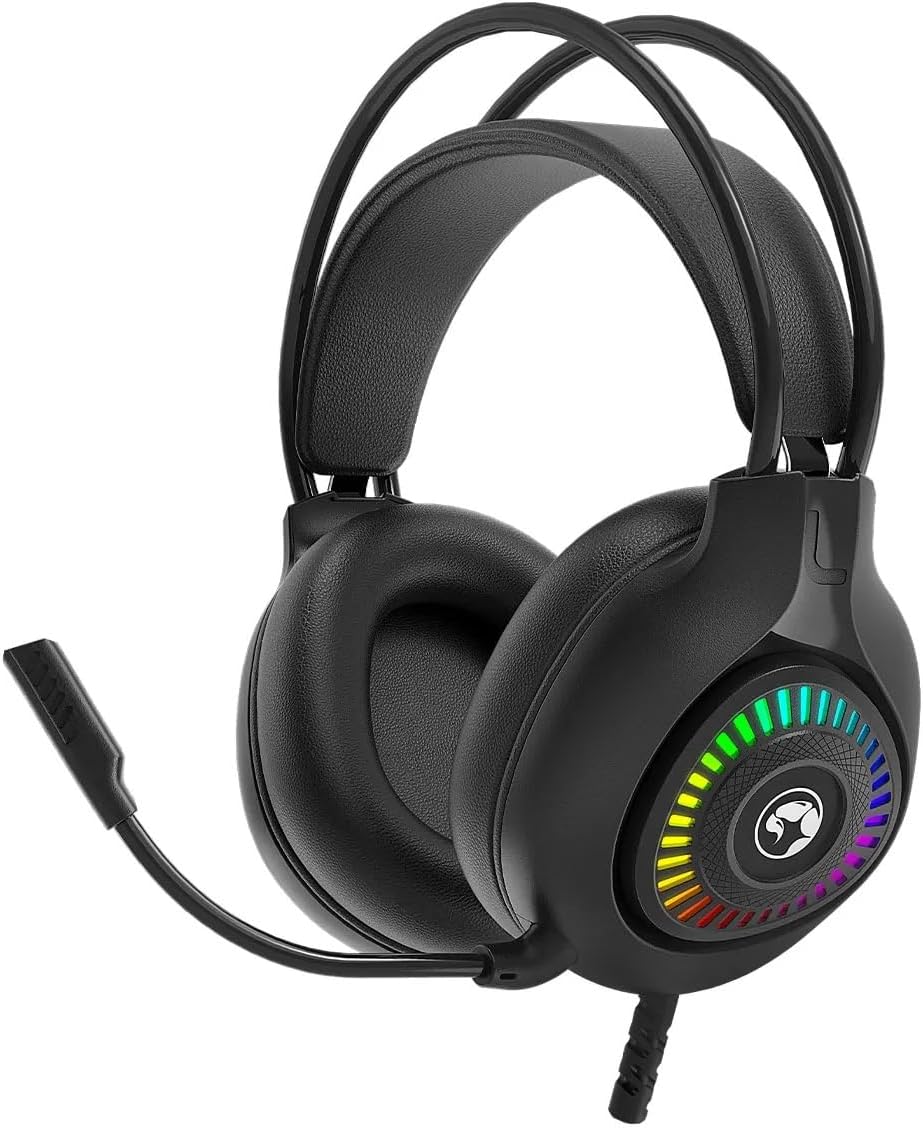
Сүрөт 4.2: Алдыңкы view of the MARVO H8325 Headphone with the microphone retracted, showing the compact design.

4.3-сүрөт: Бурчтуу view of the MARVO H8325 Headphone, highlighting the inline remote control located on the audio cable.
5. Орнотуу
5.1 Кулакчындарды туташтыруу
- Locate the 3.5mm audio jack on your device (e.g., computer, smartphone, gaming console controller).
- Insert the 3.5mm connector from the MARVO H8325 headphones firmly into your device's audio jack.
- Ensure the connection is secure for optimal audio transmission.
5.2 Ыңгайлуулук үчүн тууралоо
- Баш боосун жөндөө: Gently slide the earcups up or down along the headband until they rest comfortably over your ears. The headband is designed to adapt to various head sizes.
- Микрофонду жайгаштыруу: The flexible microphone can be bent and rotated to position it optimally near your mouth for clear voice capture. When not in use, it can be rotated upwards and away from your face.
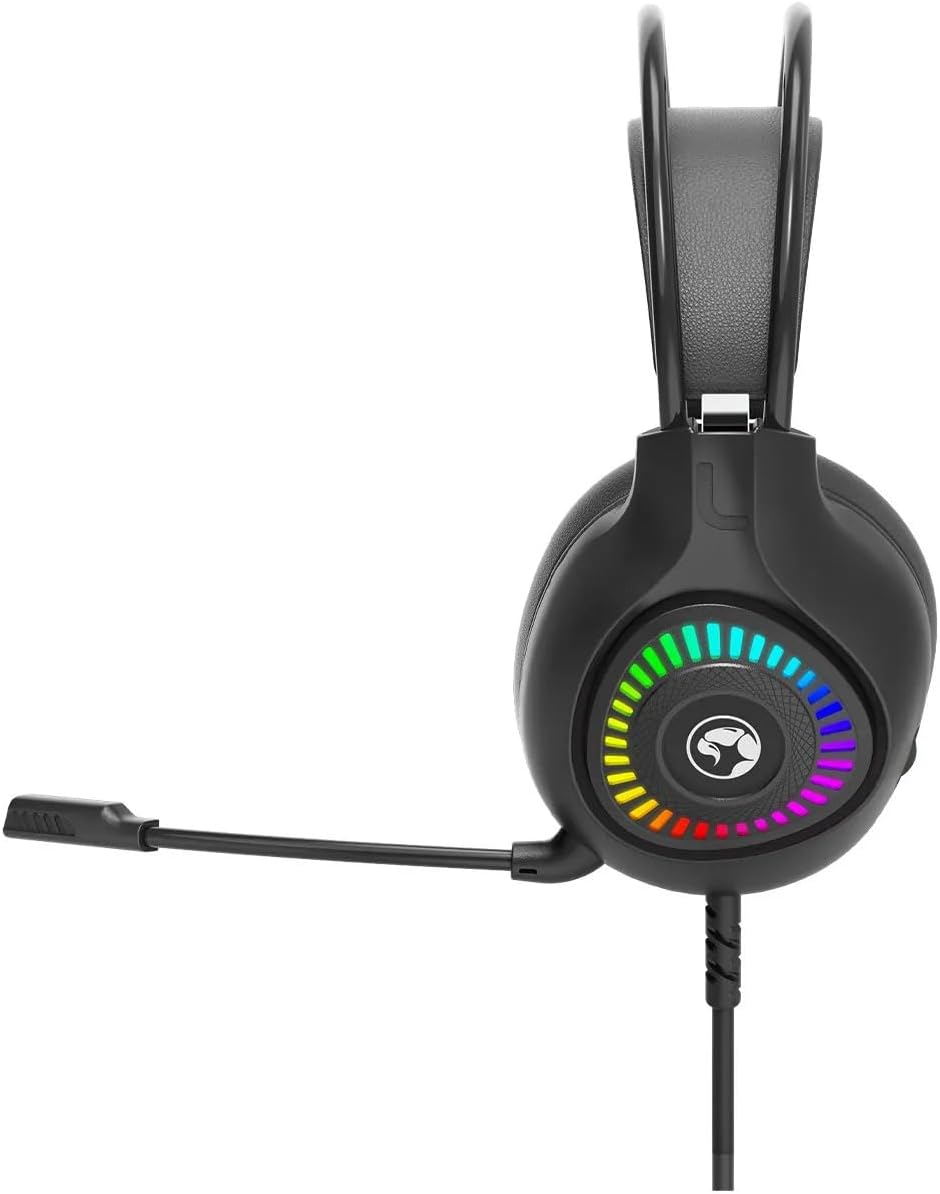
5.1-сүрөт: Каптал view of the MARVO H8325 Headphone, illustrating the flexible microphone's position when extended for use.

5.2-сүрөт: Жогорку view showing the padded headband and earcups, designed for comfort during extended use.
6. Иштөө нускамалары
6.1 Аудио ойнотуу
Once connected, your device should automatically recognize the headphones. Play audio from your device, and sound will be routed through the MARVO H8325 headphones.
6.2 Микрофонду колдонуу
- Ensure the microphone is positioned correctly near your mouth.
- For communication applications (e.g., voice chat, video calls), select the MARVO H8325 as your input device in your software settings.
6.3 Inline Remote Control
The inline remote control on the cable allows for quick adjustments:
- Үндү көзөмөлдөө: Use the scroll wheel or slider on the remote to adjust the audio volume.
- Микрофондун үнүн өчүрүү: A switch on the remote allows you to quickly mute or unmute the microphone.
7. Техникалык тейлөө
- Тазалоо: Use a soft, dry, lint-free cloth to clean the earcups and headband. Do not use liquid cleaners or solvents.
- Сактагыч: Store the headphones in a cool, dry place when not in use. Avoid extreme temperatures and direct sunlight.
- Кабельге кам көрүү: Зыяндын алдын алуу үчүн кабелди курч ийилүүдөн же ашыкча тартуудан качыңыз.
8. Кыйынчылыктарды
| Көйгөй | Мүмкүн чечим |
|---|---|
| Наушниктен үн чыкпайт. |
|
| Микрофон иштебей жатат. |
|
| Үн бурмаланган же түшүнүксүз. |
|
9. Техникалык шарттар
| Модел | H8325 |
| Бренд | MARVO |
| Түзмөк түрү | Үстүнө кулакчындар |
| Байланыш | Зымдуу (3.5 мм уяча) |
| Импеданс | 16 Ом |
| Сезимталдуулук | 16 Ом |
| Noise Control | Жок |
| Башкаруу ыкмасы | Remote (Inline) |
| Микрофон | Included, Flexible |
| Материал | Пластик |
| Элемент Салмагы | 130 грамм (4.6 унция) |
| Пакеттин өлчөмдөрү | 8.98 x 7.72 x 4.17 дюйм |
10. Кепилдик жана колдоо
For warranty information or technical support, please refer to the documentation provided with your purchase or visit the official MARVO webсайт. Кепилдик дооматтар үчүн сатып алганыңыздын далилин сактаңыз.
Өндүрүүчү: MARVO


