1. Киришүү
Thank you for choosing the inphic X9 Wireless Vertical Mouse. This manual provides detailed instructions for the proper setup, operation, and maintenance of your new ergonomic mouse. Please read this manual thoroughly before use to ensure optimal performance and longevity of the product.

Image 1.1: The inphic X9 Wireless Vertical Mouse, showcasing анын эргономикалык дизайны.
2. Пакеттин мазмуну
Пакетиңизде бардык буюмдар бар экенин текшериңиз:
- inphic X9 Wireless Vertical Mouse
- USB кабыл алгыч (2.4 ГГц)
- USB-C заряддоо кабели
- Колдонуучунун Колдонмосу (бул документ)

Image 2.1: The inphic X9 mouse alongside its compact USB receiver.
3. Орнотуу нускамалары
- Чычканды заряддоо: Before first use, connect the included USB-C charging cable to the mouse's charging port and to a USB power source (e.g., computer USB port, USB wall adapter). The mouse has a 400mAh rechargeable battery.
- USB кабылдагычты салыңыз: Locate the USB receiver, typically stored in a compartment on the underside of the mouse. Plug the USB receiver into an available USB port on your computer (Laptop or Personal Computer).
- Күйгүзүү: Turn on the mouse using the power switch located on the underside of the device.
- Автоматтык туташуу: The mouse should automatically connect to your computer. No additional drivers are typically required for Windows XP, Linux, or other compatible operating systems.

Image 3.1: Illustration of the 2.4G wireless connection process between the mouse, USB receiver, and computer, with a stable 10-meter transmission distance.

Сүрөт 3.2: Детальдуу view of the mouse's underside, indicating the optical light, power switch, anti-slip pads, USB receiver slot, Type-C charging port, side button, and 'Boss-coming Key'.
4. Иштөө нускамалары
4.1 Негизги функциялар
- Сол чыкылдатуу: Стандарттык тандоо жана активдештирүү.
- Оң чыкылдатуу: Контексттик менюларга жетет.
- Жылдыруу дөңгөлөгү: Документтер аркылуу вертикалдуу багыт алат жана web барактар.
- Каптал баскычтары: Typically function as Forward/Backward for web серептөө.
4.2 Унчукпай чыкылдатуу функциясы
The inphic X9 mouse is designed with silent click buttons, reducing noise during use. This feature allows for a focused work environment without disturbing others.
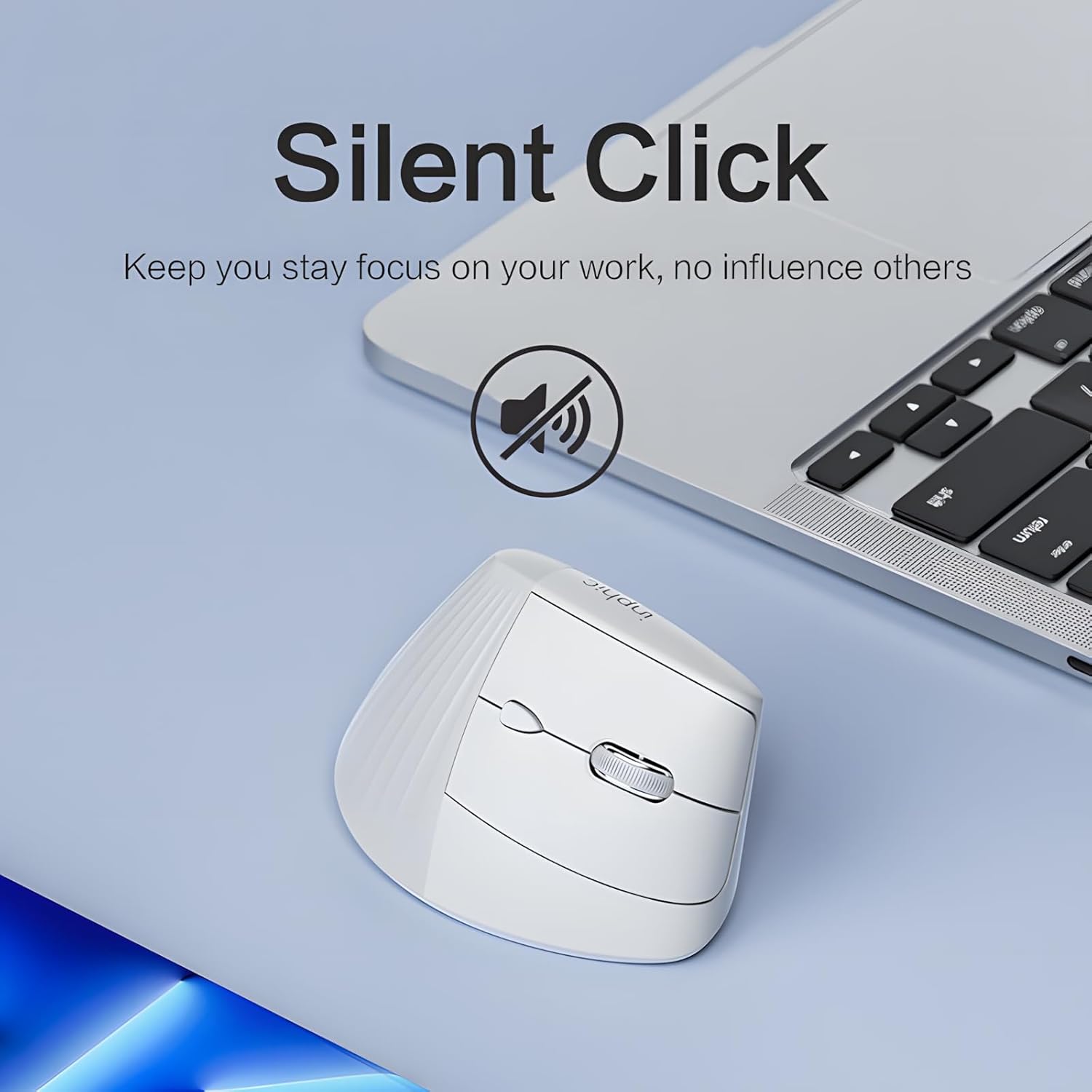
Image 4.1: The inphic X9 mouse highlighting its silent click capability, indicated by a muted speaker icon.
4.3 DPI Adjustment (5 Levels)
The mouse features a DPI switch button, allowing you to adjust cursor sensitivity. There are 5 adjustable DPI levels for precise tracking and responsiveness:
- 800 DPI
- 1200 DPI
- 1600 DPI
- 2000 DPI
- 2400 DPI
Press the DPI button (usually located near the scroll wheel) to cycle through the settings. A red indicator light may flash to confirm the change.

Image 4.2: Diagram illustrating the 5-level DPI switch on the inphic X9 mouse, with a red indicator light showing DPI changes.
4.4 "Return to Desktop" Key
The mouse includes a dedicated "Return to Desktop" key, often referred to as a "Boss-coming Key". Pressing this button instantly minimizes all open windows and displays your desktop, enhancing privacy and efficiency.

Image 4.3: The inphic X9 mouse highlighting the "Boss-coming Key" which provides a one-click return to the desktop function.
5. Эргономикалык дизайн
The inphic X9 features an ergonomic vertical design, angled at 57 degrees, to promote a natural hand and wrist posture. This design aims to reduce wrist strain and discomfort often associated with traditional mouse usage, helping to prevent "mouse hand" syndrome.

Image 5.1: Illustration demonstrating the 57-degree ergonomic angle of the inphic X9 mouse, designed to maintain a natural wrist posture and alleviate discomfort.

Image 5.2: A diagram illustrating the difference between a natural, untwisted wrist posture promoted by the vertical mouse and a twisted wrist posture from a traditional mouse.
6. Техникалык тейлөө
- Тазалоо: Чычканды тазалоо үчүн жумшак, кургак чүпүрөктү колдонуңуз. Катуу химиялык заттарды же абразивдүү материалдарды колдонуудан алыс болуңуз.
- Сактагыч: Store the mouse in a cool, dry place when not in use.
- Батареяга кам көрүү: Батареянын иштөө мөөнөтүн узартуу үчүн, чычкандын зарядын тез-тез толук бошотуп коюудан алыс болуңуз. Батареянын индикатору кубаттуулуктун аздыгын көрсөткөндө, аны кайра заряддаңыз.
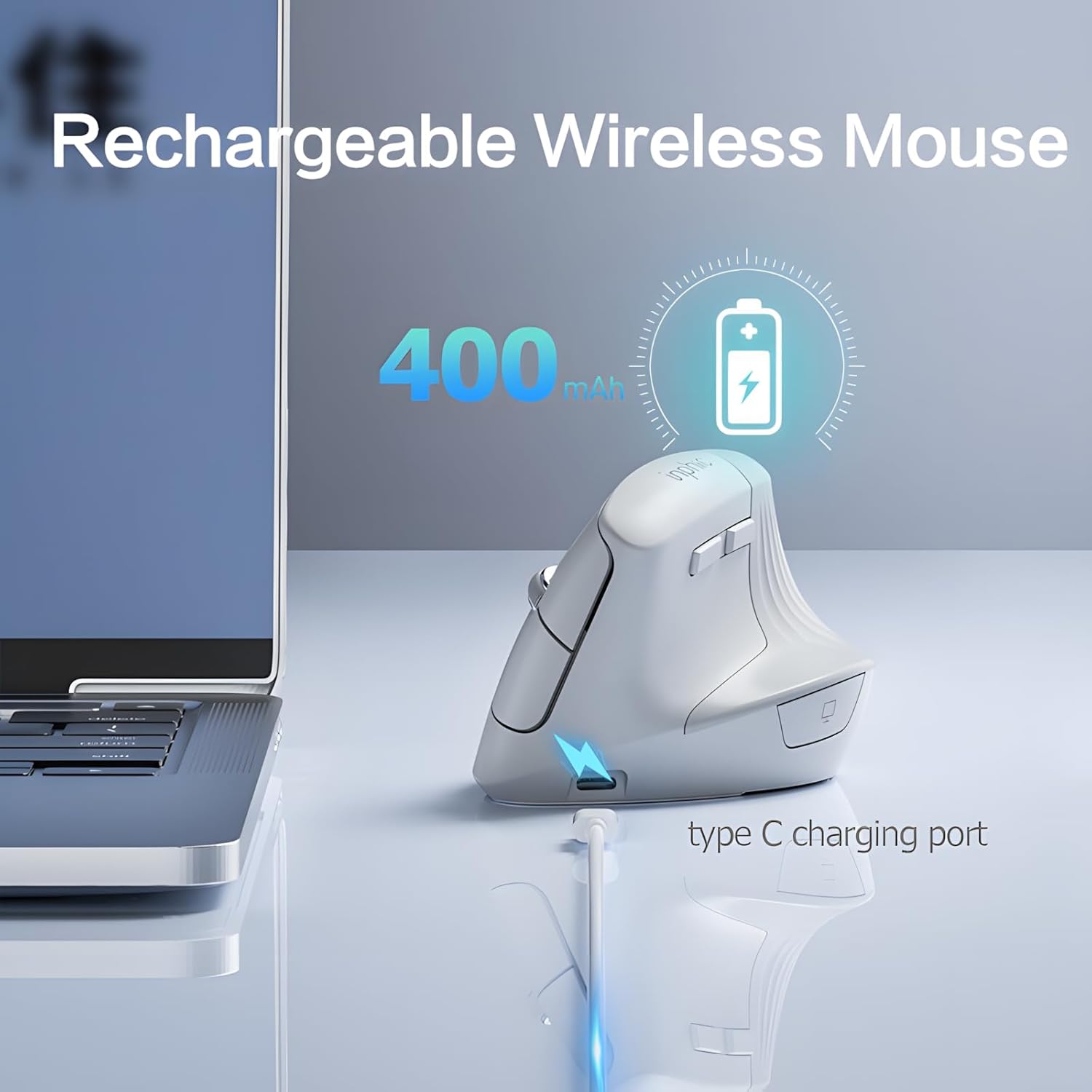
Image 6.1: The inphic X9 mouse connected to a Type-C charging cable, illustrating its rechargeable feature with a 400mAh battery.
7. Кыйынчылыктарды
- Чычкан жооп бербей жатат:
- - Ensure the USB receiver is securely plugged into a working USB port.
- - Check if the mouse is powered on using the switch on the underside.
- - Recharge the mouse if the battery is low.
- - Try plugging the USB receiver into a different USB port.
- - Компьютериңизди өчүрүп күйгүзүңүз.
- Курсордун кыймылы туруксуз же жай:
- - Чычкандын астыңкы жагындагы оптикалык сенсорду тазалаңыз.
- - Ensure you are using the mouse on a suitable surface (non-reflective, non-transparent).
- - Adjust the DPI setting to a higher level if the cursor is too slow (refer to Section 4.3).
- Туташуу маселелери:
- - Ensure the mouse is within the 10-meter operating range of the USB receiver.
- - Avoid placing the receiver near strong interference sources (e.g., other wireless devices, large metal objects).
8. Техникалык шарттар
| Бренд | inphic |
| Модел | X9 |
| Байланыш технологиясы | 2.4 ГГц зымсыз |
| Кыймылды аныктоо технологиясы | Оптикалык |
| DPI деңгээли | 800, 1200, 1600, 2000, 2400 |
| Өзгөчөлүктөр | Ergonomic Design, Silent Click, Rechargeable, Return to Desktop Key |
| Батарея | 400 мАч кайра заряддалуучу (С түрүн кубаттоо) |
| Колдун багыты | Эки тараптуу |
| Шайкеш операциялык системалар | Windows XP, Linux |
| Шайкеш түзмөктөр | Ноутбук, персоналдык компьютер |
9. Кепилдик жана колдоо
inphic products are manufactured with quality and reliability in mind. For warranty information and technical support, please refer to the official inphic webсайтына кириңиз же жергиликтүү сатуучуңузга кайрылыңыз. Кепилдик боюнча дооматтар үчүн сатып алуу дүмүрчөгүңүздү сактап коюңуз.
Кошумча жардам алуу үчүн, сиз иш сапары менен болот inphic Store on Amazon.


