1. Киришүү
Thank you for choosing the boAt Airdopes Unity ANC TWS Earbuds. This manual provides essential information for setting up, operating, and maintaining your earbuds to ensure optimal performance and longevity. Please read this manual thoroughly before using the product.
The boAt Airdopes Unity ANC earbuds are designed for an immersive audio experience with Active Noise Cancellation (ANC) up to 32dB, long playback time, and clear calls facilitated by Dual Mics with ENx Technology.
2. Кутуда эмне бар
Пакетиңизде бардык буюмдар бар экенин текшериңиз:
- 1 x Кулакчын
- 1 x заряддоо кабели
- 1 x Колдонуучунун колдонмосу
3. Продукт бүтүп калдыview
Familiarize yourself with the components of your Airdopes Unity ANC earbuds and charging case.

Image: The boAt Airdopes Unity ANC earbuds are shown resting inside their open charging case. The earbuds are grey, matching the case, and feature a sleek, ergonomic design. The boAt logo is visible on the front of the charging case.
Наушник компоненттери:
- Сенсордук башкаруу аймагы: Ойнотууну, чалууларды жана режимдерди башкаруу үчүн.
- Микрофон: Dual Mics with ENx™ Technology for clear voice capture.
- LED көрсөткүчү: Shows connection and battery status.
- Заряддоо байланыштары: Корпустун ичинде заряддоо үчүн.
Заряддоо кутусунун компоненттери:
- Заряддоо порту: Корпусту кубаттоо үчүн USB Type-C порту.
- Иштин LED көрсөткүчү: Displays charging status of the case.
- Кулакчын уячалары: Кулакчындарды коопсуз кармап, кубаттайт.
4. Орнотуу
4.1 Кулакчындарды жана кутучаны заряддоо
Биринчи колдонуудан мурун, кулакчындарды жана заряддоо кутучасын толук заряддаңыз.
- Эки кулакчынды тең кубаттоочу кутуга салып, алардын туура орнотулганын текшериңиз.
- Connect the USB Type-C charging cable to the charging port on the case and the other end to a USB power adapter (5V/1A recommended) or a computer's USB port.
- The case LED indicator will show charging status. Once fully charged, the indicator will change or turn off.
- Толук заряддоо кубаттоочу куту менен жалпысынан 50 саатка чейин ойнотуу убактысын камсыз кылат.

Image: The boAt Airdopes Unity ANC earbuds are depicted floating above their charging case, with a clock-like graphic below, illustrating the impressive 50 hours of total playback time. The earbuds and case are grey.
4.2 Сиздин аппаратыңыз менен жупташуу
The Airdopes Unity ANC features Insta Wake 'n' Pair (IWP) Technology for seamless connection.
- Биринчи жолу жупташтыруу: Open the lid of the charging case. The earbuds will automatically enter pairing mode, indicated by a flashing LED on one of the earbuds.
- Смартфонуңузда же Bluetooth иштетилген түзмөгүңүздө Bluetooth жөндөөлөрүнө өтүп, жеткиликтүү түзмөктөрдү издеңиз.
- Select "Airdopes Unity ANC" from the list. Once connected, a voice prompt will confirm the successful pairing.
- Subsequent Pairing (IWP): After the initial pairing, simply open the lid of the charging case, and the earbuds will automatically connect to the last paired device (if Bluetooth is enabled on the device).

Image: This composite image showcases three key features. Top right shows the earbuds and case with text "Dual EQ Modes", indicating "boAt Signature Sound" and "Balanced Mode". Bottom left shows the earbuds and case with "Ambient Mode". Bottom right shows a smartphone screen displaying "Airdopes Unity ANC" with the earbuds and case, highlighting "Insta Wake 'n' Pair Technology".
5. Кулакчындарды иштетүү
The Airdopes Unity ANC earbuds feature intuitive touch controls for various functions.
5.1 Сенсордук башкаруу
| Функция | Акция |
|---|---|
| Ойнотуу/Тыныгуу | Кулакчындарды бир жолу таптаңыз. |
| Кийинки трек | Оң кулакчынды эки жолу таптаңыз. |
| Мурунку трек | Сол кулакчынды эки жолу таптаңыз. |
| Чалууга жооп берүү/аяктоо | Кулакчындарды бир жолу таптаңыз. |
| Чакырууну четке кагуу | Кулакчындардын бирин (2 секунд) көпкө басып туруңуз. |
| Үн жардамчысын жандырыңыз | Кулакчындарды үч жолу таптаңыз. |
| ANC/Айкындуулук/Кадимки режимди которуштуруу | Long press (2 seconds) on the Left earbud. |
| Toggle BEAST™ Mode | Long press (2 seconds) on the Right earbud. |
5.2 Активдүү ызы-чууну жокко чыгаруу (ANC)
The Airdopes Unity ANC features Active Noise Cancellation up to 32dB, reducing ambient noise for an immersive listening experience.
- ANC режими: Reduces external noise. Ideal for travel or noisy environments.
- Ачыктык режими: Айлана-чөйрөңүздөгү үндөрдү угууга мүмкүндүк берет, ошол эле учурда аудиодон ырахат алыңыз. Шаардык чөйрөдө маалымдуулукту жогорулатуу үчүн пайдалуу.
- Кадимки режим: ANC жана Transparency режимдери өчүк.
Toggle between these modes by long-pressing the Left earbud's touch control area.
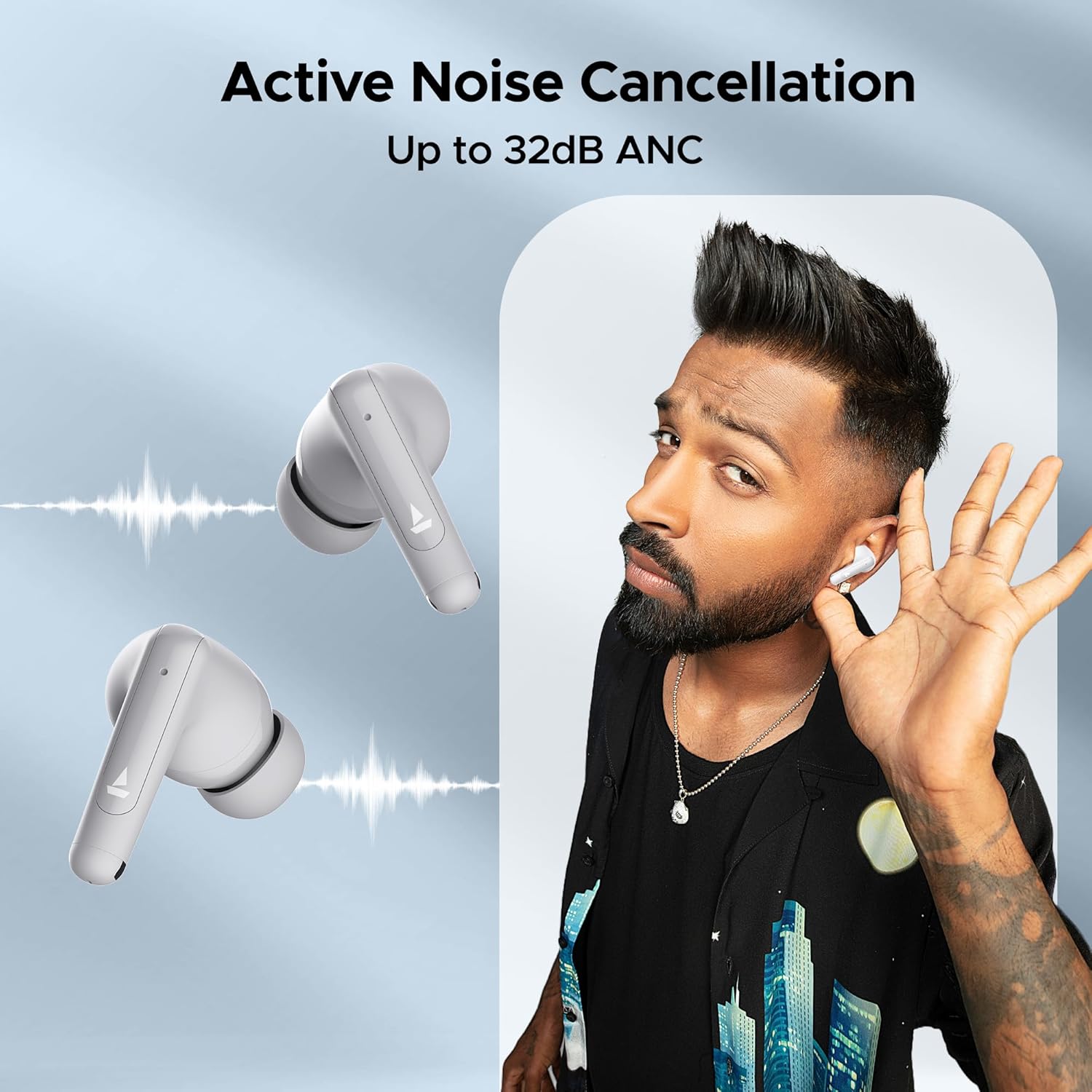
Image: A person is shown wearing the boAt Airdopes Unity ANC earbuds, with sound wave graphics emanating from the earbuds, illustrating the Active Noise Cancellation feature. The text "Active Noise Cancellation Up to 32dB ANC" is prominently displayed.
5.3 BEAST™ Mode (Low Latency)
Activate BEAST™ Mode for a low-latency audio experience, perfect for gaming or watching videos, ensuring audio and video synchronization.
- Latency is reduced to 50ms in BEAST™ Mode.
- Toggle BEAST™ Mode by long-pressing the Right earbud's touch control area.

Image: The boAt Airdopes Unity ANC earbuds are shown alongside a smartphone displaying a gaming scene, with text "BEAST™ Mode 50ms Low Latency", emphasizing the earbuds' suitability for gaming due to reduced audio delay.
5.4 ENx™ Technology (Environmental Noise Cancellation)
The Dual Mics with ENx™ Technology enhance call clarity by suppressing environmental noise, ensuring your voice is heard clearly during calls.
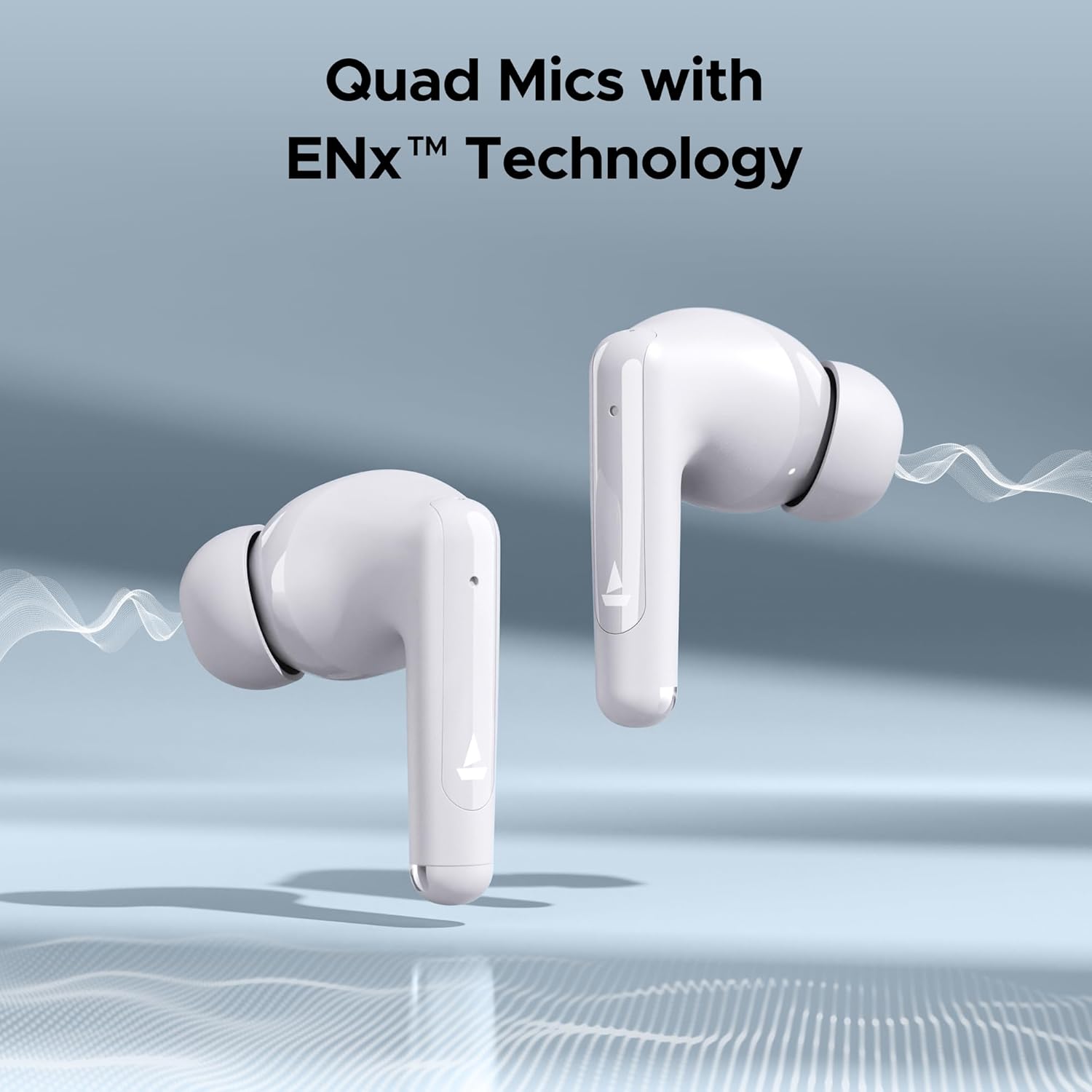
Image: Close-up of the boAt Airdopes Unity ANC earbuds with sound wave graphics, highlighting the "Quad Mics with ENx™ Technology" feature, which improves call quality by reducing background noise.
6. Техникалык тейлөө
Туура тейлөө кулакчындарыңыздын узак иштөөсүн жана оптималдуу иштешин камсыз кылат.
6.1 Тазалоо
- Кулакчындарды, өзгөчө кулакчтарды жана кубаттоочу контакттарды жумшак, кургак, түксүз чүпүрөк менен дайыма тазалап туруңуз.
- Абразивдүү тазалагычтарды, спиртти же химиялык эриткичтерди колдонбоңуз.
- Clean the charging case with a soft, dry cloth.
6.2 Сактоо
- Колдонулбай турганда, кулакчындарды коргоо жана кубаттоо үчүн аларды кубаттоо кутучасында сактаңыз.
- Салкын, кургак жерде, экстремалдык температурадан жана түз күндүн нурунан алыс сактаңыз.
6.3 Сууга туруктуулук (IPX5)
The Airdopes Unity ANC earbuds are IPX5 rated, meaning they are resistant to sweat and light splashes of water. They are not designed for submersion in water or exposure to heavy rain.
- Кулакчындарды атайылап сууга салбаңыз.
- Dry the earbuds thoroughly before placing them back in the charging case if they get wet.
7. Кыйынчылыктарды
If you encounter issues with your Airdopes Unity ANC, try the following solutions:
- Кулакчындар жупташкан жок:
- Эки кулакчындын тең кубатталганын текшериңиз.
- Кулакчындарды кайра кутуга салып, капкагын жаап, бир нече секунд күтүп, андан кийин жупташтыруу режимине кайра кирүү үчүн капкакты ачыңыз.
- Түзмөгүңүздөгү Bluetooth'ду өчүрүп, күйгүзүңүз.
- Forget "Airdopes Unity ANC" from your device's Bluetooth list and try pairing again.
- Бир гана кулакчын иштейт:
- Эки кулакчындын тең кубатталганын текшериңиз.
- Эки кулакчынды тең кайра кутуга салып, капкагын жаап, кайра ачыңыз.
- Кулакчындарды баштапкы абалга келтирип көрүңүз (өндүрүүчүнүн нускасын караңыз webзарыл болсо, конкреттүү калыбына келтирүү нускамалары үчүн сайт).
- Көлөмү төмөн же үн сапаты начар:
- Туташкан түзмөгүңүздөгү үндү тууралаңыз.
- Ensure eartips are properly sealed in your ear canal. Try different sized eartips.
- Кулакчын түтүктөрүндөгү калдыктарды тазалаңыз.
- ANC эффективдүү эмес:
- Ensure ANC mode is activated (long press Left earbud).
- Ensure a proper seal with your ear canal.
8. Техникалык шарттар
Key technical specifications for the boAt Airdopes Unity ANC:
| Өзгөчөлүк | Деталь |
|---|---|
| Модель аты | Airdopes Unity ANC |
| Байланыш технологиясы | Bluetooth |
| Зымсыз байланыш технологиясы | Bluetooth |
| Noise Control | Активдүү ызы-чууну жокко чыгаруу (32дБ чейин) |
| Жалпы ойнотуу убактысы | 50 саатка чейин (заряддоо кутусу менен) |
| Микрофондор | ENx™ технологиясы менен кош микрофондор |
| Сууга туруктуулук рейтинги | IPX5 |
| Башкаруу түрү | Wireless (Touch Controls) |
| Башкаруу ыкмасы | Voice (Built-In Voice Assistant) |
| Элемент Салмагы | 45 грамм |
| Материал | Пластик |
| Продукциянын өлчөмдөрү | 5 x 3 x 5 см |
| Батареялар | 1 Литий Полимердик батарейка (кошулган) |
9. Кепилдик жана колдоо
boAt products come with a standard warranty. For detailed warranty information, terms, and conditions, please refer to the warranty card included in your package or visit the official boAt webсайт.
For product-related queries, technical support, or service requests, please contact boAt customer support:
- Байланыш номери: +91 (022) 69181920
- Электрондук почта: info@imaginemarketingindia.com
- Өндүрүүчү: Imagine Marketing Limited
- Дарек: Бирдик №. 204 & 205, 2-кабат, D-wing & E-wing, Corporate Avenue, Andheri Ghatkopar Link Road, Мумбай, Махараштра-400093, Индия
You can also visit the official boAt store on Amazon for more information: boAt дүкөнү


