Introduction
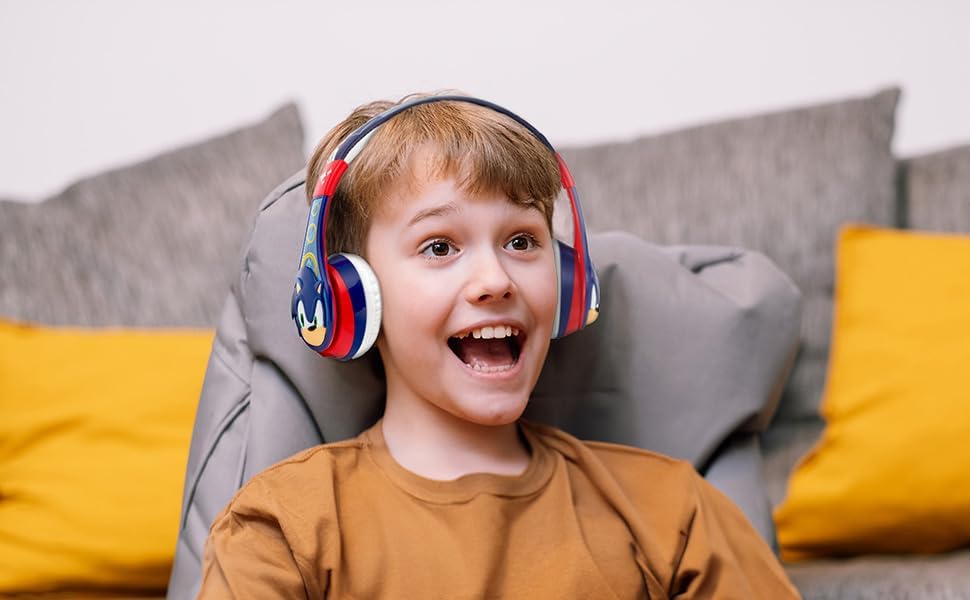
Сатып алганыңыз үчүн рахматasing the eKids Sonic The Hedgehog Bluetooth Headphones. These headphones are designed to provide a safe and enjoyable audio experience for children, featuring both wireless Bluetooth connectivity and a wired option. This manual will guide you through the setup, operation, and maintenance of your new headphones.
Коопсуздук маалыматы
- Үндү көзөмөлдөө: These headphones feature reduced volume levels to protect children's hearing. However, prolonged listening at high volumes can still cause hearing damage. Monitor listening duration.
- Мункунуп калуу коркунучу: Keep small parts, such as the detachable cable, away from young children.
- Тазалоо: Use a soft, dry cloth for cleaning. Avoid liquid cleaners.
- Батареянын коопсуздугу: Do not attempt to replace the built-in battery. Do not expose to extreme temperatures or dispose of in fire.
- Суу каршылык: Бул кулакчындар суу өткөрбөйт. Суюктуктарга тийгизбеңиз.
Пакеттин мазмуну
- eKids Sonic The Hedgehog Bluetooth Headphones
- 3.5mm Audio Cable (approx. 120 cm / 47.25 inches)
- USB Charging Cable (approx. 28 cm / 11 inches)
Продукт бүттүview
Кулакчындарыңыздын ар кандай компоненттери жана башкаруу элементтери менен таанышып алыңыз.

- Кубат/жупташтыруу баскычы: Used to power on/off and initiate Bluetooth pairing.
- Үндү катуулатуу/Алдыга өткөрүү баскычы: Кыска басуу менен үндү жогорулатат, узак басуу менен кийинки трекке өтөт.
- Үндү азайтуу/Артка өткөрүү баскычы: Кыска басуу менен үндү азайтат, узак басуу менен мурунку трекке өтөт.
- Ойнотуу/Тындыруу/Чакыруу баскычы: Plays/pauses music, answers/ends phone calls.
- USB кубаттоо порту: USB заряддоо кабелин туташтыруу үчүн.
- AUX уячасы: Зымдуу угуу үчүн 3.5 мм аудио кабелди туташтыруу үчүн.
- Микрофон: Үнсүз чалуулар үчүн.
- LED көрсөткүчү: Shows power, charging, and pairing status.
Жайгашуу
1. Наушниктерди заряддоо
Before first use, fully charge the headphones. A full charge provides up to 45 hours of continuous Bluetooth playtime.
- USB кубаттоочу кабелдин кичинекей учун кулакчындын USB кубаттоочу портуна туташтырыңыз.
- USB заряддоо кабелинин чоңураак учун кубатталган USB портуна туташтырыңыз (мисалы, компьютер, USB дубал адаптери).
- The LED indicator will illuminate during charging and turn off when charging is complete.
2. Bluetooth жупташтыруу (Зымсыз режим)
Pair your headphones with a Bluetooth-enabled device for wireless audio streaming.

- Наушниктердин заряддалганын жана өчүрүлгөнүн текшериңиз.
- Press and hold the Power/Pairing Button until the LED indicator flashes blue and red, indicating pairing mode.
- Bluetooth иштетилген түзмөгүңүздө (смартфон, планшет, компьютер) Bluetooth жөндөөлөрүнө өтүп, Bluetooth'ду иштетиңиз.
- Издөө available devices and select "eKids SO-B52" (or similar name) from the list.
- Once paired, the LED indicator will show a solid blue light or flash blue slowly.
Кулакчындар күйгүзүлгөндө автоматтык түрдө акыркы жупташтырылган түзмөккө кайра туташуу аракетин көрүшөт.
3. Wired Connection (Auxiliary Mode)
Use the included 3.5mm audio cable for a wired connection when Bluetooth is not available or the battery is low.

- 3.5 мм аудио кабелдин бир учун кулакчындардын AUX уячасына туташтырыңыз.
- 3.5 мм аудио кабелдин экинчи учун аудио түзмөгүңүздүн кулакчын уячасына туташтырыңыз.
- The headphones will automatically switch to wired mode. Bluetooth functions will be disabled.
Иштөө нускамалары
Күйгүзүү/өчүрүү
- Күйгүзүү: Press and hold the Power/Pairing Button until the LED indicator lights up.
- Өчүрүү: Press and hold the Power/Pairing Button until the LED indicator turns off.
Музыка ойнотуу (Bluetooth режими)
- Ойнотуу/тындыруу: Ойнотуу/Тыныгуу/Чакыруу баскычын бир жолу басыңыз.
- Кийинки трек: Press and hold the Volume Up/Skip Forward Button.
- Мурунку трек: Press and hold the Volume Down/Skip Back Button.
Үндү көзөмөлдөө
- Көлөмүн жогорулатуу: Short press the Volume Up/Skip Forward Button.
- Көлөмдү азайтуу: Short press the Volume Down/Skip Back Button.
Note: Volume can also be adjusted directly on the connected device.
Call Functions (Bluetooth Mode)
- Чакырууга жооп берүү: Press the Play/Pause/Call Button once when a call comes in.
- Чакырууну аяктоо: Press the Play/Pause/Call Button once during a call.
- Чакырууну четке кагуу: Press and hold the Play/Pause/Call Button for 2 seconds when a call comes in.
Техникалык тейлөө
- Тазалоо: Наушниктерди жумшак, кургак чүпүрөк менен сүртүңүз. Абразивдүү тазалагычтарды колдонбоңуз же сууга чөмтүрбөңүз.
- Сактагыч: Store the headphones in a cool, dry place away from direct sunlight and extreme temperatures. The headphones are foldable for compact storage.
- Кабельге кам көрүү: Handle the audio and charging cables gently to prevent damage.

Проблемаларды чечүү
| Көйгөй | Чечим |
|---|---|
| Кулакчындар күйбөйт. | Кулакчындар толук заряддалганын текшериңиз. USB кубаттоо кабелин колдонуп, кубат булагына туташтырыңыз. |
| Bluetooth аркылуу жупташтыруу мүмкүн эмес. |
|
| Bluetooth режиминде үн жок. |
|
| Зымдуу режимде үн жок. |
|
| Микрофон иштебей жатат. |
|
Техникалык шарттар
| Өзгөчөлүк | Деталь |
|---|---|
| Модель аты | SO-B52 |
| Байланыш технологиясы | Зымсыз (Bluetooth), Зымдуу (3.5 мм Aux) |
| Bluetooth версиясы | 4.0 |
| Bluetooth диапазону | 10 метрге чейин (33 фут) |
| Батареянын иштөө мөөнөтү | 45 саатка чейин (Bluetooth ойнотуу убактысы) |
| Наушник уясы | 3.5 мм Джек |
| Жыштык диапазону | 20 Гц - 20 000 Гц |
| Импеданс | 32 Ом |
| Өзгөчөлүктөр | Adjustable Headband, Foldable, Built-in Microphone, Volume Reduced |
| Материал | Пластик |
| Элемент Салмагы | 8.4 унция |
| Өндүрүүчү | KIDdesigns |
Кепилдик жана колдоо
Кепилдик жөнүндө маалымат жана кардарларды колдоо кызматы үчүн, сатып алууңузга тиркелген документтерди караңыз же расмий eKids веб-сайтына кириңиз webсайт. Кепилдик дооматтар үчүн сатып алганыңыздын далилин сактаңыз.
Өндүрүүчү: KIDdesigns
Бренд: eKids


