1. Киришүү
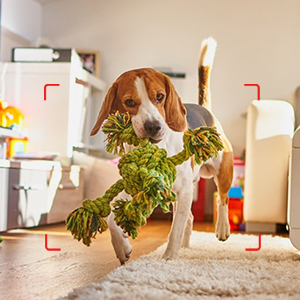
Thank you for choosing the AOBOCAM A18 Mini Camera. This compact and versatile security camera is designed to provide reliable surveillance for your home, office, or any indoor space. Its small size allows for discreet placement, while its advanced features ensure comprehensive monitoring. Whether you need to keep an eye on your children, pets, or property, the A18 offers a convenient and effective solution.
This manual provides detailed instructions on how to set up, operate, and maintain your AOBOCAM A18 Mini Camera to ensure optimal performance and longevity.
2. Продукциянын өзгөчөлүктөрү
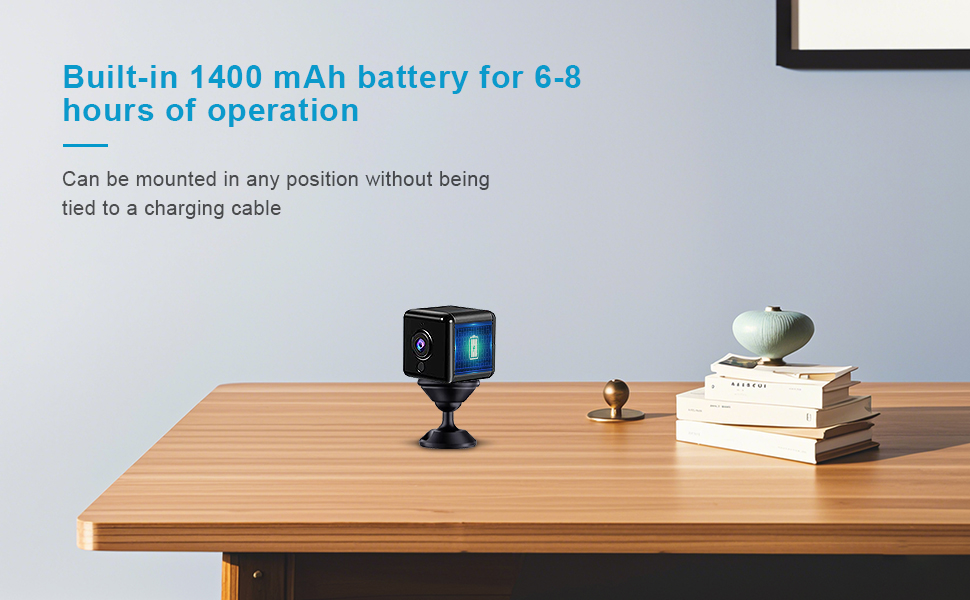
- Ультра компакт дизайн: The A18 is one of the world's smallest mini cameras, measuring only 1.5 inches, allowing for easy concealment and placement in various locations such as baby rooms, living rooms, or offices. It comes with a rotatable and adjustable bracket for flexible mounting.
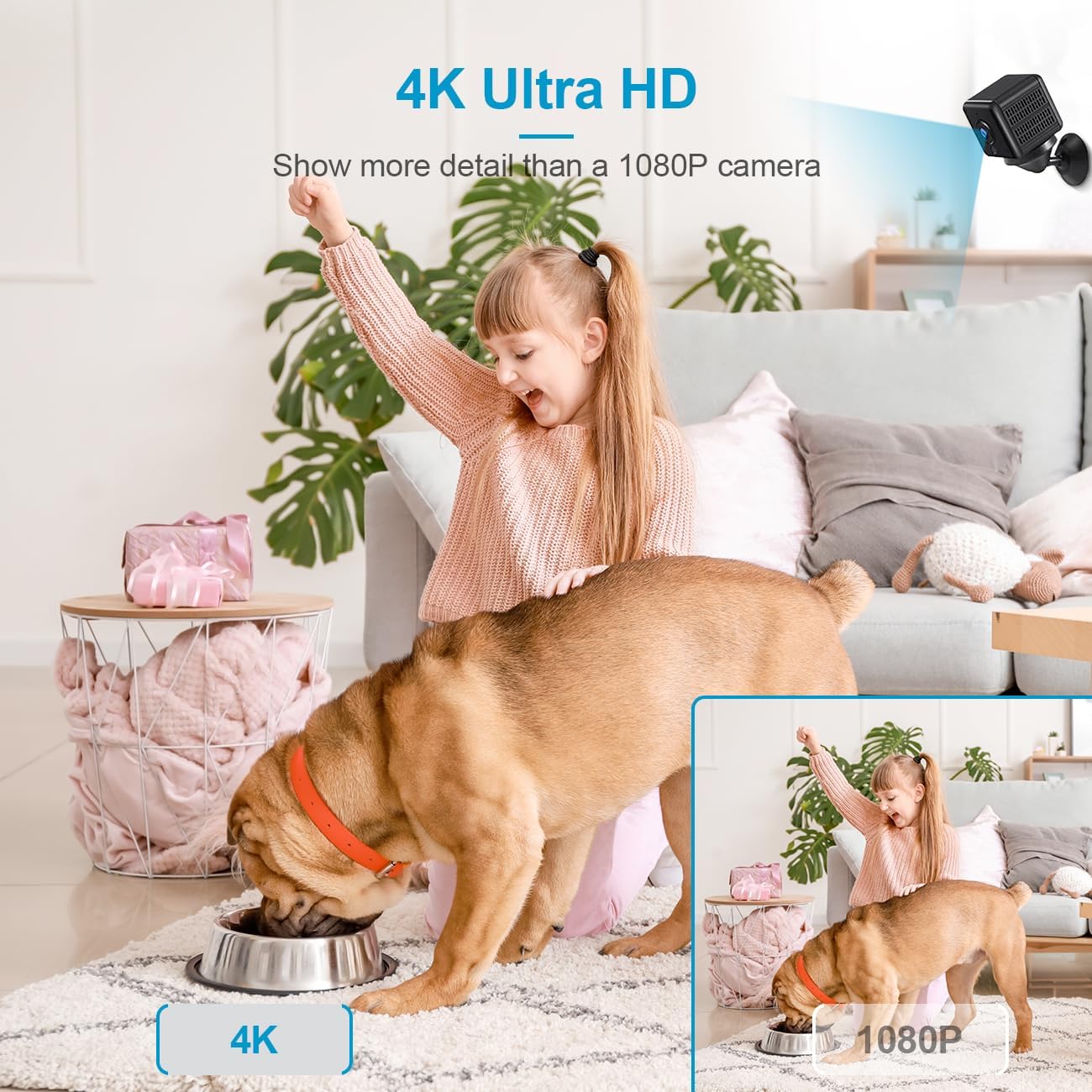
- 4K UHD видео сапаты: Experience crystal-clear 4K Ultra HD resolution, providing more detail than standard 1080P cameras. The 150° ultra-wide-angle lens captures a broad view сиздин мейкиндиктин.
- Жакшыртылган түнкү көрүнүш: Equipped with super infrared night vision, the camera provides clear visibility even in complete darkness, ensuring 24/7 surveillance.
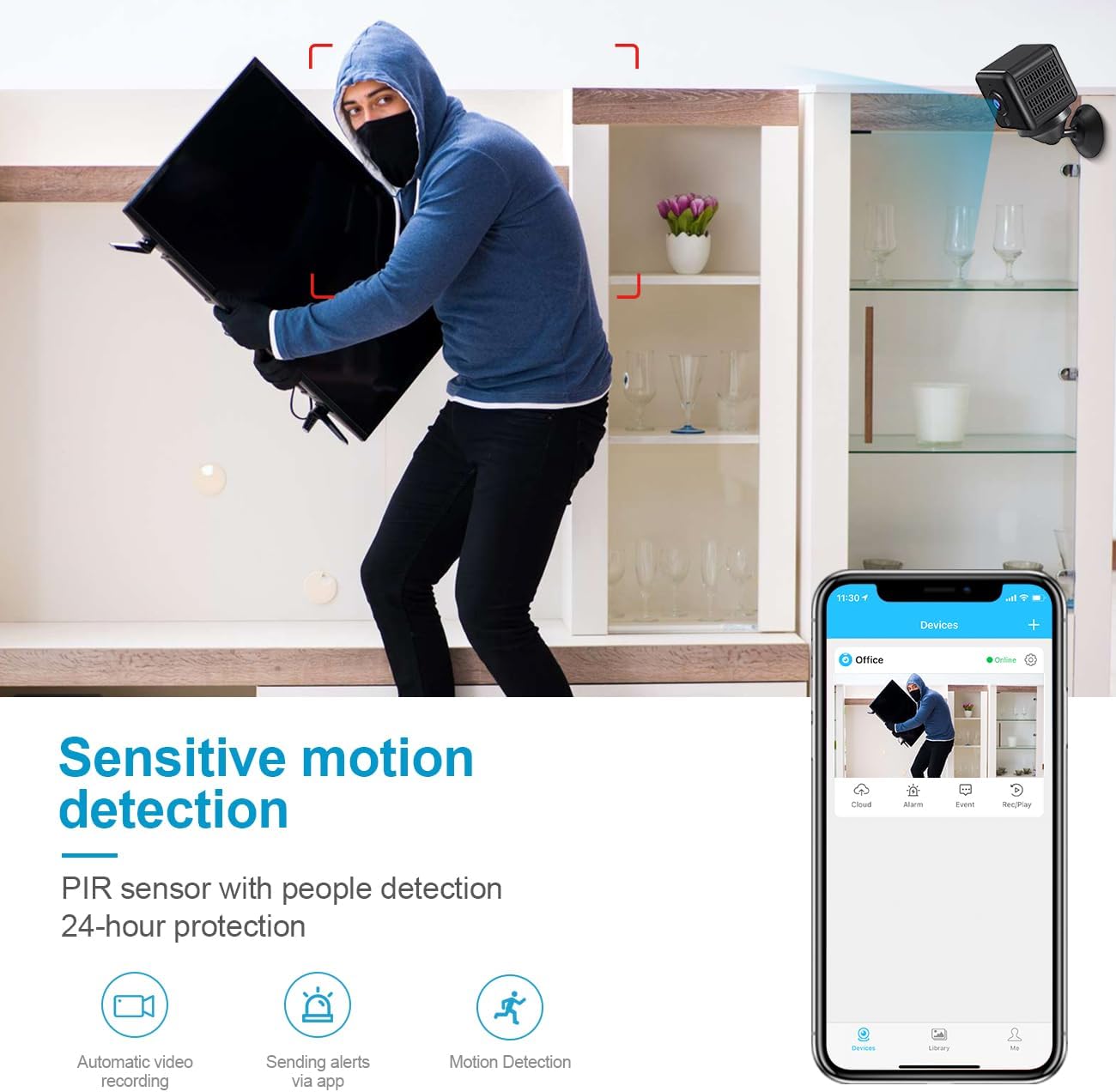
- Sensitive Motion Detection: The camera features a PIR sensor for precise motion detection. Upon detecting movement, it automatically saves video and sends push notifications to your smartphone within 0.5 seconds, allowing for real-time monitoring of exceptions.
- Батареянын узак иштөө мөөнөтү: With a high-quality 1500mAh rechargeable battery, the A18 offers up to 6 hours of continuous operation. It can also be plugged into an outlet for 24/7 monitoring.
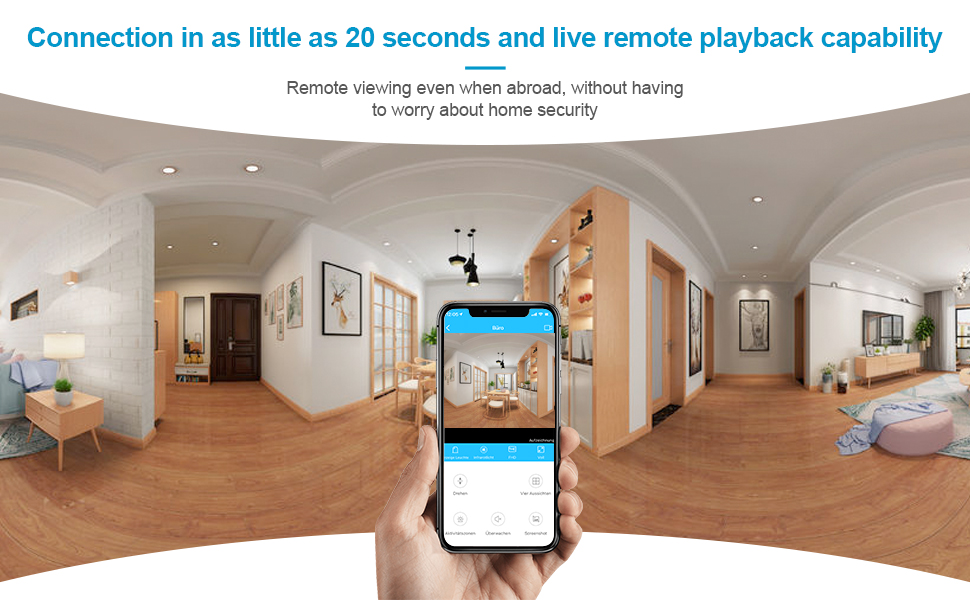
- Easy-to-Use Mobile App: Connect the camera to your WiFi network and access live video, recorded footage, and settings through a user-friendly mobile application available for both Android and iPhone devices. The app supports connection of multiple cameras and real-time remote viewing.






3. Орнотуу колдонмосу
Setting up your AOBOCAM A18 Mini Camera is designed to be straightforward. Follow these general steps to get your camera operational:
- Камераны заряддоо: Before first use, fully charge the camera using the provided USB cable. Connect it to a standard USB power adapter (not included).
- Колдонмону жүктөп алыңыз: Scan the QR code in the quick start guide (included in the package) or search for the official AOBOCAM app in your smartphone's app store (compatible with Android and iPhone).
- Күйгүзүү: Press and hold the power button on the camera until the indicator light turns on.
- WiFi'га туташуу: Open the AOBOCAM app and follow the on-screen instructions to add your new device. This typically involves connecting the camera to your home's 2.4GHz WiFi network. The app provides video instructions to guide you through the process.
- Жайгашкан жери: Choose a suitable location for your camera. Utilize the included stand or bracket for optimal viewing angles. Ensure the camera has a clear line of sight to the area you wish to monitor.
For detailed, step-by-step visual instructions, refer to the video tutorials available within the AOBOCAM mobile application.
4. Иштөө нускамалары
Once your AOBOCAM A18 Mini Camera is set up and connected to the app, you can begin monitoring. Here are the primary operating functions:
- Live View: Open the AOBOCAM app and select your camera from the device list to view live video feed in real-time.
- Видео жаздыруу: The camera can record video continuously or based on motion detection. Recorded videos are stored on a microSD card (not included, supports 8GB-256GB) or via optional cloud storage.
- Кыймылды аныктоо эскертүүлөрү: Ensure motion detection is enabled in the app settings. When motion is detected, you will receive instant push notifications on your smartphone. You can adjust sensitivity settings within the app.
- Night Vision Activation: The camera automatically switches to night vision mode in low-light conditions. No manual activation is required.
- Алыстан ойнотуу: Жазылган footage through the app's playback feature. You can review past events by selecting specific dates and times.
- Two-Way Audio (if applicable): While this model is primarily for video surveillance, check the app for any audio features that may allow listening or speaking through the camera.
5. Техникалык тейлөө
Proper maintenance ensures the longevity and optimal performance of your AOBOCAM A18 Mini Camera:
- Тазалоо: Gently wipe the camera lens and body with a soft, dry, lint-free cloth. Avoid using harsh chemicals, solvents, or abrasive cleaners.
- Экологиялык шарттар: The camera is designed for indoor use. Avoid exposing it to extreme temperatures, direct sunlight, high humidity, or water. It is not water resistant.
- Батареяга кам көрүү: To prolong battery life, avoid fully discharging the battery frequently. If storing the camera for an extended period, charge it to about 50% and store in a cool, dry place.
- Программалык камсыздоонун жаңыртуулары: Periodically check the AOBOCAM app for available firmware updates. Keeping the firmware updated ensures the best performance, security, and access to new features.
- Сактагыч: When not in use, store the camera in a clean, dry environment away from dust and moisture.
6. Кыйынчылыктарды
If you encounter issues with your AOBOCAM A18 Mini Camera, refer to the following common troubleshooting steps:
| Көйгөй | Мүмкүн себеп | Чечим |
|---|---|---|
| Camera won't power on | Аз батарея; Кубат баскычы жетишерлик көпкө басылган жок | Charge the camera fully; Press and hold the power button for a few seconds until indicator light appears. |
| WiFiга туташпай жатат | Incorrect WiFi password; Camera too far from router; Only supports 2.4GHz WiFi | Double-check password; Move camera closer to router; Ensure your router is broadcasting a 2.4GHz network. |
| Poor video quality (blurry/red/purple tint) | Dirty lens; Insufficient lighting; Software glitch | Clean the camera lens; Ensure adequate lighting or check night vision settings; Restart the camera and app. |
| Кыймылды аныктоо иштебей жатат | Feature disabled in app; Sensitivity too low; Obstruction in view | Enable motion detection in app settings; Increase sensitivity; Ensure clear view of monitored area. |
| Колдонмо бузулат же катып калат | Outdated app version; Phone storage full; Temporary software bug | Update the app; Clear phone storage; Close and reopen the app, or restart your phone. |
If the problem persists after trying these solutions, please contact AOBOCAM customer support for further assistance.
7. Техникалык шарттар
| Өзгөчөлүк | Деталь |
|---|---|
| Модель аты | A18 |
| Видео тартуунун резолюциясы | 4K |
| Viewбурч | 150 Degrees (stated in features, 120 Degrees in specs) |
| Frame Rate | секундасына 30 кадр |
| Байланыш технологиясы | Wireless (Wi-Fi, Cellular) |
| Power Source | Батарея менен иштейт |
| Батарея түрү | Литий Полимер (1500mAh) |
| Батареянын орточо иштөө мөөнөтү | 6 саат |
| Өзгөчөлүктөр | 4K HD Resolution, Motion Sensor, Night Vision, Portable |
| Ички/тышкы колдонуу | Indoor |
| Шайкеш түзмөктөр | Иш такта, смартфон, планшет |
| Controller Type | Android, iPhone |
| Монтаж түрү | Дубалга орнотуу |
| Материал | Пластик |
| Түс | Кара 1 |
| Элементтин өлчөмдөрү (L x W x Y) | 38 x 38 x 38 миллиметр (3.81 x 3.81 x 3.81 см) |
| Элемент Салмагы | 190 г |
| Камтылган компоненттер | Mini Security Camera, Stand, USB Cable, User Manual |
| Сууга туруктуулук деңгээли | Сууга чыдамдуу эмес |
8. Кепилдик маалыматы
The AOBOCAM A18 Mini Camera comes with a 1 жылдык өндүрүүчүнүн кепилдиги сатып алынган күндөн тартып. Бул кепилдик нормалдуу колдонуудагы материалдардагы жана жасалгадагы кемчиликтерди камтыйт.
Additionally, the product is eligible for a 30 күндүк кайтаруу/алмаштыруу саясаты сатып алынган күндөн тартып, чекене сатуучунун шарттарына жана эрежелерине ылайык.
Please retain your proof of purchase for any warranty claims. The warranty does not cover damage caused by misuse, accidents, unauthorized modifications, or failure to follow the instructions in this manual.
9. Кардарларды колдоо кызматы
For any questions, technical support, or warranty inquiries regarding your AOBOCAM A18 Mini Camera, please contact AOBOCAM customer service. Refer to the contact information provided in your product packaging or on the official AOBOCAM webсайт.
When contacting support, please have your product model (A18) and purchase details ready to facilitate a quicker resolution.


