Introduction
Сатып алганыңыз үчүн рахматasing the ZEBRONICS Zeb-Escape 10 Wireless BT Earphone. This manual provides essential information for setting up, operating, and maintaining your device. Please read it carefully before use to ensure optimal performance and longevity of your earphones.
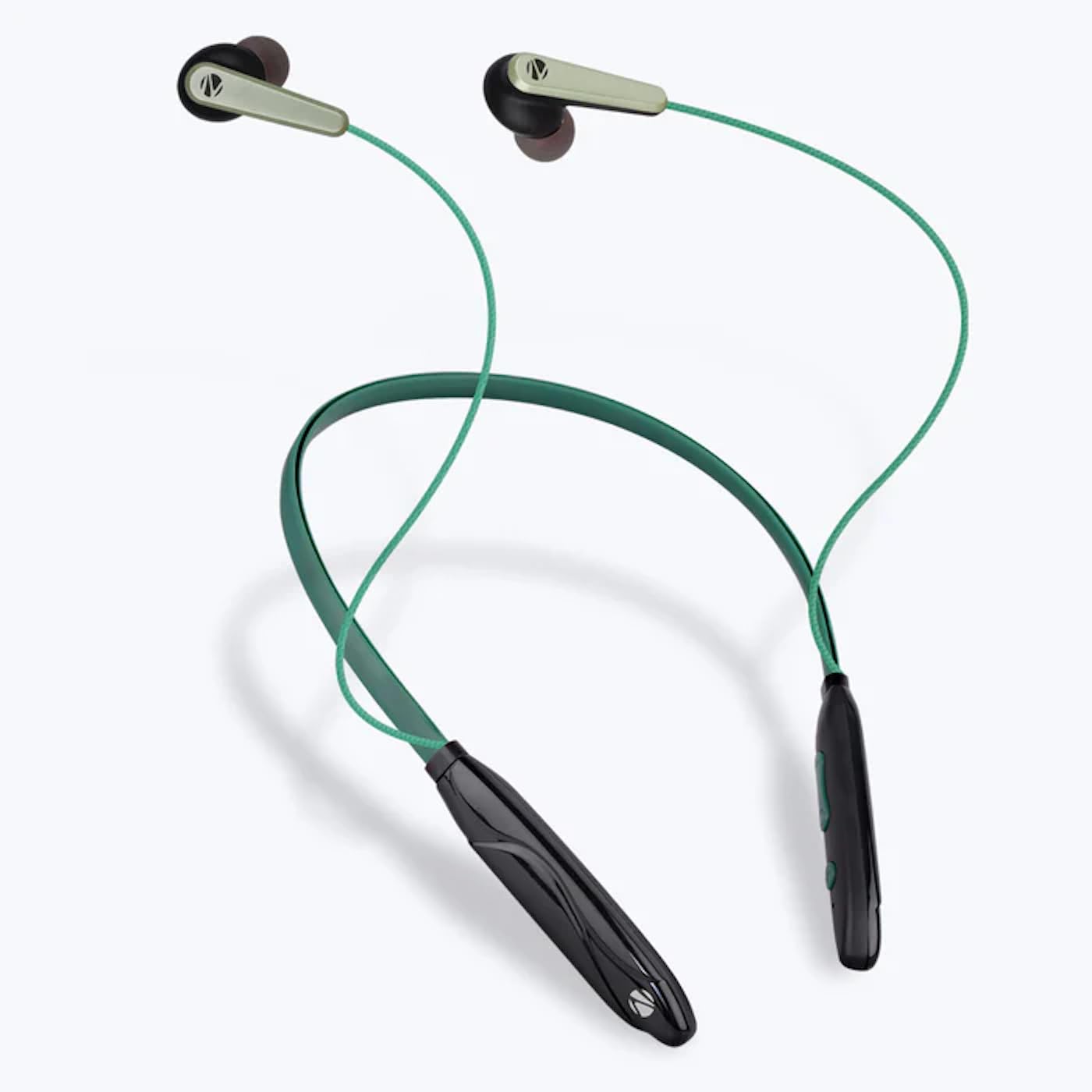
Image: The ZEBRONICS Zeb-Escape 10 Wireless BT Earphone, featuring a green and black neckband design with in-ear earbuds.
Пакеттин мазмуну
Төмөнкү нерселер сиздин өнүм пакетиңизге кирет:
- 1 U Neckband Earphone
- 1 U Charging Cable (Type-C)
- 1 U QR Code Guide
Жайгашуу
1. Кулакчынды кубаттоо
Before first use, fully charge the earphone. Use the provided Type-C charging cable to connect the earphone to a USB power source (e.g., computer USB port, wall adapter). The LED indicator will show the charging status.
- Заряддоо убактысы: Болжол менен 1.5 саат.

Image: The earphone's control module with a Type-C charging port, showing a charging cable connected.
2. Bluetooth Жупташтыруу
To connect your earphone to a Bluetooth-enabled device:
- Ensure the earphone is charged and powered off.
- Press and hold the multi-function button on the earphone until the LED indicator flashes red and blue, indicating it is in pairing mode.
- Түзмөгүңүздө (смартфон, планшет ж.б.) Bluetooth иштетиңиз жана жеткиликтүү түзмөктөрдү издеңиз.
- Select "ZEB-ESCAPE 10" from the list of found devices.
- Туташкандан кийин LED индикатору моделге жараша көк түстө жай күйөт же өчөт.

Image: A smartphone display illustrating the Bluetooth pairing process, showing the earphone model 'ZEB-ESCAPE 10' as connected.
Иштөө нускамалары
Күйгүзүү/өчүрүү
- Күйгүзүү: Press and hold the multi-function button until the LED indicator lights up.
- Өчүрүү: Press and hold the multi-function button until the LED indicator turns off.
Volume and Media Control
The earphone features integrated controls for managing audio playback and volume.
- Көлөмү: '+' баскычын басыңыз.
- Үнүн азайтуу: '-' баскычын басыңыз.
- Ойнотуу/тындыруу: Көп функциялуу баскычты бир жолу басыңыз.
- Кийинки трек: '+' баскычын басып, кармап туруңуз.
- Мурунку трек: '-' баскычын басып, кармап туруңуз.
Чакыруу функциясы
Manage calls directly from your earphone.
- Чакырууга жооп берүү: Көп функциялуу баскычты бир жолу басыңыз.
- Чакырууну аяктоо: Чалуу учурунда көп функциялуу баскычты бир жолу басыңыз.
- Чакырууну четке кагуу: Көп функциялуу баскычты басып, кармап туруңуз.
- Акыркы номерди кайра терүү: Көп функциялуу баскычты эки жолу басыңыз.
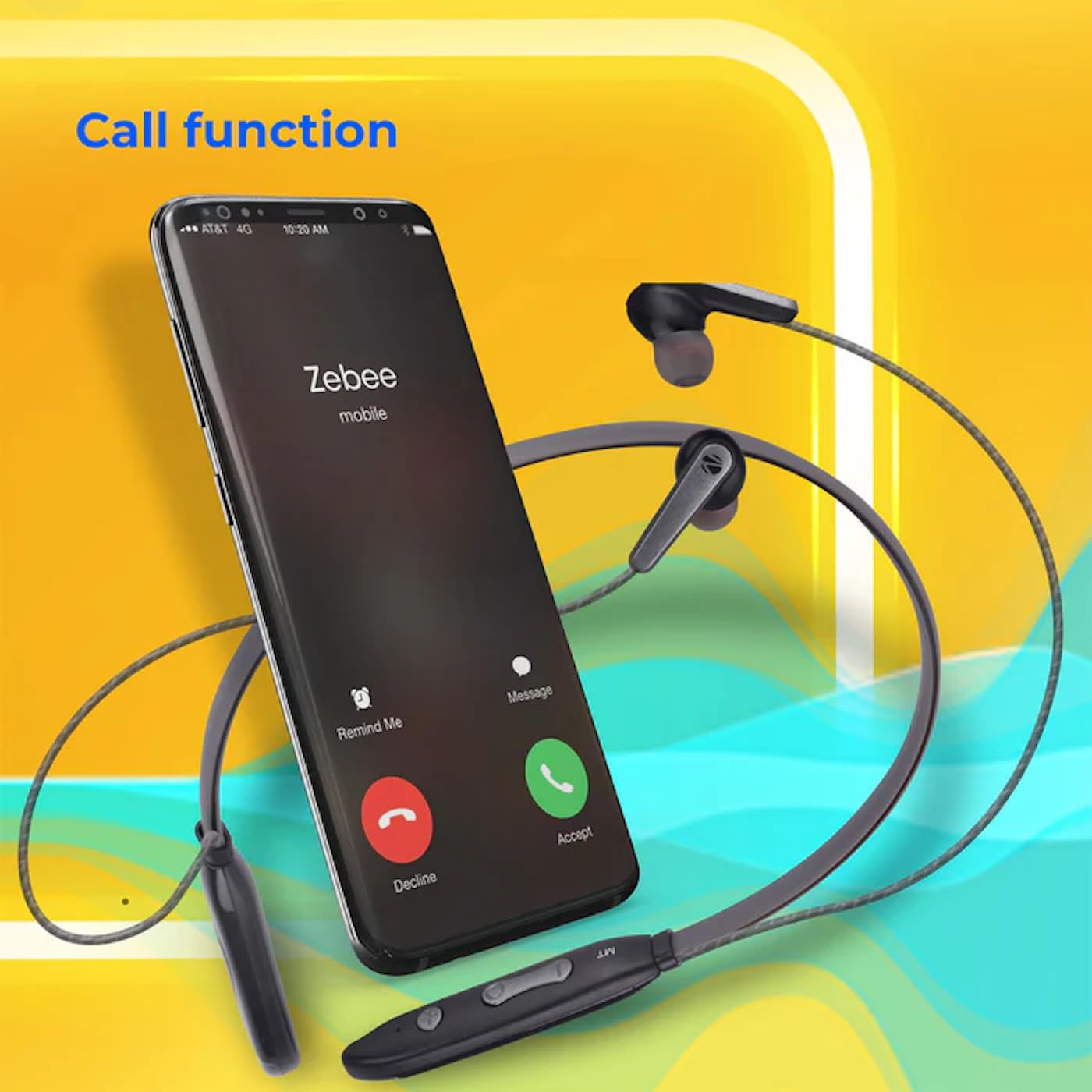
Image: A smartphone showing an incoming call interface, indicating the earphone's call handling capability.
Үн жардамчысын колдоо
Activate your device's voice assistant (e.g., Google Assistant, Siri) by triple-pressing the multi-function button.
Магниттик наушник
The earpieces are magnetic, allowing them to securely attach to each other when not in use, preventing tangling and ensuring they stay in place around your neck.

Сүрөт: деталдуу view of an earbud, illustrating its design for a stable and comfortable fit.
Техникалык тейлөө
To ensure the longevity and optimal performance of your ZEBRONICS Zeb-Escape 10 earphones, follow these maintenance guidelines:
- Тазалоо: Use a soft, dry cloth to clean the earphones. Do not use harsh chemicals or abrasive materials.
- Сактагыч: Наушниктерди салкын, кургак жерде, күндүн тике тийген нурунан жана экстремалдык температурадан алыс сактаңыз.
- Суу каршылык: The earphones are water resistant. Avoid submerging them in water or exposing them to heavy rain.
- Заряддоо: Only use the provided charging cable or a certified Type-C cable. Avoid overcharging.
Проблемаларды чечүү
If you encounter issues with your earphone, refer to the following common problems and solutions:
| Көйгөй | Мүмкүн чечим |
|---|---|
| Кулакчын күйбөйт. | Ensure the earphone is fully charged. |
| Түзмөк менен жупташтыруу мүмкүн эмес. | Ensure the earphone is in pairing mode (flashing red/blue). Turn off and on Bluetooth on your device. Move closer to the earphone. |
| Үн жок же үнү төмөн. | Check volume levels on both the earphone and your connected device. Ensure the earphone is properly paired. |
| Чалуулардын сапатына байланыштуу көйгөйлөр. | Ensure you are within Bluetooth range. Check for obstructions between the earphone and your device. |
Техникалык шарттар
Technical specifications for the ZEBRONICS Zeb-Escape 10 Wireless BT Earphone:
| Өзгөчөлүк | Деталь |
|---|---|
| Модель аты | ZEB-NBI 5 |
| Bluetooth версиясы | v5.3 |
| Колдоого алынган BT Profiles | HSP / HFP / A2DP / AVRCP |
| Айдоочунун өлчөмү | 10мм |
| Динамик импедансы | 16Ω |
| Ойнотуу убактысы | 20 саатка чейин (50% көлөмдө) |
| Talk Time | 20 саатка чейин |
| Заряддоо убактысы | 1.5 саат |
| Күтүү убактысы | 200 саат |
| Таза Салмак | 26г |
| Башкаруу түрү | Медиа башкаруу, тийүү |
| Сууга туруктуулук деңгээли | Сууга чыдамдуу |
| Өзгөчөлүктөр | Fast Charging, Foldable, Microphone Included, Sweatproof |

Image: Visual representation of the earphone's 20-hour playback capability.
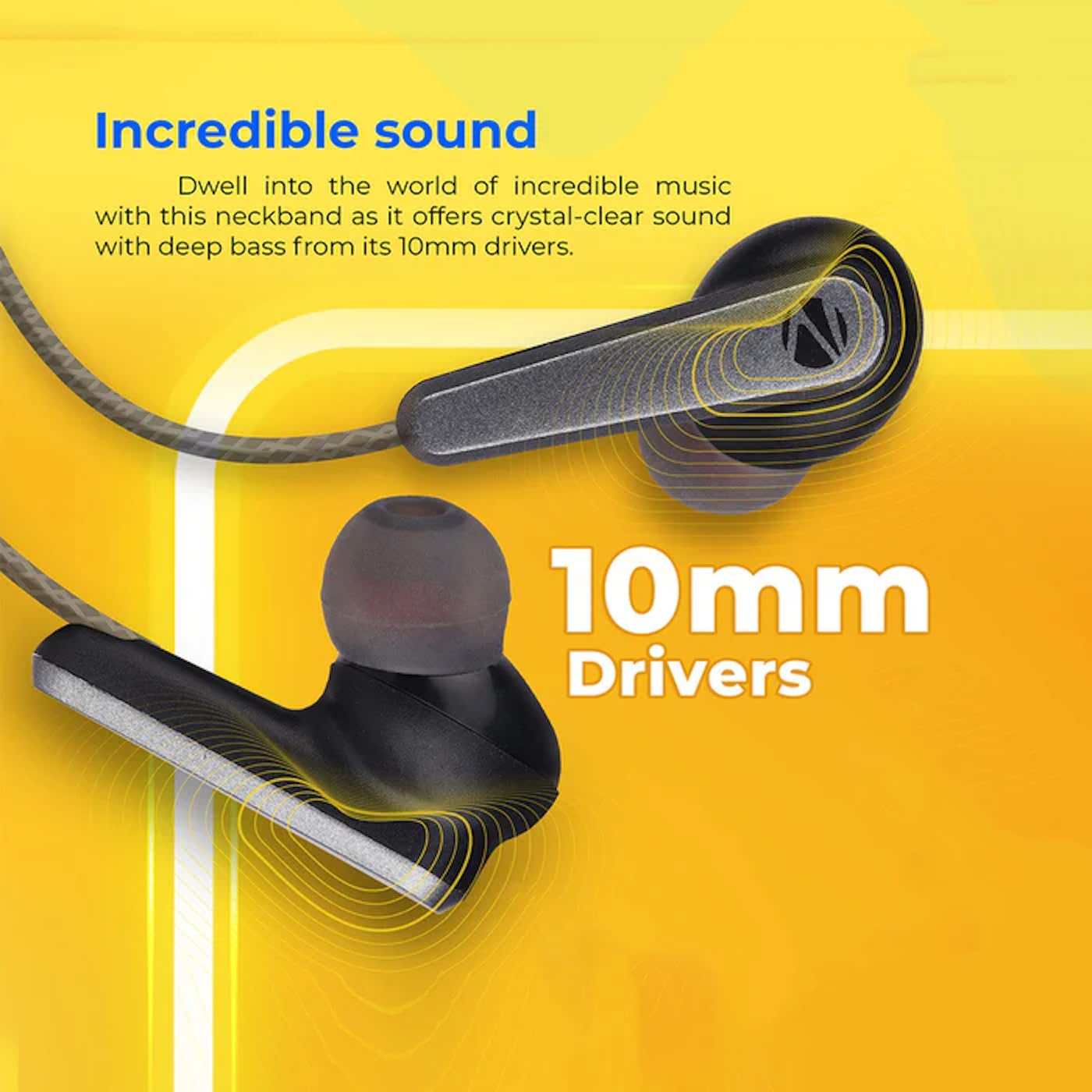
Image: A close-up of an earbud, highlighting the 10mm audio drivers responsible for sound output.
Кепилдик маалымат
The ZEBRONICS Zeb-Escape 10 Wireless BT Earphone comes with a 6 айлык кепилдик from the date of purchase. This warranty covers manufacturing defects. Please retain your purchase receipt as proof of purchase for warranty claims. The warranty does not cover damage caused by misuse, accidents, unauthorized modifications, or normal wear and tear.
Кардарларды колдоо
For further assistance, technical support, or warranty claims, please contact ZEBRONICS customer service. Refer to the QR code guide included in your package or visit the official ZEBRONICS webбайланыш маалыматы үчүн сайт.


