1. Киришүү
The VIOFO VS1 Mini Dash Cam is a compact and powerful car camera designed to discreetly record your journeys in high definition. Featuring a STARVIS 2 sensor for superior low-light performance, HDR technology, 5GHz Wi-Fi, built-in GPS, and voice control, the VS1 provides reliable and clear video evidence. This manual provides essential information for setting up, operating, and maintaining your dash cam to ensure optimal performance.

Image: The VIOFO VS1 Mini Dash Cam, shown with its included CPL filter and a 32GB VIOFO microSD card.
2. Кутуда эмне бар
Сураныч, бардык буюмдар бар экенине ынануу үчүн пакетиңиздин мазмунун текшериңиз:
- VS1 Camera
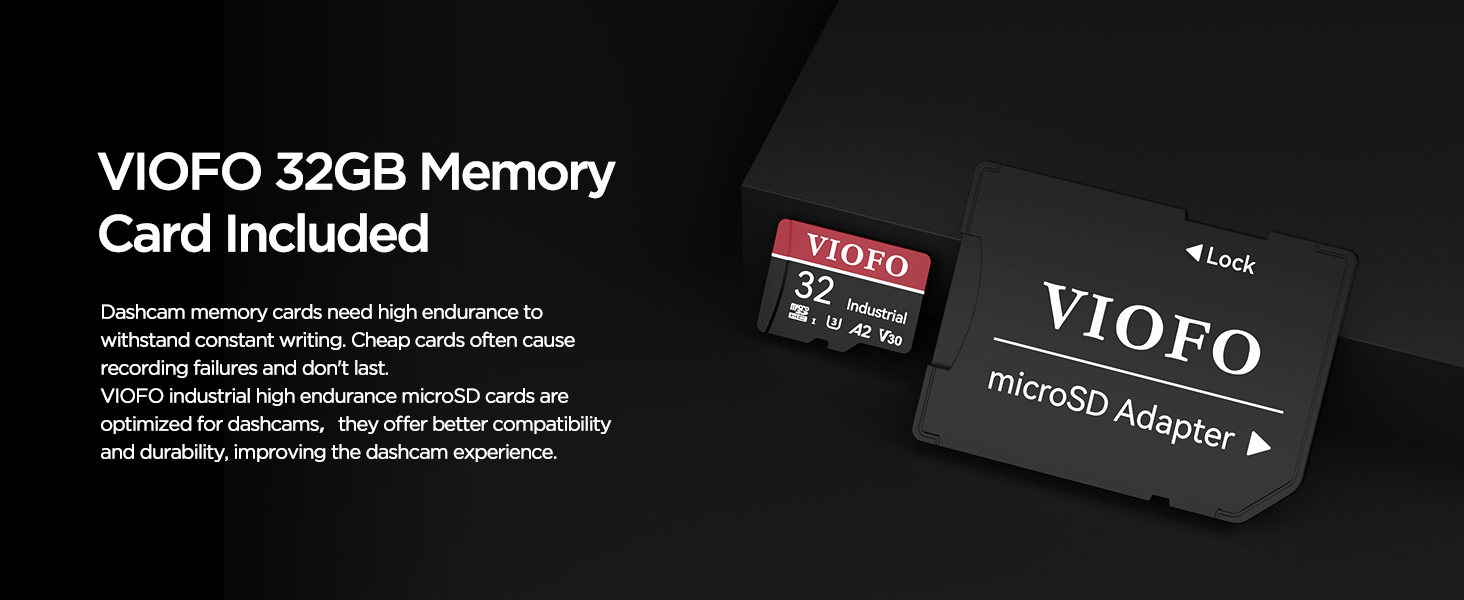
- VIOFO 32GB Card
- Таңгактоочу куту
- Type-C маалымат кабели
- Унаа заряддагыч
- Кыркынды алып салуу куралы
- Алдын ала айнектин статикалык чаптамалары x2
- User Manual
- Mount Sticky Pads

Image: A visual representation of the complete packing list for the VIOFO VS1 Mini Dash Cam.
3. Орнотуу жана орнотуу
The VIOFO VS1 Mini Dash Cam is designed for easy installation and discreet placement. Follow these steps for proper setup:
- Айнек даярдоо: Clean the area on your windshield where you intend to mount the dash cam. Ensure it is free of dust and grease.
- Apply Static Sticker: Place one of the windshield static stickers on the cleaned area. This helps protect your windshield and makes removal easier.
- монтаждоо: Secure the dash cam mount with the sticky pad to the static sticker. The ideal position is typically behind the rearview mirror to ensure it does not obstruct your view.
- MicroSD картасын салыңыз: Insert the included VIOFO 32GB microSD card into the dash cam's card slot. Ensure it clicks into place.
- Туташуу кубаты: Connect the Type-C data cable to the dash cam and the car charger. Plug the car charger into your vehicle's 12V power outlet (cigarette lighter socket).
- Маршруттук кабель: Carefully route the power cable along the edge of your windshield and dashboard to keep it tidy and out of the way. Use the trim removal tool if necessary to tuck the cable under panels.
- Линзаны тууралоо: The VS1 features a 180° rotatable lens. Adjust the lens to ensure it captures the desired view алдыдагы жолдун.

Image: Step-by-step guide showing how to install the dash cam discreetly behind the rearview күзгү.
Сүрөт: Мисamples of flexible installation options, including windshield, rear window, and dashboard mounting, thanks to the 180° rotatable lens.
4. Иштөө нускамалары
4.1 Негизги операция
Once powered on, the VIOFO VS1 Mini Dash Cam will automatically begin recording. It operates in a seamless loop, overwriting the oldest footage when the memory card is full. You can largely forget it's there, as it works autonomously.
4.2 VIOFO App & Wi-Fi Connectivity
The VIOFO App allows you to easily review footage, change settings, and download videos directly to your smartphone. The VS1 supports 5GHz Wi-Fi for faster data transfer speeds.
- Колдонмону жүктөп алуу: Download the VIOFO App from your smartphone's app store (iOS or Android).
- Wi-Fi иштетүү: The dash cam will automatically enable Wi-Fi when powered on.
- Dash Camга туташуу: On your smartphone, go to Wi-Fi settings and connect to the VIOFO VS1 network. The default password is usually
Тектеш документтер - VS1 Mini

VIOFO A119 MINI 2 Колдонуучунун колдонмосу
VIOFO A119 MINI 2 видеорегистратору үчүн кеңири колдонуучу колдонмосунда орнотуу, иштетүү, системанын жөндөөлөрү жана оптималдуу колдонуу үчүн функциялар жөнүндө кеңири маалымат берилген.
VIOFO A229 Pro видеорегистратор колдонуучусунун колдонмосу
VIOFO A229 Pro видеорегистраторунун орнотуу, иштетүү, жөндөөлөр жана функцияларды камтыган кеңири колдонуучу колдонмосу.
VIOFO VS1 Dash Камера Колдонуучунун колдонмосу жана Орнотуу боюнча колдонмо
VIOFO VS1 сызык камерасын орнотуу, жөндөө жана колдонуу боюнча комплекстүү колдонмо, анын ичинде VIOFO APP жана HK4 аппараттык комплектинин чоо-жайы.
VIOFO HK4 Dash Cam User Manual and Specifications
Comprehensive guide to the VIOFO HK4 dash cam, covering installation, operation, features, VIOFO app usage, and technical specifications. Learn how to use your VIOFO HK4 for optimal driving safety.
VIOFO A229 Pro Dashcam User Manual and Installation Guide
Comprehensive guide to installing, operating, and maintaining the VIOFO A229 Pro dashcam, including setup, recording modes, app connectivity, and troubleshooting.
VIOFO VS1 User Manual
User manual for the VIOFO VS1 dashcam, covering installation, operation, settings, and troubleshooting.