1. Киришүү
The FRITZ!Box 7690 is a high-performance Wi-Fi 7 DSL router designed for fast and stable internet connections. It integrates advanced features such as VDSL Supervectoring, WLAN Mesh, and a DECT base station for telephony and Smart Home applications. This manual provides essential information for setting up, operating, maintaining, and troubleshooting your FRITZ!Box 7690.

Image: The FRITZ!Box 7690, a white router with red accents and indicator lights.
2. Коопсуздук маалыматы
- Аппарат менен кошо берилген кубат адаптерин гана колдонуңуз.
- Do not expose the device to moisture, dust, or extreme temperatures.
- Ensure adequate ventilation around the device. Do not cover ventilation slots.
- Аппаратты ачпаңыз casinг. Оңдоо иштери квалификациялуу кызматкерлер тарабынан гана жүргүзүлүшү керек.
- Keep the device away from medical equipment, as radio signals may interfere.
3. Пакеттин мазмуну
Пакетте бардык буюмдар бар экенин текшериңиз:
- FRITZ!Box 7690
- Кубаттуу адаптер
- 4-meter DSL connection cable
- 1.5 метрлик LAN кабели
- TAE/RJ11 adapter
- Орнотуу боюнча колдонмо

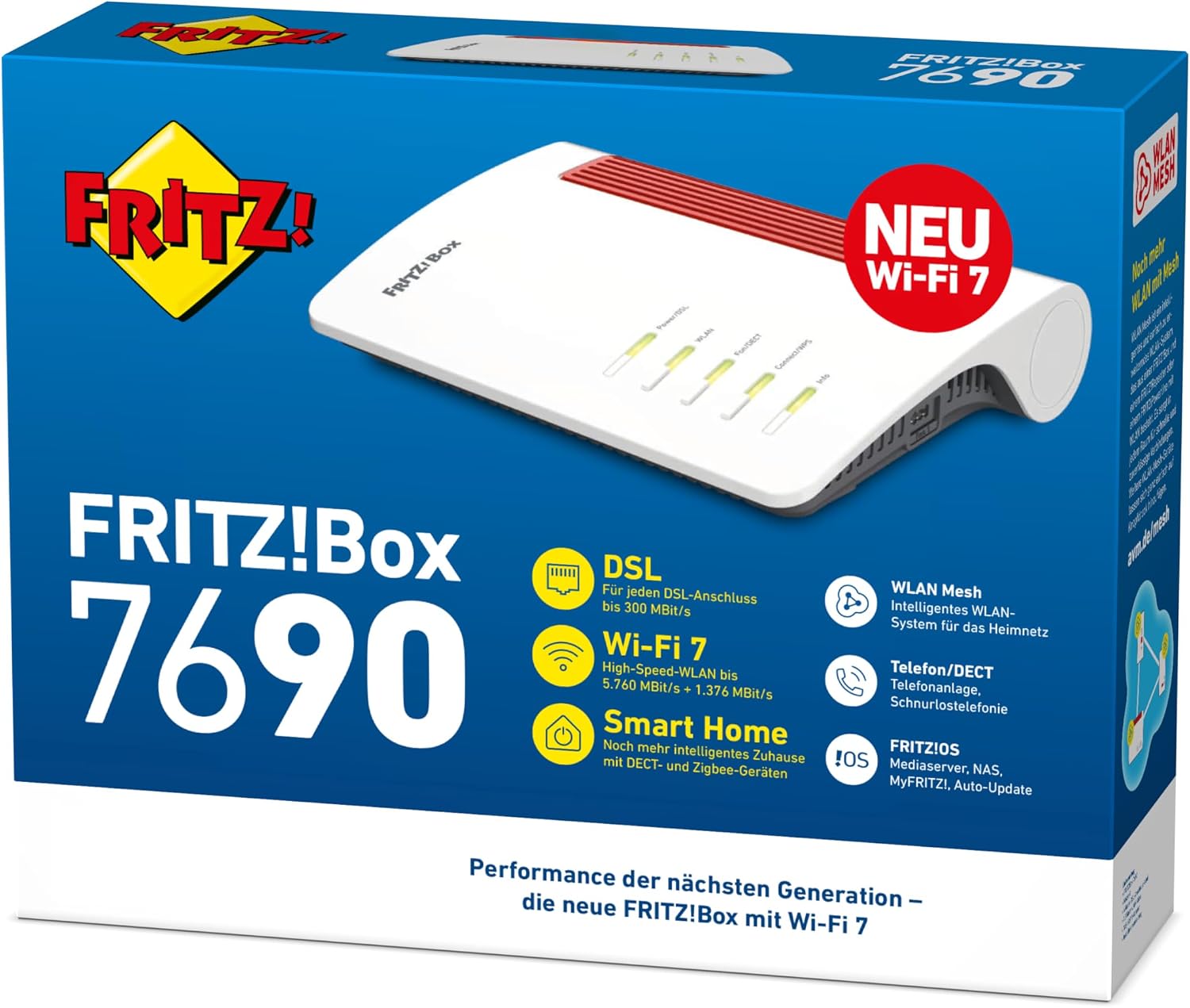
Image: The retail packaging for the FRITZ!Box 7690, highlighting key features like Wi-Fi 7 and Smart Home.
4. Продукт бүтүп калдыview
The FRITZ!Box 7690 features various ports and indicators for connectivity and status monitoring.
Алдыңкы панелдин көрсөткүчтөрү
- Кубат/DSL: Indicates power status and DSL connection activity.
- WLAN: Wi-Fi тармагынын абалын көрсөтөт.
- Фон/DECT: Indicates DECT telephony and Smart Home function status.
- Туташуу/WPS: Used for WPS (Wi-Fi Protected Setup) and connecting new devices.
- Маалымат: Provides general status information and error indications.

Image: The FRITZ!Box 7690 with its indicator lights illuminated, emphasizing its Wi-Fi 7 capability.
Арткы панелдин порттору
- DSL: For connecting to your DSL line.
- Fon 1 / Fon 2: For connecting analog telephones or answering machines.
- WAN/LAN 2.5G: A 2.5 Gigabit Ethernet port that can be configured as a WAN port for fiber optic modems or as an additional LAN port.
- LAN 2.5G: A 2.5 Gigabit Ethernet port for connecting network devices.
- LAN 1 / LAN 2: Gigabit Ethernet ports for connecting network devices.
- Күч: Кубат адаптерин туташтыруу үчүн.
- USB: For connecting USB devices like printers or storage.
Сүрөт: деталдуу view of the rear panel of the FRITZ!Box 7690, showing all connection ports and their labels, including DSL, Fon, LAN, WAN, and USB.
5. Орнотуу
5.1 Баштапкы туташуу
- Connect the FRITZ!Box to your DSL line using the provided DSL connection cable. Use the TAE/RJ11 adapter if necessary.
- Connect the power adapter to the FRITZ!Box and plug it into a power outlet. The Power/DSL LED will start blinking and then light up continuously when the DSL connection is established.
- Connect your computer to the FRITZ!Box using the provided LAN cable or connect wirelessly using the Wi-Fi network name (SSID) and network key found on the bottom of the FRITZ!Box.
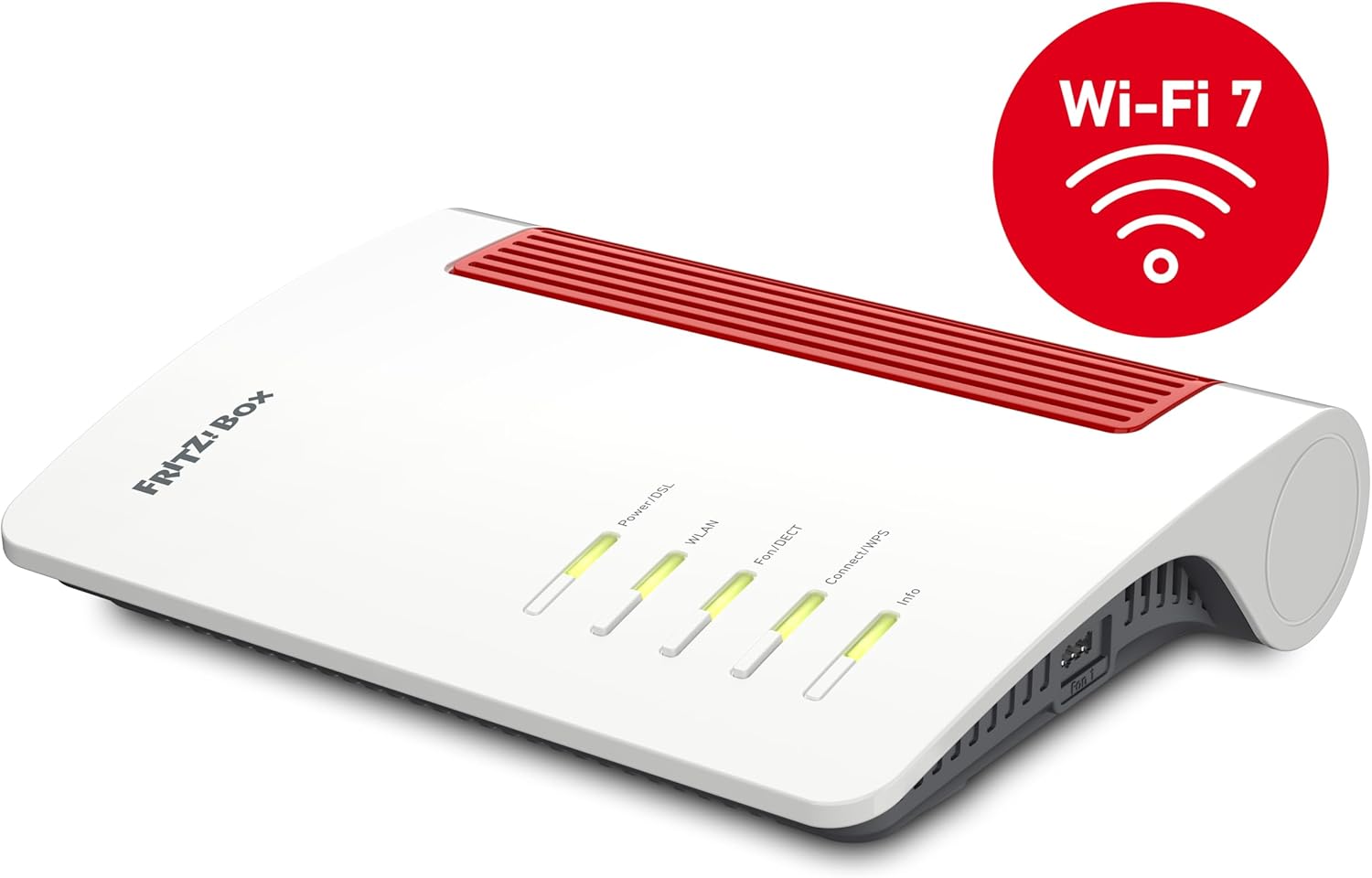
Image: The FRITZ!Box 7690 connected to a DSL wall socket with a gray cable, illustrating the initial setup.
5.2 аркылуу конфигурациялоо Web Интерфейс
- ачуу а web браузер жана кирүү
http://fritz.boxor192.168.178.1дарек тилкесинде. - Follow the on-screen wizard to configure your internet access, telephony, and Wi-Fi settings. You will need your internet service provider's connection details.
- Set a strong password for accessing the FRITZ!Box web интерфейс.
6. Иштөө
6.1 Wi-Fi тармагы
The FRITZ!Box 7690 supports Wi-Fi 7 for high-speed wireless connectivity. You can manage your Wi-Fi settings, including network name (SSID), security key, and guest access, through the web интерфейс.
- WLAN Mesh: For extended Wi-Fi coverage, integrate FRITZ!Repeaters or other FRITZ!Box devices into a Mesh network. The FRITZ!Box acts as the Mesh Master, ensuring seamless roaming and optimal performance.

Image: An illustration depicting a Mesh Wi-Fi network, showing two FRITZ!Box devices communicating to provide seamless coverage throughout a home.
6.2 Telephony (DECT)
The integrated DECT base station allows you to connect up to six cordless telephones (e.g., FRITZ!Fon) and use various telephony features.
- Register new DECT phones via the web interface or by pressing the Connect/WPS button on the FRITZ!Box.
- Configure answering machines, call diversions, and phone books.

Image: A FRITZ!Fon cordless telephone placed on a table, demonstrating the DECT telephony feature of the FRITZ!Box.
6.3 Акылдуу үй
The FRITZ!Box 7690 supports Smart Home devices via DECT ULE and Zigbee, allowing you to control smart plugs, radiator controls, and lighting.
- Add new Smart Home devices through the FRITZ!Box web интерфейс.
- Create routines and schedules for automated control.

Image: An illustration of the FRITZ! Smart Home ecosystem, showing the FRITZ!Box at the center surrounded by various smart devices like light bulbs, smart plugs, and radiator controls.
7. Техникалык тейлөө
- Программалык камсыздоо жаңыртуулары: Regularly check for and install FRITZ!OS updates via the web оптималдуу иштөөнү, коопсуздукту жана жаңы функцияларды камсыз кылуу үчүн интерфейс.
- Тазалоо: Аппаратты жумшак, кургак чүпүрөк менен тазалаңыз. Суюк тазалоочу каражаттарды колдонбоңуз.
- Жайгашкан жери: Place the FRITZ!Box in a central location for optimal Wi-Fi coverage, away from other electronic devices that may cause interference.
8. Кыйынчылыктарды
| Көйгөй | Мүмкүн себеп | Чечим |
|---|---|---|
| Интернет байланышы жок | DSL cable not connected or faulty; incorrect internet settings. | Check DSL cable connection. Verify internet settings in the FRITZ!Box web interface. Contact your ISP if necessary. |
| Poor Wi-Fi signal or slow speed | Interference from other devices; router placed in a suboptimal location; outdated Wi-Fi drivers on client devices. | Relocate the FRITZ!Box to a central position. Check for interference sources. Update Wi-Fi drivers. Consider using FRITZ!Repeaters for Mesh Wi-Fi. |
| DECT phone not registering | DECT function disabled; phone too far from base station; maximum number of phones reached. | Ensure DECT is enabled in the FRITZ!Box web interface. Move phone closer to the FRITZ!Box. Check registered devices. |
| Кирүү мүмкүн эмес web интерфейс | Incorrect IP address/URL; network connection issue. | Ensure your device is connected to the FRITZ!Box. Try http://fritz.box or 192.168.178.1. Restart the FRITZ!Box. |
9. Техникалык шарттар
| Өзгөчөлүк | Деталь |
|---|---|
| Модель аты | FRITZ!Box 7690 |
| Модель номери | 20003057 |
| Өлчөмдөрү (L x W x Y) | 25 x 18.4 x 4.8 см |
| Салмагы | 660 г |
| WLAN стандарты | Wi-Fi 7 (802.11be), Wi-Fi 6 (802.11ax), Wi-Fi 5 (802.11ac), Wi-Fi 4 (802.11n) |
| WLAN Speed (5GHz) | Up to 5,760 MBit/s |
| WLAN Speed (2.4GHz) | Up to 1,376 MBit/s |
| DSL Support | VDSL Supervectoring (up to 300 MBit/s), ADSL2+ |
| Ethernet порттору | 1 x 2.5 Gigabit WAN/LAN, 1 x 2.5 Gigabit LAN, 2 x Gigabit LAN |
| Телефония | DECT base station for up to 6 cordless phones, 2 x analog (a/b) ports |
| USB порттору | 1 x USB 2.0 for storage media and printers |
| Операция системасы | FRITZ!OS |
| Өзгөчөлүктөр | Internet security, remote access, guest mode, parental controls, LED display, WLAN Mesh, Smart Home (DECT ULE, Zigbee) |
10. Кепилдик жана колдоо
AVM FRITZ!Box 7690 үчүн өндүрүүчүнүн кепилдигин берет. Сураныч, таңгагыңызга кирген кепилдик картасын караңыз же расмий AVMге баш багыңыз. webдеталдуу кепилдик шарттары жана шарттары үчүн сайт.
For technical support, frequently asked questions, and driver downloads, please visit the AVM support portal:
You can also find additional resources and community support on the official FRITZ! webсайт:


