1. Киришүү
This manual provides comprehensive instructions for the YEBOS Stylus Pen T2S, designed for use with compatible Apple iPad models. It covers setup, operation, maintenance, and troubleshooting to ensure optimal performance and longevity of your device. The YEBOS T2S offers precise input, tilt sensitivity, and palm rejection for a natural writing and drawing experience.
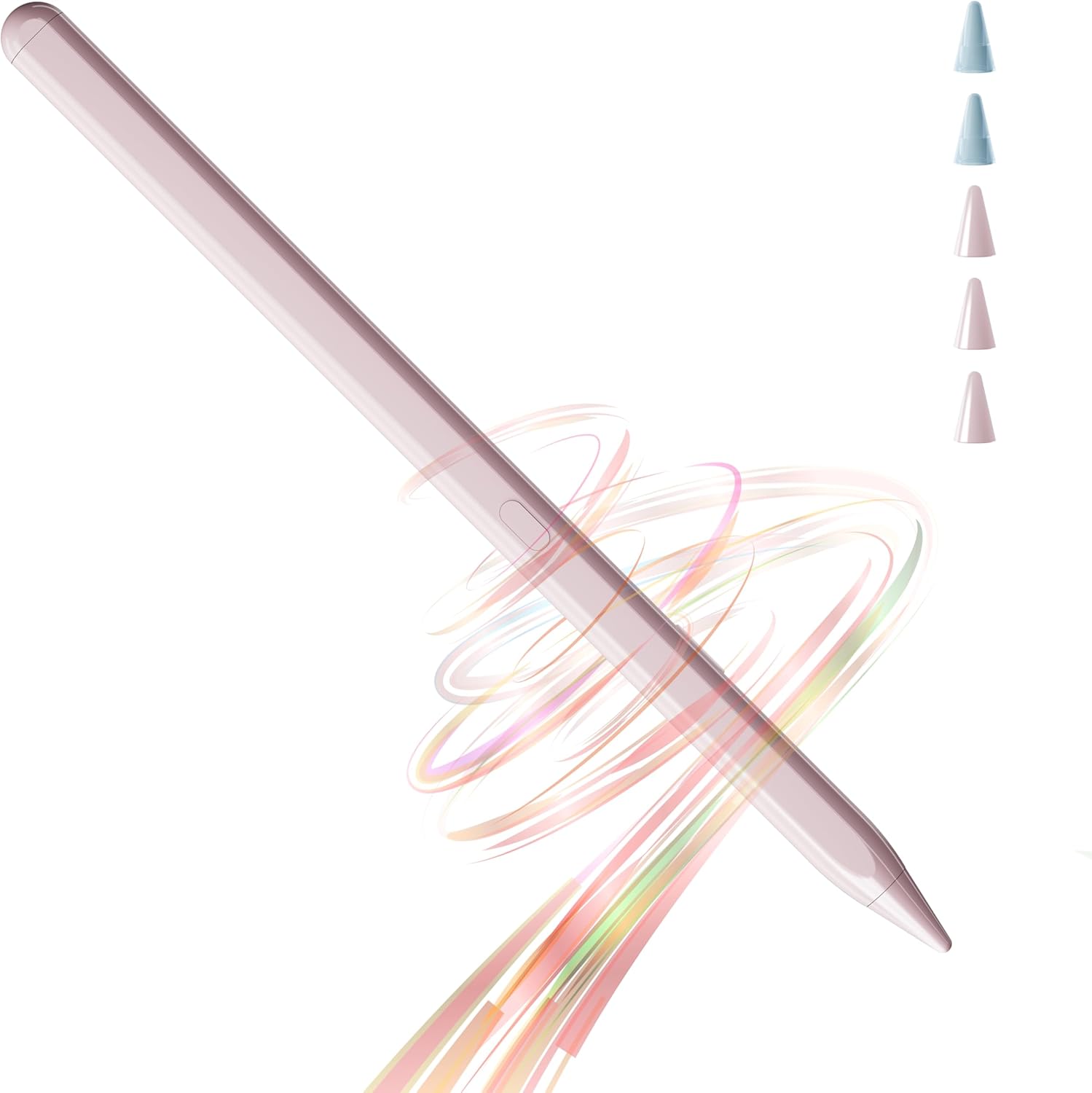
Figure 1: YEBOS Stylus Pen T2S
2. Шайкештик
The YEBOS Stylus Pen T2S is exclusively compatible with Apple iPad models released between 2018 and 2025. Please verify your iPad model before use to ensure full functionality.
- iPad 6th, 7th, 8th, 9th, 10th, 11th Generation
- iPad Air 3rd, 4th, 5th, 6th Generation
- iPad Pro 11 дюймдук 1, 2, 3, 4-муун
- iPad Pro 12.9 дюймдук 3, 4, 5, 6-муун
- iPad Mini 5-6-муун
Эскертүү: The iPad 10th Gen does not support magnetic adsorption. This stylus is not compatible with any iPhone models or iPad models not listed above (e.g., iPad 1st/2nd/3rd/4th/5th Gen, iPad Pro 9.7"/10.5", iPad Mini 1/2/3/4).

Figure 2: Compatible iPad Models (2018-2025)
To check your iPad model, navigate to Орнотуулар > Жалпы > Жөнүндө түзмөгүңүздө.

Figure 3: Locating Your iPad Model
3. Орнотуу жана заряддоо
3.1 Пакеттин мазмуну
Кутучаны ачканда, бардык буюмдардын бар экенин текшериңиз:
- YEBOS Stylus Pen T2S
- 3 Smooth Tips
- 2 Durable Tips
- USB-C заряддоо кабели
- Продукт Колдонмолору

Сүрөт 4: Таңгактоо тизмеси
3.2 Алгачкы заряддоо
Before first use, fully charge the stylus pen. The YEBOS T2S features ultra-fast charging via its Type-C port.
- Connect the provided USB-C charging cable to the stylus.
- Кабелдин экинчи учун туура келген USB кубат адаптерине сайыңыз (кошумча эмес).
- Толук кубаттоо болжол менен 45 мүнөт талап кылынат.
- The stylus can be used for 15-18 hours on a full charge.

5-сүрөт: USB-C заряддоо порту
3.3 Күйгүзүү/өчүрүү
The YEBOS T2S is designed for immediate use without complex pairing. Simply turn it on and begin writing.
- To power on: Press the power button located on the stylus.
- Өчүрүү үчүн: Индикатор жарыгы өчкөнгө чейин кубат баскычын басып, кармап туруңуз.

Figure 6: Instant Use - No Pairing Needed
4. Иштөө нускамалары
4.1 Негизги колдонуу
The YEBOS T2S provides a smooth and precise writing experience, ideal for various tasks on your iPad.
- Жазуу жана тартуу: Use the stylus directly on your iPad screen for note-taking, sketching, and detailed artwork.
- Навигация: Navigate your iPad's interface with ease, tap on apps, scroll, and select items.
Video 1: Demonstration of YEBOS Stylus Pen features including smooth writing, zero lag, tilt sensitivity, and palm rejection.
4.2 Негизги өзгөчөлүктөрү
- Алаканды четке кагуу: Rest your palm comfortably on the iPad screen while writing or drawing without interfering with the stylus input. This mimics the natural feel of writing on paper.
- Ийилүү сезгичтиги: Adjust the thickness of your lines by tilting the stylus. This feature allows for varied strokes, enhancing your drawing and writing capabilities. Эскертүү: Бул стилус басым сезгичтигин колдобойт.
- Магниттик адсорбция: The stylus can magnetically attach to compatible iPad models (iPad Pro 12.9"/11" (excluding iPad Pro M4), iPad Air 5/4 (excluding iPad Air M2), iPad Mini 6) for convenient storage and portability.
- Yebos Note App: Enhance your experience with the Noteyebos app, developed by Yebos. It's a free note-taking and painting application available on the Apple App Store.

Figure 7: Palm Rejection in Use

Figure 8: Tilt Sensitivity
Figure 9: Magnetic Adsorption
5. Техникалык тейлөө
5.1 Replacing Stylus Tips
The YEBOS T2S comes with five replacement tips (3 smooth, 2 durable) to ensure long-lasting use.
- Эски учту алып салуу үчүн акырын саат жебесине каршы буруңуз.
- Select a new tip (smooth or durable) and align it with the stylus.
- Жаңы уч бекем бекитилгенге чейин саат жебеси боюнча бураңыз. Өтө катуу тартпаңыз.
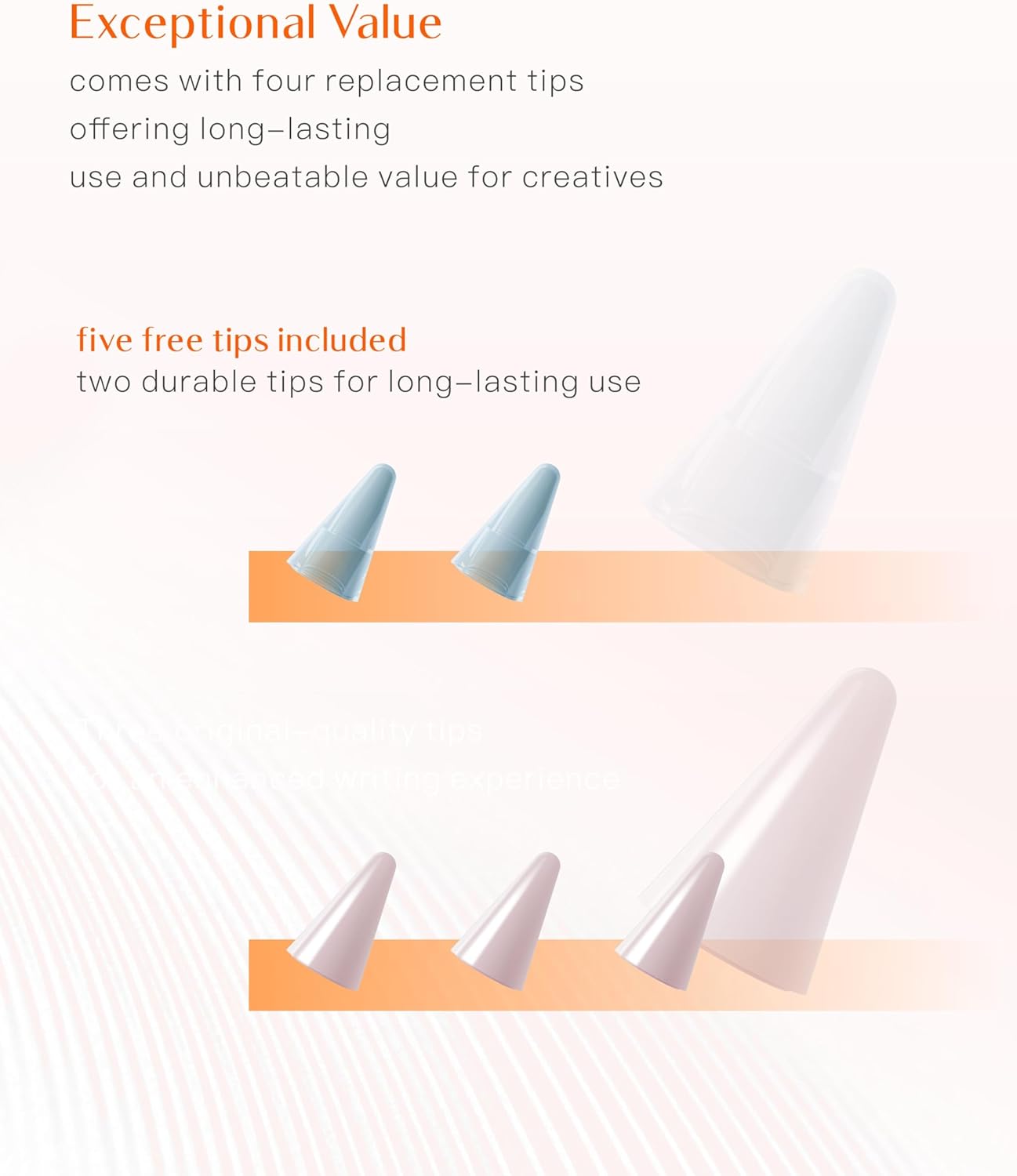
Figure 10: Stylus Tips
5.2 Тазалоо жана сактоо
- Wipe the stylus body with a soft, dry, lint-free cloth. Avoid using abrasive cleaners or solvents.
- Стилусту салкын, кургак жерде, түз күндүн нурунан жана экстремалдык температурадан алыс сактаңыз.
- When not in use, attach the stylus magnetically to your compatible iPad or store it in a protective case to prevent damage.
6. Кыйынчылыктарды
| Көйгөй | Мүмкүн себеп | Чечим |
|---|---|---|
| Стилус жооп бербей жатат. | Low battery; Stylus is off; Incompatible iPad model. | Charge the stylus; Press the power button to turn on; Verify iPad compatibility (refer to Section 2). |
| Lag or inaccurate input. | Stylus tip worn out; Screen protector interference; iPad software issue. | Replace the stylus tip; Ensure screen protector is stylus-friendly; Restart your iPad. |
| Palm баш тартуу иштебейт. | iPad settings; Incompatible app. | Ensure "Only Draw with Apple Pencil" (or similar) is enabled in iPad settings if applicable; Use apps that support palm rejection. |
| Stylus not magnetically attaching. | Incompatible iPad model. | Magnetic adsorption is only supported on specific iPad models (refer to Section 4.2). |
7. Продукттун спецификациялары
- Модел: T2S
- Бренд: YEBOS
- Түсү: 20 Hours Pink (for this variant)
- Материал: Алюминий
- Продукциянын өлчөмдөрү: 0.39 x 0.39 x 6.61 дюйм
- Элемент Салмагы: 0.494 унция (14 грамм)
- Батарея түрү: 1 Литий Полимердик батарейка (кошулган)
- Battery Life (Average Standby): 20 саат
- Заряддоо убактысы: Approximately 45 minutes for full charge
- Шайкеш түзмөктөр: Tablet (specifically Apple iPad models 2018-2025)
- Өзгөчөлүктөрү: Tilt Sensitivity, Palm Rejection, Magnetic Adsorption (on compatible models), No Pairing Required
- ASIN: B0D8DQYF68
- Биринчи жеткиликтүү болгон күнү: 6-июнь, 2023-жыл
8. Кепилдик жана колдоо
YEBOS is committed to providing high-quality products and dedicated customer support.
- Кепилдик: While specific warranty terms may vary by region or retailer, YEBOS products are generally backed by a quality assurance commitment. Some reviews indicate a 2-year warranty. Please retain your purchase receipt for warranty claims.
- Кардарларды тейлөө: For any questions, technical assistance, or support needs, please contact YEBOS Official customer service.
- Онлайн ресурстар: Visit the official YEBOS store on Amazon for additional product information and updates: YEBOS Official Store.


