1. Киришүү
The ANCEL Echo OBD2 Scanner Bluetooth is a vehicle diagnostic tool designed for use with iOS and Android devices. It provides comprehensive system scanning, fault code reading and clearing, live data display, and various maintenance functions to help users understand and maintain their vehicles.
2. Орнотуу
2.1. Кутуда эмне бар
- Ancel Echo*1
- Сактоочу баштык*1
- Колдонуучунун колдонмосу*1
- Пакет кутусу*1
2.2. Колдонмону орнотуу
To use the ANCEL Echo scanner, download the official ANCEL Echo app from your device's app store. The app is compatible with both iOS and Android operating systems.
For direct download, visit: https://static.mythinkcar.com/dowm/dnd_ancel.html

Сүрөттүн сүрөттөлүшү: A smartphone screen displaying the ANCEL Echo app download page. It features "Download on the App Store" and "GET IT ON Google Play" buttons with corresponding QR codes for easy installation on iOS and Android devices.
2.3. Connecting to Your Vehicle
Locate your vehicle's OBD2 port, typically found under the dashboard on the driver's side. Plug the ANCEL Echo scanner firmly into the OBD2 port. Once connected, the device will power on. Open the ANCEL Echo app on your smartphone or tablet and follow the on-screen prompts to establish a Bluetooth connection with the scanner.
Сүрөттүн сүрөттөлүшү: The compact ANCEL Echo OBD2 scanner is shown plugged into the vehicle's OBD2 port, located beneath the dashboard near the driver's footwell. A blue indicator light on the scanner is visible, indicating it is powered on and ready for connection.
3. Операция
3.1. Full System Scan and Bidirectional Control
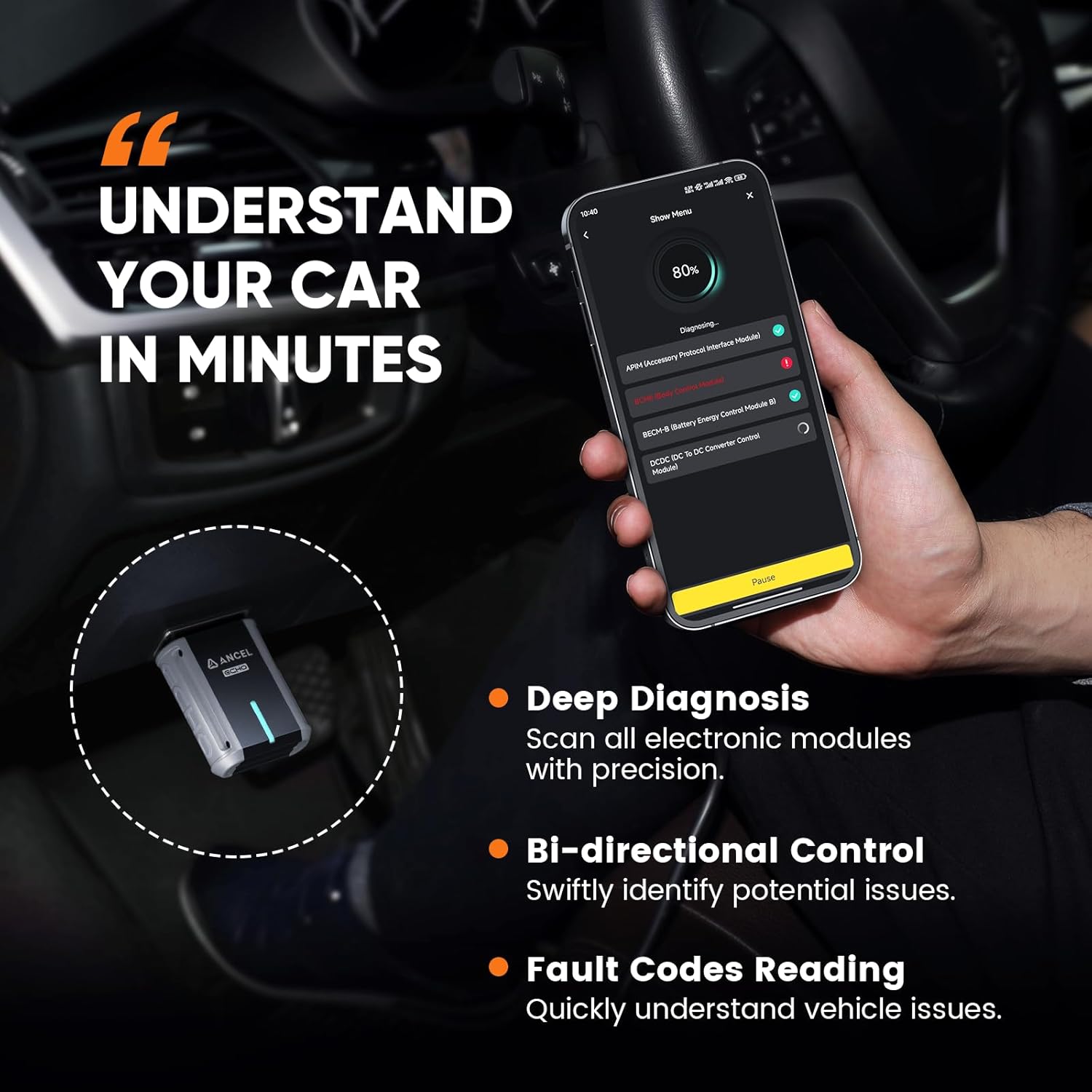
The ANCEL Echo allows for a full-system scan of your vehicle, covering modules such as Engine, ABS, Airbag, Transmission, TPMS, BCM, and A/C. It provides instant feedback on fault codes across all modules. Additionally, it supports bidirectional testing, enabling you to check the status of subsystems and components, verify root causes of issues, and detect potential problems early.

Сүрөттүн сүрөттөлүшү: A smartphone displaying the ANCEL Echo app interface during a diagnostic scan. The screen shows a progress bar for "System Diagnosing..." and lists various electronic modules like "Engine Control Module," "Hybrid Control," and "Anti-lock Braking System," indicating whether trouble codes are detected or if scanning is in progress. Key features like Deep Diagnosis, Bi-directional Control, and Fault Codes Reading are highlighted.
3.2. Fault Code Reading and Clearing (DTC Solutions)
Each fault code identified by the scanner comes with a clear definition, a probable cause, and suggested repair actions. This feature assists users in understanding vehicle issues without requiring extensive automotive expertise. The app guides you through the process of clearing fault codes after repairs are made.

Сүрөттүн сүрөттөлүшү: Three smartphone screens showcasing the ANCEL Echo app's diagnostic capabilities. One screen displays detailed fault information, including description, reason, and repair suggestions. Another shows real-time live data parameters plotted on a graph. The third screen presents a comprehensive diagnostic report with vehicle VIN and data stream details.
3.3. Real-time Data Display
The ANCEL Echo provides real-time data access across all supported vehicle systems. This includes parameters such as transmission fluid temperature, gear status, input/output RPM, brake system fluid pressure, and battery voltage. Multiple parameters can be combined into intuitive graphs for monitoring and analysis of abnormal data.
3.4. Emission Status Check (SMOG Test)
The tool is compatible with all OBD2 vehicles for pre-checking emission status. A one-click SMOG test function within the app helps determine if your vehicle will pass state SMOG checks in advance. It includes complete OBDII functions like reading and clearing OBD2 codes, freeze frame data, live data, EVAP test, and O2 sensor test.
Сүрөттүн сүрөттөлүшү: A smartphone screen displaying the ANCEL Echo app's "Smog test" interface. It shows the number of fault codes detected and the "Mil Status." Below, a list of emission monitors indicates their readiness status (Ready or Not Ready), helping users assess if their vehicle will pass an annual inspection.
3.5. AutoVIN сканерлөө
Simply connect the ANCEL Echo to your vehicle, and it will automatically identify your vehicle's VIN, retrieving its make, model, and year. This feature streamlines the diagnostic process by eliminating the need for manual input.
4. Тейлөө функциялары
The ANCEL Echo provides several special services to assist with routine car maintenance, allowing users to perform tasks from home.
- Май чырагын баштапкы абалга келтирүү: Easily reset your oil change reminder with simple, guided steps within the app.
- Батареяны каттоо: Quickly register new batteries to ensure optimal performance and longevity.
- Тормоз колодкасын баштапкы абалга келтирүү: Recalibrate your brake system for optimal operation after replacing brake pads.
Note: These services may not be available for all vehicles. Refer to the app for specific vehicle compatibility.

Сүрөттүн сүрөттөлүшү: A smartphone screen displaying the ANCEL Echo app's "Car Care in Your Pocket" section. It highlights three key maintenance functions: Oil Reset, Battery Registration, and Brake Reset, each with a brief description of its purpose.
5. Кыйынчылыктарды
5.1. Байланыш маселелери
- Ensure the ANCEL Echo is firmly plugged into the OBD2 port.
- Verify your device's Bluetooth is enabled and the app has Bluetooth permissions.
- Restart the app and attempt to reconnect.
- Ensure the vehicle's ignition is ON (engine can be off for some functions).
5.2. Колдонмонун иштеши
- If the app crashes or misreads VIN, ensure the app is updated to the latest version.
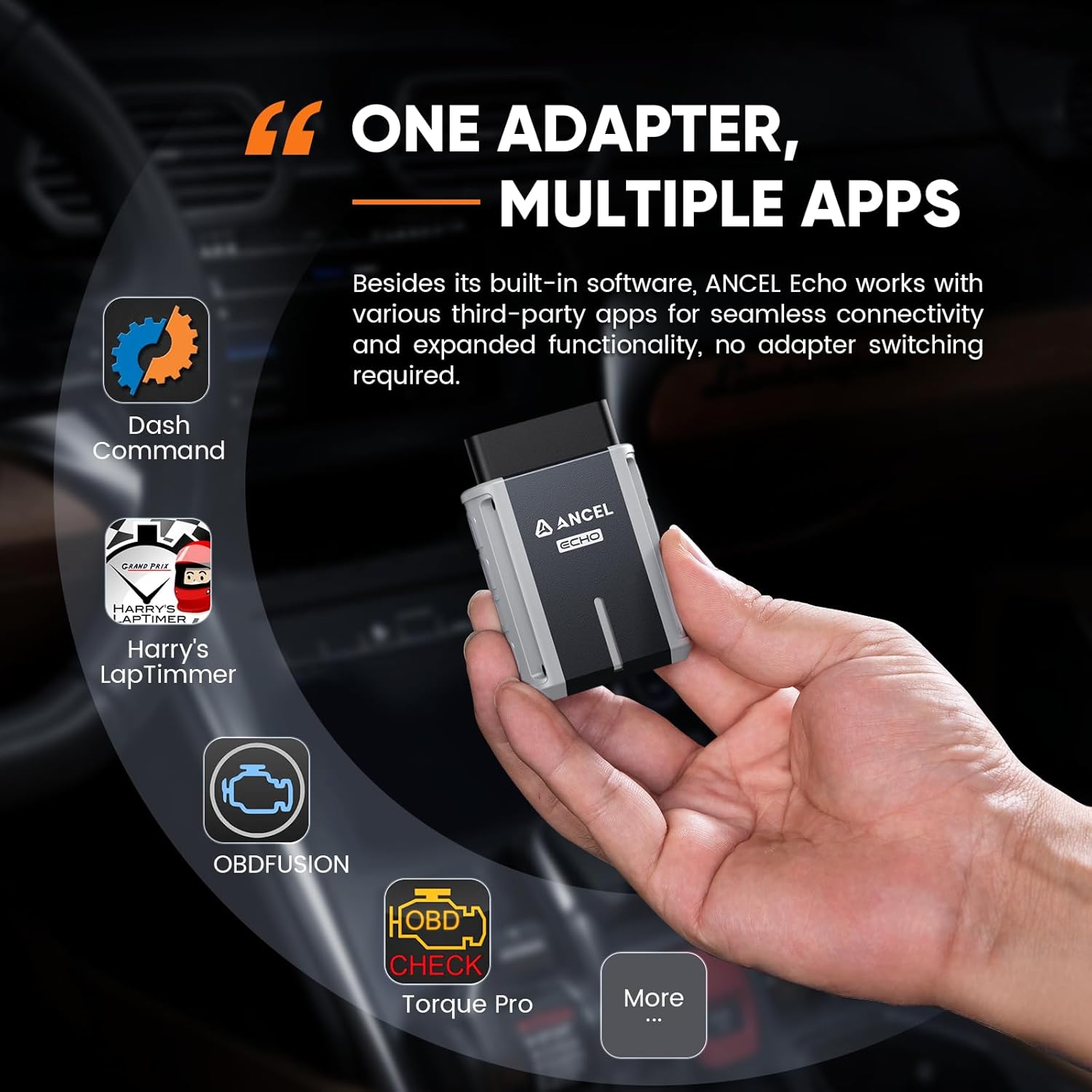
- For older vehicle models, the app's full functionality may be limited. Consider using third-party ELM327 compatible apps for broader vehicle coverage if the ANCEL Echo app does not fully support your specific older model.
- If clearing DTCs fails, try performing the action with the ignition ON but the engine turned OFF.
6. Техникалык шарттар
| Өзгөчөлүк | Деталь |
|---|---|
| Бренд | ANCEL |
| Модел | Bluetooth OBDII Scanner |
| Элемент моделинин номери | Ancel Echo |
| Power Source | Vehicle Powered |
| Операция системасы | iOS жана Android |
| Элемент Салмагы | 5 унция |
| Пакеттин өлчөмдөрү | 4.02 x 3.19 x 1.65 дюйм |
7. Кепилдик жана колдоо
The ANCEL Echo OBD2 Scanner Bluetooth comes with lifetime free updates, ensuring continued functionality and compatibility. There are no subscription fees or in-app purchases required for advanced features.
For technical support, troubleshooting assistance, or warranty inquiries, please contact ANCEL customer service through their official website or the support channels provided within the ANCEL Echo application.


