1. Киришүү
Thank you for choosing Minetom C9 Smart LED Christmas Lights. This manual provides detailed instructions to help you set up, operate, and maintain your new smart lighting system. These 99-foot string lights feature 150 RGB C9 LED bulbs, offering versatile control via a mobile application or remote, music synchronization, and scheduling capabilities for both indoor and outdoor use.
2. Коопсуздук маалыматы
Орнотуудан жана колдонуудан мурун бардык коопсуздук көрсөтмөлөрүн окуп чыгып, түшүнүп алыңыз. Бул көрсөтмөлөрдү аткарбоо электр тогуна урунууга, өрткө же олуттуу жаракат алууга алып келиши мүмкүн.
- Ensure the power adapter and transformer are protected from water during outdoor use. The lights are IP44 waterproof, but the power components require protection.
- Do not connect more than 300 bulbs in total to a single power source.
- Орнотуудан, алып салуудан же техникалык тейлөөдөн мурун чырактарды ар дайым кубат булагынан сууруп коюңуз.
- Do not attempt to repair or modify the lights. Contact customer support for assistance.
- Балдардан жана үй жаныбарларынан алыс кармаңыз.
- Электрдик коркунучтарды алдын алуу үчүн бардык туташуулардын коопсуз экенин текшериңиз.
3. Пакеттин мазмуну
Пакетиңизде бардык буюмдар бар экенин текшериңиз:
- Minetom C9 Smart LED String Lights (99 Ft, 150 LED bulbs)
- Power Adapter (24V low-voltage)
- Алыстан башкаруу
- Колдонуучунун Колдонмосу (бул документ)
4. Орнотуу нускамалары
4.1 Физикалык орнотуу
Carefully uncoil the string lights. The lights are connectable, allowing you to extend the length up to 300 bulbs. Ensure connections are tight and sealed, especially for outdoor use.

Image: Minetom C9 LED Christmas Lights installed on a house, showcasing various colors and patterns. The image also shows the remote control and a smartphone displaying the "Hello Fairy" app interface.
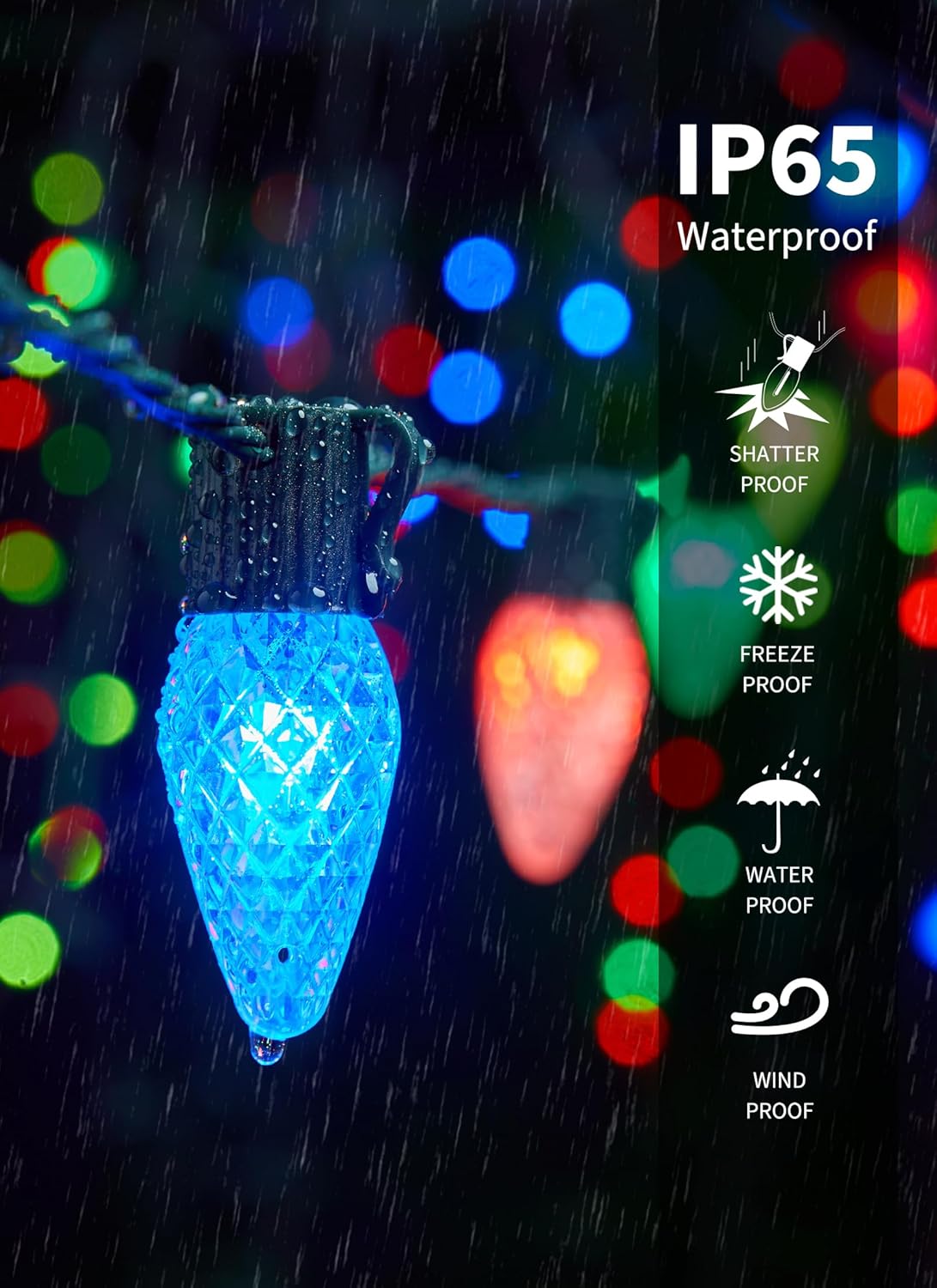
Image: Close-up of a blue Minetom C9 LED bulb with water droplets, illustrating its IP44 waterproof rating and shatterproof design. Text overlays indicate "IP44 Waterproof", "Shatter Proof", "Freeze Proof", "Water Proof", and "Wind Proof".
Video: This video demonstrates the features of the Minetom C9 Smart LED Christmas Lights, including app control, remote control, music sync, and various preset scenes. It shows the lights installed on a house, changing colors and patterns.
4.2 Колдонмону орнотуу жана туташуу
- Download the "Hello Fairy" app from your smartphone's app store (iOS or Android).
- Plug in the Minetom C9 LED Christmas Lights.
- Open the "Hello Fairy" app and follow the on-screen instructions to connect to your lights via Bluetooth.
- Once connected, you can control the lights directly from the app.

Image: A smartphone screen displaying the "Hello Fairy" app interface, showing a color wheel for selecting from 16 million colors and various color options. This illustrates the app's color customization feature.
5. Иштөө нускамалары
5.1 Колдонмону башкаруу функциялары
The "Hello Fairy" app provides extensive control over your Minetom C9 LED Christmas Lights:
- Түс тандоо: Choose from 16 million colors and 16 single colors using the color wheel or predefined options.
- Алдын ала коюлган көрүнүштөр: Access 58 preset modes for various occasions like Christmas, Halloween, or general decorative lighting.
- DIY режими: Create and save your own custom lighting patterns and color sequences.
- Музыка синхрондоштуруу: Utilize the built-in high-sensitivity microphone to synchronize lights with music. Choose from 4 music modes: Energy, Rhythm, Roll, and Spectrum.
- График жана таймер: Set automated schedules for turning lights on/off, changing modes, and adjusting brightness at specific times and days. A countdown feature is also available.
- Топтук көзөмөл: Group multiple sets of Minetom lights to control them simultaneously for large-scale displays.
- Жарыктыкты жөндөө: Adjust the brightness from 1% to 100%.
- Эстутум функциясы: The lights will remember your last settings when powered off and on.

Image: A smartphone screen displaying the "Hello Fairy" app's scheduling interface, allowing users to customize daily schedules for the lights. The background shows a house decorated with Christmas lights.

Image: An outdoor patio scene at night, illuminated by colorful Minetom C9 LED Christmas Lights. A sound wave graphic indicates the music sync feature, where lights change in rhythm with music.
5.2 Алыстан башкаруунун иштеши
Кошулган алыстан башкаруу пульту негизги функцияларга тез жетүүнү камсыз кылат:
- Күйгүзүү/өчүрүү: Жарыктарды күйгүзүңүз же өчүрүңүз.
- Түс тандоо: Select individual colors (Red, Green, Blue, White, etc.) or multi-color options.
- Режим тандоо: Ар кандай жарык режимдери жана эффекттери аркылуу айланыңыз.
- Жарыктык/ылдамдык: Adjust the brightness level and the speed of dynamic modes.
- Таймер: Set basic timer functions (e.g., 1H, 2H, 4H, 8H).
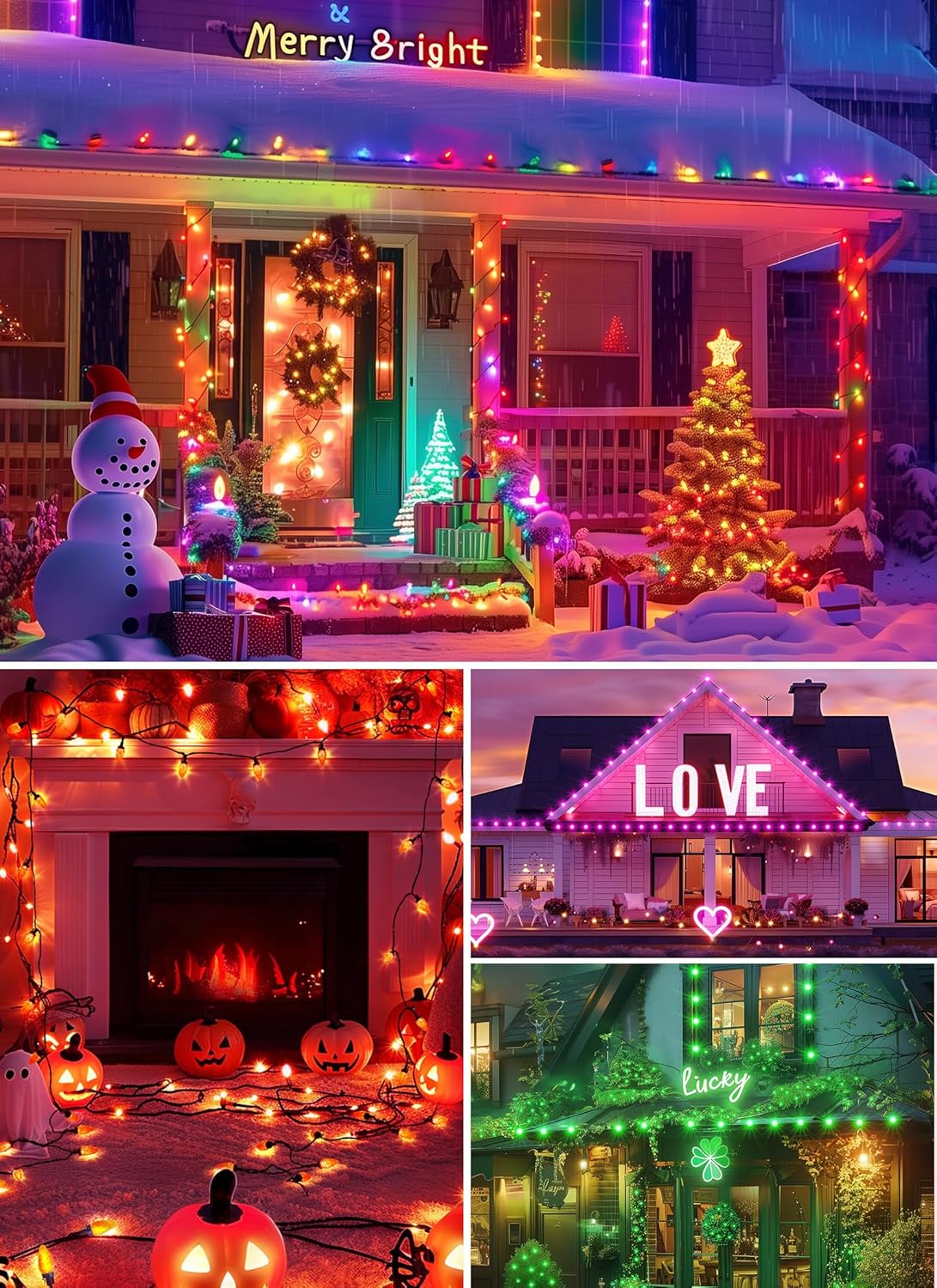
Image: A close-up of the "Hello Fairy" remote control, showing various buttons for power, color selection (R, G, B, W, and mixed colors), mode selection (Mode 1-8, Auto), and timer functions (1H, 2H, 4H, 8H).
6. Техникалык тейлөө
- Тазалоо: Wipe the bulbs and wires with a soft, dry cloth. Do not use harsh chemicals or abrasive cleaners.
- Сактагыч: When not in use, store the lights in a cool, dry place, away from direct sunlight. Coil the string neatly to prevent tangling.
- Сууну коргоо: While the lights are IP44 waterproof, ensure the power adapter and controller are protected from direct exposure to heavy rain or snow.
7. Кыйынчылыктарды
| Көйгөй | Мүмкүн себеп | Чечим |
|---|---|---|
| Жарыктар күйбөйт. | Электр кубаты жок, туташуу бош, адаптер бузулган. | Check power outlet. Ensure all connections are secure. Test with another power source if possible. |
| Колдонмо жарыктарга туташа албайт. | Bluetooth off, lights out of range, app glitch. | Ensure Bluetooth is enabled on your device. Move closer to the lights. Restart the app or your phone. Re-pair the device in the app. |
| Пульт иштебей жатат. | Dead battery, remote out of range, obstruction. | Replace remote battery. Ensure line of sight to the controller. Move closer to the lights. |
| Жарыктар жымыңдап же бир калыпта эмес күйүп жатат. | Loose connection, power fluctuation, damaged wire. | Check all connections. Ensure power source is stable. Inspect wires for damage. |
8. Техникалык шарттар
- Модел: BMSL19
- Узундугу: 99 Фут
- Жарыктардын саны: 150 LED лампалар
- Лампочканын түрү: C9, Diamond Faceted
- Ачык түс: RGBW (16 миллион түс)
- Башкаруу ыкмасы: App Control ("Hello Fairy" app), Remote Control
- Музыка синхрондоштуруу: Ооба (4 режим)
- Туташтырылуучу: Yes, up to 300 bulbs
- Тtage: 24V (low-voltagэ адаптер)
- Суу өткөрбөйт рейтинги: IP44
- Сертификаттар: UL588, FCC
- Материал: Пластик
- Элемент Салмагы: 5.19 фунт
- Өндүрүүчү: Minetom
9. Кепилдик жана колдоо
Minetom products are designed for quality and reliability. For warranty information, technical support, or any questions regarding your C9 Smart LED Christmas Lights, please refer to the contact information provided on the product packaging or visit the official Minetom webсайт. Кепилдик дооматтары үчүн сатып алганыңыздын далилин сактап коюңуз.
