Introduction
Thank you for choosing the Ugoos SK1 8K Ultra HD TV Box. This device is designed to provide a superior home entertainment experience with its advanced hardware and software capabilities. Running on Android 11.0, the SK1 supports stunning 8K resolution, high-efficiency video codecs like AV1, and next-generation wireless connectivity with WiFi6. This manual will guide you through the setup, operation, and maintenance of your new TV box.

Figure 1: Ugoos SK1 TV Box and included remote control.
Кутуда эмне бар
Сураныч, пакеттин мазмунун текшерип, бардык буюмдар бар экенин текшериңиз:
- 1 x Ugoos SK1 Box
- 1 x Алыстан башкаруу
- 1 х HD Cable
- 1 x Power Adapter (12V/2A, US Plug)
- 1 x Англис колдонуучу колдонмо

Figure 2: All components included in the Ugoos SK1 package.
Жайгашуу
Follow these steps to set up your Ugoos SK1 TV Box:
- Сыналгыга туташуу: Connect one end of the provided HD Cable (HDMI) to the HDMI OUT port on the Ugoos SK1 Box and the other end to an HDMI input port on your TV or display.
- Туташуу кубаты: Plug the DC power adapter into the 'DC IN' port on the TV Box, then plug the adapter into a power outlet. The device will automatically boot up.
- Тармакка туташуу (милдеттүү эмес): For a wired connection, connect an Ethernet cable from your router to the 'NET' (RJ45) port on the TV Box. For wireless, the device supports WiFi6 (2.4G+5G+6G) and can be configured in the settings.
- Перифериялык түзүлүштөрдү туташтыруу: You can connect USB devices (e.g., external hard drives, keyboards, mice) to the USB 3.0 or USB 2.0 ports.
- Аудио чыгаруу (милдеттүү эмес): For optical audio, connect a SPDIF cable to the 'OPTICAL' port. For analog audio, use the 'AUDIO' port.
Figure 3: Rear panel interfaces of the Ugoos SK1 TV Box.
Иштөө нускамалары
The Ugoos SK1 runs on Android 11.0, offering a user-friendly interface. Use the included remote control (UR02) to navigate the menus and select applications.
Remote Control (UR02)
The UR02 remote features voice control and gyroscope functionality for intuitive navigation. Ensure batteries are inserted correctly. Refer to the remote's specific instructions for learning functions.
Негизги өзгөчөлүктөрү
- Android 11.0: Enjoy the latest Android OS with enhanced privacy features and improved performance.
- 8K Ultra HD: Experience stunning visuals with support for 8Kx4K resolution at 60 frames per second.
- AV1 Codec Support: Efficiently stream high-quality video with AV1 coding format support.
- WiFi6 байланышы: Benefit from faster and more stable wireless connections with dual-band (2.4G+5G+6G) WiFi6 and MIMO technology.
- Bluetooth 5.2: Connect wireless peripherals like headphones or game controllers with improved speed and efficiency.

Figure 4: Ugoos SK1 operating on Android 11.0.

Figure 5: The Ugoos SK1 supports 8K resolution for ultra-high-definition viewing.
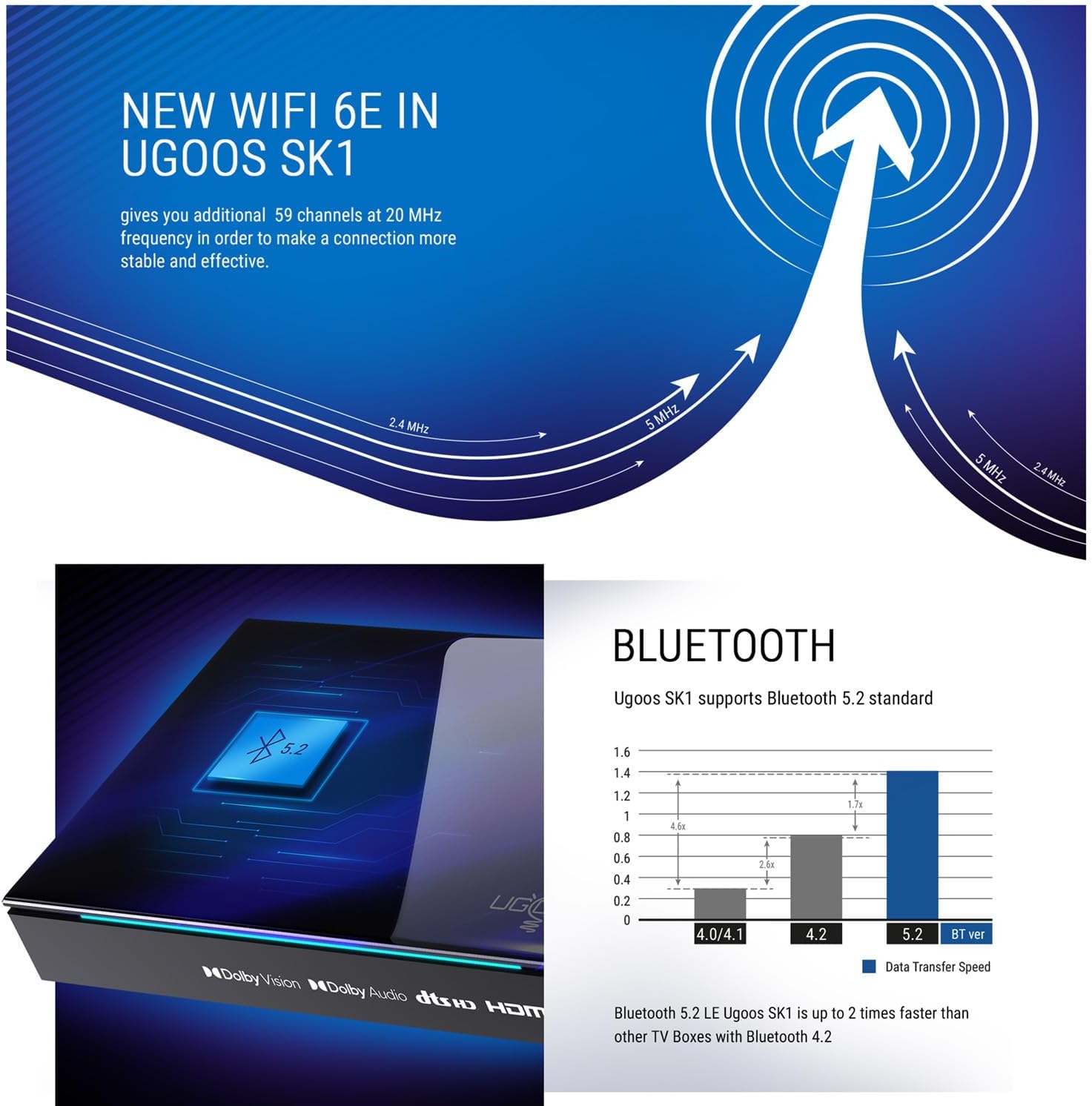
Figure 6: The SK1 supports the AV1 video coding format for efficient streaming.

Figure 7: Advanced WiFi 6E technology in Ugoos SK1 for stable connections.
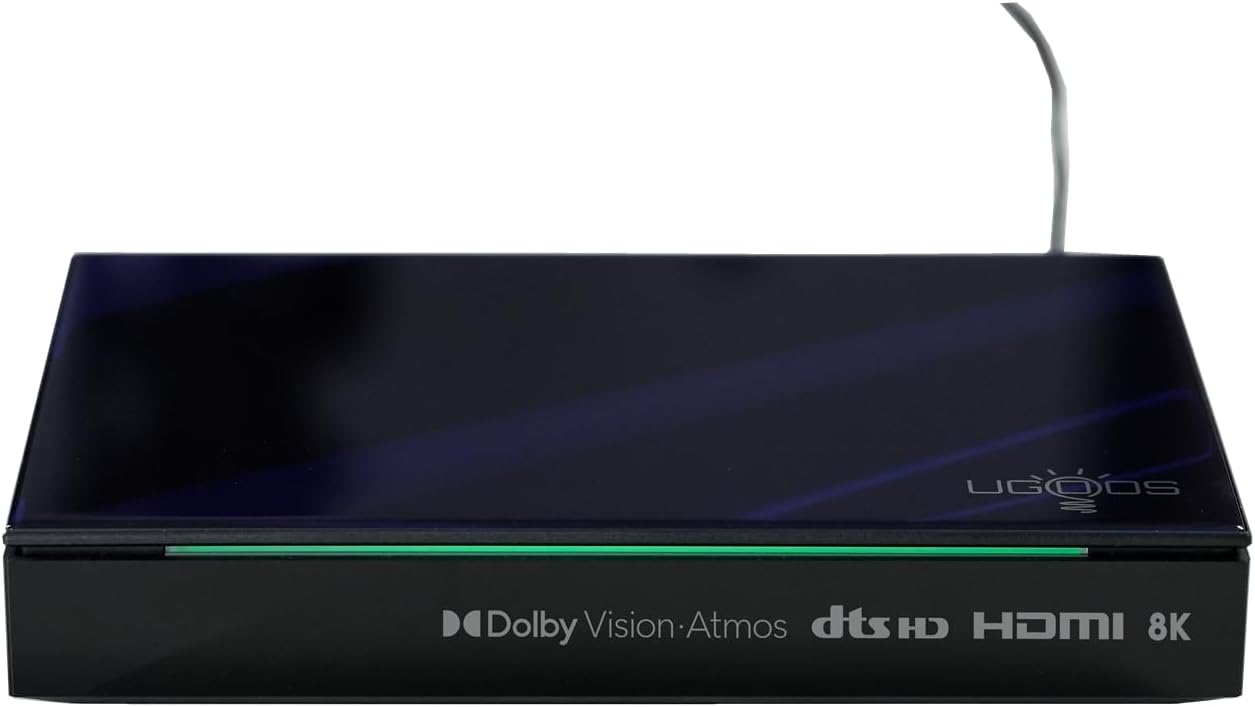
Figure 8: Bluetooth 5.2 support for faster data transfer and connectivity.
Видео 1: Бүттүview of Ugoos SK1 8K Ultra HD TV Box features and capabilities.
Video 2: Detailed look at the Ugoos SK1's connectivity options and performance.
Техникалык тейлөө
To ensure the longevity and optimal performance of your Ugoos SK1 TV Box:
- Тазалоо: Аппаратты тазалоо үчүн жумшак, кургак чүпүрөктү колдонуңуз. Суюк тазалагычтардан же абразивдүү материалдардан алыс болуңуз.
- Вентиляция: Ашыкча ысып кетпеши үчүн, түзмөк жакшы желдетилген жерге коюлганын текшериңиз. Желдетүү тешиктерин жаппаңыз.
- Программалык камсыздоо жаңыртуулары: The device supports Over-The-Air (OTA) updates. Regularly check for and install system updates to get the latest features and performance improvements.
- Сактагычты башкаруу: Кэшти мезгил-мезгили менен тазалап, керексиз fileоптималдуу аткарууну сактоо үчүн.
Проблемаларды чечүү
If you encounter issues with your Ugoos SK1, refer to the following common problems and solutions:
| Көйгөй | Мүмкүн себеп | Чечим |
|---|---|---|
| Күч жок | Кубат адаптери туташкан эмес же туура эмес розетка. | Электр кубатына туташууларды текшериңиз. Башка розетканы колдонуп көрүңүз. |
| Телевизордо сигнал жок | Сыналгыда туура эмес HDMI киргизүүсү тандалды; HDMI кабели бузук. | Ensure TV is on correct HDMI input. Try a different HDMI cable. |
| Wi-Fi туташуу маселелери | Туура эмес сырсөз; роутер өтө алыс; кийлигишүү. | Re-enter Wi-Fi password. Move device closer to router. Check for interference. |
| Алыстан башкаруу жооп бербейт | аз батарейкалар; алыстан жупташтырылган эмес. | Replace batteries. Re-pair the remote control according to its instructions. |
Техникалык шарттар
Detailed technical specifications for the Ugoos SK1 TV Box:
| Өзгөчөлүк | Деталь |
|---|---|
| Операция системасы | Android 11.0 |
| CPU | Amlogic S928X-K (12nm 2.0G HZ, ARM Cortex-A76 & Quad core ARM Cortex-A55) |
| GPU | Мали G57 MC2 |
| RAM | LPDDR4 8 ГБ |
| Storage Capacity (Flash) | 128GB (EMMC) |
| WIFI | AP6276P (WIFI6) 2.4G+5G+6G (IEEE 802.11 a/b/g/n/ac/ax 2x2 MIMO) |
| Bluetooth | Bluetooth 5.2 with LE technology |
| Кеңейтилген сактагыч | TF Card, up to 32GB |
| Электр камсыздоо | DC Power adapter 12V/2.0A |
| Video колдоо | AV1, 8Kx4K @ 60fps, VP9, H.265 |
| HDR колдоо | Dolby Vision, HDR10, HDR10+, HLG |
| HD чыгаруу | HD 2.1a Type-A 8Kx4K max resolution |
| USB порттору | 1 USB 3.0 & 1 USB 2.0 |
| Оптикалык чыгаруу | 1*SPDIF |
| Network | 1*RJ45 1000M Ethernet |
| Аудио контейнер | MP3, AAC, WMA, RM, FLAC, Ogg Vorbis, Opus, SRS Truvolume, Dolby Audio, DTS |
| Өлчөмдөр | 17X11.5x3CM |
| Таза Салмак | 530г |

Figure 9: Internal specifications highlighting the processor and memory.
Кепилдик жана колдоо
The Ugoos SK1 TV Box comes with a standard manufacturer's warranty. For detailed warranty information, please refer to the warranty card included in your package or visit the official Ugoos website. For technical support, troubleshooting assistance, or further inquiries, please contact Ugoos customer service through their official support channels.


