1. Киришүү
Thank you for choosing the BoyKeep Ease Life K11 Indoor Security Camera. This manual provides detailed instructions for setting up, operating, and maintaining your camera to ensure optimal performance and security for your home. This camera is designed for indoor use, offering high-resolution video, two-way audio, and smart detection features.

Image: The BoyKeep Ease Life K11 Indoor Security Camera shown next to a smartphone displaying the live feed from the camera, demonstrating its remote monitoring capability.
2. Кутуда эмне бар
- BoyKeep Ease Life K11 Indoor Security Camera
- USB to USB-C Cable (approx. 6 feet)
- Instruction Manual
Эскертүү: A power adapter is жок included with this version of the camera. Please use a 5V/1A USB power adapter (not supplied) to power the device.
3. Продукциянын өзгөчөлүктөрү
- High-Resolution & Night Vision: Enjoy clear and vivid 1080P HD resolution. The camera features enhanced night vision for monitoring in low-light conditions.
- Motion Tracking & Alerts: The camera records alert videos and sends notifications to your phone upon detecting motion or sound. Customizable monitoring zones, schedules, and sensitivity settings help minimize false alarms. An integrated alarm feature can deter intruders.
- Эки тараптуу байланыш: Equipped with a built-in microphone and speaker, the camera enables seamless two-way audio communication, allowing you to hear and speak through the camera via the app.
- Көп түзмөк Viewing & Sharing: Add multiple cameras to the Ease Life App and view up to four real-time video feeds simultaneously. Share access with up to 10 family members for collective monitoring.
- Ийкемдүү жаздыруу параметрлери: Supports local storage via a Micro SD card (up to 128GB, not included) for 24/7 continuous or motion-triggered recording. Optional cloud storage plans are available for additional backup and security.
- Байланыш: Supports 2.4G Wi-Fi and Bluetooth for easy connection.

Image: A visual comparison demonstrating the superior clarity of 1080P resolution compared to 720P, illustrated with images of cats.
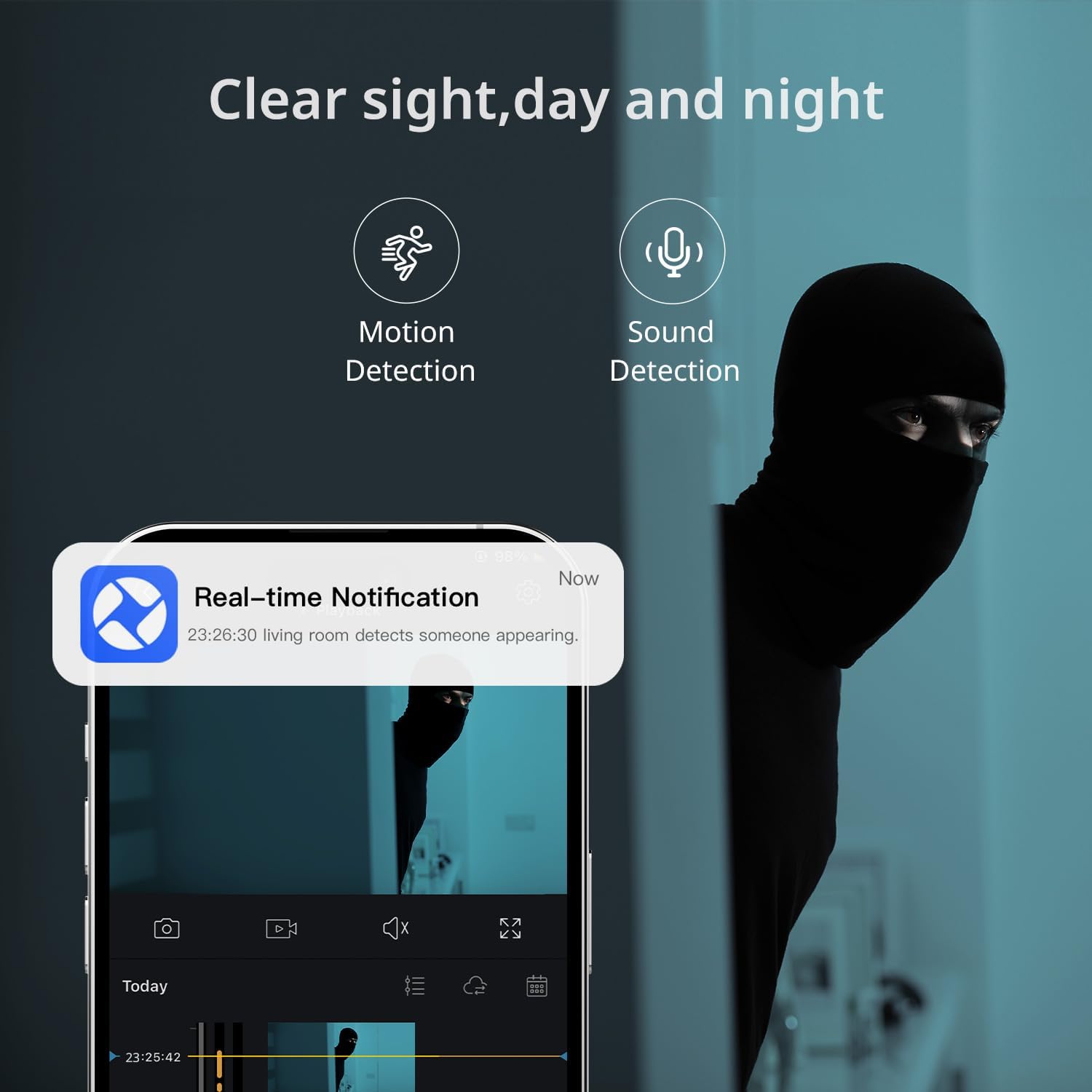
Image: A smartphone displaying a real-time notification for detected motion, illustrating the camera's alert capabilities.

Image: A visual representation of the two-way audio feature, showing a dog and a person communicating through the camera.
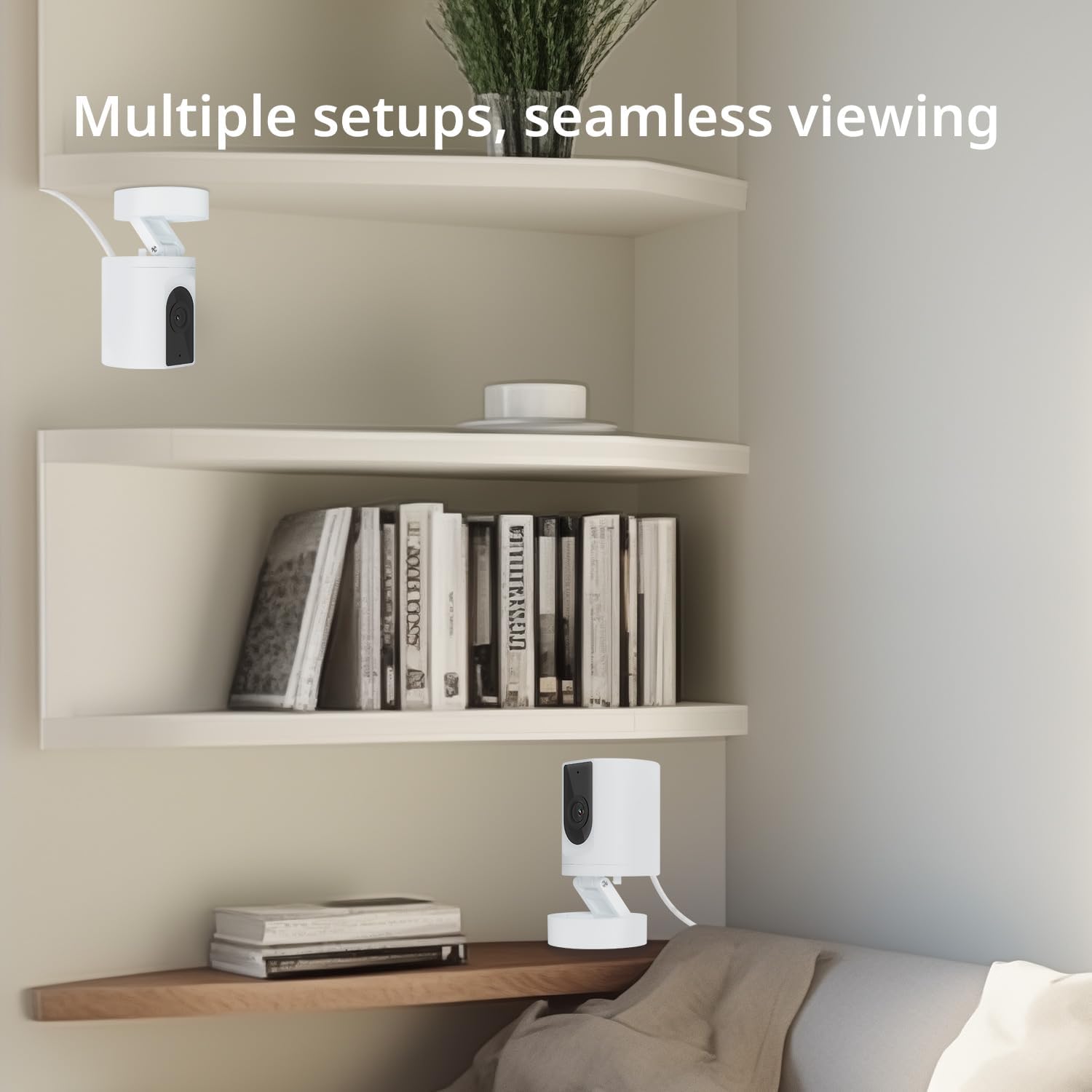
Image: Multiple camera setups in a home environment, showcasing the flexibility for seamless viewing from various angles.

Image: A smartphone screen showing a timeline of recorded video, with icons representing cloud storage and memory card options.

Image: The camera's connectivity features highlighted, showing support for 2.4G WiFi and Bluetooth, along with a 130-degree viewбурч.
4. Орнотуу колдонмосу
- Күйгүзүү: Connect the camera to a 5V/1A USB power adapter (not included) using the provided USB to USB-C cable. The camera will power on and indicate readiness for setup.
- Колдонмону жүктөп алыңыз: Издөө and download the "Ease Life" app from your smartphone's app store (available for Android and iOS).
- Катталуу/Кирүү: Open the Ease Life app and create a new account or log in if you already have one.
- Түзмөк кошуу: Tap the "+" icon in the app to add a new device. Select your camera model (K11) from the list.
- Wi-Fi'га туташуу: Follow the in-app instructions to connect the camera to your 2.4G Wi-Fi network. Ensure your phone is also connected to the same 2.4G Wi-Fi network during setup. The app may guide you to scan a QR code displayed on your phone with the camera lens.
- Жупташтыруу аяктады: Туташтырылгандан кийин, камера ийгиликтүү жупташууну көрсөтөт жана сиз түз эфирди баштасаңыз болот viewing.
5. Иштөө нускамалары
- Live View: Open the Ease Life app and select your camera to view жандуу тоют.
- Эки тараптуу аудио: Түз эфирде view screen, tap the microphone icon to speak through the camera. Tap the speaker icon to listen to audio from the camera's location.
- Motion/Sound Detection: Access camera settings in the app to enable or disable motion and sound detection. Adjust sensitivity levels and set specific monitoring zones or schedules as needed.
- Жаздыруу жана ойнотуу:
- Micro SD картасы: Insert a Micro SD card (not included) into the TF slot on the camera (refer to the bottom of the camera for the slot). The camera will automatically begin recording based on your settings (continuous or motion-triggered). To view recordings, access the playback feature in the app.
- Булуттагы сактагыч: If you opt for cloud storage, follow the in-app instructions to subscribe and activate the service. Recordings will be securely stored in the cloud.
- Бөлүшүү түзмөк: In the app, navigate to the camera settings and find the 'Share Device' option to invite family members to view камера берүү.
6. Техникалык тейлөө
- Тазалоо: Камеранын линзасын жана корпусун тазалоо үчүн жумшак, кургак чүпүрөктү колдонуңуз. Катуу химиялык заттарды же абразивдүү тазалагычтарды колдонуудан алыс болуңуз.
- Жайгашкан жери: Камераны туруктуу, кургак имараттын ичинде, түз күн нурунан, жылуулук булактарынан жана ашыкча нымдуулуктан алыс коюңуз.
- Программалык камсыздоонун жаңыртуулары: Regularly check the Ease Life app for available firmware updates to ensure your camera has the latest features and security enhancements.
7. Кыйынчылыктарды
| Көйгөй | Мүмкүн чечим |
|---|---|
| Камера Wi-Fi'га туташпай жатат. |
|
| Сүрөттүн сапаты начар. |
|
| Two-way audio has static or is unclear. |
|
| Camera is not recording. |
|
8. Техникалык шарттар
| Өзгөчөлүк | Деталь |
|---|---|
| Модель аты | K11 |
| Ички/тышкы колдонуу | Indoor |
| Видео тартуунун резолюциясы | 1080P HD |
| Байланыш технологиясы | Wireless (2.4G Wi-Fi, Bluetooth) |
| Power Source | Corded Electric (DC 5V/1A, adapter not included) |
| Шайкеш түзмөктөр | Tablet, Smartphone (Android) |
| Өзгөчөлүктөр | 2-Way Audio, Motion Detection, Night Vision, Cloud/SD Storage |
| Монтаж түрү | Wall Mount (with included base) |
| Түс | Ак |
| Продукциянын өлчөмдөрү | 4.72 x 2.8 x 2.8 дюйм |
| Элемент Салмагы | 3.84 унция |
9. Кепилдик маалыматы
BoyKeep products are covered by a limited warranty from the date of purchase. Please retain your proof of purchase for warranty claims. For specific warranty terms and conditions, refer to the warranty card included with your product or visit the official BoyKeep webсайт.
10. Кардарларды колдоо кызматы
If you encounter any issues or have questions regarding your BoyKeep Ease Life K11 Indoor Security Camera, please contact our customer support team:
- Электрондук почта: support@boykeep.com (example email, эгер бар болсо анык менен алмаштырыңыз)
- Webсайт: Visit the BoyKeep Store on Amazon
Our support team is available to assist you with technical issues, setup guidance, and general inquiries.


