Introduction
This manual provides essential information for the safe and efficient operation of your Mophie Powerstation Plus Ultra 10,000mAh Power Bank. Please read this manual thoroughly before using the device and retain it for future reference.

Image: The Mophie Powerstation Plus Ultra 10,000mAh Power Bank, showcasing its compact design with integrated cables and foldable wall prongs.
Продукт бүттүview жана өзгөчөлүктөрү
The Mophie Powerstation Plus Ultra is designed to provide portable power for your electronic devices. Key features include:
- Жогорку кубаттуулуктагы батарея: Equipped with a 10,000mAh battery, capable of providing up to two full phone charges.
- Тез кубаттоо: The 30W USB-C port delivers rapid charging, achieving up to a 50% charge in approximately 25 minutes for compatible devices.
- Интегралдык кабелдер: Features built-in USB-C and Lightning cables for convenient charging without needing external cables.
- Foldable Wall Prongs: Includes integrated foldable wall prongs for direct and easy recharging of the power bank from a wall outlet.
- Көп түзмөктү кубаттоо: Capable of charging up to three devices simultaneously using the USB-C port and the integrated cables.
- Өткөөл кубаттоо: Prioritizes charging your connected device first, then recharges the Powerstation battery.
- Туруктуу дизайн: Constructed with an aluminum frame and a soft-touch silicone exterior. The braided cables are tested for durability, withstanding up to 30,000 bends.

Image: The Mophie Powerstation Plus Ultra connected to and charging three different devices simultaneously, illustrating its multi-device charging capability.

Image: A diagram illustrating the power priority feature, where the connected device charges first, followed by the power bank. Also shows the 2-way charging capability and the LED charging indicator lights.
Жайгашуу
Power банктын алгачкы заряддоо
Before first use, it is recommended to fully charge your Mophie Powerstation Plus Ultra. This ensures optimal performance and battery longevity.
- Using Integrated Wall Prongs: Extend the foldable wall prongs located on the side of the power bank. Insert the prongs directly into a standard wall outlet. The LED indicator lights on the power bank will illuminate to show charging progress.
- USB-C кабелин колдонуу: Alternatively, connect a USB-C charging cable (not included, but the integrated USB-C cable can be used for input) to the USB-C port on the power bank and the other end to a compatible USB power adapter (not included).
The power bank is fully charged when all LED indicator lights are solid.

Image: The Mophie Powerstation Plus Ultra being recharged by plugging its integrated foldable wall prongs directly into a wall outlet.
Иштөө нускамалары
Түзмөктөрүңүздү заряддоо
The Powerstation Plus Ultra can charge various devices, including smartphones, tablets, and other USB-powered electronics.
- Using Integrated Lightning Cable: For Apple devices (iPhone, iPad, AirPods) with a Lightning port, pull out the integrated Lightning cable and connect it to your device's charging port.
- Using Integrated USB-C Cable: For devices with a USB-C port, pull out the integrated USB-C cable and connect it to your device's charging port.
- USB-C портун колдонуу: For additional devices or if the integrated cables are in use, connect your device's charging cable to the USB-C output port on the power bank.
Charging will begin automatically. The LED indicator lights on the power bank will show its remaining battery level. When charging multiple devices, the power bank intelligently distributes power, prioritizing the connected device before recharging its internal battery (pass-through charging).
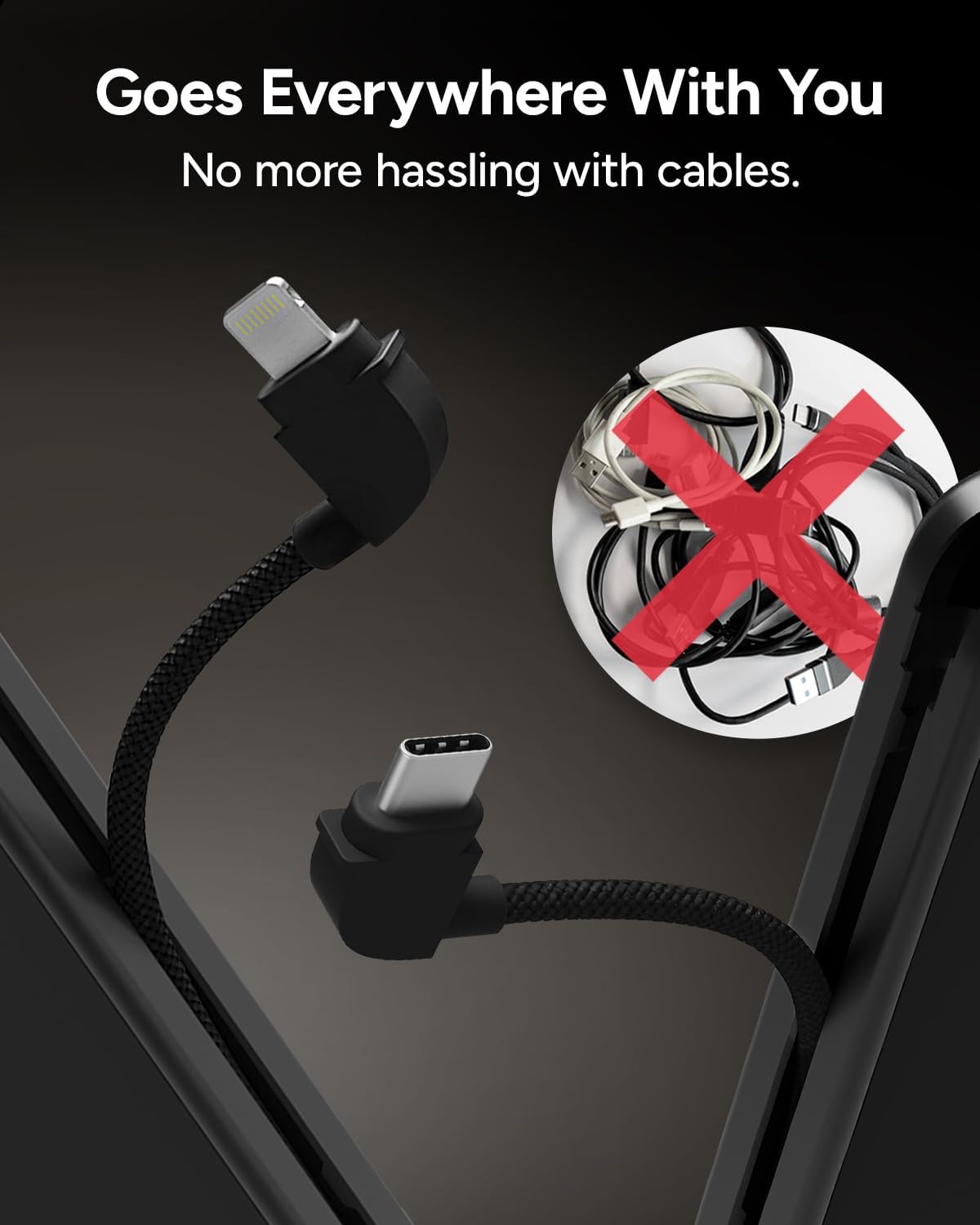
Image: The Mophie Powerstation Plus Ultra with its integrated Lightning and USB-C cables extended, emphasizing the convenience of not needing separate cables.
Техникалык тейлөө
Proper care and maintenance will extend the life of your Mophie Powerstation Plus Ultra.
- Тазалоо: Use a soft, dry, lint-free cloth to clean the surface of the power bank. Avoid using abrasive cleaners, solvents, or harsh chemicals.
- Сактагыч: Power банкты күн тийбеген жана экстремалдык температурадан алыс, салкын, кургак жерде сактаңыз.
- Тамчылардан жана таасирлерден качыңыз: While designed to be durable, avoid dropping the device or subjecting it to strong impacts, which can damage internal components.
- Температура: Do not expose the power bank to temperatures above 45°C (113°F) or below 0°C (32°F).
- Суу таасири: Keep the power bank away from water and moisture. It is not waterproof.
Проблемаларды чечүү
If you encounter issues with your Mophie Powerstation Plus Ultra, refer to the following common problems and solutions:
| Көйгөй | Мүмкүн себеп | Чечим |
|---|---|---|
| Power bank is not charging. |
|
|
| Device is not charging from the power bank. |
|
|
| Power bank becomes excessively hot during charging/discharging. |
|
|
| Батареянын иштөө мөөнөтү күтүлгөндөн кыскараак көрүнөт. |
|
|
Техникалык шарттар
| Өзгөчөлүк | Деталь |
|---|---|
| Модель номери | PSPLUS-2024-10KAC |
| Батарея сыйымдуулугу | 10,000 мАч |
| Батарея түрү | 1 Литий Полимер (кошулган) |
| Продукциянын өлчөмдөрү (L x W x Y) | 4.96 x 2.87 x 1.18 дюйм |
| Элемент Салмагы | 14.9 унция |
| Киргизүү/Чыгуу Voltage | 5 вольт |
| Өзгөчөлүктөр | Built-in USB-C and Lightning Cables, Foldable Wall Prongs |
| Өндүрүүчү | Мофи |

Image: A visual representation of the Mophie Powerstation Plus Ultra's technical specifications, including capacity, dimensions, weight, and cable output details.
Кепилдик жана колдоо
For warranty information and customer support, please contact Mophie directly. Details regarding product warranty and service can typically be found on the official Mophie webсайтында же продуктунун таңгагында.
Өндүрүүчү: Мофи
Кошумча жардам алуу үчүн расмий иш сапары менен Mophie Store on Amazon же алардын кызмат адамы webсайт.


