1. Киришүү
The Satechi Findall Passport Cover is designed to secure your travel documents and provide advanced tracking capabilities. This vegan leather passport holder integrates Apple Find My technology, wireless charging, and RFID protection, along with a convenient 4-card holder. This manual provides instructions for setup, operation, maintenance, and troubleshooting to ensure optimal use of your device.
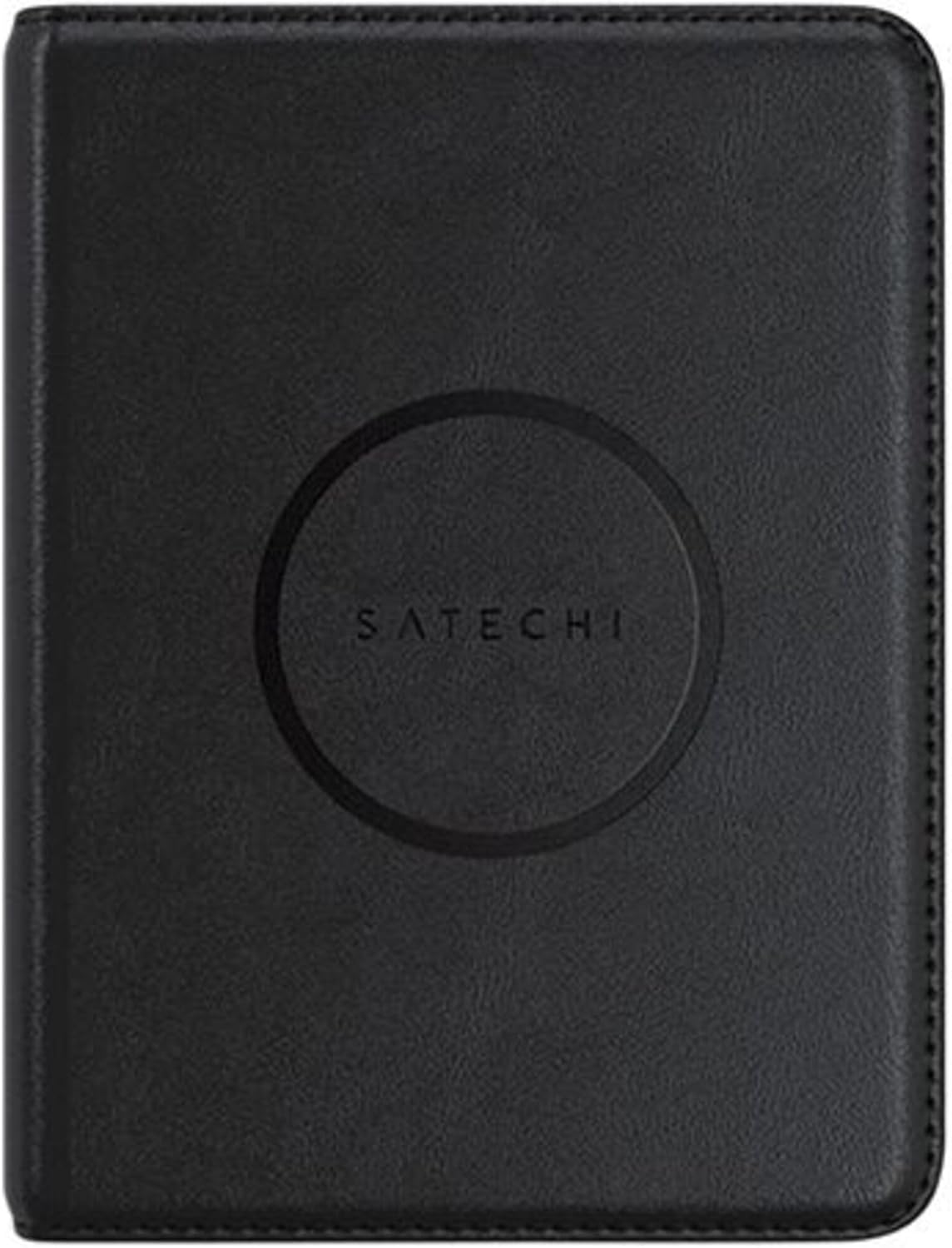
Image 1: The Satechi Findall Passport Cover, closed, featuring the Satechi logo.

Image 2: Demonstrates the passport cover's portability, fitting into pockets, luggage, and bags.
2. Орнотуу
2.1 Алгачкы заряддоо
Before first use, ensure your Satechi Findall Passport Cover is fully charged. The device supports Qi, Qi2, and MagSafe wireless charging.
- Place the passport cover onto a compatible wireless charger.
- The LED charging indicator light will turn ачык күрөң заряддоо учурунда.
- Once fully charged, the LED indicator will turn жашыл.
A full charge provides up to five months of use. It is recommended to fully charge the passport cover at least once every three months to maintain battery health.

Image 3: The passport cover being charged wirelessly on a desk setup.
2.2 Apple Find My менен жупташуу
The Satechi Findall Passport Cover utilizes Apple Find My technology to help you locate your device. Pairing is done via an iPhone or iPad. Macs can be used to locate items but not to set them up.
- iPhone же iPad'ыңыздын iOS/iPadOS'тун эң акыркы версиясына жаңыртылганын текшериңиз.
- ачыңыз Орнотуулар түзмөгүңүздөгү колдонмо.
- Navigate to your Apple ID (your name at the top of Settings).
- Тандоо Find My жана камсыз кылуу Find My iPhone (or iPad) is enabled, and Менин жайгашкан жеримди бөлүшүү күйгүзүлгөн.
- кайтуу Орнотуулар, анда Купуялык жана коопсуздук, and ensure Жайгашкан жерди аныктоо кызматтары иштетилген.
- ачыңыз Find My колдонмо.
- басыңыз Items tab at the bottom of the screen.
- таптаңыз + Нерсе кошуу, андан кийин тандаңыз Башка колдоого алынган нерсе.
- Follow the on-screen instructions to complete the pairing process. This typically involves opening the passport cover to activate its pairing mode.

Image 4: Step-by-step visual guide for pairing the passport cover with Apple Find My.
3. Иштөө нускамалары
3.1 Locating Your Passport Cover
Once paired, you can use the Apple Find My app to locate your passport cover:
- реалдуу убакытта көз салуу: Open the Find My app on your iPhone or iPad to see the current location of your passport cover on a map.
- Укулган эскертүүлөр: If the passport cover is nearby but out of sight, you can play a sound through the Find My app to help locate it.
- Left-Behind Notifications: Configure the Find My app to send you notifications if you leave your passport cover behind at a known location.

Image 5: Tracking the passport cover's location using the Find My app.

Image 6: Using the 'Play Sound' feature to locate the passport cover when it's nearby.
3.2 Storing Documents and RFID Protection
The passport cover features dedicated slots for your passport and up to four cards or important documents. The integrated RFID protection helps safeguard your sensitive information from unauthorized scanning.
- Insert your passport into the main sleeve.
- Place credit cards, ID cards, or other essential documents into the designated card slots.
- Ensure the cover is closed to maximize RFID protection for all contents.

Image 7: The passport cover open, displaying its 4-card slots and passport compartment.

Image 8: Illustrates the RFID protection feature, securing sensitive data during travel.
4. Техникалык тейлөө
4.1 Батареяны тейлөө
To ensure the longevity of the internal rechargeable battery, it is recommended to fully charge your Satechi Findall Passport Cover at least once every three months, even if not in active use.
4.2 Тазалоо
The vegan leather exterior can be cleaned with a soft, damp cloth. Avoid using harsh chemicals or abrasive materials, as these may damage the finish.
5. Кыйынчылыктарды
- Issue: Passport Cover cannot be paired with Find My.
Мүмкүн болгон себеп 1: The device may already be linked to another Apple account. This can occur if the product was previously owned or returned. Apple's Find My system typically requires a 90-day waiting period before an item can be linked to a new account if it's still associated with a previous one.
Чечим: If a factory reset (if applicable and described in future product updates) does not resolve this, contact Satechi Customer Support for assistance. Provide your proof of purchase.
Мүмкүн болгон себеп 2: Incorrect pairing steps or disabled settings.
Чечим: Review Section 2.2 "Pairing with Apple Find My" and ensure all steps are followed correctly, including enabling Find My and Location Services on your iOS/iPadOS device.
- Issue: Battery life is shorter than expected.
Мүмкүн болгон себеп: Infrequent charging or heavy use of the audible alert feature.
Чечим: Ensure the passport cover is fully charged every three months. Reduce the frequency of playing sounds if not necessary, as this consumes more battery power.
Көбүрөөк жардам алуу үчүн, Кепилдик жана колдоо бөлүмүн караңыз.
6. Техникалык шарттар
| Өзгөчөлүк | Деталь |
|---|---|
| Модель номери | ST-VPC_PAR |
| Продукциянын өлчөмдөрү | 14.3 cm (5.6 in) L x 10.6 cm (4.27 in) W x 1.7 cm (0.66 in) H |
| Элемент Салмагы | 104 грамм (3.67 унция) |
| Материал | Vegan тери |
| Батарея | 1 литий-иондук батарейка (кошулган) |
| Заряддоо | Qi, Qi2, or MagSafe Wireless Charging |
| Батареянын иштөө мөөнөтү | Бир кубаттоо менен 5 айга чейин |
| Card Slots | 4 |
| Коргоо | RFID |
7. Кепилдик жана колдоо
7.1 Чектелген Кепилдик
Satechi продуктылары менен капталган 2 жылдык чектелген кепилдик against defects in materials and workmanship under normal use. This warranty applies from the date of purchase.
7.2 Кардарларды колдоо
For technical support, warranty claims, or any questions regarding your Satechi Findall Passport Cover, please contact Satechi Customer Service. You can find contact information on the official Satechi website or through your retailer's support channels. Please have your proof of purchase and product model number (ST-VPC_PAR) ready when contacting support.


