Introduction
Сатып алганыңыз үчүн рахматasing the CRUA 27-Inch Gaming Monitor. This manual provides essential information for setting up, operating, and maintaining your monitor. Please read it thoroughly before use to ensure optimal performance and safety.
Пакеттин мазмуну
Улантуудан мурун, пакетте бардык элементтер бар экенин текшериңиз:
- CRUA 27-Inch Gaming Monitor
- Монитордун базасы жана колдоосу
- Электр кабели (1.5 м/4.92 фут)
- DisplayPort (DP) Cable (1.5m/4.92ft)
- Көрсөтмө (бул документ)
Жайгашуу
1. Стендди чогултуу
Attach the monitor base to the support arm, then secure the assembled stand to the back of the monitor. Ensure all screws are tightened firmly.
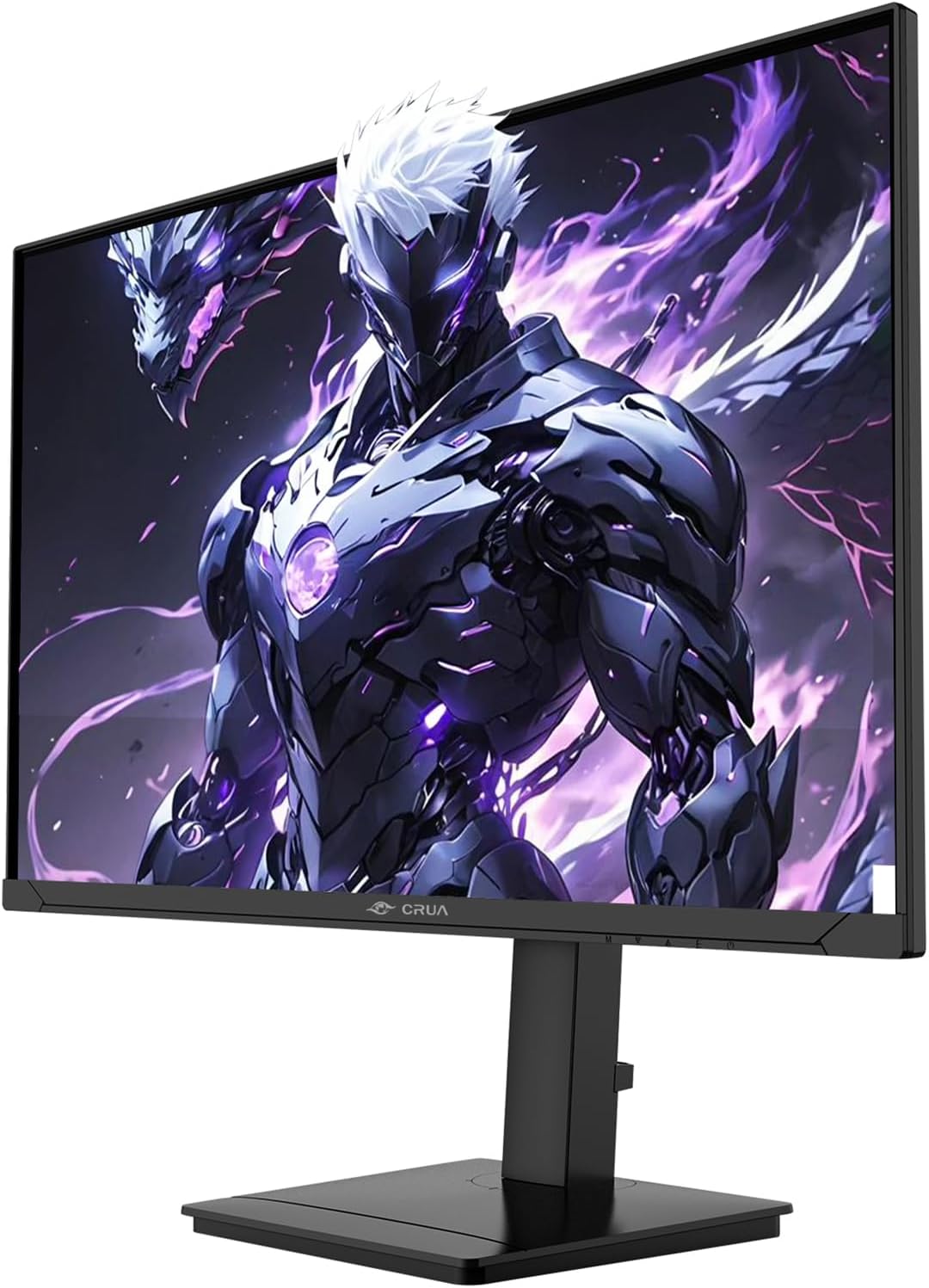
Сүрөт: каптал view of the CRUA 27-inch Gaming Monitor with its stand assembled, demonstrating the monitor's profile жана стенд тиркемеси.
2. Мониторду туташтыруу
Connect the DisplayPort (DP) cable from your computer's graphics card to the DP input on the monitor for optimal 360Hz refresh rate. Alternatively, use an HDMI cable for up to 144Hz refresh rate. Connect the power cable to the monitor and then to a power outlet.

Сүрөт: Арткы бетинин деталдары view of the CRUA 27-inch Gaming Monitor, highlighting the DisplayPort (DP), HDMI, and 3.5mm audio ports. Also visible are the built-in speakers and the 75x75mm VESA wall mount bracket.
3. Дубалга орнотуу (кошумча)
The monitor supports VESA wall mounting (75mm x 75mm). Remove the stand and attach a compatible VESA mount (not included) to the monitor's rear panel.
Иштөө нускамалары
1. Күйгүзүү/өчүрүү
Press the power button, usually located on the back or bottom right of the monitor, to turn it on or off.
2. Экрандагы дисплей (OSD) менюсу
Use the joystick or buttons on the monitor to navigate the OSD menu. Here you can adjust settings such as brightness, contrast, color temperature, input source, and gaming features like FreeSync.
3. Монитордун абалын тууралоо
The monitor offers versatile adjustments for optimal viewсооронуч:
- Бийиктигин тууралоо: Adjust the monitor height within a 105 mm range.
- Россия: Tilt the screen from -5° to 20° for vertical angle adjustment.
- Айлануучу: Swivel the monitor from -45° to 45° horizontally.
- Пивот: Rotate the monitor 90° for portrait orientation, useful for coding or document editing.

Image: The CRUA 27-inch Gaming Monitor demonstrating its full range of motion, including height, tilt, swivel, and pivot adjustments, highlighting its ergonomic design.
4. Оюн функциялары
This monitor features a 360Hz refresh rate and FreeSync technology for smooth, tear-free gaming. Ensure FreeSync is enabled in your graphics card settings and the monitor's OSD menu.

Image: Visual comparison illustrating the difference between 360Hz and 100Hz refresh rates on the CRUA 27-inch Gaming Monitor, emphasizing the smoother motion and reduced blur at 360Hz.

Image: A side-by-side comparison demonstrating the visual fidelity difference between 1080p and QHD (2560x1440) resolutions on the CRUA 27-inch Gaming Monitor, highlighting the enhanced detail of 1440p.

Image: Infographic detailing the display technology of the CRUA 27-inch Gaming Monitor, including IPS panel, 120% sRGB color gamut, 16.7 million colors, 1000:1 contrast ratio, 8-bit color depth, and 280 cd/m² brightness, all contributing to a vibrant visual experience.
Техникалык тейлөө
Мониторду тазалоо
Always unplug the monitor before cleaning. Use a soft, lint-free cloth slightly dampсуу же абразивдүү эмес экран тазалагыч менен иштетиңиз. Суюктукту түздөн-түз экранга же мониторго чачпаңыз casing.
Сактагыч
When not in use for extended periods, store the monitor in a cool, dry place, preferably in its original packaging to protect it from dust and physical damage.
Проблемаларды чечүү
| Көйгөй | Мүмкүн себеп | Чечим |
|---|---|---|
| Экранда сүрөт жок | Электр кабели ажыратылган; Видео кабели ажыратылган; Туура эмес киргизүү булагы тандалды. | Ensure power cable is securely connected. Check video cable (DP/HDMI) connections. Select correct input source via OSD menu. |
| Сүрөт бүдөмүк же бурмаланган | туура эмес чечим; Графикалык карта драйверинин көйгөйлөрү. | Set display resolution to 2560x1440. Update graphics card drivers. |
| Камтылган динамиктерден үн чыкпайт | Volume too low; Audio cable not connected (if using 3.5mm); Incorrect audio output selected on PC. | Increase monitor volume. Ensure audio cable is connected if not using HDMI/DP audio. Select monitor as default audio output in PC settings. |
| Monitor not reaching 360Hz | Using HDMI instead of DP; Graphics card limitations; Cable quality. | Ensure you are using the DisplayPort (DP) connection. Verify your graphics card supports 360Hz at 1440p. Use the provided DP cable or a certified high-speed DP cable. |
Техникалык шарттар
| Өзгөчөлүк | Деталь |
|---|---|
| Модель аты | CR270QW |
| Screen Size | 27 дюйм |
| Панел түрү | IPS |
| Резолюция | QHD 2560 x 1440 |
| Жаңыртуу ылдамдыгы | 360 Hz (via DP), 144 Hz (via HDMI) |
| Жооп убактысы | 1 Миллисекунд |
| Жарыктык | 280 кд/м² |
| Контраст катышы | 1000:1 |
| Түс гаммасы | 120% sRGB |
| Viewбурч | 178° (H/V) |
| Байланыш | 2 x HDMI 2.1, 2 x DisplayPort 1.4, 1 x 3.5 мм аудио чыгыш |
| Камтылган динамиктер | Ооба |
| Түзөтүүлөр | Height, Pivot, Swivel, Tilt |
| VESA тоосу | 75мм x 75мм |
| Adaptive Sync | FreeSync |
Кепилдик жана колдоо
The CRUA 27-Inch Gaming Monitor comes with a 1 жылдык кепилдик сатып алынган күндөн тартып. Бул кепилдик өндүрүштүк кемчиликтерди жана нормалдуу колдонуудагы бузулууларды камтыйт.
For technical support, warranty claims, or any questions regarding your product, please contact CRUA customer service. Refer to the contact information provided on the CRUA official webсайт же сатып алуу документтери.
Көбүрөөк маалымат алуу үчүн, киргиле CRUA Store on Amazon.


