Introduction
This manual provides detailed instructions for the assembly, operation, and maintenance of your Rfiver TF1401 High-Type TV Stand. Please read this manual thoroughly before installation and use to ensure safe and correct operation. Keep this manual for future reference.
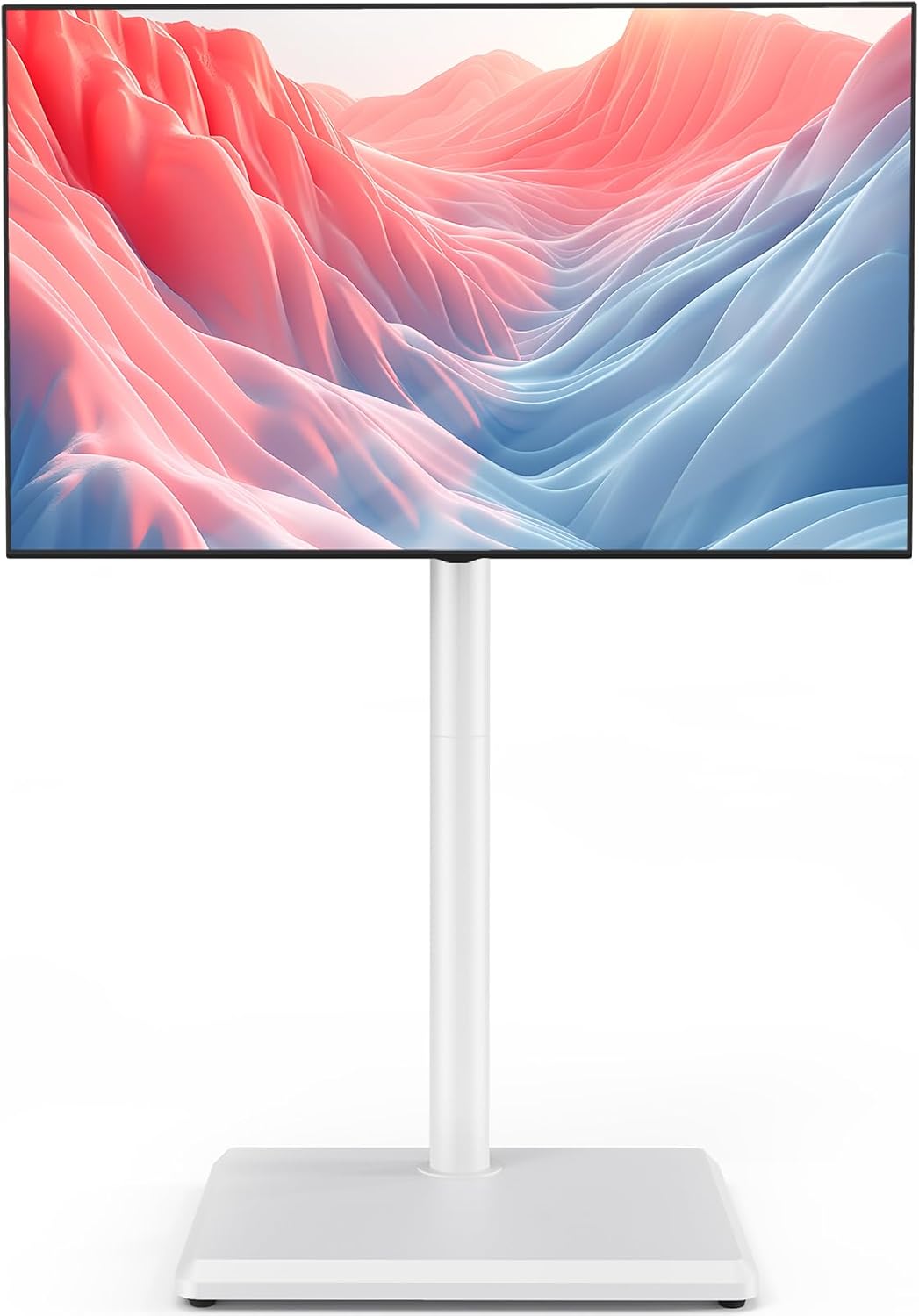
Image: The Rfiver TF1401 High-Type TV Stand, shown with a television displaying abstract art, highlighting its sleek design.
Коопсуздук маалыматы
- Салмак сыйымдуулугу: Do not exceed the maximum load capacity of 40 kg (88 lbs). Overloading can cause instability and potential injury.
- Шайкеш келген телевизордун өлчөмү: This stand is designed for TVs between 27 and 60 inches. Using TVs outside this range may compromise stability.
- VESA шайкештиги: Ensure your TV's VESA mounting pattern is within 100x100mm to 400x400mm.
- Туруктуу жайгаштыруу: Always place the stand on a flat, stable, and level surface.
- Анти-уч дизайн: The wooden base and adjustable feet contribute to stability. For added safety, ensure the stand is positioned securely.
- Балдар жана үй жаныбарлары: Keep children and pets away from the TV stand during assembly and ensure the TV is securely mounted to prevent tipping.
- Earthquake Safety: The wooden base is designed for enhanced safety compared to glass bases, reducing the risk of breakage during seismic activity.
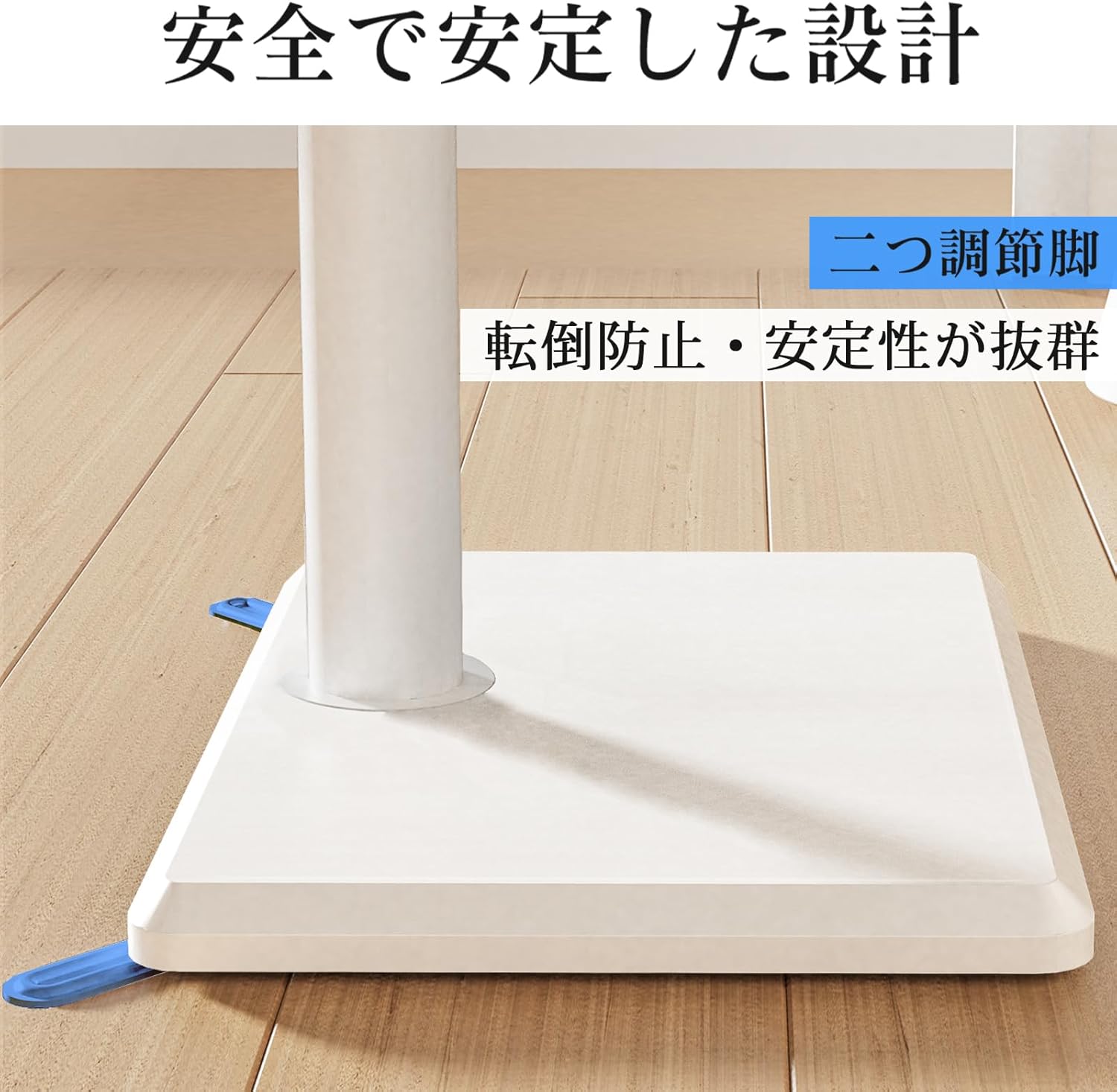
Сүрөт: жакын план view of the Rfiver TV stand's stable wooden base and adjustable feet, emphasizing its secure design.
Пакеттин мазмуну
Before beginning assembly, verify that all parts and hardware are present and undamaged. Refer to the included parts list and diagrams in the physical manual for identification.
- Негизги колдоо мамыча
- Жыгач негизи
- Сыналгы орнотуу кронштейни (VESA шайкеш келет)
- Жөнгө салынуучу буттар
- Cable management clips/straps
- Assorted screws and washers for TV mounting
- Монтаждоо куралдары (мисалы, Аллен ачкычы)
- Колдонмо
Орнотуу жана монтаждоо нускамалары
Assembly is designed to be straightforward. Follow these steps carefully. All necessary parts and hardware are included, and the manual contains part numbers and diagrams for easy understanding.
- Attach the Main Column to the Base: Securely fasten the main support column to the wooden base using the provided screws and tools. Ensure it is tightly connected for stability.
- Жөнгө салынуучу буттарды орнотуу: Screw the adjustable feet into the designated holes on the bottom of the wooden base. These can be adjusted later to level the stand.
- Assemble the TV Mounting Bracket: Attach the horizontal and vertical components of the TV mounting bracket.
- Attach Bracket to Main Column: Secure the assembled TV mounting bracket to the main support column at your desired initial height. The bracket offers 3 stages of height adjustment.
- Телевизорду орнотуу:
- Identify the correct VESA screws for your TV from the assorted hardware provided.
- Attach the TV mounting arms to the back of your television.
- Carefully lift the TV and hook the mounting arms onto the bracket attached to the stand.
- Secure the TV to the bracket using the safety locking mechanism.
- Кабелдик башкаруу: Use the provided cable management clips or straps to route and secure all TV and device cables along the back of the main column. This keeps the area tidy and prevents accidental disconnections.

Image: A diagram illustrating the safety lock mechanism, cable management feature, and anti-slip pads for the stand's base.

Image: A graphic illustrating how cables are neatly managed along the stand's central column using a strap.
Иштөө нускамалары
Бийиктигин тууралоо
The TV mounting bracket allows for height adjustment in 3 stages, ranging from 113.8 cm to 139.3 cm (from the floor to the top of the TV). To adjust the height:
- Ensure the TV is securely mounted but not fully tightened if minor adjustments are needed.
- Carefully lift or lower the TV and bracket assembly to the desired height setting.
- Re-secure any locking mechanisms or screws to fix the height in place.
Айлануу функциясы
The TV can be swiveled up to 35 degrees to the left or right, allowing for optimal viewбөлмөдө ар кандай позициялардан бурчтарды көрүү.
- Gently grasp the sides of the TV.
- Rotate the TV to the desired left or right angle.
- Avoid forcing the TV beyond its maximum swivel range.
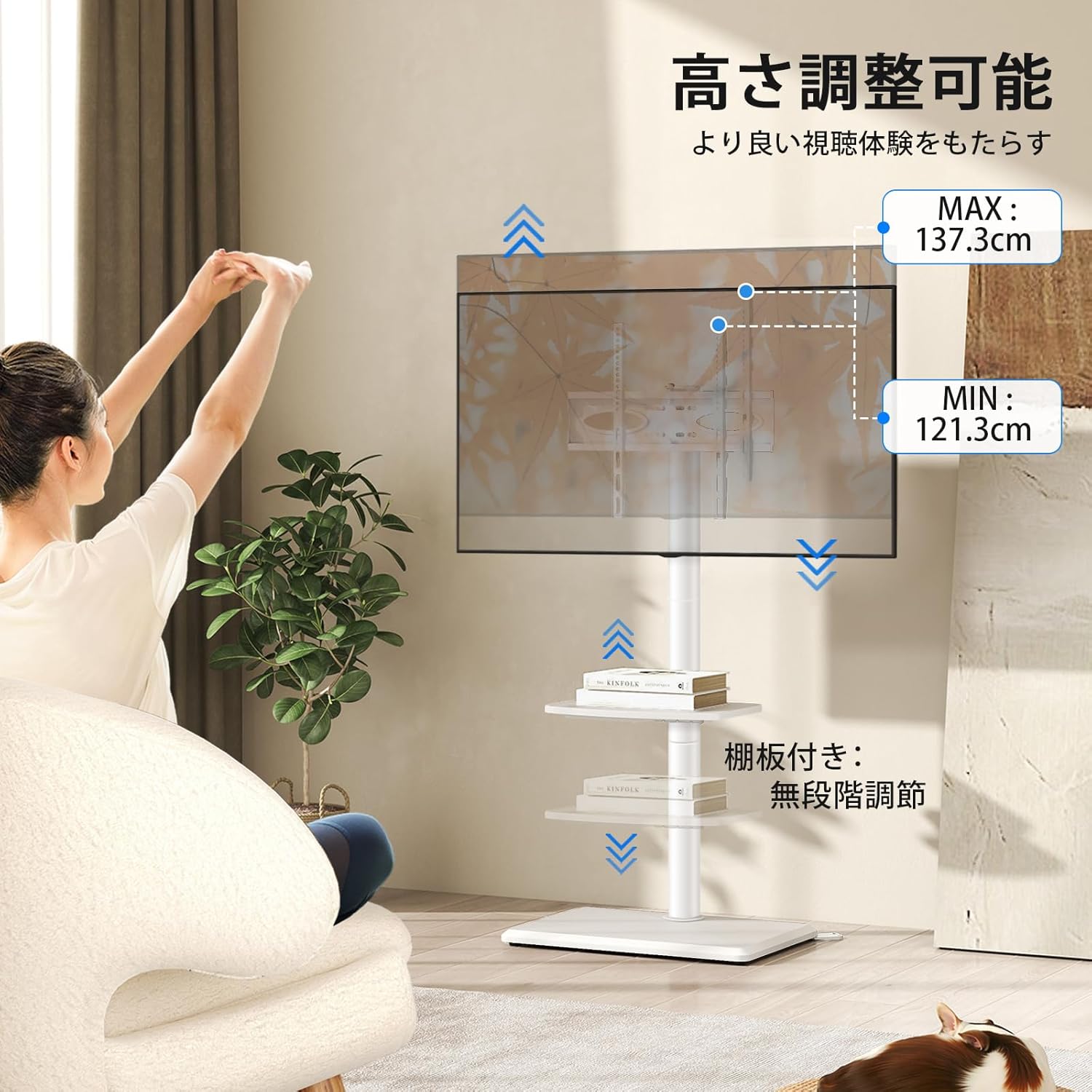
Image: A woman adjusting the height of a television mounted on the Rfiver stand, with indicators showing the adjustable height range from 121.3cm to 137.3cm.

Image: A graphic demonstrating the TV stand's ability to swivel 35 degrees to both the left and right, enhancing viewийкемдүүлүк.
Техникалык тейлөө
- Тазалоо: Стендди жумшак, кургак чүпүрөк менен сүртүңүз. өжөр белгилери үчүн, бир аз гamp кездемени колдонсо болот, андан кийин дароо кургатуу. Абразивдүү тазалагычтардан же эриткичтерден качыңыз.
- Аппараттык камсыздоону текшерүү: Мезгил-мезгили менен бардык бурамалар менен байланыштарды текшерип туруңуз, алар бекем бойдон калууда. Керек болсо кайра тартыңыз.
- Кабелдик башкаруу: Regularly inspect cables for wear or damage and ensure they are neatly managed to prevent tripping hazards or damage.
Проблемаларды чечүү
| Көйгөй | Мүмкүн себеп | Чечим |
|---|---|---|
| Туруктуу же туруксуз. | Бурамалар бош; стенд тегиз эмес бетинде турат; салмактан ашты. | Check and tighten all assembly screws. Move the stand to a level surface. Adjust the leveling feet. Ensure TV weight is within 40 kg limit. |
| сыналгы орнотуу мүмкүн эмес. | Incorrect VESA pattern; TV size/weight incompatible; wrong screws used. | Verify TV VESA pattern (100-400mm horizontal/vertical). Confirm TV size (27-60 inches) and weight (max 40 kg). Use the correct VESA screws for your TV model. |
| Бийиктигин же бурулушун тууралоодо кыйынчылык. | Adjustment mechanism is stiff; obstruction. | Ensure no cables or objects are obstructing movement. Apply gentle, even pressure. Do not force adjustments. |
Техникалык шарттар
| Өзгөчөлүк | Деталь |
|---|---|
| Бренд | Rfiver |
| Модель номери | TF1401 |
| Туура келген сыналгы өлчөмдөрү | 27 - 60 дюйм |
| Максималдуу жүктөө жөндөмдүүлүгү | 40 кг (88 фунт) |
| VESA шайкештиги | Horizontal: 100-400 mm, Vertical: 100-400 mm |
| Бийиктигин тууралоо диапазону | 113.8 cm - 139.3 cm (3 stages, from floor to top of TV) |
| Swivel Angle | ±35 degrees (left/right) |
| Негизги өлчөмдөр | 42.5 см (W) x 32.5 см (D) x 2.5 см (H) |
| Продукциянын жалпы өлчөмдөрү | 49.9 x 32.5 x 134.3 cm (approximate, varies with height setting) |
| Продукт Салмагы | 7 кг |
| Материал | MDF (wooden base), Alloy steel (frame) |
| Түс | Ак |
| Монтаж түрү | Floor Mount |

Image: A detailed diagram showing the dimensions and height adjustment range of the Rfiver TV stand, with measurements in centimeters.

Image: A compatibility chart for the Rfiver TV stand, detailing supported TV sizes (27-60 inches), maximum weight (40kg), VESA patterns (100-400mm), and compatible TV types (flat/curved).
Кепилдик жана колдоо
For warranty information or technical support, please refer to the contact details provided with your purchase documentation or visit the official Rfiver webсайт. Кепилдик дооматтары үчүн сатып алганыңыздын далилин сактап коюңуз.
Өндүрүүчү: Rfiver
Бренд: Rfiver


