Introduction
This instruction manual provides comprehensive information for the setup, operation, maintenance, and troubleshooting of your Akko 5075B Plus Mechanical Keyboard. Please read this manual thoroughly before using the product to ensure optimal performance and longevity.
Пакеттин мазмуну
Upon unboxing your Akko 5075B Plus Mechanical Keyboard, verify that all the following items are included:
- Akko 5075B Plus механикалык клавиатура
- Баскыч капкагын тарткыч
- USB-C - USB-A кабели
- Additional Cyan Keycaps (for customization)
- Switch Removal Tool

Image: The Akko 5075B Plus Mechanical Keyboard in black with yellow legends, alongside a single mechanical switch. This illustrates the primary product and its core component.
Жайгашуу
Туташуу параметрлери
The Akko 5075B Plus keyboard offers versatile connectivity to suit various setups:
- Зымдуу (USB-C): Connect the provided USB-C to USB-A cable from the keyboard's top-left port to your computer's USB-A port. This mode also charges the keyboard.
- Bluetooth 5.0/3.0: Supports connection to multiple devices (up to 3). Refer to your device's Bluetooth pairing instructions.
- 2.4 ГГц зымсыз: Utilize the included USB-A receiver for a stable wireless connection. The receiver is conveniently stored in a dedicated slot on the underside of the keyboard.

Сүрөт: үстүнкү view of the Akko 5075B Plus keyboard with icons representing Bluetooth, Type-C wired, and 2.4GHz wireless connectivity. A tablet, smartphone, and laptop are shown, indicating multi-device compatibility.
Операциялык системанын шайкештиги
The keyboard features a switch on its underside to select between Mac and Windows operating system layouts, ensuring proper key functionality for your preferred environment.

Image: A close-up of the keyboard's underside, highlighting the physical switch for selecting between Mac, USB (wired), and Windows modes.
Бийиктигин тууралоо
Two flip-out feet are located on the bottom of the keyboard, allowing you to adjust the typing angle for improved ergonomics and comfort.

Сүрөт: деталдуу view of the keyboard's underside, showing one of the flip-out feet in its extended position, designed to elevate the keyboard for a more comfortable typing angle.
Иштөө нускамалары
Keycap Profile жана Материал
The Akko 5075B Plus features PBT Double Shot ASA Profile keycaps. This profile offers a unique, contoured shape with a subtle texture, providing a comfortable and durable typing experience. The shine-through design allows RGB lighting to illuminate the legends effectively.
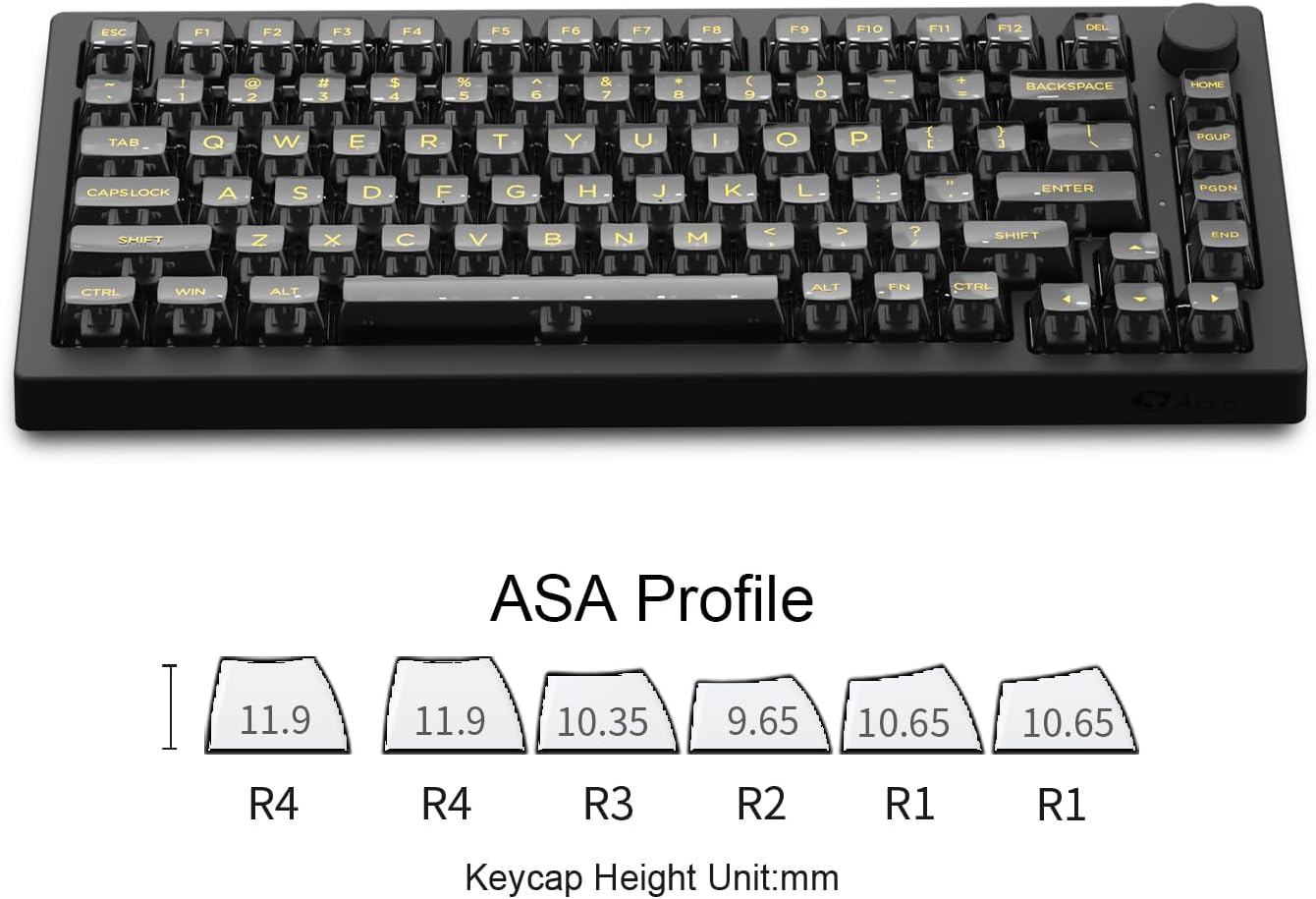
Image: A diagram illustrating the ASA keycap profile, showing the varying heights and contoured shapes of different key rows (R1, R2, R3, R4) in millimeters.

Image: A close-up of the keyboard's keycaps, emphasizing their transparent PC material which enhances the lighting performance.
Ыкчам алмаштыруучу которгучтар
The keyboard is equipped with 5-pin hot-swappable sockets, allowing users to easily change mechanical switches without soldering. This feature is beneficial for customizing the typing feel or replacing a malfunctioning switch.
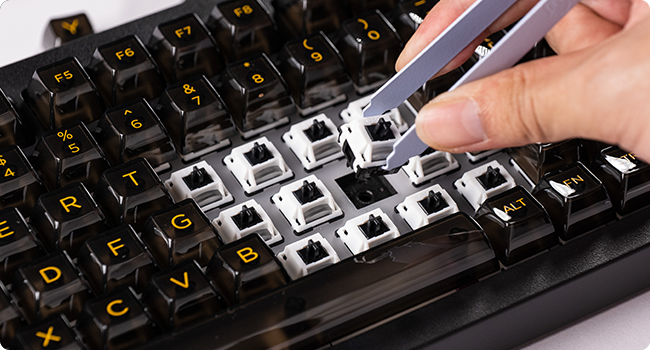
Image: A hand using a tool to remove a mechanical switch from the keyboard, demonstrating the hot-swappable feature.
RGB Backlighting and Knob Control
The Akko 5075B Plus features vibrant RGB backlighting with 20 different effects, including per-key RGB support. It also includes side-LED RGB lighting. The dedicated knob on the top right corner allows for quick adjustment of computer audio volume and RGB backlight levels.
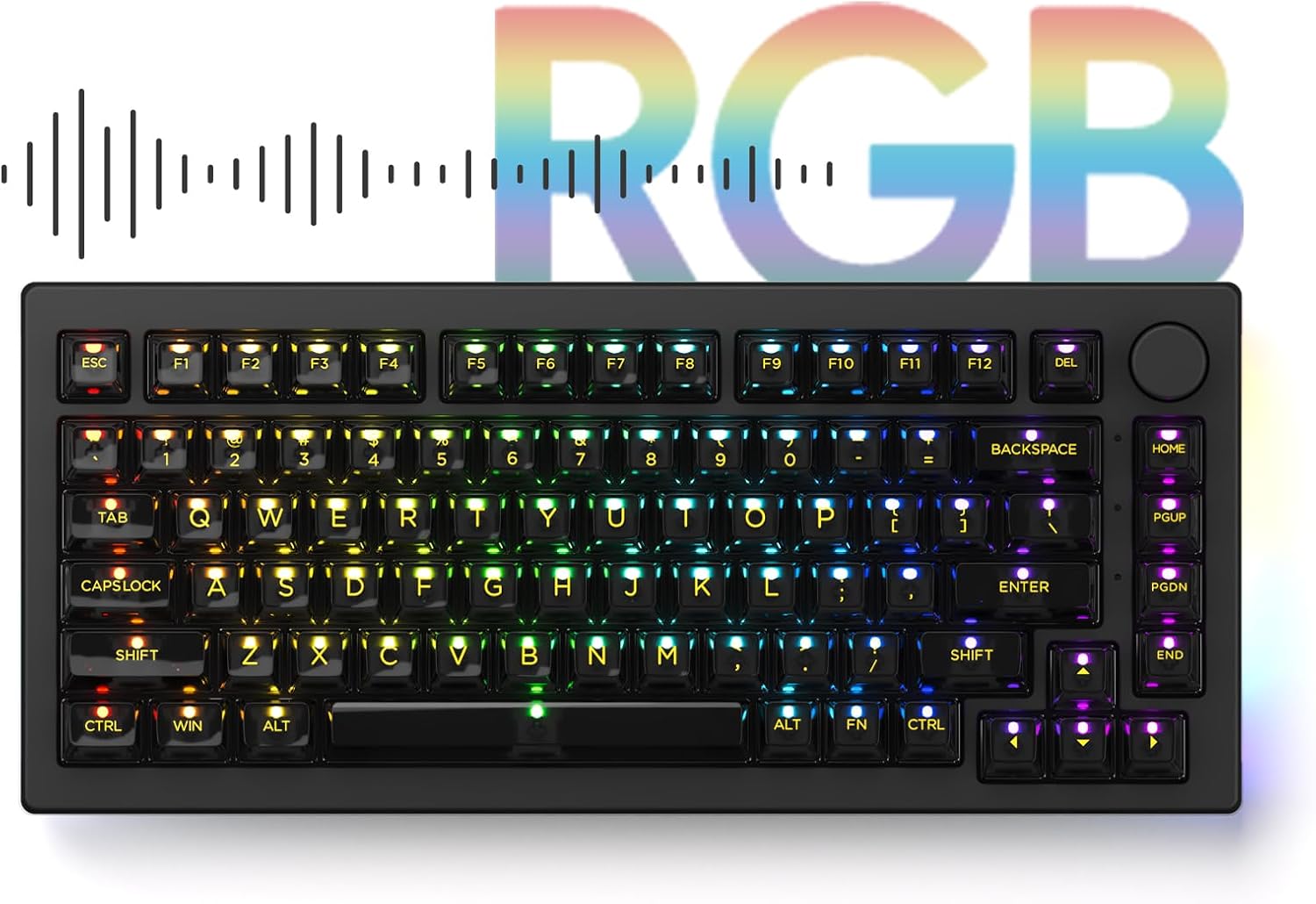
Image: The Akko 5075B Plus keyboard illuminated with a rainbow of RGB colors, showcasing its extensive lighting capabilities.
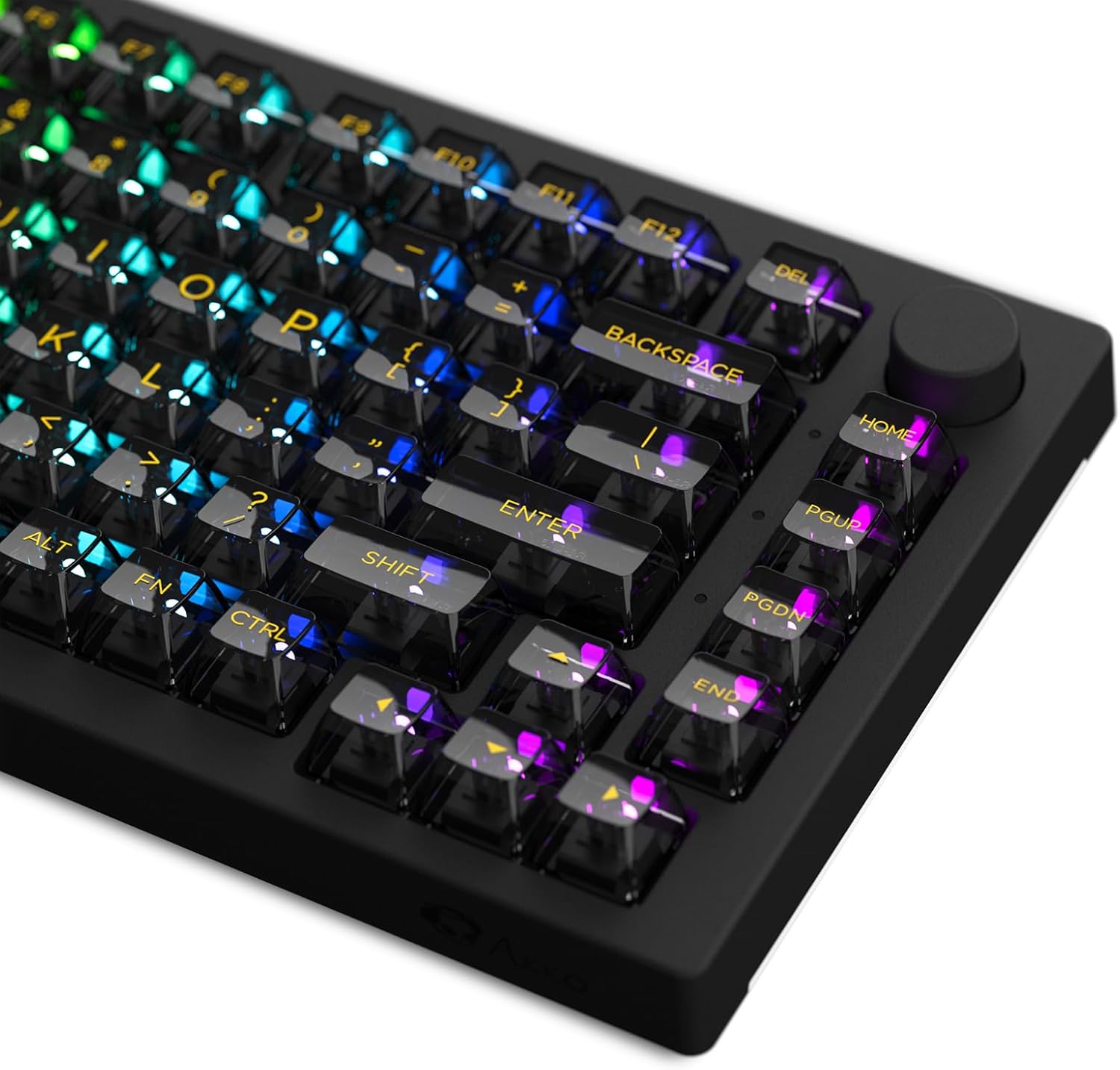
Image: A close-up of the keyboard's keys, showing the vibrant RGB lighting shining through the keycap legends.
Akko Cloud Driver Software
For advanced customization of RGB lighting effects, key remapping, and macro creation, download the Akko Cloud Driver software for PC or Mac. Connect the keyboard via USB-C or 2.4GHz wireless to access these features.
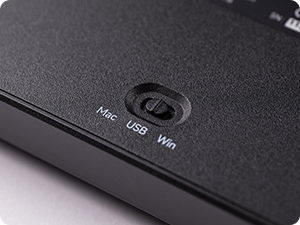
Image: A screenshot of the Akko Cloud Driver software interface, displaying options for main settings, lighting customization, and macro programming for the keyboard.
Техникалык тейлөө
Тазалоо
Regularly clean your keyboard to maintain its appearance and functionality. Use a soft, lint-free cloth to wipe down the keycaps and chassis. For deeper cleaning, you may remove keycaps using the provided keycap puller.
Баскычтоптун капкагын жана которгучту алып салуу
To remove keycaps, gently use the keycap puller to grip the keycap and pull upwards. To remove switches, use the switch removal tool to depress the clips on the sides of the switch and pull upwards. Ensure the keyboard is disconnected or powered off before performing these actions.
Image: A hand using a tool to remove a mechanical switch from the keyboard, demonstrating the hot-swappable feature.
Проблемаларды чечүү
- Баскычтоп жооп бербей жатат: Ensure the USB cable is securely connected or that the wireless receiver is properly inserted and the keyboard is powered on. Check the OS switch on the underside.
- Bluetooth жупташтыруу көйгөйлөрү: Ensure the keyboard is in Bluetooth mode and discoverable. Remove previous pairings on your device and try reconnecting.
- RGB жарыктандыруу иштебейт: Check the brightness settings using the knob or the Akko Cloud Driver software. Ensure the keyboard is powered on.
- Катталбай жаткан ачкычтар: If a specific key is not working, try hot-swapping the switch with a known working one to determine if the switch or the socket is faulty.
For further assistance, refer to the Akko Cloud Driver software's support section or visit the official Akko webсайт.
Техникалык шарттар
| Өзгөчөлүк | Деталь |
|---|---|
| Модель номери | 5075B |
| Keyboard Description | Механикалык |
| Байланыш технологиясы | USB-C, Bluetooth 5.0/3.0, 2.4GHz Wireless |
| Ачкычтардын саны | 84 (75% Layout) |
| Клавиатура материалы | PBT Double Shot ASA Profile |
| Өзгөчө өзгөчөлүк | Hot-Swappable, RGB Backlit (per-key & side-LED) |
| Батарея | 1 литий-иондук батарея талап кылынат (3000 мАч) |
| Элемент Салмагы | 2.88 фунт |
| Пакеттин өлчөмдөрү | 16.14 x 10.71 x 2.56 дюйм |
Кепилдик жана колдоо
For detailed warranty information and technical support, please visit the official Akko webсайтка же кардарларды тейлөөгө кайрылыңыз. Сатып алуу квитанциясын кепилдик дооматтары үчүн сатып алуунун далили катары сактаңыз.
Расмий Акко Webсайт: www.akkogear.com


