Introduction
The BLU G33 is a modern Android smartphone designed for everyday use, offering a vibrant display, reliable performance, and essential camera capabilities. This manual provides comprehensive instructions to help you set up, operate, maintain, and troubleshoot your device, ensuring an optimal user experience.
Кутуда эмне бар
Upon unboxing your BLU G33, please verify that all the following items are included:
- BLU G33 смартфону
- USB кабели
- Quick Start Guide (if applicable, not listed in provided data)
- Protective Case (if applicable, not listed in provided data)
- Screen Protector (pre-installed or included, if applicable, not listed in provided data)
If any items are missing or damaged, please contact BLU customer support.
Жайгашуу
1. SIM жана MicroSD карталарын салуу
The BLU G33 supports GSM Quad Band and various LTE bands for cellular connectivity. It also supports a MicroSD card for expandable storage up to 128GB.
- Аппараттын капталындагы SIM лотокту табыңыз.
- SIM картаны чыгаруучу куралды (эгер бар болсо) ачуу үчүн лотоктун жанындагы кичинекей тешикке салыңыз.
- Carefully place your Nano-SIM card(s) and/or MicroSD card into the designated slots on the tray, ensuring correct orientation.
- Аспаптын корпусуна туура келгенче, лотокту акырын кайра телефонго түртүңүз.
2. Баштапкы күйгүзүү жана орнотуу
After inserting your cards, you can power on your device for the first time.
- Press and hold the Power button located on the side of the phone until the BLU logo appears.
- Follow the on-screen prompts to complete the initial setup process. This typically includes selecting your language, connecting to a Wi-Fi network, setting up your Google account, and configuring security features.
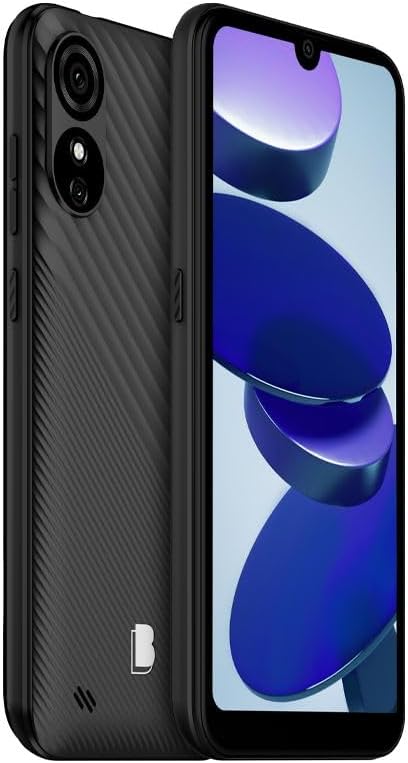
Сүрөт 1: Алдыңкы жана арткы view of the BLU G33 smartphone, highlighting its design and camera placement.
Түзмөгүңүздү иштетүү
Дисплей жана навигация
The BLU G33 features a 6.26-inch Curved Glass display with a resolution of 480 x 960 pixels. Navigate the interface using touch gestures such as tapping, swiping, pinching, and spreading.
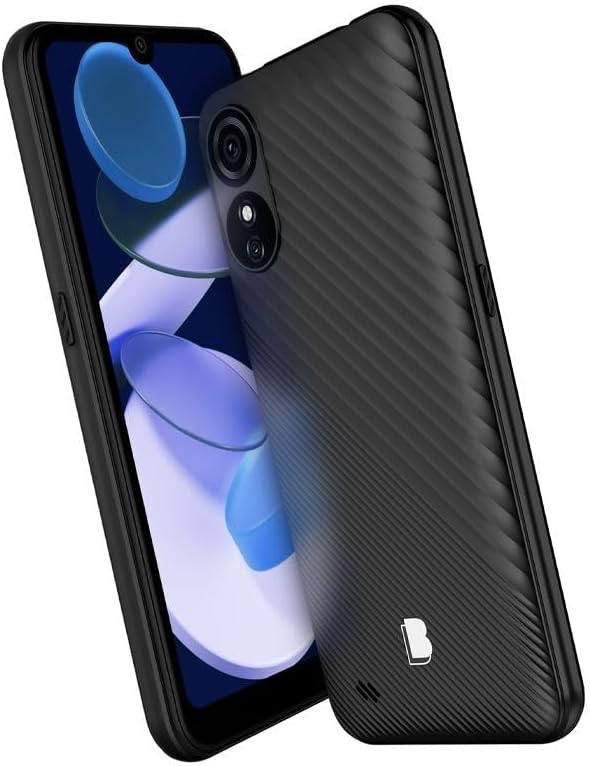
2-сүрөт: Бурчтуу view of the BLU G33, showcasing its 6.26-inch display and ergonomic design.
Камеранын иштеши
Capture moments with the G33's Dual 5MP rear camera with LED Flash and a 5MP selfie camera. The device supports video capture at 1080p at 30 frames per second.
- Сүрөткө тартуу: Камера колдонмосун ачып, кадрыңызды кадрга түшүрүп, жапкыч баскычын таптаңыз.
- Видеолорду жаздыруу: Камера колдонмосунда видео режимине которулуп, баштоо/токтотуу үчүн жаздыруу баскычын басыңыз.
- Селфилер: Switch to the front camera for self-portraits.
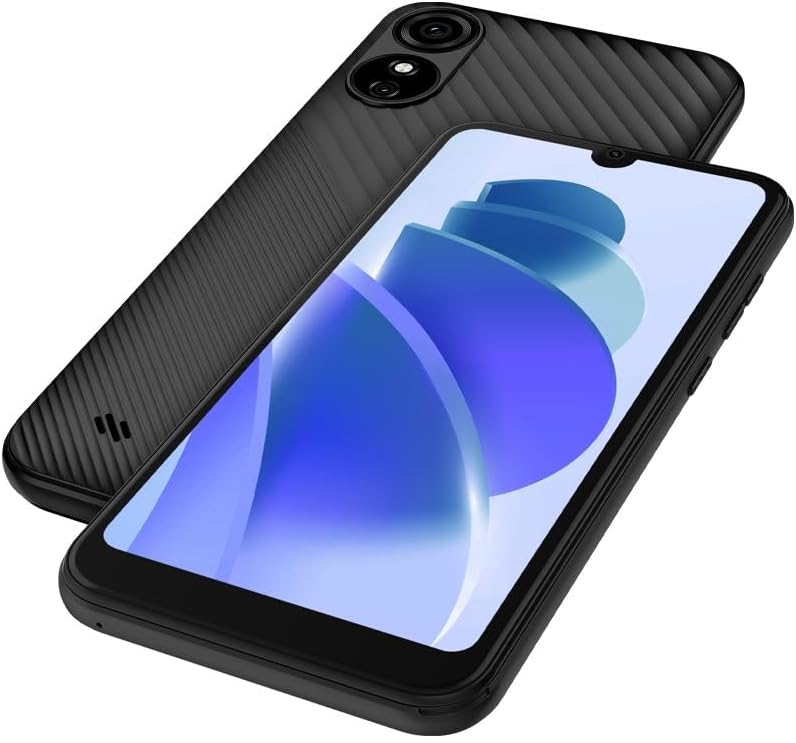
Сүрөт 3: Арткы жана алдыңкы view of the BLU G33, emphasizing the camera system.
Аткаруу жана сактоо
The G33 is powered by a UNISOC 9863 chipset with a 1.6GHz Quad-Core CPU. It comes with 32GB of internal storage and 2GB of RAM, ensuring smooth operation for daily tasks. Storage can be expanded with a MicroSD card up to 128GB.
Байланыш
The device supports GSM Quad Band, 3G (850/900/1700/1900), and LTE (2/4/5/12/17/25/26/41/66/71) for robust cellular connectivity. Bluetooth is also available for connecting to wireless accessories.
Операция системасы
The BLU G33 runs on Android 13, providing a user-friendly interface and access to a wide range of applications via the Google Play Store.
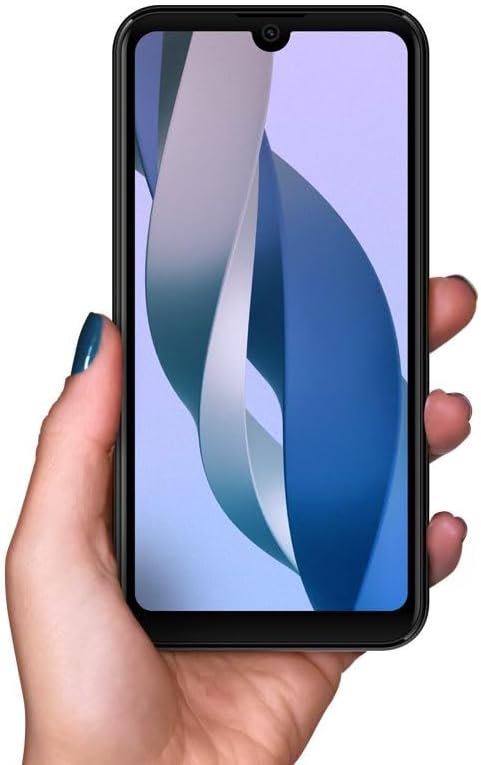
Figure 4: The BLU G33 held in hand, illustrating its comfortable grip and display size.
Техникалык тейлөө
Батареяга кам көрүү
The BLU G33 is equipped with a 3000 mAh battery. To prolong battery life:
- Ашыкча температурадан сактаныңыз.
- Заряддоо үчүн берилген USB кабелин колдонуңуз.
- Батареяны бат-баттан толук кубаттап калуудан алыс болуңуз.
- Фондук колдонмонун колдонулушун жана экрандын жарыктыгын башкарыңыз.
Аппаратыңызды тазалоо
Телефонуңуздун экранын жана корпусун тазалоо үчүн жумшак, түксүз чүпүрөктү колдонуңуз. Катуу химиялык заттарды же абразивдүү материалдарды колдонуудан алыс болуңуз.
Программалык камсыздоо жаңыртуулары
Түзмөгүңүздө эң акыркы функциялар, коопсуздук жаңыртуулары жана иштеши жакшыртылганын текшерүү үчүн программалык камсыздоо жаңыртууларын дайыма текшерип, орнотуп алыңыз. багыттоо Орнотуулар > Система > Системаны жаңыртуу жаңыртууларды текшерүү үчүн.
Проблемаларды чечүү
This section addresses common issues you might encounter with your BLU G33.
| Көйгөй | Чечим |
|---|---|
| Түзмөк күйбөй жатат | Батарея заряддалганын текшериңиз. Кеминде 15 мүнөт заряддагычка туташып, анан кайра күйгүзүп көрүңүз. |
| Жай аткаруу же тоңуу | Close unused apps, clear cache, restart the device. Consider uninstalling rarely used applications to free up RAM and storage. |
| Cannot connect to Wi-Fi/Cellular network | Toggle Wi-Fi/Cellular data off and on. Restart the device. Verify SIM card is properly inserted. Check network settings. |
| Батарея бат эле түгөнөт | Reduce screen brightness, disable unnecessary features (Bluetooth, GPS), limit background app refresh, check battery usage in settings. |
Техникалык шарттар
Detailed technical specifications for the BLU G33 smartphone:
| Өзгөчөлүк | Деталь |
|---|---|
| Модель аты | G33 |
| Элемент моделинин номери | G0890UU |
| Операция системасы | Android 13.0 |
| Screen Size | 6.26 дюйм |
| Резолюция | 480 x 960 пиксель |
| CPU ылдамдыгы | 1600 MHz (1.6 GHz Quad-Core) |
| RAM эстутум орнотулган өлчөмү | 2 ГБ |
| Эстутум сактоо сыйымдуулугу | 32 GB (Internal), MicroSD up to 128GB |
| Арткы камера | Dual 5MP + LED Flash |
| Алдыңкы камера | 5 МП селфи камерасы |
| Видео тартуунун резолюциясы | 1080p@30fps |
| Батарея сыйымдуулугу | 3000 миллионamp Саат |
| Зымсыз байланыш технологиялары | Cellular (GSM Quad Band, 3G: 850/900/1700/1900, LTE: 2/4/5/12/17/25/26/41/66/71) |
| Connectivity Technologies | Bluetooth |
| Түс | Black | 32 GB |
| Элемент Салмагы | 14 унция |
| Пакеттин өлчөмдөрү | 7 x 4 x 2 дюйм |
Кепилдик жана колдоо
BLU products typically come with a limited manufacturer's warranty. For specific warranty terms and conditions, please refer to the warranty card included with your product or visit the official BLU website. For technical support, troubleshooting assistance beyond this manual, or service inquiries, please contact BLU customer support through their official channels.
Көбүрөөк маалымат жана колдоо булактарын таба аласыз Amazon'догу BLU дүкөнү or the official BLU webсайт.


