1. Киришүү
Thank you for choosing the MCHOSE G3 Wireless Gaming Mouse. This manual provides detailed instructions for setting up, operating, maintaining, and troubleshooting your device. Please read this manual thoroughly to ensure optimal performance and longevity of your mouse.
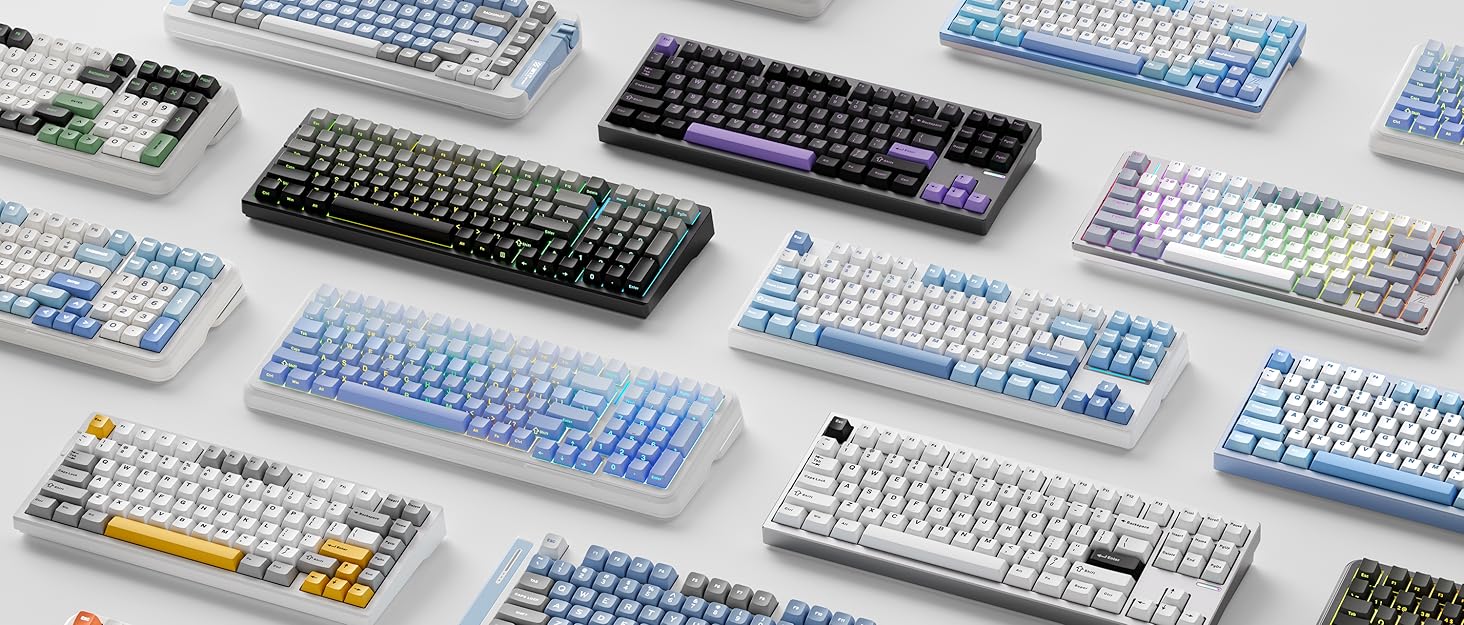
Image 1: MCHOSE G3 Series Wireless Gaming Mouse. This image displays the MCHOSE G3 mouse in white, highlighting its sleek design and branding.
2. Продукт бүтүп калдыview
The MCHOSE G3 is a high-performance symmetrical gaming mouse designed for precision and comfort. It features a PAW3311 optical sensor, tri-mode connectivity, and a lightweight design.
Негизги өзгөчөлүктөрү:
- Үч режимдик туташуу: Seamlessly switch between 2.4G wireless, Bluetooth, and wired modes.
- PAW3311 оптикалык сенсор: Delivers precise tracking with up to 12,000 DPI.
- Жеңил дизайн: Weighs approximately 64 grams for enhanced control and comfort.
- Батареянын узак иштөө мөөнөтү: Бир заряд менен 130 саатка чейин колдонуу.
- Independent Button Pressure System: Provides tactile feedback and durability with 60-million click lifespan switches.

Сүрөт 2: Жогорку view of the MCHOSE G3 Wireless Gaming Mouse. This image shows the symmetrical design of the mouse, including the scroll wheel and main buttons.

Image 3: Detail of the PAW3311 Optical Sensor. This image illustrates the high-precision optical sensor located on the underside of the mouse, capable of 12,000 DPI tracking.

Image 4: Diagram of the Independent Button Pressure System. This cutaway view shows the internal mechanism of the mouse buttons, highlighting the springs that provide consistent tactile feedback and durability.
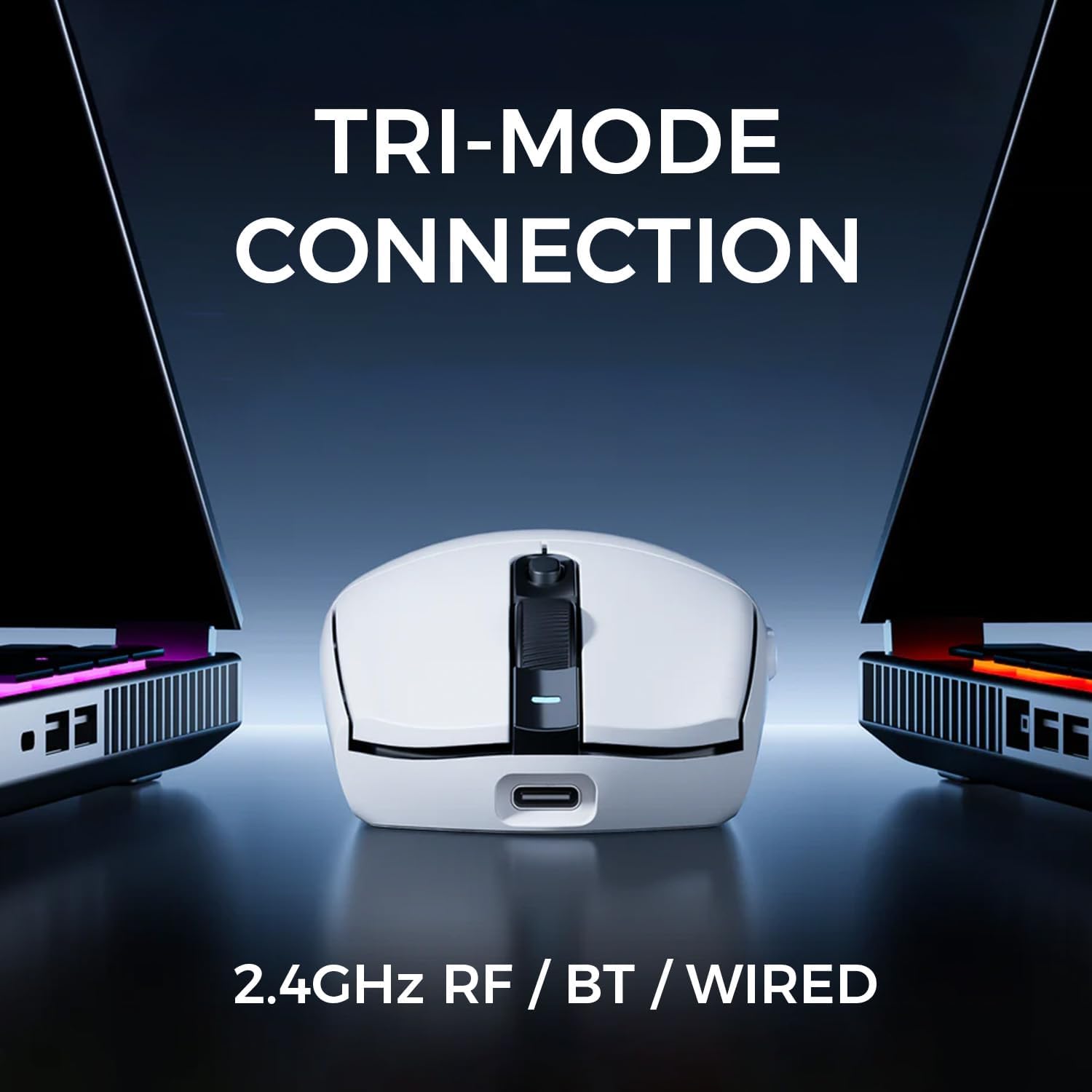
Image 5: Tri-Mode Connection feature. This image displays the mouse connected to two different devices, illustrating its 2.4GHz RF, Bluetooth, and wired connectivity options.

Image 6: MCHOSE G3 mouse highlighting its 64-gram lightweight design. This image emphasizes the ergonomic and light build of the mouse for comfortable use.

Image 7: USB Type-C Rechargeable port. This image shows the mouse being charged via a USB Type-C cable, indicating its rechargeable battery and long battery life.
3. Пакеттин мазмуну
The MCHOSE G3 Wireless Gaming Mouse package includes the following items:
- MCHOSE G3 Wireless Gaming Mouse
- USB кабыл алгыч (2.4G донгл)
- USB Type-C кубаттоочу кабель
- Колдонуучунун Колдонмосу (бул документ)
4. Орнотуу нускамалары
4.1 Чычканды заряддоо
Before first use, it is recommended to fully charge the mouse. Connect the supplied USB Type-C charging cable to the mouse's charging port and the other end to a USB power source (e.g., computer USB port, USB wall adapter). The DPI indicator light will show charging status.
4.2 Чычканды туташтыруу
The MCHOSE G3 offers three connection modes: 2.4G Wireless, Bluetooth, and Wired.

Image 8: MCHOSE G3 Mouse Diagram with Labeled Parts. This diagram illustrates the various components of the mouse, including the DPI switch, DPI indicator light, 2.4G indicator light, BT1/BT2 indicator lights, ON/OFF switch, and receiver organizer.
4.2.1 2.4G зымсыз режими
- Чычкандын астыңкы жагындагы бөлүмдө сакталган USB кабыл алгычты (донгл) табыңыз.
- USB ресиверди компьютериңиздеги жеткиликтүү USB портуна сайыңыз.
- Turn on the mouse using the ON/OFF switch located on the underside.
- The 2.4G indicator light will illuminate, indicating a successful connection.
4.2.2 Bluetooth режими
- КҮЙГҮЗҮҮ/ӨЧҮРҮҮ баскычын колдонуп, чычканды күйгүзүңүз.
- Press and hold the Bluetooth pairing button (refer to Image 8 for location, typically a button near the ON/OFF switch or a combination with the DPI button) until the BT1 or BT2 indicator light starts blinking rapidly.
- Компьютериңизде же түзмөгүңүздө Bluetooth жөндөөлөрүнө өтүп, жаңы түзмөктөрдү издеңиз.
- Select "MCHOSE G3" from the list of available devices to pair.
- The BT indicator light will become solid once connected. You can pair two different Bluetooth devices (BT1 and BT2).
4.2.3 Зымдуу режим
- Connect the USB Type-C charging cable to the mouse's front port.
- Кабелдин экинчи учун компьютериңиздеги USB портуна туташтырыңыз.
- The mouse will automatically switch to wired mode and function without needing to be turned on via the ON/OFF switch.
4.3 DPI жөндөө
The MCHOSE G3 mouse features a dedicated DPI switch, usually located behind the scroll wheel (refer to Image 8). Press this button to cycle through different DPI sensitivity levels. The DPI indicator light will change color or blink to indicate the current DPI setting.
5. Иштөө нускамалары
5.1 Туташуу режимдерин которуу
To switch between 2.4G wireless and Bluetooth modes, use the mode switch on the underside of the mouse or a dedicated button if available. For wired mode, simply connect the USB-C cable.
5.2 Батареяны башкаруу
The mouse has a built-in rechargeable Lithium Ion battery. When the battery is low, the DPI indicator light may flash or change color. Connect the mouse using the USB Type-C cable to recharge. The mouse can be used while charging in wired mode.
6. Техникалык тейлөө
6.1 Тазалоо
To clean your MCHOSE G3 mouse, use a soft, dry cloth. For stubborn dirt, a slightly damp кездемени колдонсо болот, бирок нымдуулуктун чычкандын ички бөлүктөрүнө кирбешин камсыз кылыңыз. Катуу химиялык заттарды же абразивдүү материалдарды колдонуудан алыс болуңуз.
6.2 Сактоо
When not in use for extended periods, store the mouse in a cool, dry place. If storing for a long time, ensure the mouse is fully charged to preserve battery health.
7. Кыйынчылыктарды
If you encounter issues with your MCHOSE G3 mouse, please refer to the following common solutions:
- Чычкан жооп бербей жатат: Ensure the mouse is turned on and fully charged. Check the connection mode (2.4G, Bluetooth, or wired) and ensure it matches your computer's setup. For 2.4G, try replugging the USB receiver. For Bluetooth, re-pair the device.
- Кечигип же үзгүлтүктүү байланыш: Ensure the mouse is within range of the receiver or Bluetooth device. Minimize interference from other wireless devices. Try switching to wired mode to confirm functionality.
- DPI өзгөрбөйт: Press the DPI switch button firmly. If the indicator light does not respond, try restarting the mouse.
- Батарея кубатталбай жатат: Ensure the USB Type-C cable is securely connected to both the mouse and the power source. Try a different USB port or charging cable.
For further assistance, please refer to the official MCHOSE user guide (PDF) available online or contact customer support.
Расмий колдонуучу колдонмосу (PDF): Бул жерден жүктөп алыңыз
8. Техникалык шарттар
| Өзгөчөлүк | Спецификация |
|---|---|
| Модел | G3 |
| Байланыш технологиясы | 2.4G RF, Bluetooth, Wired |
| Кыймылды аныктоо технологиясы | Оптикалык (PAW3311 сенсор) |
| DPI токтому | 12,000 XNUMX DPI чейин |
| Добуш берүү көрсөткүчү | 1K Polling (1000Hz) |
| Элемент Салмагы | 64 грамм (2.26 унция) |
| Батареянын иштөө мөөнөтү | 130 саатка чейин |
| Батарея түрү | 1 литий-иондук батарейка (кошулган) |
| Өлчөмдөр | 6.57 x 4.61 x 2.05 дюйм (Пакет) |
| Өзгөчөлүктөр | Symmetrical Design, Independent Button Pressure System |
9. Кепилдик жана колдоо
MCHOSE products are covered by a limited warranty. For specific warranty terms and conditions, please refer to the warranty information provided with your purchase or visit the official MCHOSE website. For technical support, product inquiries, or warranty claims, please contact MCHOSE customer service through their official channels.


