Introduction
Welcome to the user manual for your Itel Buds Ace ANC Wireless Earbuds. These earbuds are designed to provide a superior audio experience with advanced features such as Active Noise Cancellation, long battery life, and clear call quality. Please read this manual carefully to ensure proper use and maintenance of your device.
Кутуда эмне бар
Upon unboxing your Itel Buds Ace ANC, you should find the following items:
- Itel Buds Ace ANC Wireless Earbuds (Left and Right)
- Заряддоо кутусу
- USB Type-C кубаттоочу кабель
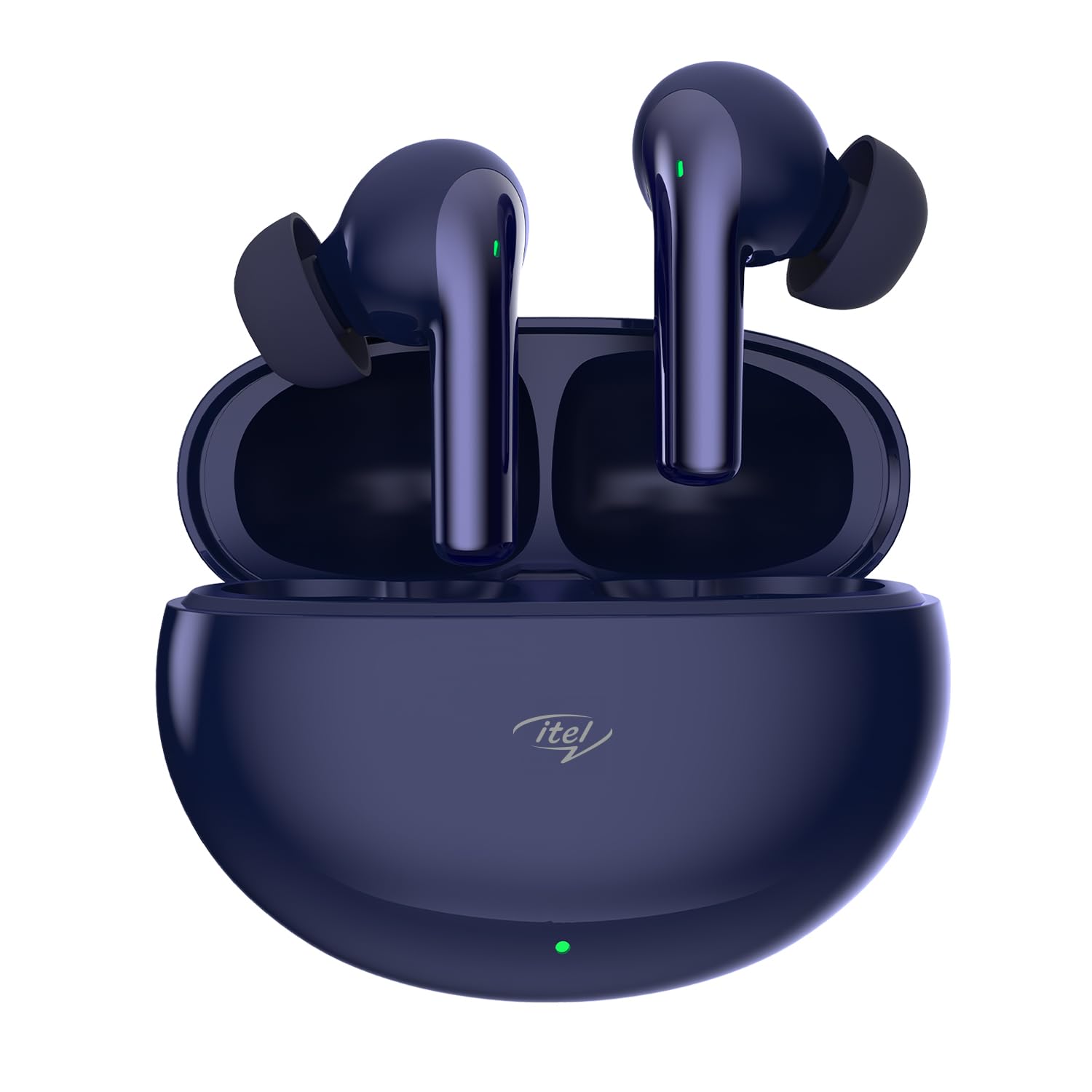
Image: The Itel Buds Ace ANC earbuds nestled in their Midnight Blue charging case.
Орнотуу жана биринчи колдонуу
1. Кулакчындарды жана кутуну кубаттоо
Before first use, ensure both the earbuds and the charging case are fully charged. Place the earbuds into the charging case. Connect the provided USB Type-C cable to the charging port on the case and the other end to a compatible USB power source.
- The charging case has a 500 Milliamp Hours battery capacity.
- A full charge for the case takes approximately 2 Hours.
- A quick 10-minute charge provides up to 180 minutes of playback.
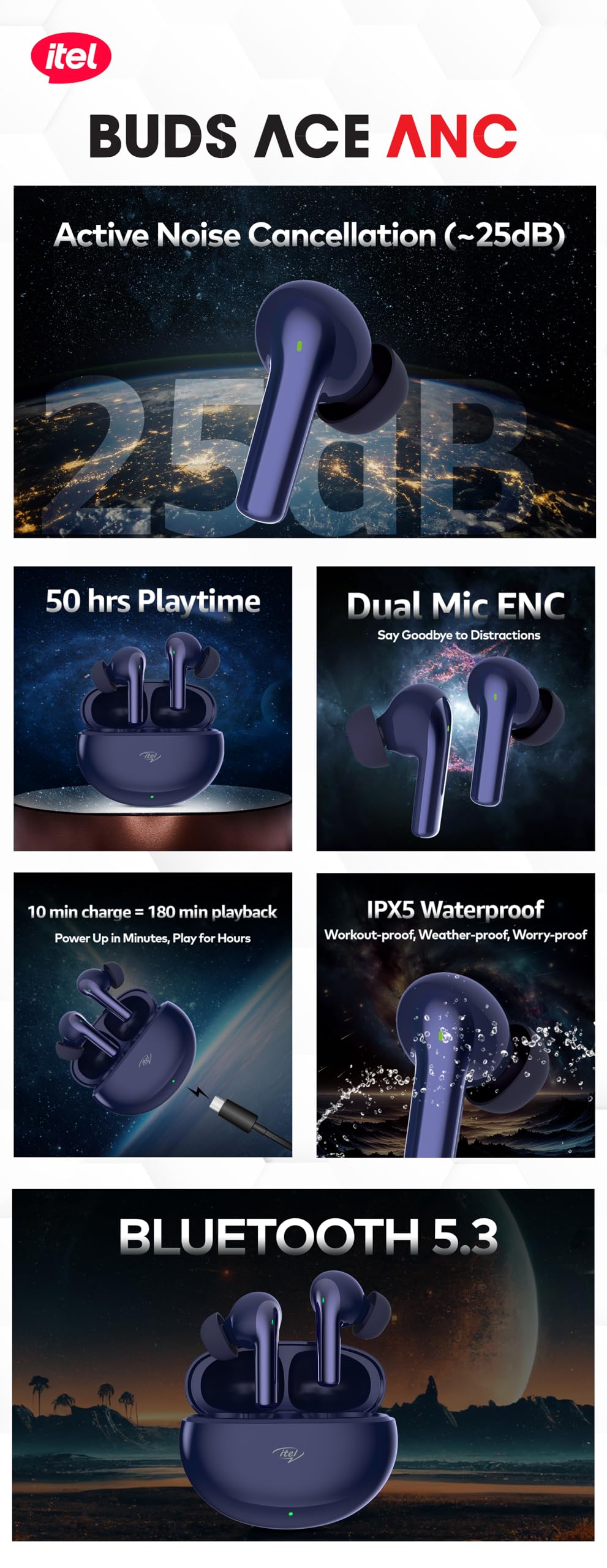
Image: The charging case connected via a USB Type-C cable, illustrating the quick charge feature.
2. Bluetooth Жупташтыруу
To pair your Itel Buds Ace ANC with your device:
- Кулакчындардын заряддоо кутучасында жана корпустун капкагы ачык экенин текшериңиз.
- Смартфонуңузда же башка Bluetooth иштетилген түзмөгүңүздө Bluetooth жөндөөлөрүнө өтүңүз.
- Издөө available devices and select "Itel Buds Ace ANC" from the list.
- Тандалгандан кийин, кулакчындар автоматтык түрдө туташат. Үн менен жупташуунун ийгиликтүү болгонун ырастаган билдирүү жөнөтүлөт.
The earbuds feature Bluetooth 5.3 for a fast and stable connection with a range of up to 10 Metres.
Иштөө нускамалары
Активдүү Шумду Жоюу (ANC)
The Itel Buds Ace ANC features up to 25 dB Active Noise Cancellation, allowing you to immerse yourself in your audio by blocking out ambient noise. This feature is ideal for commuting, working, or simply enjoying your music without distractions.

Image: An earbud illustrating the 25dB Active Noise Cancellation capability, tuning out chaos.
Чалуулар үчүн айлана-чөйрөнүн ызы-чуусун жокко чыгаруу (ENC)
Equipped with 2-Mic ENC technology, these earbuds ensure crystal-clear call quality. Your voice will be heard clearly even in noisy environments, minimizing background distractions during phone conversations.

Image: Two earbuds highlighting the Dual Mic ENC feature for clear voice calls.
Touch Controls
The Itel Buds Ace ANC features intuitive touch controls for easy management of your audio and calls. Specific gestures for playback, call management, and ANC mode switching are typically detailed in a quick start guide or can be found through experimentation. Common controls include:
- Ойнотуу/тындыруу: Кулакчындарды бир жолу таптаңыз.
- Кийинки трек: Оң кулакчынды эки жолу таптаңыз.
- Мурунку трек: Сол кулакчынды эки жолу таптаңыз.
- Чалууга жооп берүү/аяктоо: Кулакчындарды бир жолу таптаңыз.
- Чакырууну четке кагуу: Кулакчындардын бирин дагы көпкө басыңыз.
- Үн Жардамчысын жандыруу: Triple tap on either earbud (supports Google Assistant).
- ANC/Transparency Mode Switch: Long press on either earbud (duration may vary).
Батареянын иштөө мөөнөтү
Enjoy extended listening sessions with an impressive total playtime of up to 50 Hours with the charging case. The earbuds themselves provide several hours of playback on a single charge, complemented by the case's multiple recharges.

Image: The earbuds and case illustrating the 50 hours of total playtime.
Техникалык шарттар
| Өзгөчөлүк | Деталь |
|---|---|
| Модель аты | Buds Ace ANC |
| Noise Control | Активдүү ызы-чууну жокко чыгаруу (25дБ чейин) |
| Айдоочулар | 10мм динамикалык айдоочулар |
| Микрофон | 2-Mic Environmental Noise Cancellation (ENC) |
| Байланыш | Bluetooth 5.3 |
| Зымсыз диапазон | 10 метр |
| Жалпы ойноо убактысы | 50 саатка чейин (заряддоо кутусу менен) |
| Тез заряддоо | 10 min charge = 180 min playback |
| Суу каршылык | IPX5 сууга туруктуу |
| Башкаруу түрү | Touch, Google Assistant Voice Control |
| Материал | Поликарбонат (PC) |
| Салмагы | 45 грамм (жалпы) |
| Аудио кечигүү | 45 Миллисекунд |
Кароо жана тейлөө
To ensure the longevity and optimal performance of your Itel Buds Ace ANC earbuds, follow these care guidelines:
- Тазалоо: Кулакчындарды жана заряддоо кутусун жумшак, кургак, түксүз чүпүрөк менен дайыма тазалап туруңуз. Абразивдүү материалдарды же катуу химиялык заттарды колдонуудан алыс болуңуз.
- Суу каршылык: The earbuds are IPX5 water resistant, meaning they can withstand splashes and sweat. They are not designed for submersion in water. Do not expose them to running water or wear them while swimming. Ensure they are dry before placing them back in the charging case.
- Сактагыч: Колдонулбаганда, кулакчындарды чаңдан жана бузулуудан коргоо үчүн кубаттоочу кутуга салып сактаңыз. Салкын, кургак жерде, экстремалдык температурадан алыс сактаңыз.
- Заряддоо: Use only the provided USB Type-C cable for charging. Avoid using damaged cables or chargers.

Image: An earbud with water droplets, signifying its IPX5 waterproof rating.
Проблемаларды чечүү
If you encounter any issues with your Itel Buds Ace ANC, please refer to the following common troubleshooting steps:
| Көйгөй | Мүмкүн чечим |
|---|---|
| Кулакчындар жупташкан жок |
|
| Бир кулактын үнү чыкпайт |
|
| Заряддоо маселелери |
|
| АНК эффективдүү иштебей жатат |
|
Продукт бүттүview Video
For a visual guide on the features and usage of your Itel Buds Ace ANC, please watch the official overview төмөндөгү видео.
Видео: Аткаминерview of the Itel Buds Ace ANC, detailing its key features and benefits.
Кепилдик жана колдоо
Itel products are designed and manufactured to the highest quality standards. For information regarding warranty coverage, technical support, or service inquiries, please refer to the warranty card included with your product or visit the official Itel support website. You may also contact the seller for assistance.
Кошумча маалымат алуу үчүн, сиз иш сапары менен болот Itel Store on Amazon.


