1. Киришүү
Thank you for choosing the EUQQ Bluetooth Headset Model 530-1D. This manual provides detailed instructions for setup, operation, and maintenance to ensure optimal performance and longevity of your device. This headset is designed for clear communication and audio playback in various environments, featuring noise-canceling technology and an ergonomic design.
2. Пакеттин мазмуну
Пакетиңизде бардык буюмдар бар экенин текшериңиз:
- One EUQQ Bluetooth Headset (Model 530-1D)
- One USB-C Charging Cable
- One Ear Cap
- Бир окуу инструкциясы
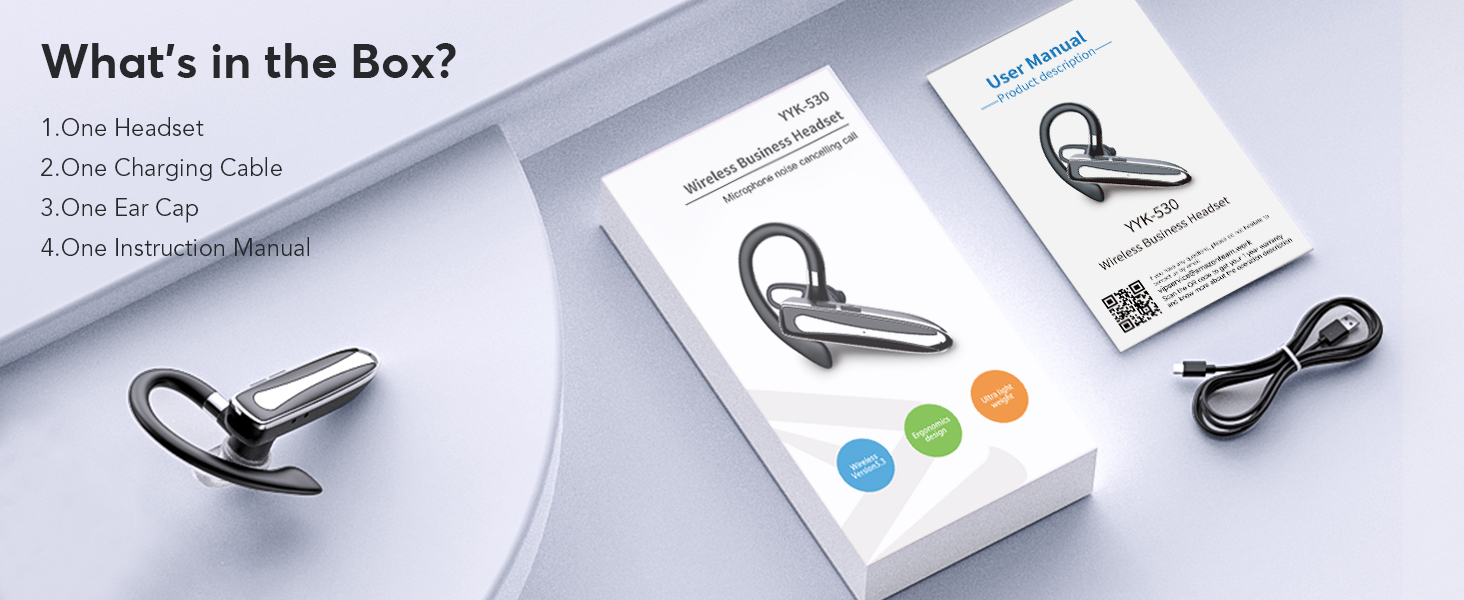
Image: The EUQQ Bluetooth Headset package contents, including the headset, charging cable, ear cap, and instruction manual.
3. Продукт бүтүп калдыview
The EUQQ Bluetooth Headset Model 530-1D features an ergonomic design for comfortable wear and intuitive controls.
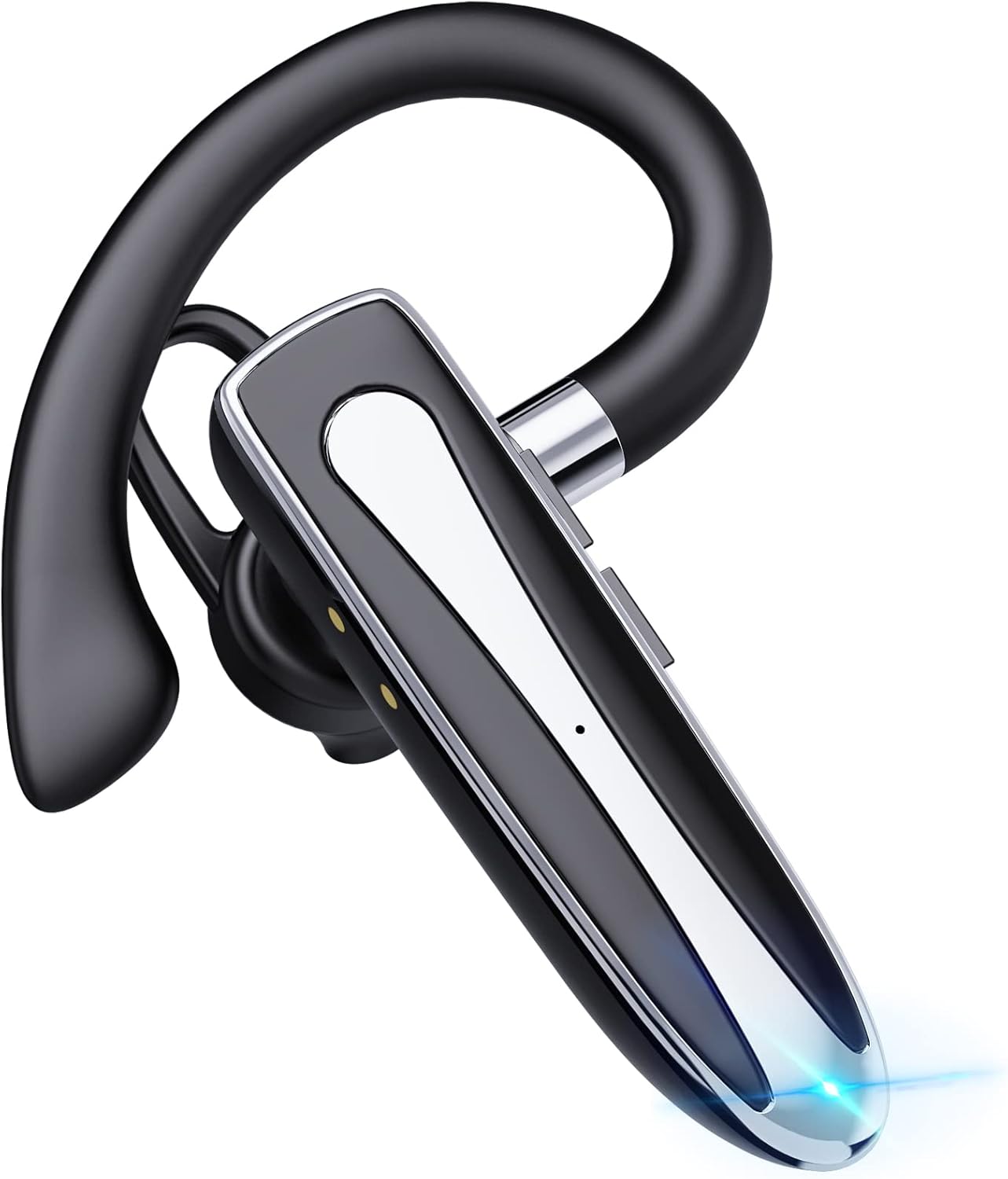
Сүрөт: деталдуу view of the EUQQ Bluetooth Headset, highlighting its sleek design and integrated microphone.

Image: Close-up of the headset showing the touch sensor button for control and the USB-C charging port.
4. Орнотуу колдонмосу
4.1. Гарнитураны заряддоо
Before first use, fully charge the headset to ensure maximum battery life.
- Connect the provided USB-C charging cable to the headset's charging port.
- Кабелдин экинчи учун USB кубат булагына туташтырыңыз (мисалы, компьютер, дубал адаптер).
- The headset will indicate charging status via an LED indicator. A full charge takes approximately 1.5 hours, providing up to 24 hours of talk or music time.
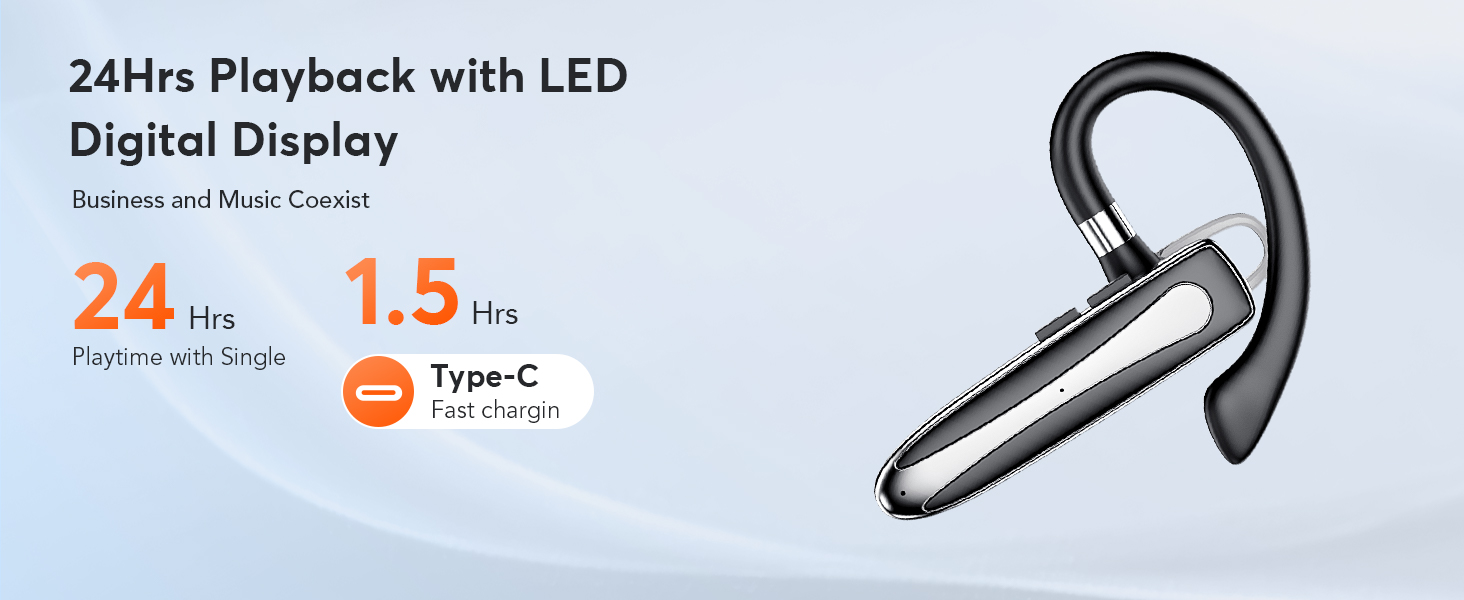
Image: An illustration showing the headset connected to a USB-C charging cable, indicating the fast charging process.
4.2. Күйгүзүү / Өчүрүү
- Күйгүзүү: Press and hold the Multi-function button until the indicator light flashes.
- Өчүрүү: Индикатор жарыгы өчкөнгө чейин Көп функциялуу баскычты басып, кармап туруңуз.
4.3. Bluetooth Жупташтыруу
To connect your headset to a device:
- Гарнитура өчүрүлгөнүн текшериңиз.
- Press and hold the Multi-function button for approximately 5-7 seconds until the indicator light flashes red and blue alternately, indicating pairing mode.
- Түзмөгүңүздө (смартфон, планшет, компьютер) Bluetooth иштетип, жеткиликтүү түзмөктөрдү издеңиз.
- Select "EUQQ 530-1D" (or similar name) from the list.
- Туташкандан кийин индикатор жарыгы көк түстө жай күйөт.
The headset supports stable pairing within a 10-meter range and can connect to two devices simultaneously, allowing seamless switching between work and personal devices.
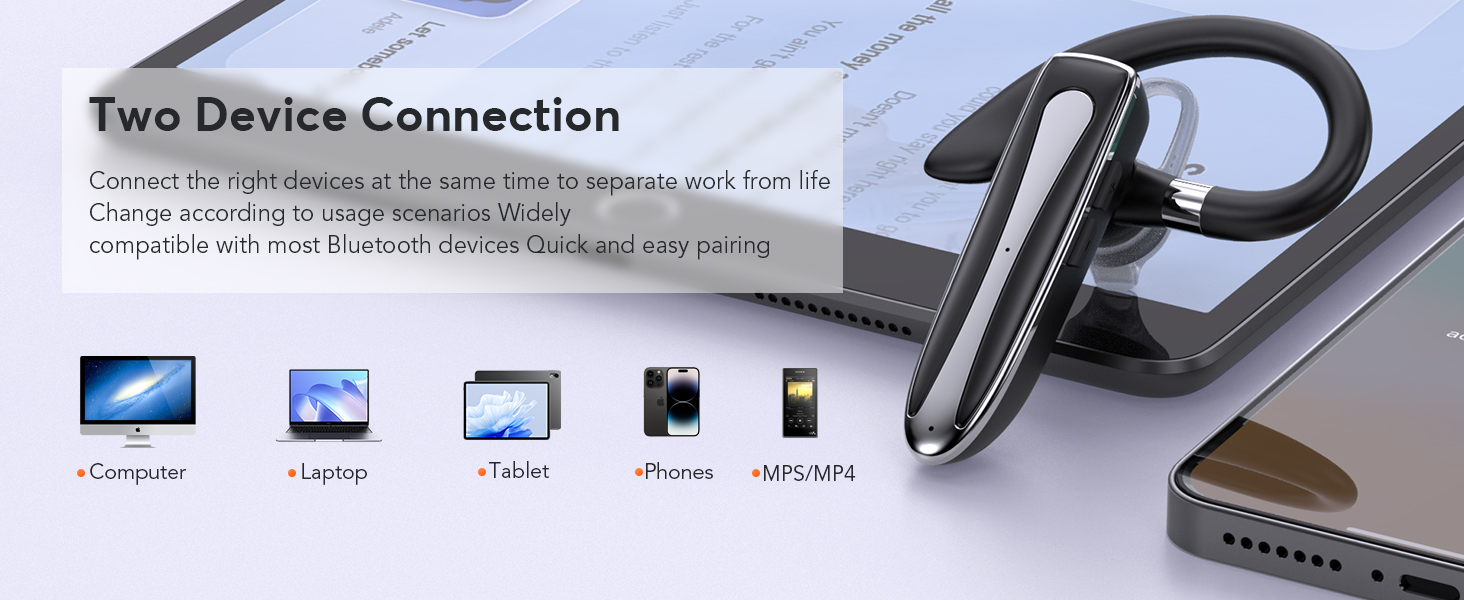
Image: An image illustrating the headset's compatibility with various Bluetooth-enabled devices like computers, laptops, tablets, and phones, demonstrating its dual device connection capability.
5. Иштөө нускамалары
5.1. Чалууларды башкаруу
The headset provides crystal-clear hands-free calling with Environmental Noise Cancellation (ENC) technology, reducing background noise by up to 90%.
- Чалууга жооп берүү/аяктоо: Көп функциялуу баскычты бир жолу басыңыз.
- Чакырууну четке кагуу: Көп функциялуу баскычты 2 секунд басып туруңуз.
- Үнсүз/Ачуу: Press the dedicated mute button once during an active call.
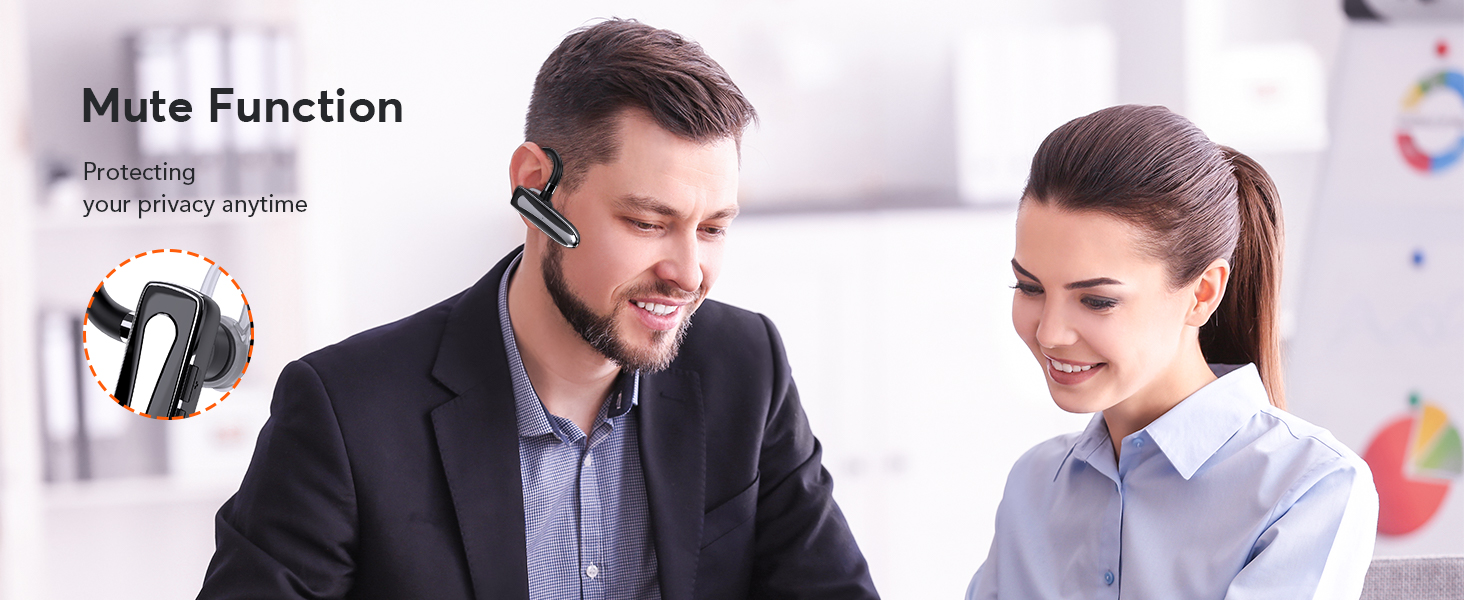
Image: An image showing a user utilizing the mute function on the headset during a conversation, emphasizing privacy and control.
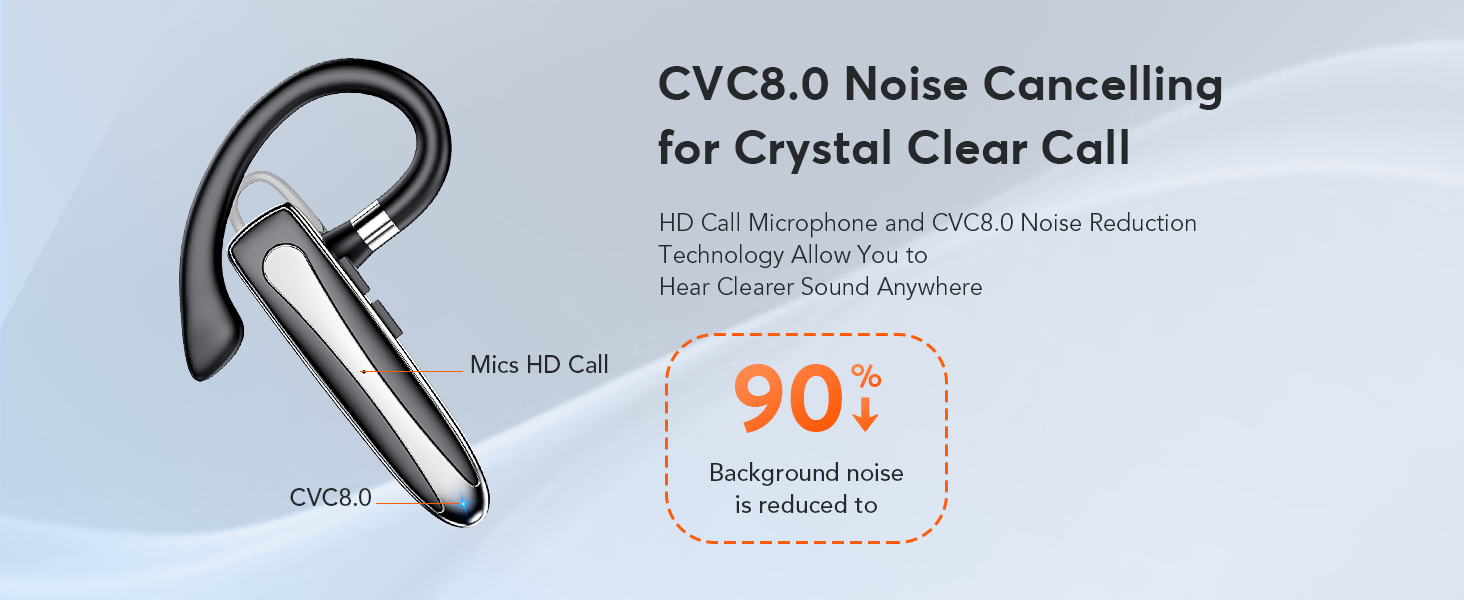
Image: Diagram illustrating the CVC8.0 Noise Cancelling technology, showing how background noise is reduced by 90% for clearer calls.
5.2. Аудио ойнотуу
Use the headset for listening to music or other audio with 3D Stereo Hi-Fi sound quality.
- Ойнотуу/тындыруу: Көп функциялуу баскычты бир жолу басыңыз.
- Кийинки трек: Көп функциялуу баскычты эки жолу басыңыз.
- Мурунку трек: Көп функциялуу баскычты үч жолу басыңыз.
- Үндү көзөмөлдөө: Use the volume buttons on the headset (if available) or your connected device.
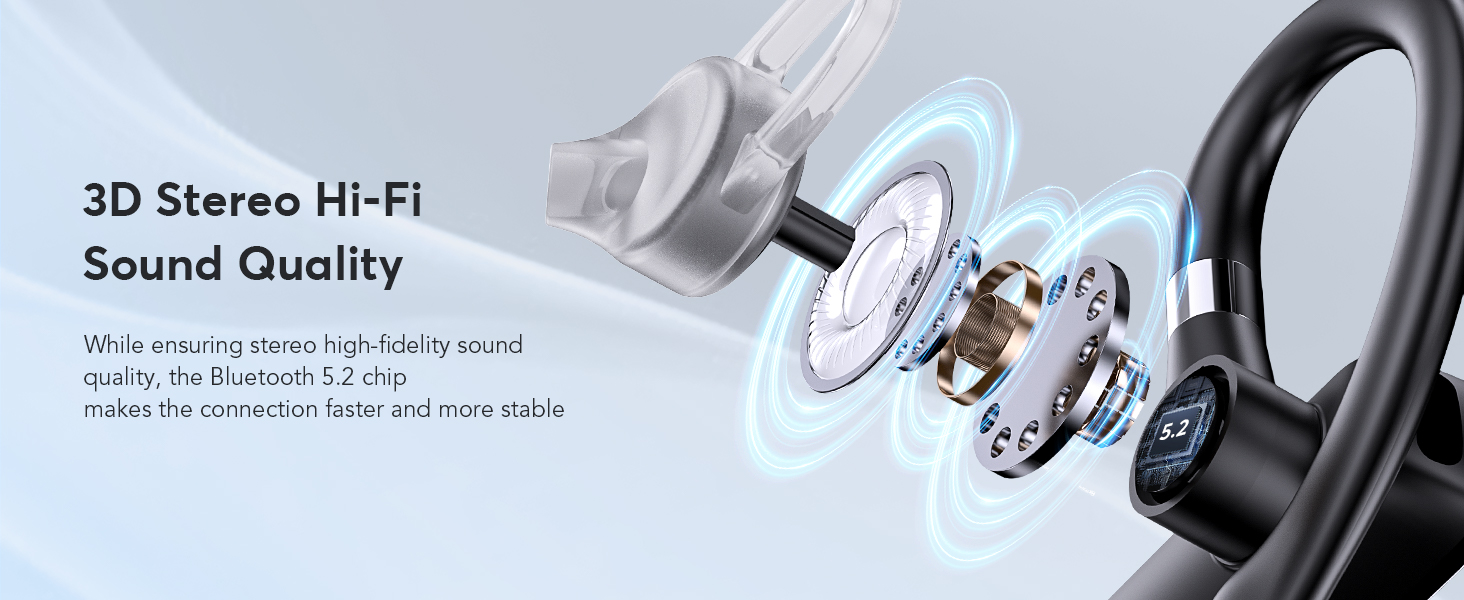
Image: A visual representation of the headset's internal components, highlighting its 3D Stereo Hi-Fi sound quality and Bluetooth 5.2 chip for stable connections.
6. Ыңгайлуулук жана туурасы
The EUQQ Bluetooth Headset is designed for all-day comfort and adaptability.
- The in-ear bud rotates 20° for a custom fit within your ear canal.
- The 180° flexible ear hook and 180° swiveling mic arm adapt to either the left or right ear and various wearing styles.
- Sculpted from silky, skin-friendly silicone for secure and comfortable wear during extended use.
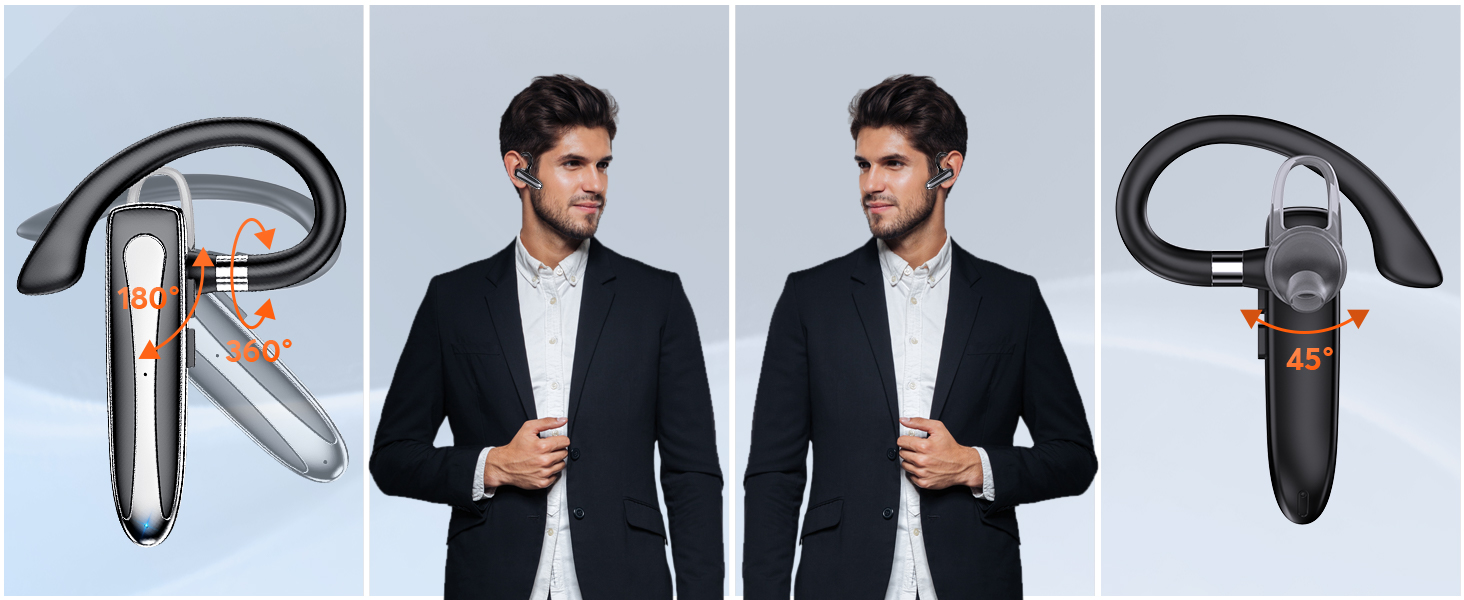
Image: An illustration demonstrating the 180-degree rotation of the headset's body and the 360-degree adjustment of the ear hook, allowing for comfortable wear on both left and right ears.

Image: A person comfortably wearing the EUQQ Bluetooth Headset, emphasizing its lightweight and ergonomic design suitable for both left and right ears.
7. Техникалык тейлөө
Тийиштүү кам көрүү гарнитураңыздын иштөө мөөнөтүн узартат.
- Wipe the headset with a soft, dry cloth to remove dust and oils.
- Avoid using harsh chemicals, solvents, or abrasive materials for cleaning.
- Keep the charging port free from dust and debris to ensure proper connection.
- Колдонбогондо гарнитураны салкын, кургак жерде сактаңыз.
- The headset is IP7 sweat-proof, offering protection against sweat and light splashes, but it is not fully waterproof. Avoid submerging it in water.
8. Кыйынчылыктарды
Эгерде сиз гарнитураңыз менен көйгөйлөргө туш болсоңуз, төмөнкү кеңири таралган көйгөйлөрдү жана чечимдерди караңыз:
| Көйгөй | Чечим |
|---|---|
| Гарнитура күйбөй жатат | Ensure the headset is fully charged. Press and hold the power button for a few seconds. |
| Түзмөк менен жупташтыруу мүмкүн эмес | Ensure Bluetooth is enabled on your device. Make sure the headset is in pairing mode (flashing red/blue). Move closer to the device. Forget previous pairings on your device and try again. |
| Үн жок же аудио сапаты начар | Check volume levels on both the headset and your connected device. Ensure the headset is within Bluetooth range. Re-pair the headset. |
| Микрофон иштебей жатат | Микрофондун үнсүз эместигин текшериңиз. Туташкан түзмөгүңүздөгү микрофондун жөндөөлөрүн текшериңиз. |
9. Техникалык шарттар
Key technical details of the EUQQ Bluetooth Headset Model 530-1D:
- Модел: 530-1D
- Ызы-чууну көзөмөлдөө: Экологиялык ызы -чууну жокко чыгаруу (ENC)
- Байланыш: Зымсыз, Bluetooth 5.2
- Сүйлөшүү/Музыка убактысы: 24 саатка чейин
- Заряддоо убактысы: Болжол менен 1.5 саат (USB-C)
- Зымсыз диапазон: 10 метрге чейин (33 фут)
- Элемент Салмагы: 1.76 унция (0.05 килограмм)
- Башкаруу ыкмасы: тийүү
- Кулак жайгаштыруу: Кулакта
- Форма фактору: Кулакта
- Өндүрүүчү: EUQQ
- Түсү: Кара кара
- Импеданс: 0.2 Ом
10. Кепилдик жана колдоо
For warranty information, technical assistance, or any questions regarding your EUQQ Bluetooth Headset Model 530-1D, please contact EUQQ customer support through the retailer's platform or the official EUQQ website. Please refer to your purchase documentation for specific warranty terms and conditions.


