1. Киришүү
This manual provides detailed instructions for the installation, operation, and maintenance of your ASMAX F1 Motorcycle Bluetooth Headset. Please read this manual thoroughly before using the product to ensure proper function and safety. The ASMAX F1 headset is designed to enhance communication and audio experience for motorcycle riders, featuring advanced Bluetooth 5.3 technology, group intercom capabilities, and noise reduction.
2. Пакеттин мазмуну
Төмөндө тизмеленген нерселердин баары пакетиңизге камтылганын текшериңиз. Эгерде кандайдыр бир нерселер жок болсо же бузулса, кардарларды колдоо менен байланышыңыз.
- ASMAX F1 Bluetooth Headset Units (2)
- Helmet Speakers (2 sets)
- Boom Microphones (2)
- Soft Wire Microphones (2)
- Magnetic Mounting Bases (2)
- USB-C кубаттоочу кабелдер (2)
- 3M Adhesive Pads for Speakers and Microphones
- User Manual

3. Орнотуу жана орнотуу
3.1 Гарнитураны заряддоо
Before initial use, fully charge the ASMAX F1 headset. Connect the provided USB-C charging cable to the headset's charging port and a compatible USB power source. A full charge takes approximately 50 minutes.

3.2 Installing on a Helmet
The ASMAX F1 headset uses a magnetic mounting system for easy attachment and removal.
- Монтаждык базаны бекитүү: Choose a suitable flat surface on the side of your helmet. Clean the area thoroughly. Peel the backing from the 3M adhesive pad on the magnetic mounting base and firmly press it onto the helmet. Hold for 30 seconds to ensure a strong bond.
- Динамиктерди орнотуу: Place the helmet speakers inside the helmet's ear pockets. Use the provided adhesive pads to secure them. Ensure the speakers are positioned directly over your ears for optimal audio quality.
- Микрофонду орнотуу: Select either the boom microphone (for open-face helmets) or the soft wire microphone (for full-face helmets). Attach the microphone to the inside of the helmet, positioning it close to your mouth. Secure the wire along the helmet's interior using the provided clips or adhesive.
- Туташуу компоненттери: Plug the speaker and microphone cables into the corresponding ports on the magnetic mounting base.
- Гарнитура блогун бекитүү: Align the ASMAX F1 headset unit with the magnetic mounting base on your helmet. The magnets will securely snap the unit into place.

4. Иштөө нускамалары
4.1 Күйгүзүү/өчүрүү
- Күйгүзүү: Press and hold the Power button for approximately 3 seconds until the indicator light illuminates and you hear an audible prompt.
- Өчүрүү: Press and hold the Power button for approximately 3 seconds until the indicator light turns off and you hear an audible prompt.
4.2 Bluetooth жупташтыруу (телефон)
To pair your ASMAX F1 headset with your mobile phone:
- Гарнитура өчүрүлгөнүн текшериңиз.
- Күйгүзүү баскычын болжол менен 5-7 секунд басып, индикатор жарыгы кызыл жана көк түстөр менен кезектешип күйүп-өчкөнгө чейин, жупташтыруу режимин көрсөткөнгө чейин кармап туруңуз.
- Уюлдук телефонуңузда Bluetooth'ду күйгүзүп, жеткиликтүү түзмөктөрдү издеңиз.
- Select 'ASMAX F1' from the list of devices.
- Жупташтырылгандан кийин, индикатордун жарыгы жай көк түстө күйүп-өчөт жана сиз ырастоо сигналын угасыз.
4.3 Universal Pairing (Other Bluetooth Headsets)
The ASMAX F1 supports universal pairing with other brands of Bluetooth motorcycle headsets.

4.4 Топтук интерком
The ASMAX F1 supports both Free Mode and Group Mode for intercom communication with up to 10 riders.
- Эркин режим: Allows for spontaneous one-on-one communication with nearby riders.
- Топ режими: Establishes a mesh network for continuous communication among a predefined group of riders.
Refer to the quick start guide for specific button sequences to initiate and manage intercom modes.

4.5 Voice Commands and Button Controls
The ASMAX F1 headset can be controlled via voice commands or physical buttons.
- Үн буйруктары: Activate the voice assistant by saying "Hi Max" followed by commands such as "Group Mesh," "Group Mode," "Free Mode," "End Intercom," "Music On," "Phone Pairing," "Answer The Phone," "Next Track," or "Volume Up."
- Башкаруу баскычтары: Specific buttons on the headset allow for manual control of functions like power, volume, music playback, and intercom activation. Consult the quick start guide for a detailed button map.

4.6 Аудио көп тапшырма
The headset supports audio multitasking, allowing you to listen to music, receive navigation instructions, and participate in group intercom simultaneously.

4.7 Noise Reduction (ENC/DSP)
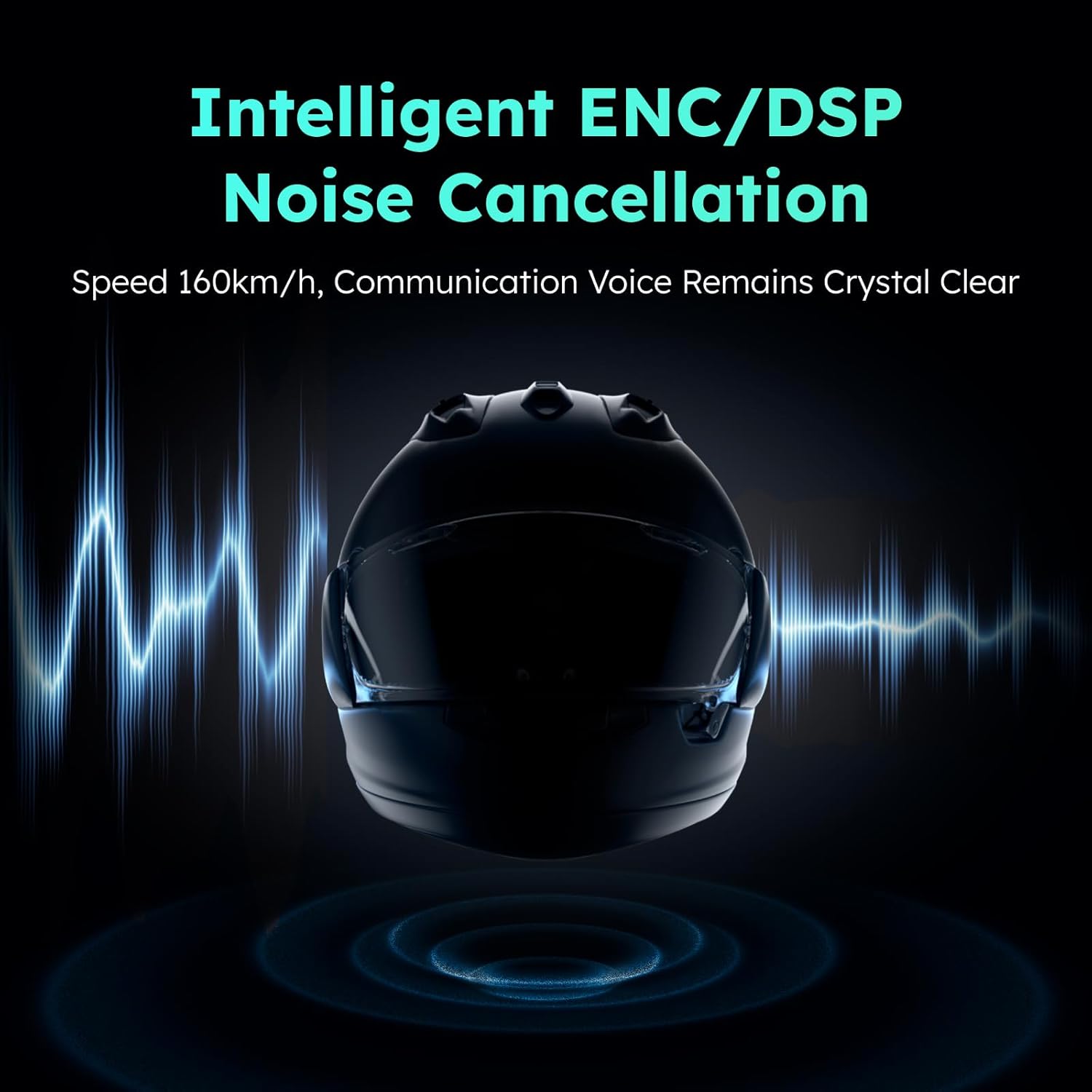
The ASMAX F1 incorporates intelligent ENC (Environmental Noise Cancellation) and DSP (Digital Signal Processing) technologies to reduce background noise, ensuring clear communication even at speeds up to 160 km/h.
5. Техникалык тейлөө
To ensure the longevity and optimal performance of your ASMAX F1 headset, follow these maintenance guidelines:
- Тазалоо: Wipe the headset unit and speakers with a soft, dry cloth. Do not use harsh chemicals or abrasive cleaners.
- Сактагыч: Колдонбогондо гарнитураны күн тийбеген жана өтө температурадан алыс салкын, кургак жерде сактаңыз.
- Заряддоо: Avoid overcharging. Disconnect the charger once the battery is full.
- Суу каршылык: The headset is not water resistant. Avoid exposure to rain or heavy moisture.
6. Кыйынчылыктарды
If you encounter issues with your ASMAX F1 headset, refer to the following common problems and solutions:
- Кубат жок: Ensure the headset is fully charged. Connect to a power source and check the charging indicator.
- Bluetooth жупташтыруу мүмкүн эмес: Ensure the headset is in pairing mode (flashing red and blue). Turn off and on your phone's Bluetooth and try again. Make sure no other devices are actively connected to the headset.
- Аудио жок/Төмөн үн: Check speaker connections. Ensure volume is turned up on both the headset and your connected device. Reposition speakers for better ear alignment.
- Домофон маселелери: Ensure all headsets are within range and in the correct intercom mode (Free or Group). Re-establish the intercom connection if necessary. Obstacles like vehicles or buildings can affect range.
- Үн буйруктары жооп бербей жатат: Speak clearly and directly into the microphone. Ensure the microphone is properly positioned. Check for excessive background noise.
If the problem persists, perform a factory reset (refer to the quick start guide for instructions) or contact customer support.
7. Техникалык шарттар
Key technical specifications for the ASMAX F1 Motorcycle Bluetooth Headset:
| Өзгөчөлүк | Спецификация |
|---|---|
| Модель аты | F1 Motorcycle Bluetooth Headset |
| Бренд | ASMAX |
| Bluetooth версиясы | 5.3 |
| Байланыш технологиясы | Bluetooth |
| Зымсыз байланыш технологиясы | Bluetooth |
| Башкаруу түрү | Үн менен башкаруу, тийүү |
| Заряддоо убактысы | 50 minutes (Fast Charging) |
| Noise Control | ENC/DSP Noise Reduction |
| Intercom Range (Unit-to-unit) | Up to 3 km / 1.8 mi |
| Intercom Range (Overall, 1st to last rider) | Up to 8 km / 5 mi |
| Шайкеш түзмөктөр | Motorcycles, Powersports Helmets |
| Сууга туруктуулук деңгээли | Сууга чыдамдуу эмес |
| Өзгөчө өзгөчөлүк | Fast Charging, Microphone Included |
8. Кепилдик жана колдоо
ASMAX products are covered by a limited warranty. For specific warranty terms and conditions, please refer to the warranty card included with your product or visit the official ASMAX website. For technical support, troubleshooting assistance, or to inquire about replacement parts, please contact ASMAX customer service through the contact information provided on our webсайт же сатып алуу платформаңыз.


