1. Киришүү
Thank you for choosing the Gaciron W12BR-200 Bicycle Rear Light. This manual provides detailed instructions for the proper installation, operation, and maintenance of your new rear light. Please read this manual thoroughly before use to ensure optimal performance and safety.
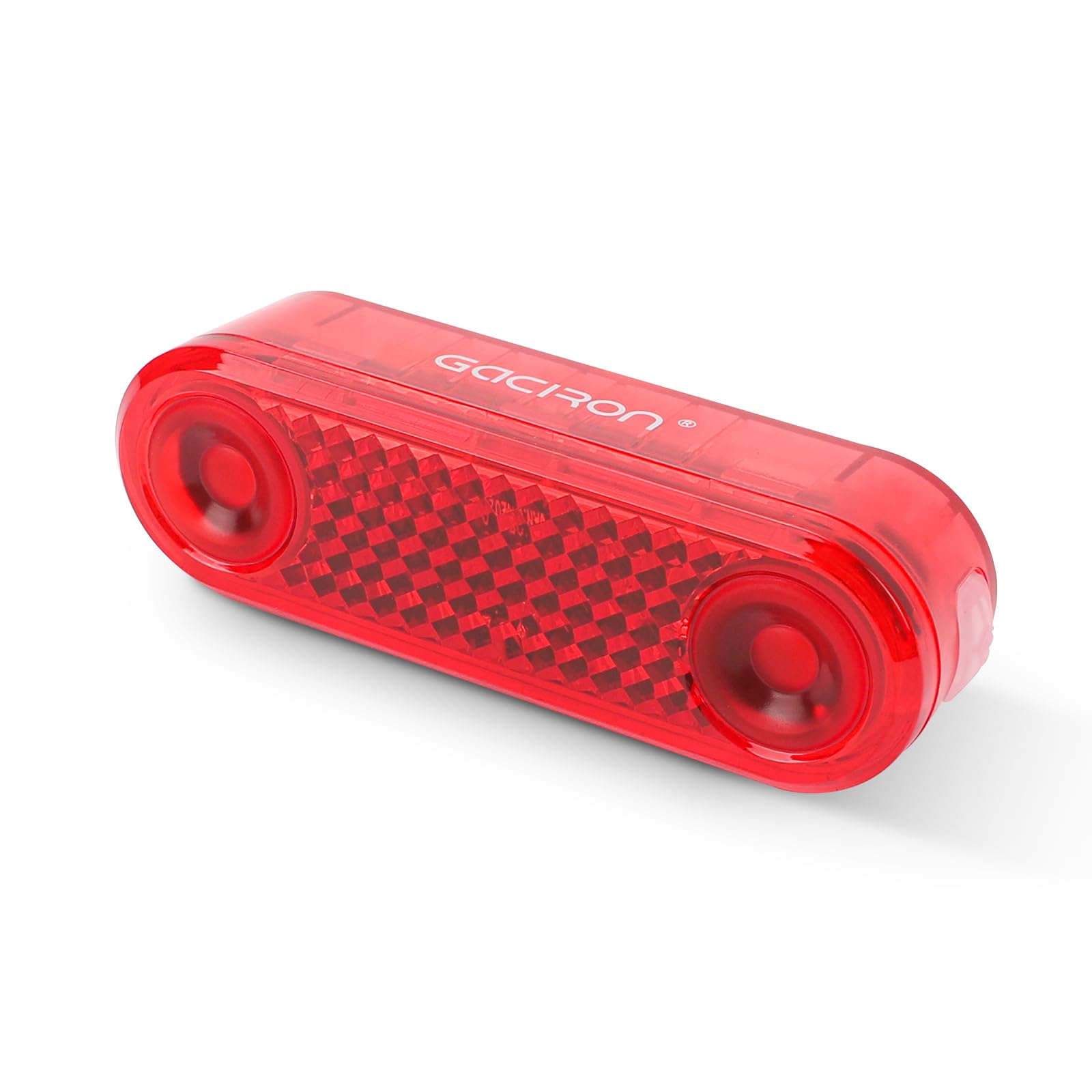
The Gaciron W12BR-200 bicycle rear light illuminated on a cyclist at night, demonstrating its visibility and safety features.
2. Кутуда эмне бар
Carefully unpack your Gaciron W12BR-200 and ensure all items are present:
- 1 x Gaciron W12BR-200 Bicycle Rear Light
- 1 x Bicycle Rear Light Holder (for bike rack mounting)
- 1 x 15cm USB-C Charging Cable
- 2 x Small Wrenches
- Assorted Screws for installation
3. Продукциянын өзгөчөлүктөрү
- Intelligent Brake Sensor: Automatically detects braking and increases brightness to alert others.
- Intelligent Motion Sensor: Automatically turns on when motion is detected and enters sleep mode after a period of inactivity to save battery.
- 6 Brightness Modes: Offers versatile lighting options for various riding conditions, with a maximum output of 200 lumens.
- USB-C кайра заряддалуучу: Convenient and fast charging via a modern USB-C port.
- IPX6 сууга туруктуулугу: Designed to withstand heavy rain and splashes, ensuring reliable performance in adverse weather.
- Ар тараптуу монтаждоо: Suitable for both bicycle carriers (racks) and saddle rails.
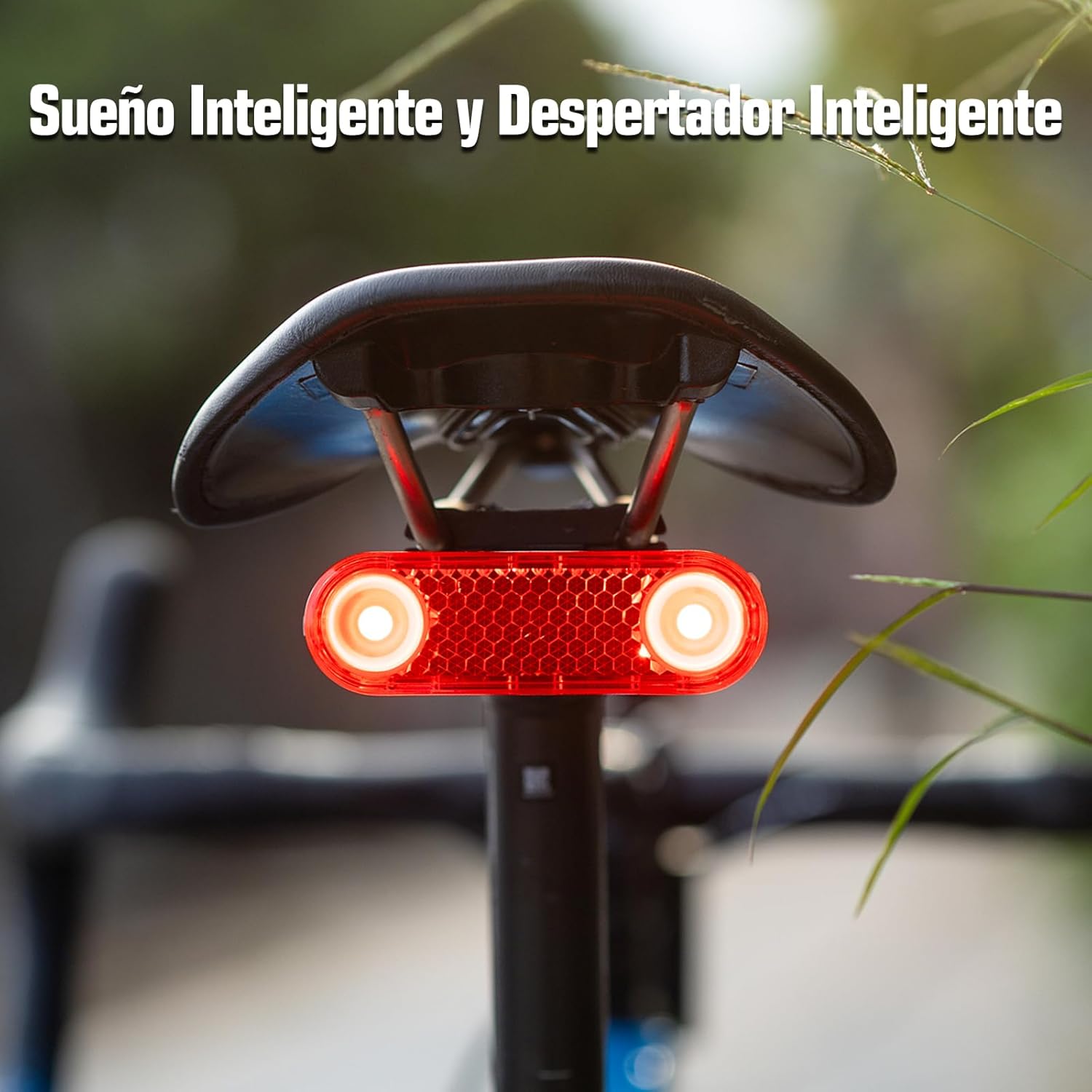
The intelligent brake sensor activates, increasing light intensity to warn following traffic when braking.

The rear light automatically enters sleep mode when stationary and wakes up upon detecting motion, conserving battery life.

The Gaciron W12BR-200 is rated IPX6, providing protection against strong water jets and ensuring functionality in wet conditions.
4. Орнотуу жана орнотуу
The Gaciron W12BR-200 offers two primary mounting options: bicycle rack and saddle rail.
4.1. Rack Mount Installation
- Identify the mounting holes on your bicycle's rear rack.
- Align the provided bicycle rear light holder with these holes.
- Use the supplied screws and small wrenches to securely attach the holder to the rack.
- Slide the Gaciron W12BR-200 rear light onto the holder until it clicks into place. Ensure it is firmly seated.
4.2. Saddle Mount Installation
- Locate the saddle rail mounting points on your bicycle.
- Attach the saddle mount bracket (if included, or use a compatible universal saddle mount) to the saddle rails.
- Secure the Gaciron W12BR-200 rear light to the saddle mount bracket.

The Gaciron W12BR-200 rear light securely mounted under a bicycle saddle, ready for use.
5. Иштөө нускамалары
5.1. Күйгүзүү/өчүрүү
- Күйгүзүү үчүн: Press and hold the power button located on the top of the light for approximately 2 seconds until the light illuminates.
- Өчүрүү үчүн: Жарык өчкөнгө чейин кубат баскычын болжол менен 2 секунд басып туруңуз.
5.2. Которуу режимдери
Once the light is on, short press the power button to cycle through the 6 available lighting modes:
- Constant Low Brightness (5lm): Steady light for consistent visibility.
- Constant High Brightness (15lm): Brighter steady light for enhanced visibility.
- Low Brightness Flash (5lm): Energy-saving flashing mode.
- High Brightness Flash (15lm): Brighter flashing mode.
- Alternating High Brightness Flash (200lm): Maximum brightness flashing for high alert situations.
- Intelligent Brake Mode: Activates automatically when braking, increasing brightness to 60lm for 3 seconds. This mode can be combined with any other mode.

Visual representation of the six distinct lighting modes, including constant, flashing, and intelligent brake functions.
5.3. Батареяны заряддоо
The Gaciron W12BR-200 features a built-in rechargeable battery. When the battery is low, the indicator light will change color or flash to alert you.
- Жарыктан USB-C заряддоо портун табыңыз.
- Connect the provided USB-C cable to the light and the other end to a standard USB power adapter (e.g., computer USB port, wall charger).
- Заряддоо индикаторунун жарыгы кубаттоо абалын көрсөтөт (мисалы, кубаттоо үчүн кызыл, толук заряддалган жашыл).
- Заряддоо убактысы кубат булагына жараша өзгөрүшү мүмкүн.

The Gaciron W12BR-200 being charged via its USB-C port, illustrating the convenient recharging process.
6. Техникалык тейлөө
- Тазалоо: Жарыкты жумшак менен сүртүңүз, гamp кирди жана калдыктарды тазалоо үчүн кездеме. Абразивдүү тазалагычтарды же эриткичтерди колдонбоңуз.
- Сактагыч: Store the light in a cool, dry place when not in use. If storing for an extended period, charge the battery periodically to maintain its health.
- Батареяга кам көрүү: Avoid fully discharging the battery frequently. Charge it before it completely runs out.
- Текшерүү: Regularly check the mounting bracket and screws to ensure they are secure.
7. Кыйынчылыктарды
- Жарык күйбөйт:
- Ensure the battery is charged. Connect to a USB-C charger.
- Press and hold the power button for the required duration (approx. 2 seconds).
- Light does not hold a charge:
- Check the USB-C cable and charging adapter for damage.
- Заряддоо порту таза жана таштандылардан таза экенин текшериңиз.
- If the issue persists, the battery may need replacement or the unit may be faulty. Contact customer support.
- Intelligent brake/motion sensor not working:
- Ensure the light is securely mounted and not obstructed.
- Verify that the light is in a mode that supports the intelligent sensor function.
- The sensor may be less effective in extremely bumpy conditions or at very low speeds.
- Light is loose on mount:
- Tighten all screws on the mounting bracket using the provided wrenches.
- Ensure the light is fully clicked into its holder.
8. Техникалык шарттар
| Модель аты | W12BR-200 |
| Бренд | Gaciron |
| Жарык чыгаруунун максималдуу көлөмү | 200 Lumens |
| Орнотуулардын саны | 6 |
| Power Source | Батареядан кубатталган (USB-C кайра заряддалуучу) |
| Сууга туруктуулук деңгээли | IPX6 |
| Элемент Салмагы | 73 грамм |
| Продукциянын өлчөмдөрү | 3.94"L x 1.22"W x 1.26"H |
| Монтаж түрү | Rack Mount, Saddle Mount |
| Auto Part Position | Арткы |
9. Кепилдик жана колдоо
Gaciron products are manufactured to high-quality standards. For warranty information, please refer to the warranty card included with your purchase or visit the official Gaciron website. If you encounter any issues or have questions regarding your W12BR-200 rear light, please contact Gaciron customer support for assistance.


