Introduction
Thank you for choosing the Defender ARGA GM-049 Gaming Mouse. This manual provides detailed instructions for setting up, operating, maintaining, and troubleshooting your new gaming mouse. Please read this manual carefully before use to ensure optimal performance and longevity of your device.
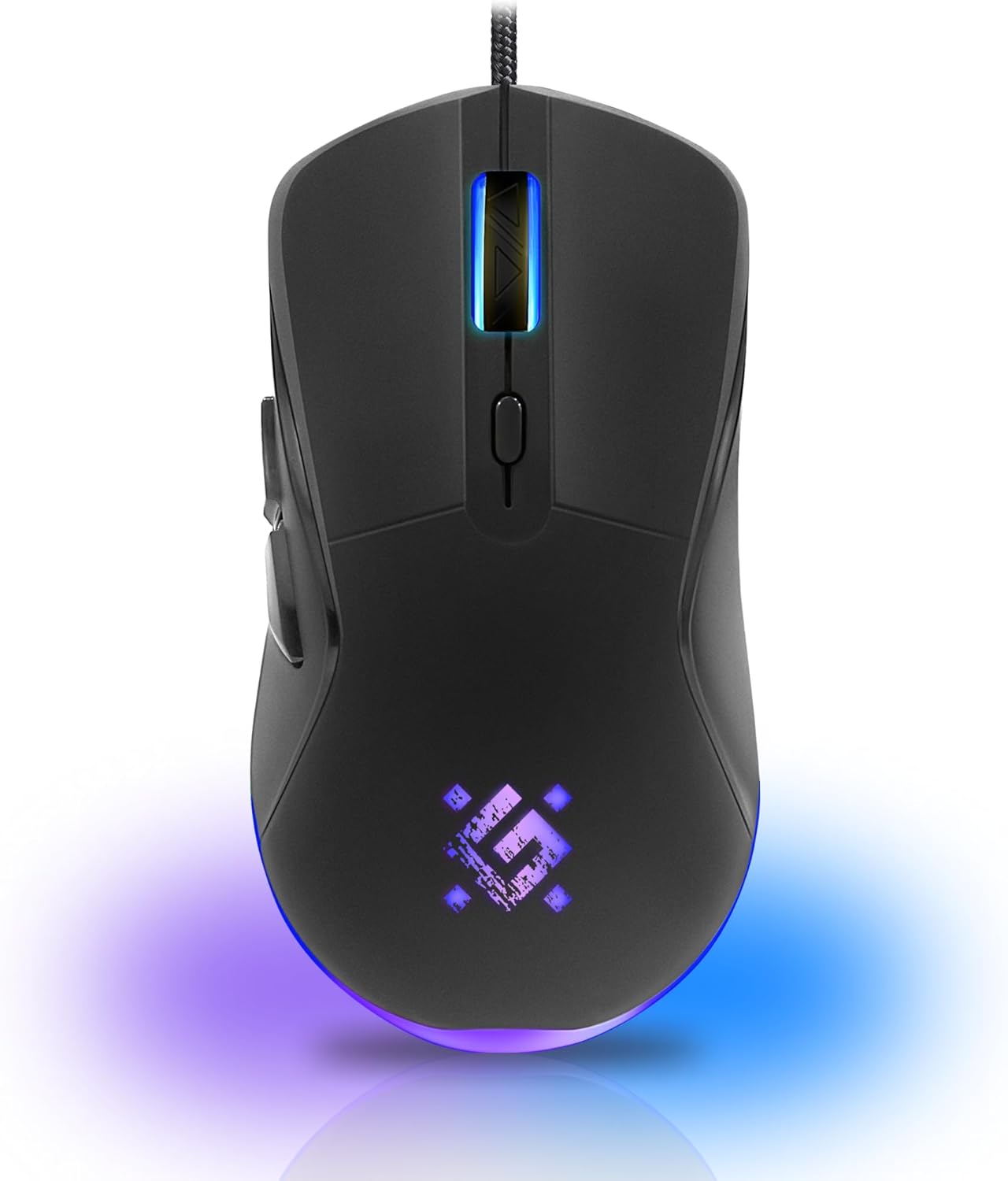
Сүрөт: алдыңкы view of the Defender ARGA GM-049 Gaming Mouse, showcasing its ergonomic design and customizable RGB lighting.
Жайгашуу
1. Чычканды туташтыруу
- Компьютериңизден жеткиликтүү USB портун табыңыз.
- Plug the gold-plated USB connector of the Defender ARGA GM-049 mouse into the USB port.
- Иштөө системасы автоматтык түрдө керектүү драйверлерди таап, орнотот. Бул процесс бир нече мүнөткө созулушу мүмкүн.
2. Программалык камсыздоону орнотуу (кошумча)
For advanced customization, including macro programming and button remapping, install the Defender Game Center Software.
- Visit the official Defender website to download the latest version of the Defender Game Center Software.
- Орнотууну аяктоо үчүн экрандагы нускамаларды аткарыңыз.
- Орнотулгандан кийин, чычкан жөндөөлөрүн конфигурациялоо үчүн программаны ишке киргизиңиз.

Image: Diagram illustrating the Defender Game Center Software, macro editor, optical sensor, and compatibility with Windows 2000/XP/Vista/7/8/10+ and macOS X10+.
Иштөө нускамалары
1. Негизги функциялар
- Сол чыкылдатуу: Негизги аракет.
- Оң чыкылдатуу: Secondary action, typically opens context menus.
- Жылдыруу дөңгөлөгү: Документтерди өйдө/ылдый жылдырыңыз же web pages. Pressing the scroll wheel often acts as a middle click.
2. DPI тууралоо
The Defender ARGA GM-049 features adjustable DPI (Dots Per Inch) settings, allowing you to change mouse sensitivity on the fly. The available DPI levels are 1200, 1800, 2400, and 3600.
- Press the dedicated DPI button (usually located behind the scroll wheel) to cycle through the preset DPI levels.
- Each DPI level may correspond to a different LED lighting color for easy identification (refer to software for customization).
3. Программалануучу баскычтар
The mouse is equipped with 6 buttons, 5 of which are programmable using the Defender Game Center Software. These include the two main clicks, the scroll wheel click, and two side buttons.
- Launch the Defender Game Center Software.
- Navigate to the button assignment section.
- Select a button and assign a desired function, macro, or key combination.
4. RGB жарыктандыруу
The ARGA GM-049 features customizable RGB lighting. The lighting effects and colors can be configured through the Defender Game Center Software to match your preferences or current DPI setting.

Image: Visual representation of the mouse's features including 10 million clicks lifespan, 5 programmable buttons, RGB lighting, and DPI settings (1200/1800/2400/3600).
Техникалык тейлөө
Proper maintenance ensures the longevity and optimal performance of your gaming mouse.
1. Тазалоо
- Тазалоодон мурун чычканды компьютериңизден ажыратыңыз.
- Чычкандын бетин сүртүү үчүн жумшак, кургак, түксүз чүпүрөктү колдонуңуз.
- өжөр кир үчүн, бир аз гampкездемени суу же жумшак, абразивдүү эмес тазалоочу каражат менен сүртүңүз. Күчтүү химиялык заттардан алыс болуңуз.
- Use a cotton swab or compressed air to clean around the buttons and scroll wheel.
- Do not allow liquids to enter the mouse casing.
2. Жалпы кам көрүү
- Чычканды түшүрүүдөн же катуу соккулардан сактаныңыз.
- Чычканды өтө жогорку температурадан жана түз күн нурунан алыс кармаңыз.
- Do not attempt to disassemble the mouse, as this may void your warranty.
Проблемаларды чечүү
If you encounter issues with your Defender ARGA GM-049 mouse, refer to the following common solutions:
| Көйгөй | Мүмкүн чечим |
|---|---|
| Чычкан жооп бербей жатат |
|
| Курсордун туура эмес кыймылы |
|
| Баскычтар же сыдырма дөңгөлөк иштебей жатат |
|
| LED жарыгы иштебейт |
|
Техникалык шарттар
| Өзгөчөлүк | Деталь |
|---|---|
| Бренд | коргоочу |
| Модел | ARGA GM-049 |
| Байланыш технологиясы | Wired USB (Gold-plated connector) |
| Кыймылды аныктоо технологиясы | Оптикалык |
| DPI деңгээли | 1200 / 1800 / 2400 / 3600 |
| баскычтардын саны | 6 (5 программалануучу) |
| Өзгөчөлүктөр | RGB LED lighting, Programmable buttons, Macro editor, Durable rubberized surface, Teflon feet, Ferrite noise filter |
| Кабелдин узундугу | 1.5 meters (Braided cable structure) |
| Баскычтын иштөө мөөнөтү | 10 миллионго чейин чыкылдатуу |
| Шайкештик | Windows 2000/XP/Vista/7/8/10+, macOS X10+ |
| Камтылган аксессуар | Mouse Pad (220 x 180 mm) |

Image: Product packaging highlighting key features such as rainbow backlight, 2 thumb buttons, 4 resolution modes up to 3600 DPI, wide rubberized backlit scroll wheel, 5 customizable buttons, durable Teflon feet, ferrite noise filter, gold-plated USB connector, and bonus mouse pad.

Image: The Defender ARGA GM-049 Gaming Mouse shown alongside its included mouse pad, indicating dimensions of 220mm by 180mm.
Кепилдик жана колдоо
Кепилдик маалымат
For detailed warranty information regarding your Defender ARGA GM-049 Gaming Mouse, please refer to the warranty card included with your product or consult the retailer from whom you purchased the device. Warranty terms and conditions may vary by region and retailer.
Техникалык колдоо
If you require further assistance or encounter issues not covered in this manual, please visit the official Defender website for support resources, FAQs, and contact information for technical support.


