1. Киришүү
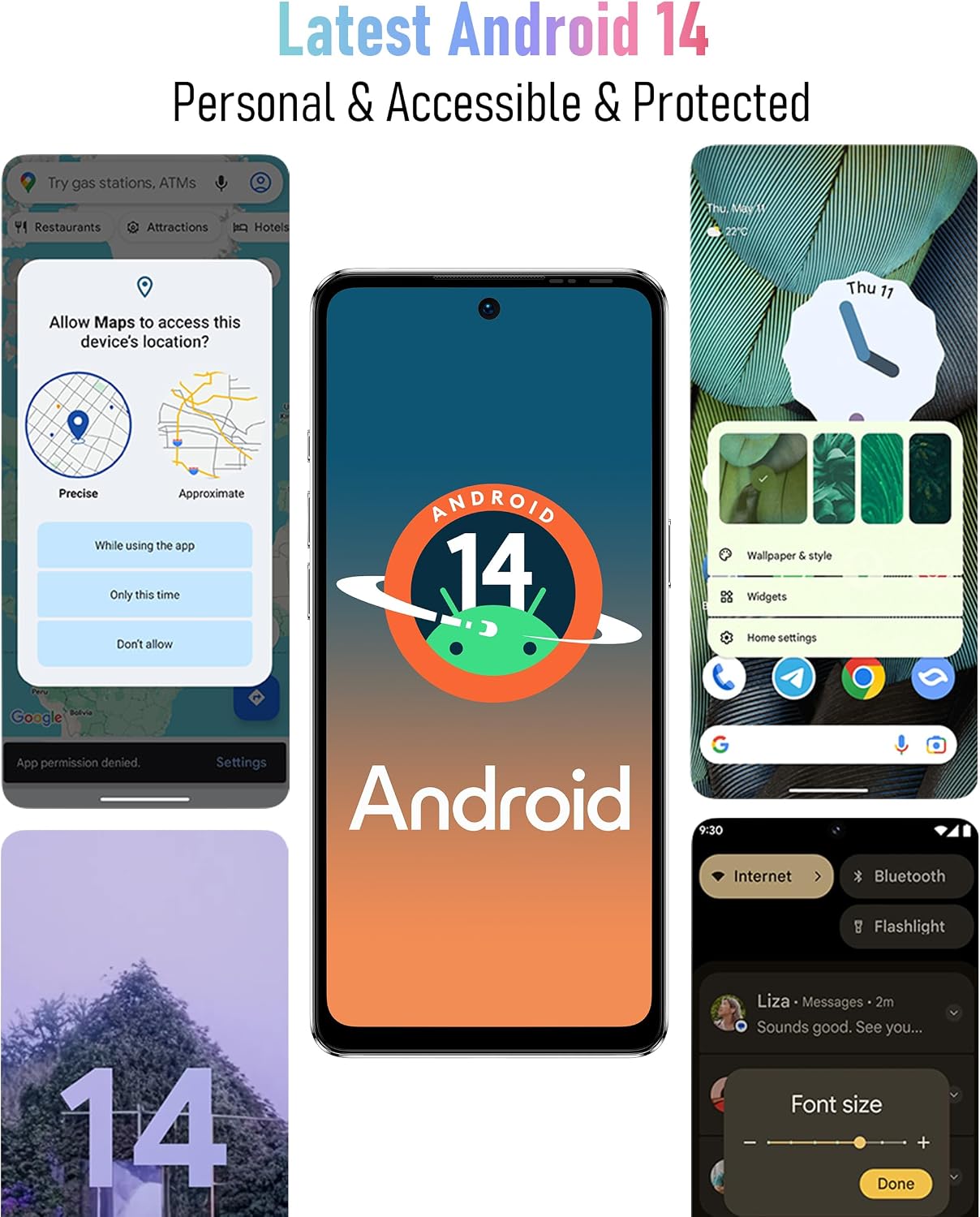
Welcome to the Ulefone Note 18 Pro user manual. This guide provides detailed instructions on how to set up, operate, maintain, and troubleshoot your new Ulefone Note 18 Pro smartphone. The Ulefone Note 18 Pro is an advanced unlocked phone featuring a powerful camera system (64MP main, 50MP ultra-wide, 32MP selfie), a MediaTek Helio G91 processor, 12GB RAM, 256GB ROM, a 6.78-inch HD+ 90Hz display, and a 5450mAh battery. It runs on Android 14 and includes features like NFC, an IR Blaster, and a customizable key.
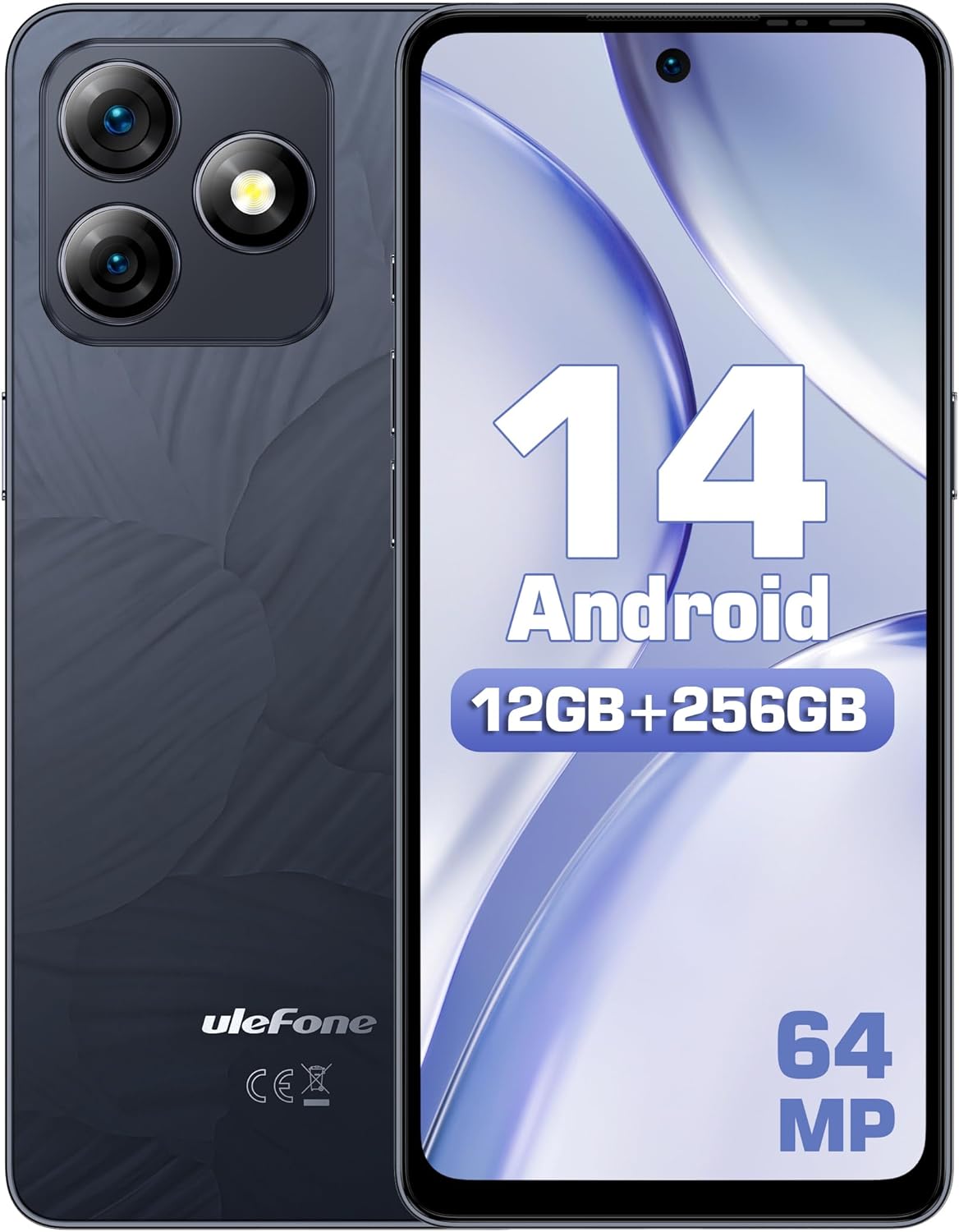
1.1-сүрөт: Алдыңкы жана арткы view of the Ulefone Note 18 Pro, highlighting its camera setup and Android 14 interface.
2. Баштоо: Орнотуу
2.1. Кутуда эмне бар
Баштоодон мурун, бардык компоненттер бар экенин текшериңиз:
- 1x Ulefone Note 18 Pro Smartphone
- 1x AC Power Charger (18W/US Plug)
- 1x Type-C to Type-C Charger Cable (1m)
- 1x Tempered Glass Screen Protector
- 1x TPU Protective Case
- 1x SIM Needle
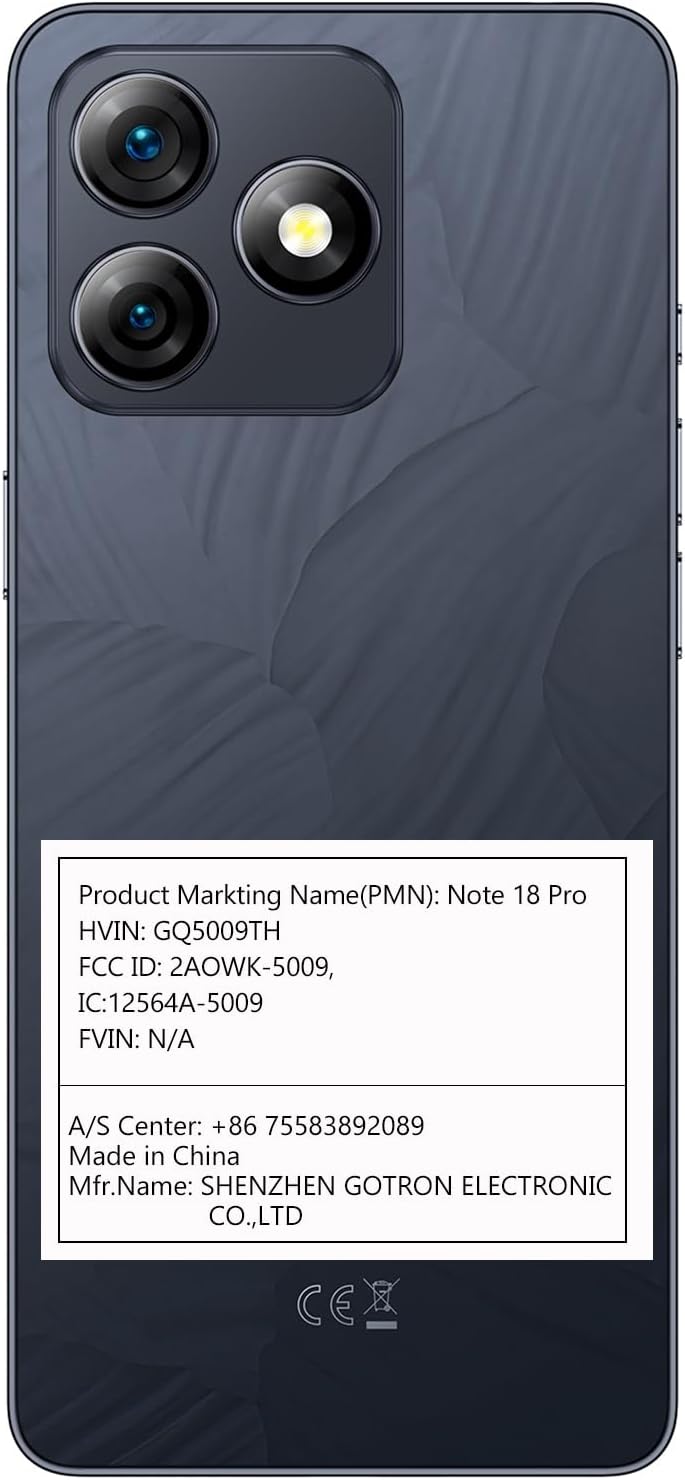
2.1-сүрөт: The Ulefone Note 18 Pro shown with its included TPU protective case.
2.2. SIM карталарды жана MicroSD картасын салуу
The Ulefone Note 18 Pro supports dual SIM dual standby and expandable storage up to 2TB via a TF card.
- Телефондун капталындагы SIM салгычты табыңыз.
- Insert the SIM needle into the small hole on the SIM tray to eject it.
- Place your Nano-SIM cards and/or MicroSD card into the designated slots on the tray. Ensure correct orientation.
- Табаны телефондун ичине акырын түртүңүз, ал чыкылдагыча.
2.3. Баштапкы күйгүзүү жана орнотуу
- Ulefone логотиби пайда болгонго чейин Кубат баскычын басып, кармап туруңуз.
- Тилиңизди тандоо, Wi-Fi тармагына туташуу жана Google аккаунтуңузду орнотуу үчүн экрандагы көрсөтмөлөрдү аткарыңыз.
- Configure security settings, including fingerprint ID and face unlock, for enhanced device security.
3. Аппаратыңызды иштетүү
3.1. Дисплей жана навигация
The Note 18 Pro features a 6.78-inch HD+ punch-hole display with a 90Hz refresh rate, protected by Corning Gorilla Glass.
3.1-сүрөт: Visual representation of the 6.78-inch HD+ display with 90Hz refresh rate and Corning Gorilla Glass protection.
- Тийүү жаңсоолору: Навигация жана өз ара аракеттенүү үчүн таптаңыз, сүртүңүз, чоңойтуу үчүн чымчып басыңыз.
- Эскертме панели: Ыкчам жөндөөлөргө жана эскертмелерге жетүү үчүн экрандын өйдө жагынан ылдый сүрүңүз.
- Колдонмо тартмасы: Экранды ылдый жагынан өйдө сүрүңүз view бардык орнотулган колдонмолор.
3.2. Камеранын өзгөчөлүктөрү
Ар тараптуу камера системасы менен укмуштуудай сүрөттөрдү жана видеолорду тартыңыз:
- 64MP Негизги камера: Equipped with Sony IMX682 sensor for high-resolution images.
- 50MP Ultra Wide-angle Camera: Offers a 117.3° field of view кеңири кадрлар үчүн.
- 32 МП селфи камерасы: For clear and detailed self-portraits.

3.2-сүрөт: Бүттүview of the Ulefone Note 18 Pro's camera system, detailing the 64MP main, 50MP ultra-wide, and 32MP selfie cameras.
To open the camera, tap the camera icon on your home screen or app drawer. Select different modes like Photo, Video, Portrait, or Pro mode from the camera interface.
3.3. Custom Key Functionality
The Note 18 Pro features a customizable key for quick access to frequently used functions.

3.3-сүрөт: Illustration of the customizable key on the Ulefone Note 18 Pro, showing options for single click, double click, and long press actions.
You can assign actions such as:
- One Click: Start Sound recording, Open flashlight, Screenshots
- Double Click: Open Zello, Open SOS
- Long Press: Open Game Mode
To configure the custom key, navigate to Settings > Smart Assistant > Custom Key.
3.4. NFC and IR Blaster
The device includes NFC for contactless payments and an IR Blaster for controlling home appliances.

3.4-сүрөт: Depiction of the Ulefone Note 18 Pro's NFC capability for mobile payments and its IR Blaster for controlling various home electronics.
- NFC: Enable NFC in settings to use Google Pay or other compatible payment apps. Tap your phone to compatible payment terminals.
- IR жардыргыч: Use the pre-installed remote control app or download a universal remote app to control TVs, air conditioners, projectors, and other IR-enabled devices.
4. Батарея жана заряддоо
The Ulefone Note 18 Pro is equipped with a 5450mAh battery and supports 18W fast charging.

4.1-сүрөт: Information on the 5450mAh battery of the Ulefone Note 18 Pro, indicating up to 30 hours of talk time and 12 hours of video playback.
- Use the provided 18W AC Power Charger and Type-C to Type-C Charger Cable for optimal charging speed.
- Avoid using non-certified chargers or cables, as this may damage the device or battery.
- Typical battery life provides up to 30 hours of talk time and 12 hours of video playback.
5. Техникалык тейлөө жана кам көрүү
5.1. Жалпы кам көрүү
- Аппаратты кургак кармаңыз. Нымдуулук электрондук схемаларды бузушу мүмкүн.
- Экстремалдуу температурадан сактаныңыз. Жогорку температуралар электрондук шаймандардын иштөө мөөнөтүн кыскартып, батарейкаларды бузушу мүмкүн.
- Аппаратты түшүрбөңүз, какпаңыз же чайкабаңыз. Орой мамиле ички схемаларды жана жакшы механиканы бузушу мүмкүн.
- Clean the screen and back cover with a soft, lint-free cloth. The AG glass back cover is anti-fingerprint.

5.1-сүрөт: The elegant AG glass back cover of the Ulefone Note 18 Pro, designed for durability and an anti-fingerprint finish.
5.2. Программалык камсыздоону жаңыртуу
Түзмөгүңүздө эң акыркы функциялар, коопсуздук жаңыртуулары жана иштеши жакшыртылганын текшерүү үчүн программалык камсыздоо жаңыртууларын дайыма текшерип туруңуз. барыңыз Орнотуулар > Система > Системаны жаңыртуу.
6. Кыйынчылыктарды
6.1. Жалпы маселелер жана чечүү жолдору
| Көйгөй | Мүмкүн чечим |
|---|---|
| Түзмөк күйбөй жатат | Батарея заряддалганын текшериңиз. Күйгүзүүгө аракет кылуудан мурун кубаттагычка кеминде 10 мүнөт туташыңыз. |
| Начар тармак сигналы | SIM картанын салынышын текшериңиз. Тармакты жакшыраак каптаган аймакка жылыңыз. Аппаратты кайра иштетиңиз. |
| Колдонмолор бузулуп же катып калууда | Clear app cache/data (Settings > Apps > [App Name] > Storage). Update the app. Restart the phone. |
| Батарея бат эле түгөнөт | Reduce screen brightness. Close background apps. Disable unnecessary features like GPS, Bluetooth, Wi-Fi when not in use. |
| Fingerprint ID not working | Ensure your finger is clean and dry. Re-register your fingerprint in settings. |
Эгерде көйгөйлөр чечилбесе, заводдук жөндөөлөргө кайтарууну карап көрүңүз (Орнотуулар > Система > Параметрлерди баштапкы абалга келтирүү > Бардык дайындарды тазалоо (деск. баштапкы абалга келтирүү)). Эскертүү: Бул телефонуңуздагы бардык маалыматтарды өчүрөт. Улантуудан мурун маанилүү маалыматтардын камдык көчүрмөсүн сактап коюңуз.
7. Техникалык шарттар
| Өзгөчөлүк | Деталь |
|---|---|
| Модель аты | Ulefone Note 18 Pro |
| Операция системасы | Android 14 |
| Процессор | MTK Helio G91 (Octa-core, up to 2.0 GHz) |
| RAM | 12 ГБ (6 ГБ физикалык + 6 ГБ виртуалдык) |
| Ички сактагыч | 256 ГБ |
| Кеңейтүүчү сактагыч | 2 ТБ чейин TF картасы |
| Дисплей | 6.78-inch HD+ (720x1640) Punch-hole Display, 90Hz Refresh Rate, Corning Gorilla Glass |
| Арткы камералар | 64MP Main (Sony IMX682), 50MP Ultra Wide-angle (117.3° FOV) |
| Алдыңкы камера | 32MP |
| Батарея сыйымдуулугу | 5450mAh |
| Заряддоо | 18W тез заряддоо |
| Байланыш | Dual 4G SIM, Wi-Fi, Bluetooth, NFC, Infrared |
| Навигация | GPS, ГЛОНАСС, БейДоу, Галилео |
| Башка өзгөчөлүктөр | Custom Key, Splash Proof, Headset-free FM Radio, Face Unlock, Fingerprint ID, 3.5mm Audio Jack |
| Өлчөмдөр | 6.64 x 3.02 x 0.35 дюйм |
| Салмагы | 7.8 унция |
8. Кепилдик жана колдоо
8.1. US Warranty Information
The Ulefone Note 18 Pro comes with a US Warranty. For specific warranty terms and conditions, please refer to the warranty card included in your product packaging or contact Ulefone customer service.
8.2. Кардарларды колдоо кызматы
For technical assistance, troubleshooting, or warranty claims, please contact Ulefone customer support:
- A/S борбору: +86 75583892089
- Өндүрүүчү: SHENZHEN GOTRON ELECTRONIC CO.,LTD
- Visit the official Ulefone webКөп берилүүчү суроолор жана кошумча колдоо ресурстары үчүн сайт: www.ulefone.com


