1. Киришүү
Сатып алганыңыз үчүн рахматasing the SHIDU F8 Portable FM Radio with Bluetooth Speaker. This device offers versatile audio playback options including FM radio, Bluetooth connectivity, and support for TF cards, USB flash drives, and AUX input. Designed for ease of use, this manual provides detailed instructions to help you get the most out of your new device.
2. Коопсуздук маалыматы
- Колдонуудан мурун бардык нускамаларды кунт коюп окуп чыгыңыз.
- Аппаратты суудан, нымдан жана экстремалдык температурадан алыс кармаңыз.
- Аппаратты өз алдынча бөлүүгө же оңдоого аракет кылбаңыз. Квалификациялуу тейлөө кызматкерлерине кайрылыңыз.
- Use only the specified charging cable and power adapter to avoid damage.
- Угуунун бузулушуна жол бербөө үчүн катуу үндүү музыканы көпкө чейин угуудан алыс болуңуз.
3. Пакеттин мазмуну
Сураныч, пакетте төмөнкү нерселерди текшериңиз:
- SHIDU F8 Portable FM Radio with Bluetooth Speaker
- Колдонуучунун колдонмосу
4. Продукт бүтүп калдыview
The SHIDU F8 is a compact and portable device featuring an intuitive control layout. It includes a retractable antenna for enhanced FM reception, a clear display, and various input ports for media playback.
4.1. Device Diagram and Controls
Below is a visual representation of the SHIDU F8, highlighting its key components and controls. Please refer to this diagram for button and port identification.

The device features a speaker on the front, a digital display, control buttons for playback and mode selection, and a rotary knob for power and volume. On the side, you will find ports for USB, TF card, and AUX input, along with the USB-C charging port.
5. Орнотуу
5.1. Баштапкы заряддоо
Before first use, fully charge your SHIDU F8 radio. The device is equipped with a 1000mAh battery that provides 4-5 hours of continuous playtime and charges fully in approximately 2 hours via USB-C.
- Берилген USB-C кабелин радионун капталындагы кубаттоо портуна туташтырыңыз.
- USB-C кабелинин экинчи учун шайкеш келген USB кубат адаптерине (кошулмада жок) же компьютердин USB портуна сайыңыз.
- Дисплейдеги заряддоо индикатору кубаттоо абалын көрсөтөт. Толук заряддалгандан кийин индикатор өзгөрөт же өчөт.
5.2. Күйгүзүү/өчүрүү
To power on the device, rotate the volume knob clockwise. To power off, rotate the volume knob counter-clockwise until it clicks.
6. Иштөө нускамалары
6.1. FM радиосунун иштеши
The SHIDU F8 features strong FM reception. Extend the telescopic antenna for optimal signal quality.

6.1.1. Auto Scan and Save Stations
The auto-scan function automatically finds and saves available FM stations.
Video 1: Demonstrates auto station search and saving presets on a similar portable radio. Long press the scan button to initiate auto-scan, which automatically finds and stores available FM stations. Short press M- or M+ to recall previous or next stored stations.
6.1.2. Manual Station Search and Presets
You can manually tune to specific stations or save them as presets.
Video 2: Illustrates manual station search and manual station preset. Long press the tuning buttons to skip to previous or next available stations. To manually preset a station, tune to the desired frequency, then short press 'MEM/SCAN' to start the preset process. Use M- or M+ to select a preset number, then press 'MEM/SCAN' again to store.
6.2. Bluetooth режими
Connect your smartphone or tablet wirelessly via Bluetooth to play music through the SHIDU F8 speaker.
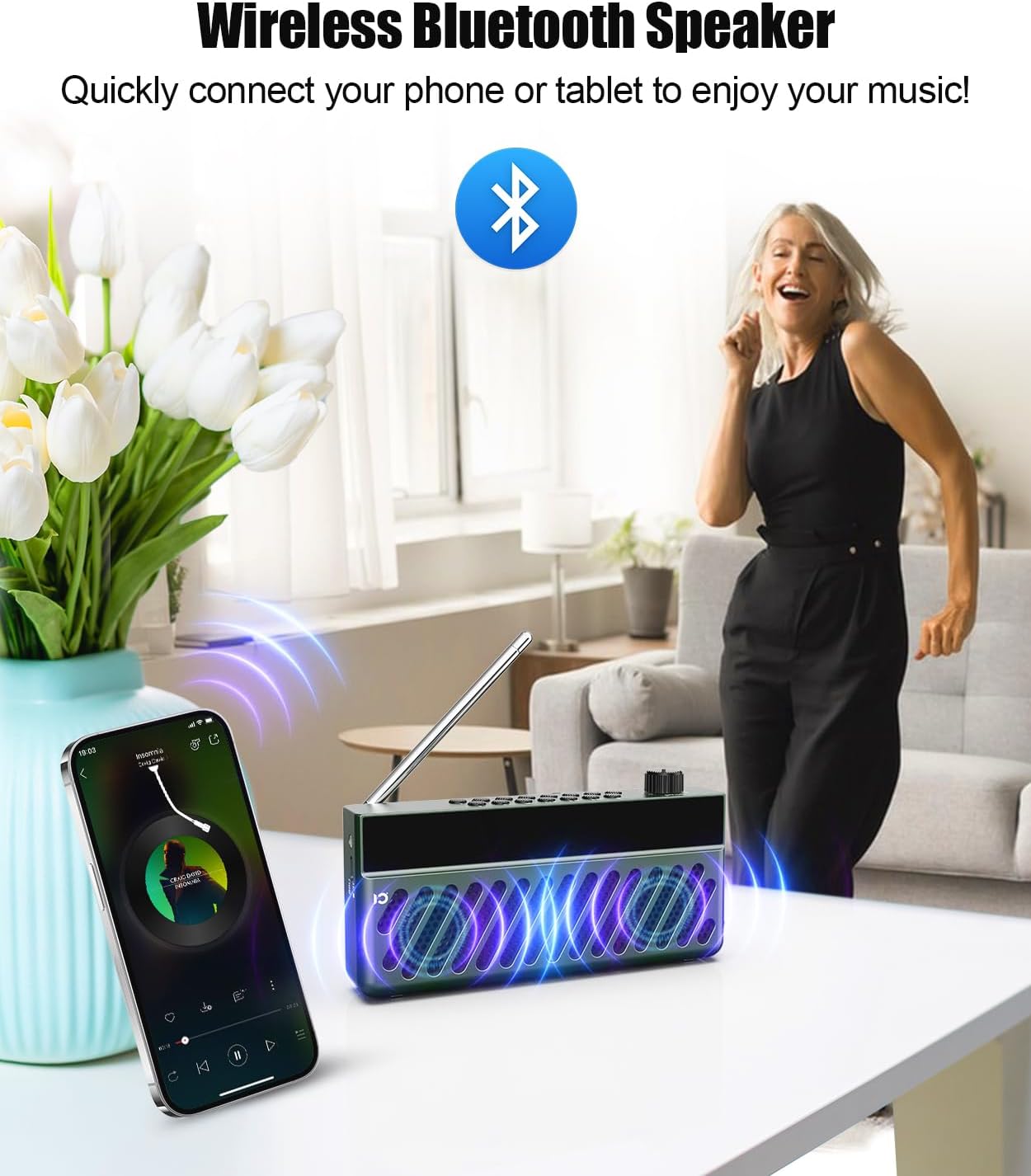
- Power on the radio. It will automatically enter Bluetooth pairing mode.
- Мобилдик түзмөгүңүздө Bluetooth иштетип, жеткиликтүү түзмөктөрдү издеңиз.
- Select "SHIDU F8" (or similar name) from the list to pair. A voice prompt will confirm successful connection.
- Play audio from your device, and it will stream through the SHIDU F8.
Video 3: Demonstrates switching to Bluetooth mode and connecting a smartphone. The radio displays 'bt' and a voice prompt confirms 'Bluetooth connected'. Music playback from the phone is then shown, with options to skip tracks using the radio's buttons.
6.3. TF картасы / USB ойнотуу
The radio supports playing MP3 files from a TF (Micro SD) card or USB flash drive.
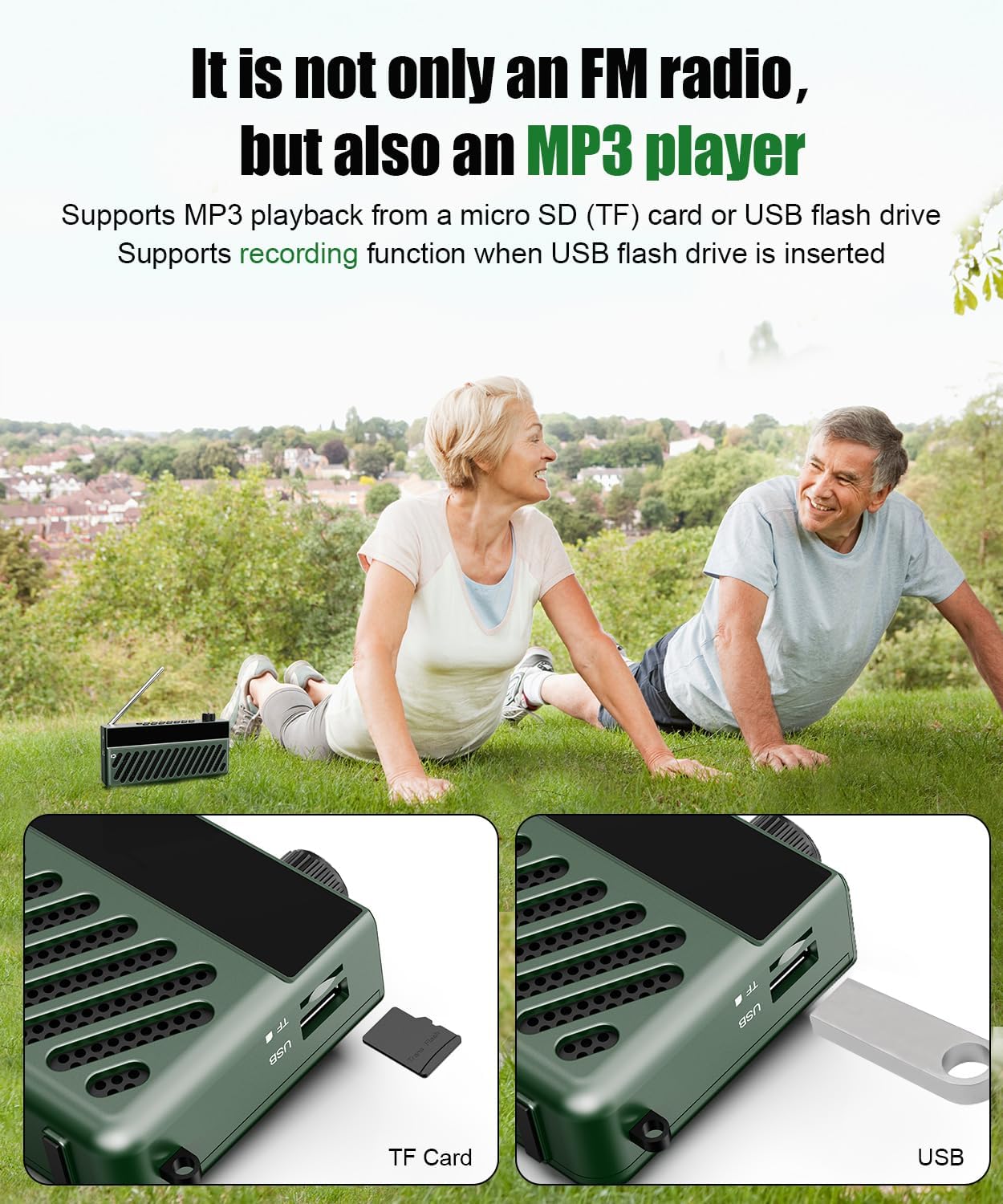
- MP3 аудиосу бар TF картасын же USB флэш-дискти салыңыз files into the corresponding slot on the side of the radio.
- The radio will automatically switch to TF Card or USB mode and begin playing the audio files.
- Use the playback control buttons (Play/Pause, Next/Previous Track) on the radio to manage your music.
Video 4: Demonstrates inserting a TF card into a portable radio. The radio automatically switches to 'TF Card Mode' and a voice prompt confirms the mode change.
6.4. AUX киргизүү
Connect external audio devices using the AUX input port.
- Connect a 3.5mm audio cable (not included) from your external device's audio output to the AUX input port on the radio.
- The radio will automatically switch to AUX mode.
- Тышкы аудио түзмөгүңүздөн ойнотууну башкарыңыз.
6.5. Үндү башкаруу
Adjust the volume by rotating the power/volume knob. Rotate clockwise to increase volume and counter-clockwise to decrease.
6.6. Убакытты белгилөө
Set the current time on your radio's display.
Video 5: Demonstrates how to set the time on a portable radio. Short press the power button to switch to Clock Mode. Long press 'TIME/AL' to enter time settings. Use the '<<' and '>>' buttons to adjust hours and minutes, then press 'TIME/AL' to confirm. You can also switch between 12/24-hour format.
6.7. Alarm Clock Setting
Configure the alarm function to wake up to your favorite station or a buzzer.
Video 6: Shows how to set the alarm clock. Short press 'TIME/AL' to toggle the alarm on/off. Long press 'MODE' to enter alarm settings. Use '<<' and '>>' to set the alarm hour and minute, then press 'MODE' to confirm. You can choose between a buzzer (bUZ Mode) or scheduled power-on (PON Mode) with adjustable duration.
7. Техникалык тейлөө
- Аппаратты жумшак, кургак чүпүрөк менен тазалаңыз. Абразивдүү тазалагычтарды же эриткичтерди колдонбоңуз.
- Аппаратты колдонбогондо салкын, кургак жерде сактаңыз.
- Түзмөктү түшүрүп албоо же катуу соккуга дуушар кылбоо керек.
8. Кыйынчылыктарды
| Көйгөй | Мүмкүн себеп | Чечим |
|---|---|---|
| Күч жок | Батарея түгөнүп калды. | USB-C кабели аркылуу аппаратты заряддаңыз. |
| FM кабыл алуу начар | Антенна узартылган эмес же сигнал аймагы алсыз. | Fully extend the telescopic antenna and try repositioning the radio. |
| Bluetooth туташпай жатат | Түзмөк жупташтыруу режиминде эмес же булактан өтө алыс. | Ensure radio is in Bluetooth mode and within 10 meters of your device. Re-enable Bluetooth on your mobile device. |
| No sound from FM mode after switching | Volume set to zero or temporary software glitch. | Increase volume. If issue persists, power off and on the radio, then switch to FM mode and ensure volume is above zero. |
9. Техникалык шарттар
- Модел: F8
- Продукциянын өлчөмдөрү: 6.61 x 1.54 x 3.31 дюйм
- Элемент Салмагы: 13.1 унция (0.37 килограмм)
- Байланыш технологиясы: Bluetooth
- Тюнер технологиясы: FM (AM not supported)
- Кубат булагы: Батарея менен иштейт (1000 мАч кайра заряддалуучу батарея)
- Заряддоо: USB-C (approx. 2 hours for full charge)
- Оюн убактысы: 4-5 саат (үзгүлтүксүз)
- Киргизүү параметрлери: TF Card, USB Flash Drive, AUX Input
10. Кепилдик жана колдоо
SHIDU is committed to delivering high-quality products. If you encounter any issues or have questions regarding your SHIDU F8 Portable FM Radio with Bluetooth Speaker, please contact our customer support team for assistance.
For warranty information and support, please refer to the contact details provided on the product packaging or visit the official SHIDU webсайт.


