Introduction
The OnePlus Buds Pro 3 are advanced wireless Bluetooth earbuds designed to deliver a high-quality audio experience with features such as adaptive noise cancellation, dual-driver audio, and extended battery life. This manual provides essential information for setting up, operating, and maintaining your earbuds.

Image: OnePlus Buds Pro 3 earbuds and their charging case in Midnight Opus.
Кутуда эмне бар
Your OnePlus Buds Pro 3 package includes the following items:
- OnePlus Buds 3 Pro x 1 pair
- OnePlus Buds 3 Pro charging case x 1
- Колдонуучунун колдонмосу x 1
- Silicon eartips x 3 (S, M, L)
- USB Type-C заряддоо кабели x 1

Image: All items included in the OnePlus Buds Pro 3 retail packaging.
Продукт бүттүview
The OnePlus Buds Pro 3 feature a sleek design with a metallic finish on the earbud stems and a textured charging case. Each earbud is equipped with dual drivers for enhanced audio quality.

Фронт view of earbuds and case.

Side view of earbuds and case.
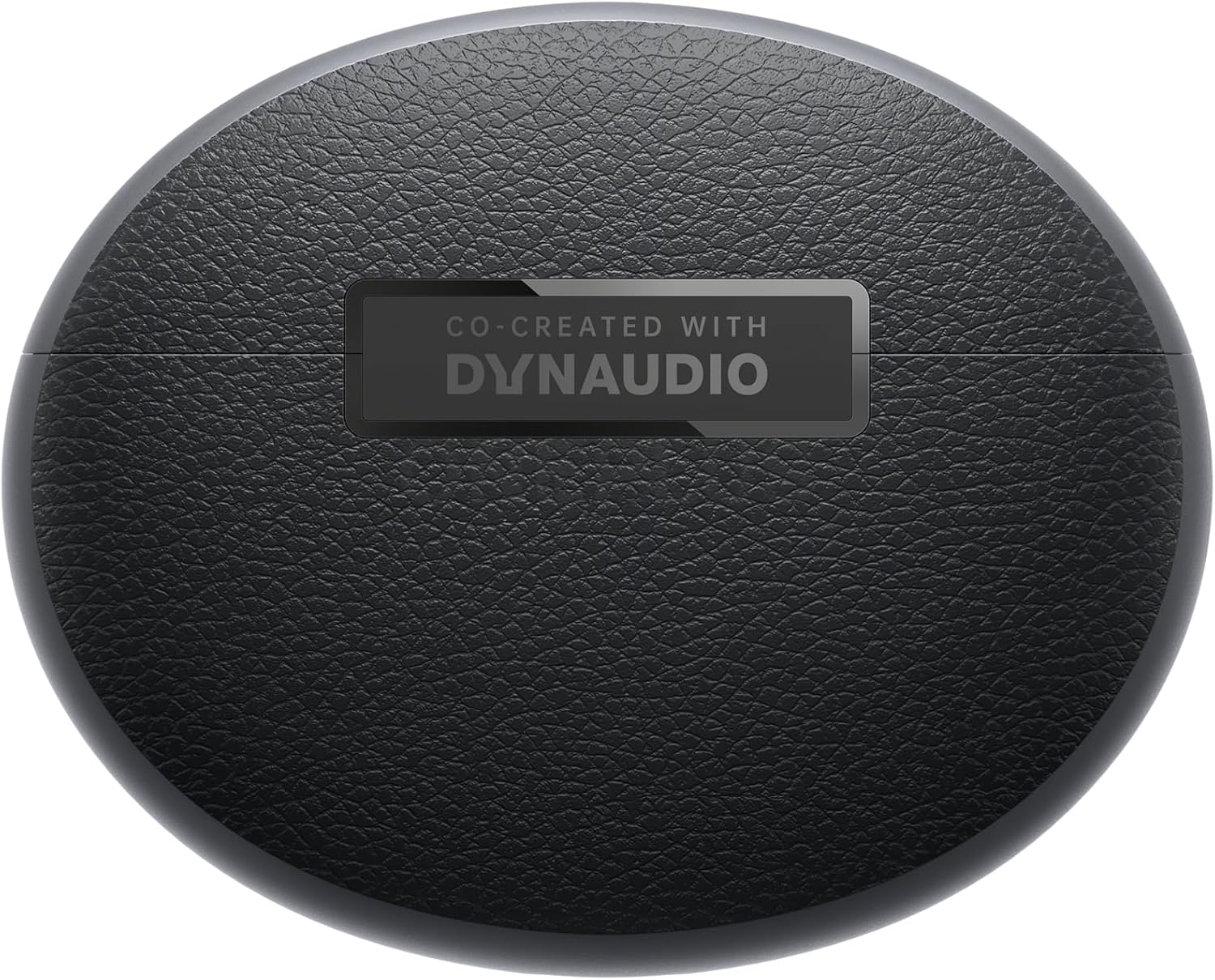
Артка view of earbuds and case.
Жайгашуу
Жупташуу
- Ensure your OnePlus Buds Pro 3 are charged.
- Заряддоо кутучасын ачыңыз. Кулакчындар жупташтыруу режимине автоматтык түрдө кирет.
- Түзмөгүңүздө (смартфон, планшет ж.б.) Bluetooth иштетиңиз.
- Издөө "OnePlus Buds Pro 3" in the list of available Bluetooth devices and select it to pair.
- For quick pairing with compatible Android devices, Google Fast Pair is supported.
HeyMelody App Installation
For full functionality and customization of your OnePlus Buds Pro 3, download the HeyMelody app from your device's app store (Google Play Store for Android, Apple App Store for iOS). The app allows you to manage settings, update firmware, and access advanced features.
Earbud Fit Test
Use the HeyMelody app to perform an earbud fit test. This ensures you have the optimal seal for the best audio quality and effective noise cancellation. Experiment with the included silicone eartips (S, M, L) to find the size that provides the best fit for your ears.
Иштөө нускамалары
Touch Controls
The OnePlus Buds Pro 3 feature intuitive touch and squeeze controls on the earbud stems. These controls can be customized via the HeyMelody app.
- Quick Squeeze: Аудиону ойнотуу/тындыруу.
- Эки жолу кысуу: Кийинки трек.
- Үч жолу кысуу: Мурунку трек.
- Slide on Earbud Stem: Үндү көзөмөлдөө.
- Кысып, кармап туруңуз: Switch between Noise Cancellation and Transparency modes.
Ызы-чууну башкаруу режимдери
Кулакчындар айлана-чөйрөңүзгө ыңгайлашуу үчүн ар кандай ызы-чууну башкаруу режимдерин сунуштайт:
- Активдүү ызы-чууну жокко чыгаруу (ANC): Reduces ambient noise by up to 50dB for an immersive listening experience.
- Адаптивдүү ызы-чууну жокко чыгаруу: Automatically adjusts the noise cancellation level based on your surroundings.
- Ачыктык режими: Айлана-чөйрөңүздү угууга мүмкүндүк берет, ошол эле учурда үнүңүздөн ырахат алыңыз, бул бош эмес чөйрөдө көңүл буруу үчүн пайдалуу.
Spatial Audio with Head Tracking
Experience immersive 3D sound with dynamic head tracking. This feature creates a sound environment that adapts to your head movements, providing a more realistic audio experience for supported music, video, and game apps.

Image: Spatial Audio with head tracking provides an immersive sound experience.
Төмөнкү кечиктирилген оюн режими
Activate Gaming Mode via the HeyMelody app to reduce audio lag, ensuring seamless sound synchronization for an enhanced gaming experience.
Smart Dual Connection
The earbuds support dual connection, allowing you to seamlessly switch between two paired devices (e.g., a smartphone and a laptop) without manually disconnecting and reconnecting.
Sound Master EQ
The HeyMelody app provides access to various Sound Master EQ presets, including Dynaudio-featured tuning, to customize your audio experience. You can also adjust the BassWave™ feature for deeper bass with clarity and fidelity.
Заряддоо
Узартылган батареянын иштөө мөөнөтү
The earbuds offer up to 9 hours of playback on a single charge. With the charging case, the total battery life extends up to 44 hours.
Тез кубаттоо технологиясы
A quick 10-minute charge provides up to 5 hours of playback, ensuring your music is always ready when you are.
Зымсыз заряддоо
The charging case supports wireless charging for convenient power replenishment.

Image: Battery life details for various usage scenarios.
Техникалык тейлөө жана кам көрүү
IP55 Water and Sweat Resistance
The earbuds are rated IP55 for water and sweat resistance, making them suitable for workouts and outdoor activities. This rating protects against splashes and sweat, but they are not designed for submersion in water.

Image: IP55 rating ensures protection against water splashes and sweat.
Тазалоо
Regularly clean the earbuds and charging case with a soft, dry cloth. Remove any earwax or debris from the eartips and speaker grilles to maintain optimal sound quality and hygiene.
Проблемаларды чечүү
- Үн/Туташуу маселеси жок: Ensure earbuds are charged, Bluetooth is enabled on your device, and the earbuds are paired correctly. Try unpairing and re-pairing.
- Үн сапаты начар: Check earbud fit using the HeyMelody app's fit test. Ensure eartips are clean and free of debris.
- Noise Cancellation Ineffective: Verify ANC mode is active and that earbuds have a good seal.
- Кулакчындар кубатталбай жатат: Ensure the charging case is charged and that the earbuds are properly seated in the case. Clean charging contacts if necessary.
Техникалык шарттар
| Өзгөчөлүк | Спецификация |
|---|---|
| Модель аты | OnePlus Buds Pro 3 (E512A) |
| Noise Control | Адаптивдүү ызы-чууну жокко чыгаруу (50 дБ чейин) |
| Аудио драйвер түрү | Hybrid Driver (11mm woofer, 6mm tweeter) |
| Байланыш технологиясы | Bluetooth 5.2 |
| Батареянын иштөө мөөнөтү (наушник) | 9 саатка чейин |
| Батареянын иштөө мөөнөтү (корпусу менен) | 44 саатка чейин |
| Тез заряддоо | 5 саат ойнотуу үчүн 10 мүнөт заряддаңыз |
| Суу каршылык | IP55 (Кулакчындар) |
| Башкаруу түрү | Touch Control |
| Импеданс | 18 Ом |
| Сезимталдуулук | 100 дБ |
| Frequency Response | 40 Гц |
| Салмагы | 7.4 унция (0.21 килограмм) |
Расмий продукт Video
Video: An official short preview showcasing the design and features of the OnePlus Buds Pro 3.
Кепилдик жана колдоо
For detailed warranty information and support, please refer to the official OnePlus website or contact OnePlus customer service. Keep your proof of purchase for warranty claims.


