1. Киришүү
The TODAAIR Outdoor N300 WiFi Extender is designed to enhance and extend your wireless network signal, providing reliable internet access in areas with weak or no coverage. This device supports both Repeater and Access Point (AP) modes and features an IP65 weatherproof design, making it suitable for outdoor use in various environmental conditions. With a data transfer rate of up to 300Mbps, it facilitates smooth online activities such as video calls, gaming, and media streaming.
2. Пакеттин мазмуну
Пакетиңизде бардык буюмдар бар экенин текшериңиз:
- Outdoor WiFi Extender (1 unit)
- Quick Installation Guide (1 unit)
- Power Adapter 12V/1A (1 unit)
- Plastic Cable Tie (1 unit)
- Stainless Steel Tie (1 unit)
3. Продукт бүтүп калдыview

Figure 3.1: TODAAIR Outdoor N300 WiFi Extender in an outdoor setting.
The TODAAIR Outdoor N300 WiFi Extender is a compact and robust device designed for outdoor network expansion. Key features include:
- IP65 аба ырайынын рейтинги: Resistant to dust, water, lightning, frost, and high temperatures, ensuring reliable operation in diverse weather conditions.
- Жогорку ылдамдыктагы туташуу: Supports up to 300Mbps data transfer rate, ideal for streaming and online activities.
- Кош иштөө режимдери: Functions as both a WiFi Repeater and an Access Point (AP).
- Ethernet порту: Allows for wired connections or converting a wired internet connection into a wireless access point.
- Сигналдын жакшыртылган өтүшү: Designed to extend Wi-Fi signals through walls and obstacles.
- Коопсуздук протоколдору: Supports WPA-PSK/WPA2-PSK and WPA/WPA2 for secure network connections.

Figure 3.2: IP65 Weatherproof features of the N300 Extender.
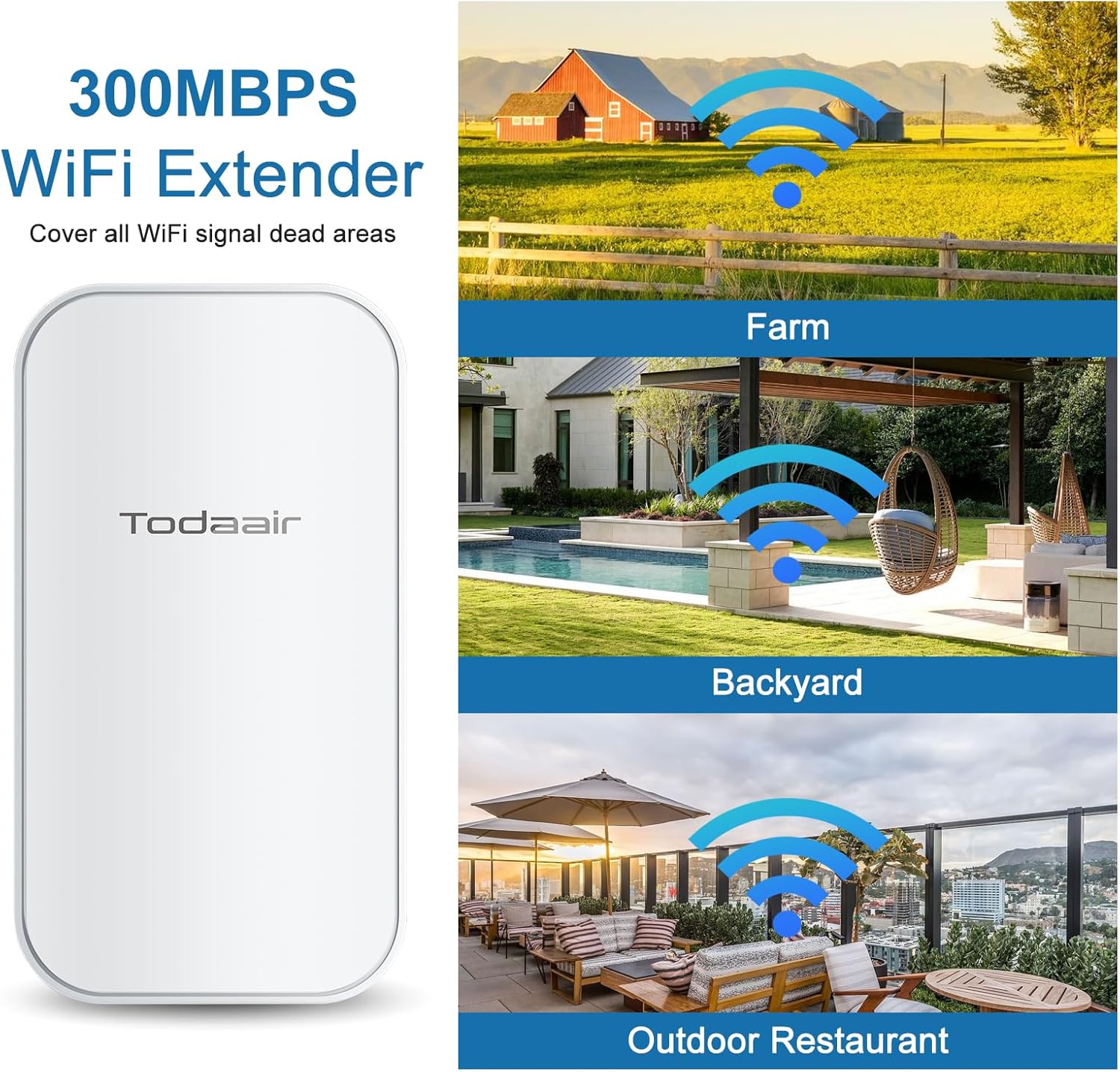
3.3-сүрөт: Мисamples of extended WiFi coverage with the N300 Extender.
4. Орнотуу нускамалары
Follow these steps to set up your TODAAIR Outdoor N300 WiFi Extender:
- Күйгүзүү: Connect the power adapter to the extender and plug it into a power outlet.
- Connect to Extender Network: On your mobile device or computer, search for available Wi-Fi networks and connect to the extender's default network (e.g., "TDairNetwork"). The default password will be provided in the Quick Installation Guide.
- Орнотуу барагына кирүү: ачуу а web browser and enter the default IP address (usually 192.168.10.1 or similar, refer to the Quick Installation Guide) to access the extender's management interface.
- Иштөө режимин тандоо: Каалаган иштөө режимиңизди тандаңыз:
- Кайталоо режими: Extends an existing Wi-Fi network. Select the network you wish to extend from the list and enter its password.
- AP режими: Creates a new Wi-Fi network from a wired Ethernet connection. Connect an Ethernet cable from your router to the extender's Ethernet port.
- Тармак орнотууларын конфигурациялоо: Set a new SSID (network name) and password for your extended or new Wi-Fi network. It is recommended to use a strong, unique password.
- Confirm and Apply: Review your settings and apply the changes. The extender will restart.
- Connect to New Network: After the extender restarts, connect your devices to the newly configured Wi-Fi network.
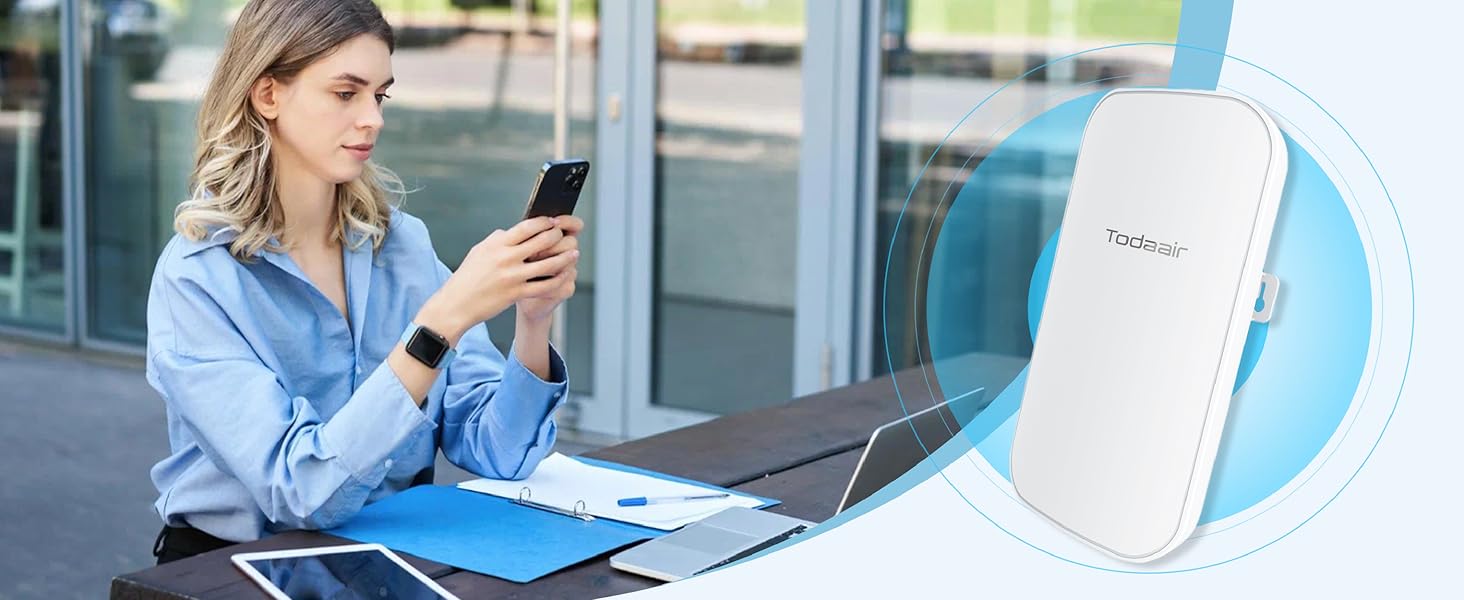
Figure 4.1: Visual guide for quick setup via mobile device.
5. Иштөө режимдери
The TODAAIR Outdoor N300 WiFi Extender supports two primary operating modes:
- Кайталоо режими: In this mode, the extender wirelessly connects to your existing router's Wi-Fi network and re-broadcasts it, extending the coverage area. This is ideal for eliminating Wi-Fi dead zones.
- Кирүү чекити (AP) режими: When configured as an Access Point, the extender connects to your router via an Ethernet cable and creates a new wireless network. This is useful for adding Wi-Fi capability to a wired network or creating a separate Wi-Fi network.
6. Орнотуу боюнча көрсөтмөлөр
Оптималдуу иштөө үчүн туура орнотуу абдан маанилүү. Төмөнкүлөрдү эске алыңыз:
- Жайгашкан жери: Position the extender between your router and the area where you need extended Wi-Fi coverage. Avoid placing it too close or too far from the main router.
- Көрүү сызыгы: For best outdoor performance, aim for a clear line of sight between the extender and your main router, minimizing physical obstructions.
- Монтаждоо параметрлери: The extender can be mounted on a wall using screws or tied to a pole using the provided ties.

Figure 6.1: Extender dimensions and flexible installation methods.
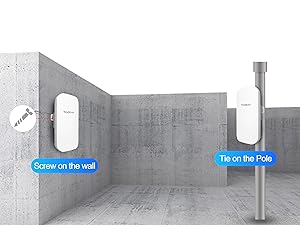
Figure 6.2: Optimal placement for signal extension.
7. Коопсуздук
The TODAAIR Outdoor N300 WiFi Extender supports industry-standard wireless security protocols to protect your network from unauthorized access:
- WPA-PSK/WPA2-PSK
- WPA/WPA2
It is highly recommended to enable WPA2 encryption with a strong, unique password for your Wi-Fi network to ensure maximum security.
8. Техникалык тейлөө
To ensure the longevity and optimal performance of your outdoor WiFi extender, consider the following maintenance tips:
- үзгүлтүксүз тазалоо: Түзмөктүн сыртын мезгил-мезгили менен жумшак,amp cloth to remove dust and dirt. Ensure the device is powered off before cleaning.
- Кабелдерди текшерүү: Check power and Ethernet cables for any signs of wear, damage, or loose connections.
- Программалык камсыздоонун жаңыртуулары: Өндүрүүчүнү текшериңиз website periodically for firmware updates. Keeping the firmware updated can improve performance, security, and stability.
- Экологиялык текшерүүлөр: Although IP65 rated, ensure the mounting remains secure and there are no new obstructions affecting signal quality.
9. Кыйынчылыктарды
If you encounter issues with your TODAAIR Outdoor N300 WiFi Extender, refer to the following troubleshooting steps:
- Кубат жок:
- Ensure the power adapter is securely connected to both the extender and a working power outlet.
- Башка аспапка сайып, розетка иштеп жатканын текшериңиз.
- Extenderдин Wi-Fi тармагына туташуу мүмкүн эмес:
- Confirm you are selecting the correct Wi-Fi network name (SSID).
- Wi-Fi сырсөзүн эки жолу текшериңиз.
- Try restarting the extender and your device.
- No Internet Access After Connection:
- In Repeater Mode, ensure the extender is successfully connected to your main router's Wi-Fi and that the main router has internet access.
- In AP Mode, verify the Ethernet cable connection between the extender and your router, and ensure the router has internet access.
- Check the extender's management interface for connection status and error messages.
- Poor Signal or Slow Speed:
- Adjust the extender's placement to be closer to your main router, ensuring it's still within a good signal range. Refer to Figure 6.2.
- Minimize physical obstructions (walls, large metal objects) between the extender and your devices, and between the extender and the main router.
- Тоскоолдуктарды жаратуучу башка түзмөктөр жок экенин текшериңиз.
- Тез-тез өчүрүүлөр:
- Perform a hard reset by unplugging the device for 10 seconds and plugging it back in.
- Consider updating the firmware if available.
- If the issue persists, try resetting the extender to factory defaults (refer to the Quick Installation Guide for specific instructions) and reconfigure it.
If these steps do not resolve your issue, please contact TODAAIR technical support.
10. Техникалык шарттар
| Өзгөчөлүк | Деталь |
|---|---|
| Модель номери | N300 |
| Продукциянын өлчөмдөрү | 9 x 3 x 4 дюйм |
| Элемент Салмагы | 15 унция |
| Зымсыз байланыш стандарты | 802.11n |
| Маалыматтарды өткөрүү ылдамдыгы | секундасына 300 мегабайт |
| Жыштык тилкесинин классы | Single-band |
| Өзгөчөлүктөр | Outdoor IP65 Waterproof, Repeater & AP Mode |
| Өндүрүүчү | БУГУН |
| Дата биринчи жеткиликтүү | 8-октябрь, 2024-жыл |
11. Кепилдик жана колдоо
TODAAIR provides professional technical support for its products. If you encounter any problems during installation or use, please refer to the contact information provided in your Quick Installation Guide or visit the official TODAAIR webжардам үчүн сайт.
For warranty information, please consult the documentation included with your product or contact TODAAIR customer service directly. Warranty terms may vary by region and retailer.


