Introduction
This manual provides comprehensive instructions for the TECNO SPARK Go 1 smartphone, model KL4. It covers setup, operation, maintenance, and troubleshooting to ensure optimal performance and user experience. The TECNO SPARK Go 1 features a 128GB ROM, 4GB RAM, a 13MP main camera, 8MP front camera, and a 5000mAh battery, designed for efficient performance and long-lasting use.

Сүрөт 1: Алдыңкы жана арткы view of the TECNO SPARK Go 1 smartphone.
Жайгашуу
1. Кутудан чыгаруу жана алгачкы текшерүү
Бардык компоненттерди таңгактан кылдаттык менен алып салыңыз. Төмөнкү заттар бар экенин текшериңиз:
- TECNO SPARK Go 1 смартфону
- Заряддоо адаптери
- USB Type-C кабели
- SIM чыгаруучу курал
- Ыкчам баштоо колдонмосу (деталдуу нускамалар үчүн бул колдонмону караңыз)
Улантуудан мурун аппаратты кандайдыр бир физикалык зыянга учуратпагандыгын текшериңиз.
2. Inserting SIM Card and Memory Card
Locate the SIM card tray on the side of the device. Use the provided SIM ejector tool to open the tray. Insert your Nano-SIM card(s) and, if applicable, a microSD memory card into the designated slots. Ensure the cards are correctly oriented as indicated on the tray. Gently push the tray back into the device until it clicks into place.
The device supports dual SIM functionality and a dedicated memory card slot for expandable storage.
3. Баштапкы заряддоо
Before first use, it is recommended to fully charge the device. Connect the USB Type-C cable to the phone's charging port and the other end to the charging adapter. Plug the adapter into a power outlet. The device features 15W Type-C fast charging and is equipped with a 5000mAh battery.
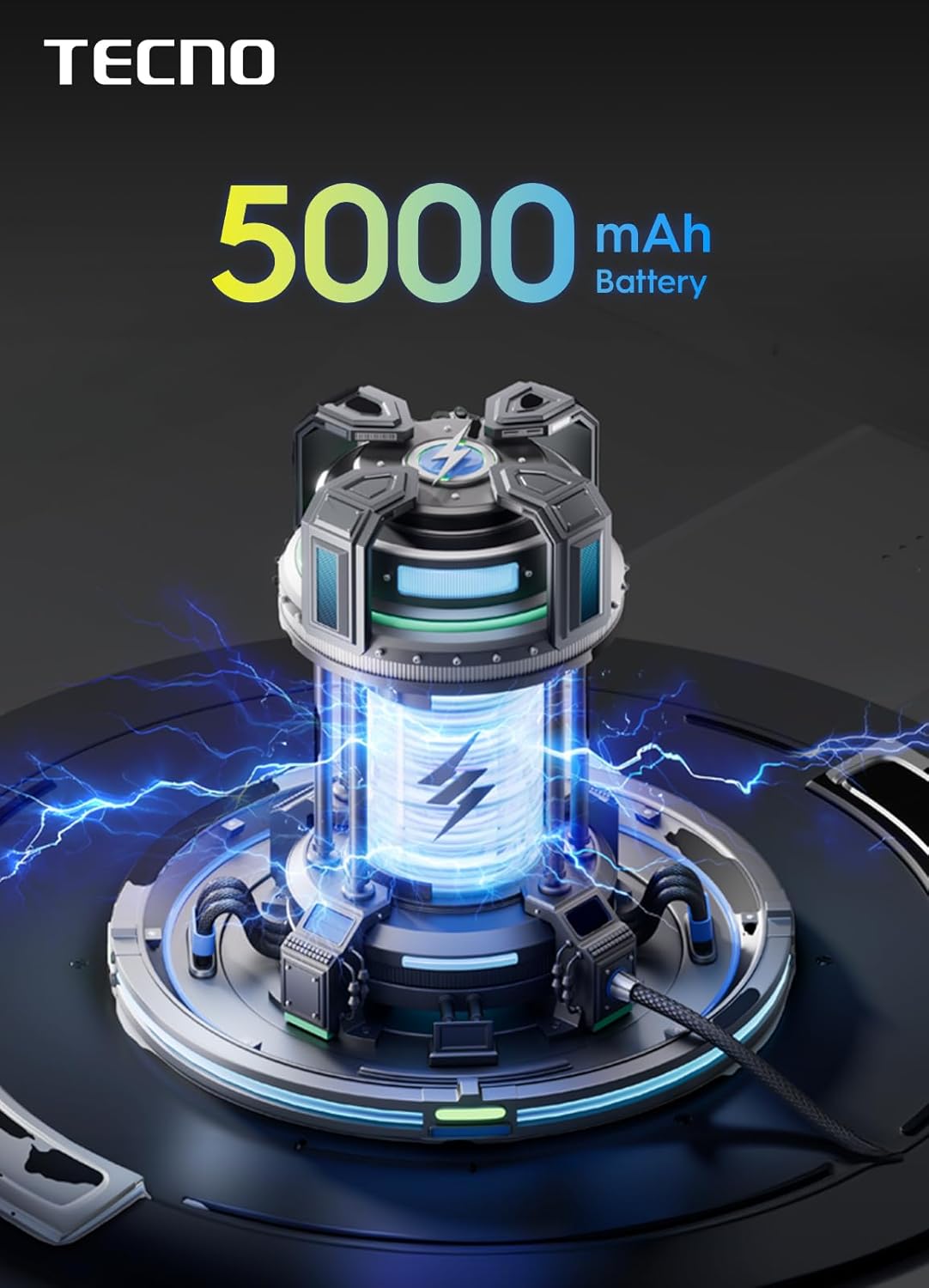
Figure 2: The TECNO SPARK Go 1 is powered by a 5000mAh battery.
Иштөө нускамалары
1. Күйгүзүү/өчүрүү
To power on the device, press and hold the Power button until the TECNO logo appears. To power off, press and hold the Power button, then select "Power off" from the options displayed on the screen.
2. Колдонуучу интерфейсинде навигация
The TECNO SPARK Go 1 runs on Android 14 and features an intuitive user interface. Swipe left or right on the home screen to access different panels. Swipe down from the top of the screen to open the notification panel and quick settings. Use gestures or the navigation bar at the bottom of the screen to go back, home, or view акыркы колдонмолор.
The device boasts an immersive display with enhanced visuals, providing a vibrant and clear viewтажрыйбасы.

Figure 3: The device features a 120Hz smooth display for fluid interactions.
3. Байланыш
The TECNO SPARK Go 1 supports 4.5G fast network connectivity, ensuring quick data speeds for browsing, streaming, and downloads. To manage your network settings, navigate to Орнотуулар > Тармак жана интернет. Here you can configure Wi-Fi, Mobile network, and Bluetooth settings.
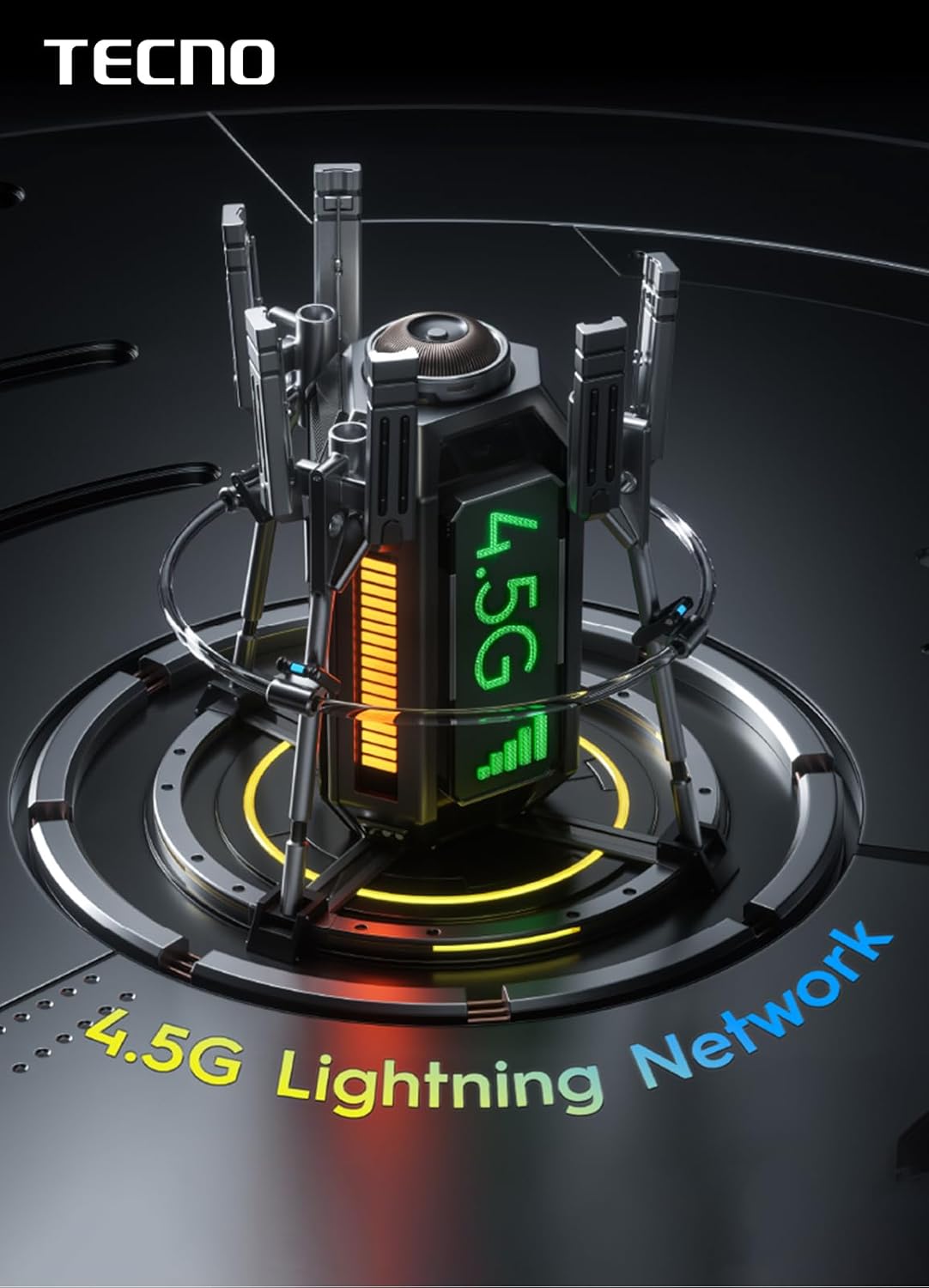
Figure 4: The device supports 4.5G Lightning Network for high-speed connectivity.
4. Камераны колдонуу
Open the Camera application from the home screen or app drawer. The device is equipped with a 13MP main camera and an 8MP front camera. Tap the shutter button to take a photo. Swipe left or right to switch between different camera modes such as Photo, Video, Portrait, and more. Tap on the screen to focus on a specific object.

5-сүрөт: Детальдуу view of the 13MP main camera module.
5. Storage and Multitasking
The TECNO SPARK Go 1 comes with 128GB of internal storage (ROM) and 4GB of RAM. This ample storage provides plenty of space for apps, photos, videos, and documents. The 4GB RAM ensures seamless multitasking and smooth performance, allowing you to switch between applications efficiently.

Figure 6: Visual representation of the 128GB ROM and 4GB RAM configuration.
6. Аудио өзгөчөлүктөрү
Experience enhanced audio with the dual speakers featuring DTS effects. These speakers provide full-scene big volume, delivering a rich and immersive sound experience for media consumption and calls.

Figure 7: The TECNO SPARK Go 1 features dual speakers with DTS effects for superior audio.
Техникалык тейлөө
1. Аспапты тазалоо
Use a soft, lint-free cloth to gently wipe the screen and body of the phone. For stubborn smudges, slightly dampen the cloth with water or a screen cleaner specifically designed for electronics. Avoid using harsh chemicals or abrasive materials, as these can damage the device's finish or screen coating. The device has an IP54 waterproof rating, offering protection against dust and splashing water, but it is not designed for submersion.
2. Программалык камсыздоону жаңыртуу
Түзмөгүңүздө эң акыркы функциялар, коопсуздук жаңыртуулары жана иштин жакшыруусу бар экенине ынануу үчүн программалык камсыздоонун жаңыртууларын үзгүлтүксүз текшерип жана орнотуп туруңуз. Жаңыртууларды текшерүү үчүн, өтүңүз Орнотуулар > Система > Системаны жаңыртуу.
3. Батареяга кам көрүү
To prolong battery life, avoid exposing the device to extreme temperatures. It is recommended to keep the battery charge between 20% and 80% for optimal longevity. Use only the original charging adapter and cable provided with the device.
Проблемаларды чечүү
| Көйгөй | Мүмкүн себеп | Чечим |
|---|---|---|
| Түзмөк күйбөйт | Батареянын аздыгы; программалык камсыздоонун бузулушу | Charge the device for at least 30 minutes. If unresponsive, perform a force restart by holding the Power button for 10-15 seconds. |
| Колдонмолор жай же бузулуп жатат | Insufficient RAM; too many background apps | Close unnecessary background applications. Clear app cache (Орнотуулар > Колдонмолор > [Колдонмонун аты] > Сактагыч > Кэшти тазалоо). Аппаратты кайра иштетиңиз. |
| Сигналдын кабыл алынышы начар | Network issue; SIM card not properly inserted | Check your network coverage. Reinsert the SIM card. Try restarting the device. If issues persist, contact your network provider. |
| Батарея бат эле түгөнөт | Жогорку экран жарыктыгы; көптөгөн фондо колдонмолор; туура эмес колдонмо | Reduce screen brightness. Close background apps. Check battery usage in settings to identify power-hungry apps. |
Техникалык шарттар
| Өзгөчөлүк | Деталь |
|---|---|
| Модель номери | KL4 |
| Операция системасы | Android 14 |
| Ички сактагыч (ROM) | 128 ГБ |
| RAM | 4 ГБ |
| Башкы камера | 13 депутат |
| Алдыңкы камера | 8 депутат |
| Батарея сыйымдуулугу | 5000 мАч |
| Заряддоо | 15W Type-C тез кубаттоо |
| CPU модели | Кортекс |
| CPU ылдамдыгы | 1.8 ГГц |
| Өлчөмдөрү (L x W x Y) | 15.6 x 7.7 x 0.83 см |
| Салмагы | 380 г |
| Суу өткөрбөйт рейтинги | IP54 |

Figure 8: Physical dimensions of the TECNO SPARK Go 1.
Кепилдик жана колдоо
For warranty information and customer support, please refer to the warranty card included with your product or visit the official TECNO webсайт. Кепилдик дооматтар үчүн сатып алганыңыздын далилин сактаңыз.
For technical assistance or service inquiries, please contact TECNO customer service through their official channels. You may also find additional support resources and FAQs on their webсайт.
The device is designed for long-lasting fluency, ensuring reliable performance over time.

Figure 9: The TECNO SPARK Go 1 is built for sustained performance over 4 years.


