Introduction
This manual provides comprehensive instructions for the setup, operation, and maintenance of your groov e Cuties Sleep Trainer Alarm Clock with LED Night Light. Please read this manual thoroughly before using the product to ensure proper function and longevity.

Сүрөт 1: Алдыңкы view of the groov e Cuties Sleep Trainer Alarm Clock, illuminated, displaying the time and sleep/wake indicators.
Продукт өзгөчөлүктөрү
The groov e Cuties Sleep Trainer Alarm Clock is designed to assist children with sleep routines and provide a comforting night light. Key features include:
- LED түнкү жарык: Offers 9 vibrant color options and 5 light modes. Tap the device to change colors.
- Ойготкуч саат: Features 6 preset alarm sounds for wake-up.
- Ак ызы-чуу жана тынчтандыруучу үндөр: Includes 6 soothing sounds, such as white noise, to aid sleep.
- Уйку машыктыруучусу: Visual cues (sun/moon icons) help children understand when it's time to sleep and wake up.
- Коопсуз материал: Constructed from safe silicone material.
- Чырым Function: Allows for temporary delay of the alarm.
- Убакытты көрсөтүү: 12/24 hour clock format.
- Таймердин жөндөөлөрү: Includes 30 and 60-minute timer options.
- Жөнгө салынуучу жарыктык: 5 levels of display brightness.
- Жөнгө салынуучу Көлөмү: 5 levels of sound volume.
- Кайра заряддалуучу батарея: Built-in 1800mAH rechargeable battery with USB-C charging.
Жайгашуу
1. Баштапкы заряддоо
Before first use, fully charge the device. Connect the included USB-C charging cable to the charging port on the back of the unit and plug the other end into a compatible USB power adapter (not included).
- Адатта, заряддоо абалын индикатор жарыгы көрсөтүп турат.
- The device can also be operated while connected to a USB power source.

Сүрөт 2: Арткы view of the alarm clock, highlighting control buttons and the USB-C charging port.
2. Күйгүзүү / Өчүрүү
Press and hold the Power button (usually located on the back) to turn the device on or off.
Иштөө нускамалары
1. Убакытты белгилөө
- басыңыз TIME button (refer to Image 2 for button location).
- колдонуу Up жана Төмөн arrow buttons to adjust the hour. Press TIME ырастоо үчүн дагы.
- колдонуу Up жана Төмөн arrow buttons to adjust the minute. Press TIME ырастоо үчүн дагы.
- To switch between 12-hour and 24-hour format, typically this is done during the time setting process or via a dedicated button/menu option. Consult the quick start guide if available for specific button combinations.
2. Ойготкучту орнотуу
- басыңыз АЛАРМ button (refer to Image 2).
- колдонуу Up жана Төмөн arrow buttons to set the desired alarm hour. Press АЛАРМ кайра.
- колдонуу Up жана Төмөн arrow buttons to set the desired alarm minute. Press АЛАРМ кайра.
- To select an alarm sound (from 6 preset options), use the Музыкалык нота button or arrow buttons during the alarm setting process. Press АЛАРМ ырастоо үчүн.
- To activate/deactivate the alarm, there is usually a dedicated switch or a long press on the АЛАРМ баскычы.
3. Sleep Trainer Function
The sleep trainer uses visual cues to indicate sleep and wake times. The display will show a moon icon during sleep time and a sun icon during wake time.
- Access the sleep trainer settings (specific button combination may vary, often involves holding the TIME or АЛАРМ баскычы).
- Set the desired "sleep time" (when the moon icon appears).
- Set the desired "wake time" (when the sun icon appears).
- Confirm settings. The device will then visually guide your child.
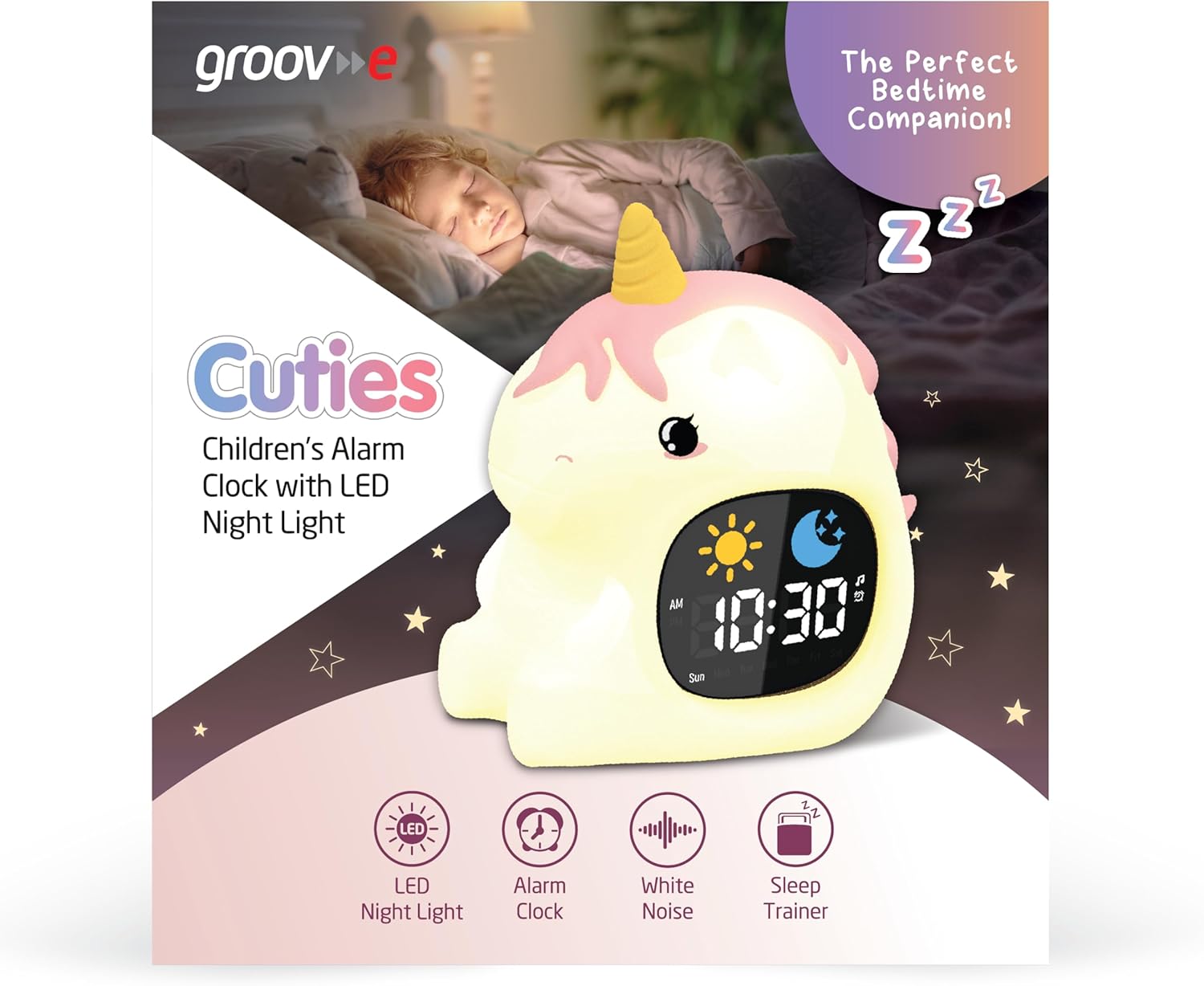
Image 3: The alarm clock functioning as a sleep trainer, displaying the sun icon for wake-up.
4. LED Night Light
The device features an integrated LED night light with multiple color and brightness options.
- Түстөрдү өзгөртүү: Tap the silicone body of the device to cycle through 9 vibrant colors and 5 light modes.
- Жарыктыкты жөндөө: Use dedicated brightness buttons (if available) or a combination with the TIME 5 жарыктык деңгээлинин ортосунда тууралоо үчүн баскычты басыңыз.
5. White Noise and Soothing Sounds
To activate soothing sounds:
- басыңыз Музыкалык нота button (refer to Image 2) to cycle through the 6 available soothing sounds, including white noise.
- Үнүн колдонуп, үнүн жөндөңүз Up жана Төмөн arrow buttons (5 volume levels available).
6. Тындырма функциясы
When the alarm sounds, press any button (other than the power button) or tap the device to activate the snooze function. The alarm will temporarily pause and sound again after a set interval (e.g., 9 minutes).
7. Таймер орнотуулары
The device includes 30 and 60-minute timer settings, useful for short sleep cycles or quiet time.
- Consult the quick start guide for specific button presses to activate and select timer durations.
Техникалык тейлөө
- Тазалоо: Аппаратты жумшак менен сүртүңүз, гamp кездеме. Абразивдүү тазалагычтарды колдонбоңуз же аппаратты сууга салбаңыз.
- Сактагыч: Аппаратты узак убакыт бою колдонбогондо салкын, кургак жерде сактаңыз.
- Батареяга кам көрүү: To prolong battery life, avoid fully discharging the battery frequently. Recharge when the low battery indicator appears.
Проблемаларды чечүү
| Көйгөй | Мүмкүн себеп | Чечим |
|---|---|---|
| Түзмөк күйбөй жатат. | Батарея түгөнүп калды. | Connect the device to a USB power source using the provided USB-C cable and allow it to charge for at least 30 minutes before attempting to power on. |
| Ойготкуч угулбайт. | Ойготкуч иштетилген эмес же үн өтө төмөн. | Ensure the alarm is set and activated. Check the volume level and adjust if necessary. |
| Night light is not changing colors. | Incorrect tapping or mode selection. | Ensure you are tapping the silicone body firmly. Check if the device is in a specific light mode that prevents color changes. |
| Device is not charging properly. | Бузук кабель, адаптер же кубаттоо порту. | Try using a different USB-C cable and/or a different USB power adapter. Ensure the cable is securely connected to both the device and the power source. If the issue persists, contact customer support. |
Техникалык шарттар
| Бренд | groov e |
| Модел | Cuties Sleep Trainer Alarm Clock |
| Элемент Салмагы | 0.34 килограмм |
| Батарея | 1800mAH Rechargeable Battery (USB-C charging) |
| Дисплей түрү | Санарип |
| Өзгөчө өзгөчөлүк | Sleep Trainer, LED Night Light, White Noise |
Кепилдик жана колдоо
For warranty information or technical support, please refer to the documentation included with your purchase or visit the official groov e webсайт. Кепилдик дооматтар үчүн сатып алганыңыздын далилин сактаңыз.
Manufacturer: Rashmian Ltd.


