Introduction
This manual provides detailed instructions for the setup, operation, and maintenance of your La Crosse Technology WS6230 Radio-Controlled Weather Station. Please read this manual thoroughly before using the device to ensure proper functionality and longevity.
Продукт бүттүview
The La Crosse Technology WS6230 is a radio-controlled weather station designed to provide accurate indoor and outdoor temperature and humidity readings, weather forecasts, and precise timekeeping. It features an adjustable backlight and records minimum/maximum values for temperature and humidity.
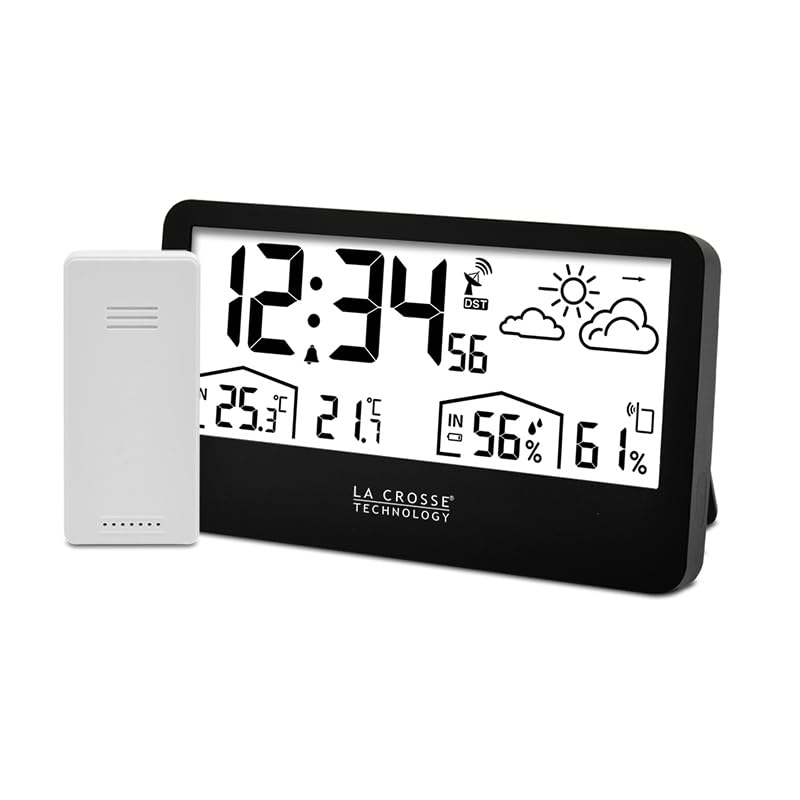
1-сүрөт: The La Crosse Technology WS6230 Weather Station, displaying time, indoor/outdoor temperature and humidity, weather forecast, and an external wireless sensor.
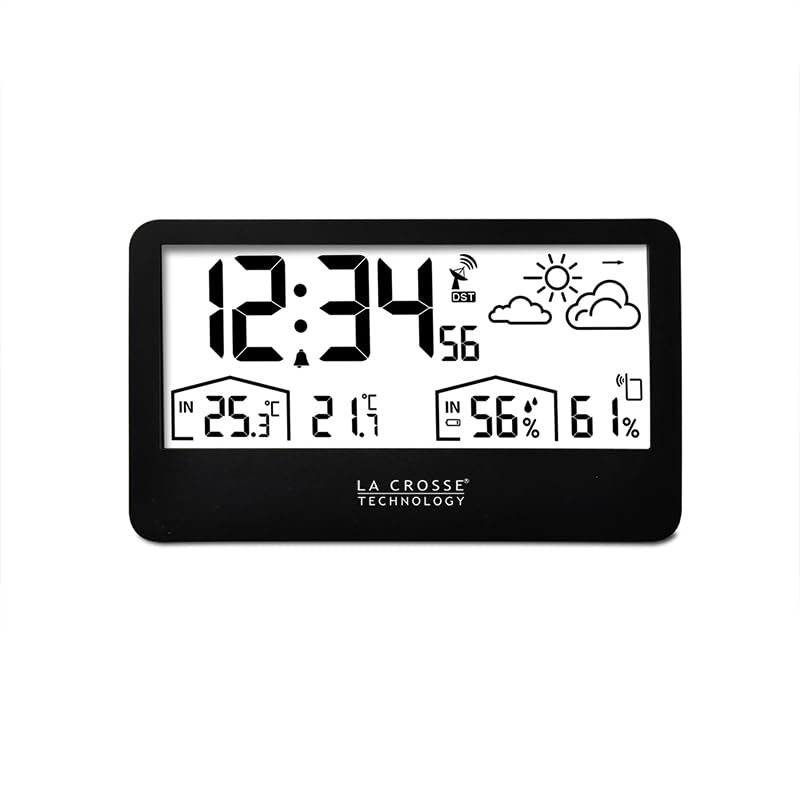
2-сүрөт: Ачык фронт view of the weather station's display, showing various data points.
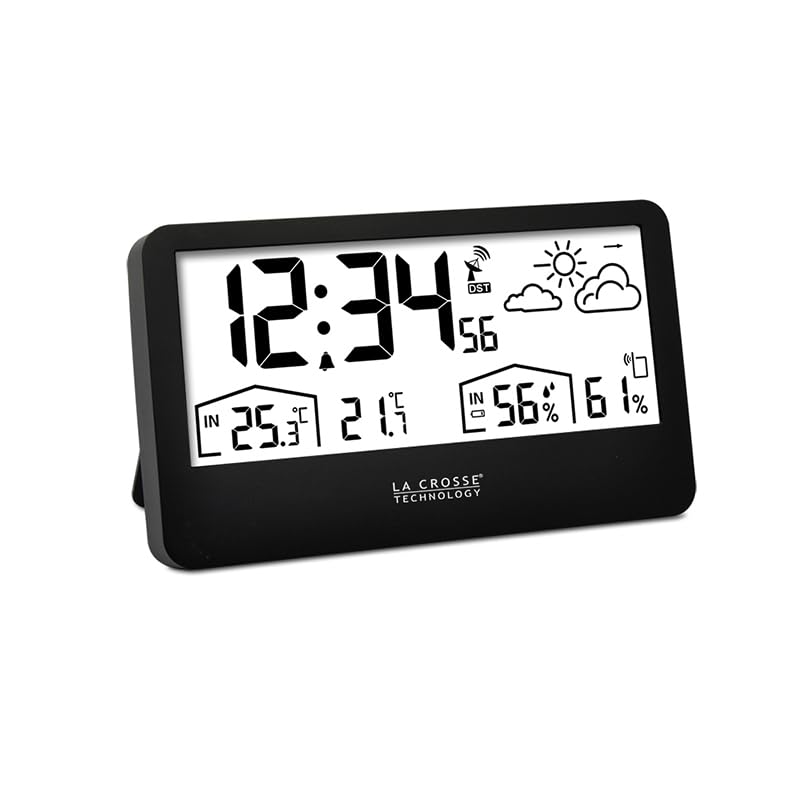
3-сүрөт: Side profile of the weather station, highlighting its compact design.
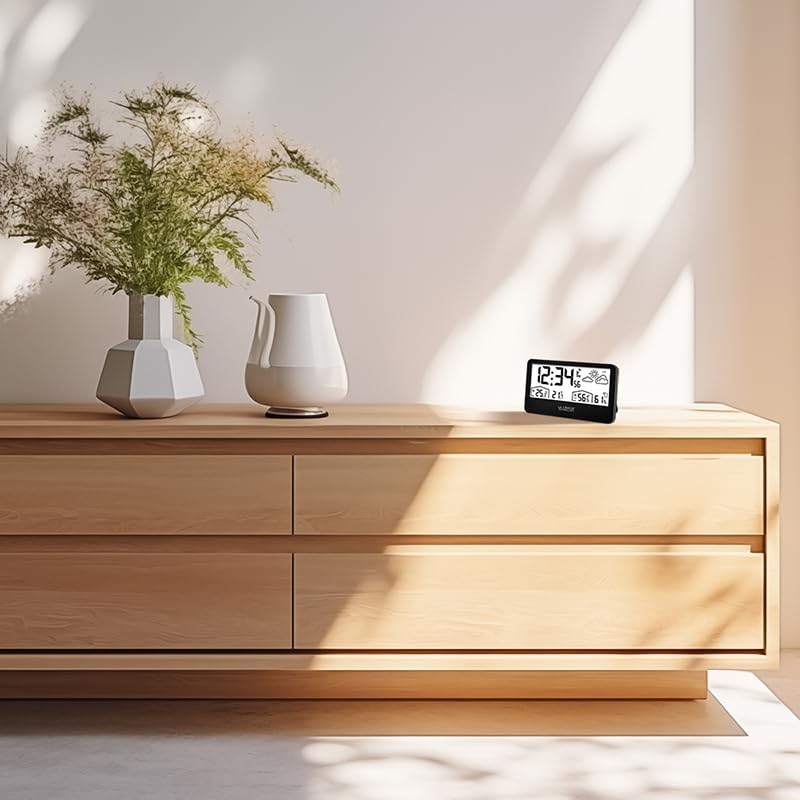
4-сүрөт: The weather station integrated into a home environment, placed on a wooden dresser.
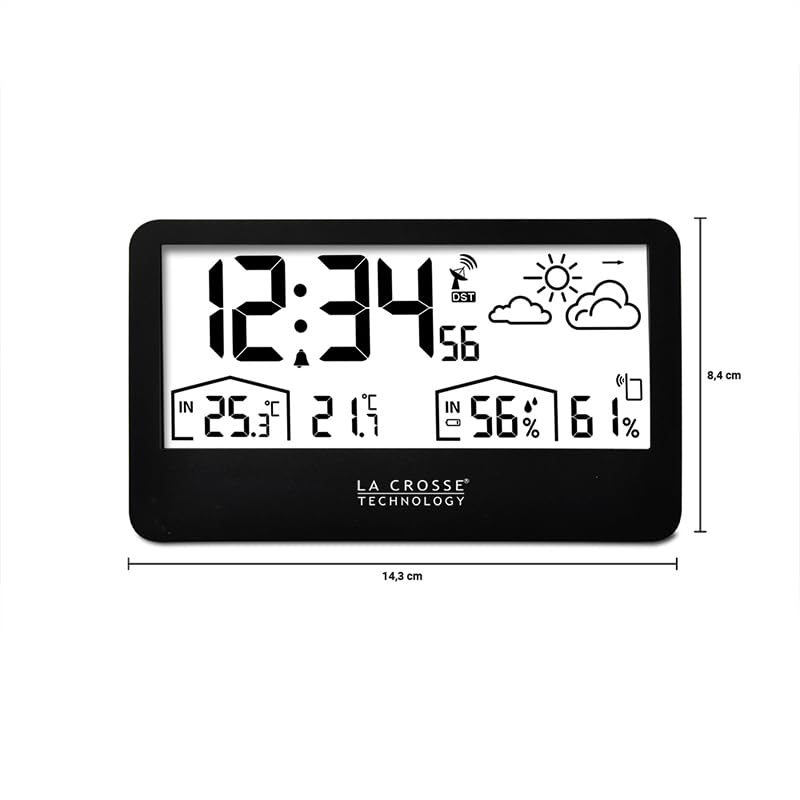
5-сүрөт: Diagram illustrating the dimensions of the weather station: 14.3 cm width and 8.4 cm height.
Жайгашуу
1. Батареяны орнотуу
The weather station and its external sensor are battery-powered. Insert fresh batteries (type not specified, typically AA or AAA) into both units, observing the correct polarity. A low battery icon will appear on the display when batteries need replacement.
2. Сенсордун жайгашуусу
Place the external sensor in a location that provides accurate outdoor temperature and humidity readings, away from direct sunlight and precipitation. Ensure it is within the 433 MHz wireless range of the main unit.
3. Initial Setup and Radio Control Synchronization
Upon battery installation, the weather station will automatically attempt to synchronize with a radio-controlled time signal. This process may take several minutes. Ensure the unit is placed in an area with good signal reception. Once synchronized, the time will be accurately set.
Иштөө нускамалары
1. Time and Date Settings
The time is radio-controlled. If manual adjustment is needed or preferred, refer to the specific buttons on your device (usually 'MODE' or 'SET') to cycle through settings and adjust the 12 or 24-hour format.
2. Ойготкуч жана тындыруу
To set the alarm, press the 'ALARM' button and use the adjustment buttons to set the desired alarm time. Activate the snooze function by pressing the 'SNOOZE' button when the alarm sounds.
3. Температура жана нымдуулук дисплей
The display shows both indoor and outdoor temperature and humidity. The unit automatically records and displays the minimum and maximum values for these readings. Press the 'MIN/MAX' button to view бул жазуулар.
4. Аба ырайы
The weather station provides a graphical weather forecast based on atmospheric pressure changes. Icons such as sun, clouds, and rain indicate the predicted weather conditions.
5. Pressure Trend
An arrow indicator on the display shows the trend of atmospheric pressure, helping to predict short-term weather changes.
6. Арткы жарыкты тууралоо
The display features an adjustable backlight for improved visibility in various lighting conditions. Use the designated button (often labeled 'LIGHT' or 'SNOOZE/LIGHT') to activate or adjust the backlight intensity.
Техникалык тейлөө
1. Батареяны алмаштыруу
When the low battery icon appears, replace the batteries in both the main unit and the external sensor promptly to ensure continuous and accurate operation.
2. Тазалоо
Аба ырайы станциясын жана сенсорду жумшак, d менен тазалаңызamp кездеме. Абразивдүү тазалоочу каражаттарды же эриткичтерди колдонбоңуз, анткени алар дисплейге жеasing.
Проблемаларды чечүү
- Көрсөтүлгөн/туура эмес көрсөткүчтөр жок: Check battery installation and ensure batteries are fresh. Verify the external sensor is within range and not obstructed.
- Time Not Synchronizing: Ensure the unit is in an open area away from electronic interference. Allow sufficient time for radio signal reception.
- Inaccurate Forecast: Weather forecasts are based on local atmospheric pressure changes and are predictions. Ensure the unit has been operating for at least 24 hours for initial calibration.
Техникалык шарттар
| Өзгөчөлүк | Спецификация |
|---|---|
| Модель номери | WS6230 |
| Өлчөмдөрү (пакет) | 15 x 10 x 5 см |
| Салмагы (пакет) | 300 грамм |
| Өндүрүүчү | Ла Кросс технологиясы |
| Power Source | Батарея менен иштейт |
| Өзгөчө өзгөчөлүк | Саат |
| Материал | Пластик |
| Байланыш технологиясы | 433 МГц |
| Түс | Кара |
| Температуранын тактыгы | 1 °C |
| Сунушталган колдонуу | Үй |
| Өзгөчө колдонуу | Температура |


