1. Киришүү
This manual provides detailed instructions for the safe and efficient operation of your Vixic E1000 Industrial Label Maker. Please read this manual thoroughly before using the device and retain it for future reference.
The Vixic E1000 is a handheld label maker designed for various labeling tasks, including cable management, office organization, and industrial applications. It features a QWERTY keyboard, multiple font and symbol options, and supports durable laminated tapes.
2. Пакеттин мазмуну
Пакетте бардык буюмдар бар экенин текшериңиз:
- 1 x Vixic E1000 Label Maker
- 1 x Black on white starter laminated tape 0.47" (12mm) x 13.1' (4m)
- 1 x USB Type-C кабели
- 1 x алмаштыруу кесүүчү кармагыч
- 1 x Нускама (бул документ)
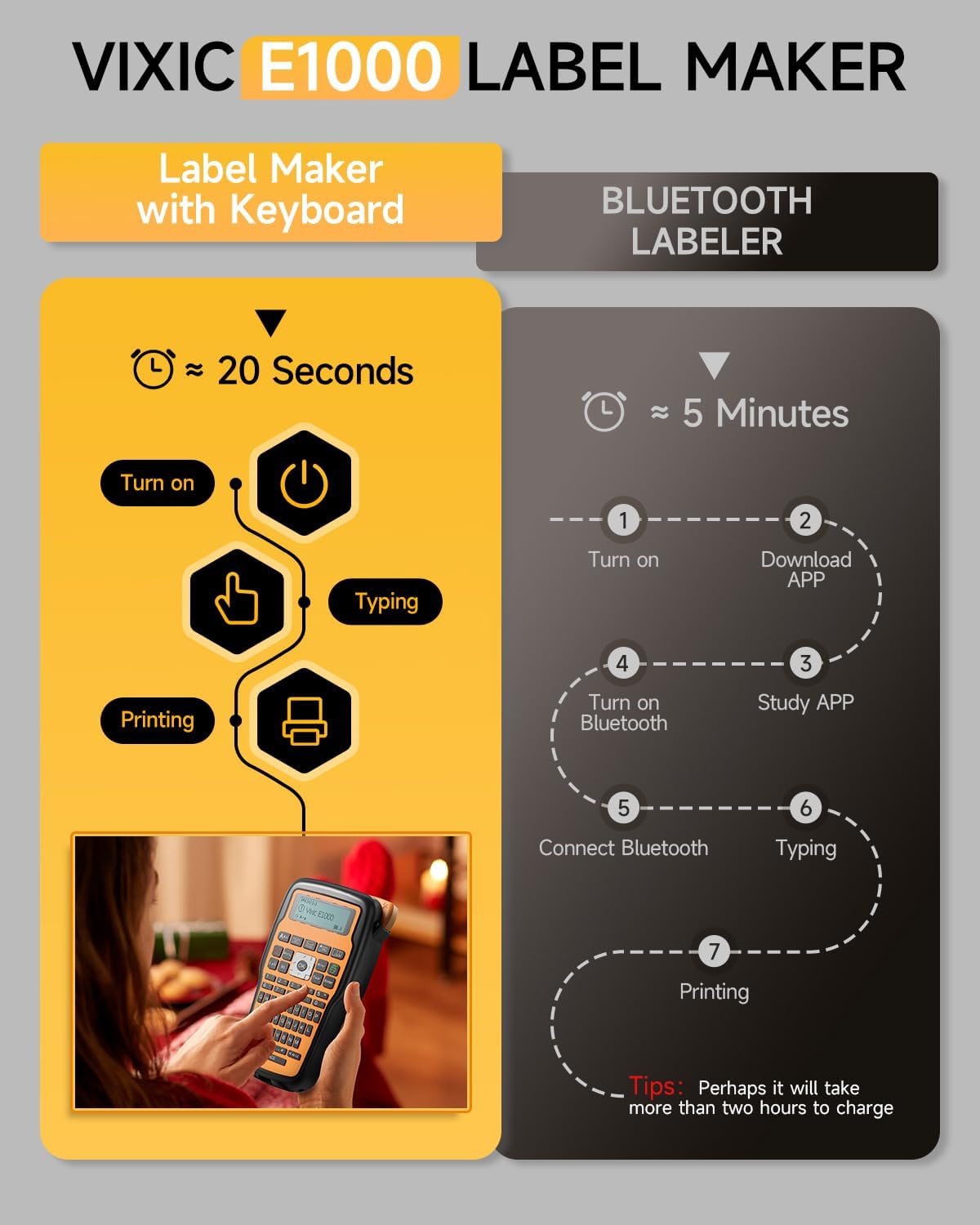
Image: Contents of the Vixic E1000 Label Maker package, including the label maker, a tape cassette, USB-C cable, replacement cutter, and manual.
3. Түзмөк бүттүview
Familiarize yourself with the main components of the Vixic E1000 label maker.

Сүрөт: алдыңкы view of the Vixic E1000 Label Maker, showing the QWERTY keyboard, display, and control buttons. Also visible are a tape cassette and examples of labels on cables.
4. Орнотуу
4.1 Аппаратты кубаттоо
The Vixic E1000 can be powered by either a USB-C cable or AAA batteries.
- USB-C кубаттуулугу: Connect the provided USB Type-C cable to the label maker and a 5V/2A power adapter (not included) or a computer USB port. The device is not rechargeable; the USB-C cable provides direct power.
- Батарея кубаттуулугу: 6 AAA батарейканы (кошумча эмес) аппараттын арт жагында жайгашкан батарейка бөлүмүнө салыңыз. Туура полярдуулукту камсыз кылыңыз.

Image: A user connecting the Vixic E1000 Label Maker to a power source via a USB-C cable. This illustrates the USB-C power option.
4.2 Installing the Label Tape
- Этикетка жасоочунун артындагы лента бөлүгүнүн капкагын ачыңыз.
- Этикетка лентасынын кассетасын лентаны басып чыгаруу башына каратып салыңыз. Анын ордуна чыкылдатуусун камсыз кылыңыз.
- Тасма бөлүмдүн капкагын жабыңыз.

Image: A close-up of the Vixic E1000 Label Maker showing a label tape cassette inserted into its compartment.
5. Иштөө нускамалары
5.1 Basic Label Creation
- Күйгүзүү: басыңыз Күч баскычы.
- Type Text: Use the QWERTY keyboard to enter your desired text. The display will show the text as you type.
- Орнотууларды тууралоо (милдеттүү эмес): Use the menu buttons to change font size (Large, Medium, Small), add symbols, or frames.
- Басып чыгаруу: басыңыз Басып чыгаруу button to generate the label.
- Кесүү: Интегралдык кескичти колдонуп, этикетканы кол менен кесиңиз.
5.2 Кабельдерди белгилөө режимдери
The E1000 offers three specialized modes for cable labeling:
- Wrap Mode: Creates labels that wrap around cables.
- Flag Mode: Generates labels that fold into a flag shape for easy identification.
- Faceplate Mode: Produces labels suitable for flat surfaces like faceplates.
To select a mode, navigate through the menu options using the Меню баскычы жана OK баскычы.

Image: An illustration demonstrating the three cable labeling modes: Wrap Type, Flag Type, and Faceplate. A person wearing a hard hat with a label on it holds the label maker.
5.3 Chain Print and Narrow Margin Settings
To minimize tape waste and print multiple labels efficiently:
- Narrow Margin: кирүү Меню, select "Margin", then "Narrow" to reduce blank space at the beginning and end of labels. This can save approximately 0.8 inches per label.
- Chain Print: To print up to 20 different labels consecutively with minimal gaps, use the multiple editing function.
- Copy Labels: Басыңыз Shift + Басып чыгаруу to copy and print up to 9 identical labels.

Image: A visual guide explaining how to use the Narrow Margin setting and Chain Print feature to save label tape. It shows menu navigation and examples of printed labels.
5.4 Ыңгайлаштыруу параметрлери
The E1000 offers extensive customization:
- Symbols & Frames: Choose from over 500 symbols and 100 frames to enhance your labels.
- Ариптер: Select from 16 different fonts.
- Штрихкоддор: The device supports printing barcodes.
- Көп саптуу текст: Print up to 4 lines of text on a single label.

Image: A display of various font styles and over 500 symbols available for use with the Vixic E1000 Label Maker, demonstrating customization capabilities.
6. Техникалык тейлөө
6.1 Басып чыгаруу башын тазалоо
Regularly clean the print head to ensure clear and consistent print quality. Use a soft, dry cloth or a cotton swab lightly dampened with isopropyl alcohol. Do not touch the print head with bare hands.
6.2 Replacing the Label Tape
When the tape cassette is empty or you wish to change tape types:
- Ensure the label maker is turned off.
- Тасма бөлүмдүн капкагын ачыңыз.
- Remove the used tape cassette.
- Insert a new Vixic BZ series label tape cassette, ensuring it clicks into place.
- Тасма бөлүмдүн капкагын жабыңыз.

Image: An illustration highlighting the durability features of Vixic BZ Laminated Tapes, including oil-proof, fading-proof, corrosion-proof, abrasion-proof, water-resistant, and temperature-resistant properties.
7. Кыйынчылыктарды
| Көйгөй | Мүмкүн себеп | Чечим |
|---|---|---|
| Түзмөк күйбөй жатат. | Кубат жок же батарейкалар аз. | Ensure USB-C cable is connected to a 5V/2A power source, or replace AAA batteries. |
| Басып чыгаруу сапаты начар же этикеткалар бош. | Print head is dirty or tape is incorrectly installed. | Clean the print head. Reinstall the tape cassette, ensuring it is seated correctly. |
| Tape jams or does not feed. | Tape is jammed or cutter needs replacement. | Open the tape compartment and clear any jammed tape. Replace the cutting holder if necessary. |
| Excessive blank margin on labels. | Narrow Margin setting is not activated. | барыңыз Меню > "Margin" > "Narrow" to reduce blank space. |
8. Техникалык шарттар
- Модел: E1000
- Бренд: Vixic
- Продукциянын өлчөмдөрү: 8.4"D x 4.6"W x 2.4"H
- Элемент Салмагы: 15.5 унция
- Максималдуу медиа өлчөмү: 0.47 дюйм (12мм)
- Басып чыгаруу технологиясы: Термикалык
- Принтердин сыясынын түрү: Термикалык
- Байланыш технологиясы: USB Type-C
- Кубат булагы: USB Type-C cable (for power, not rechargeable) or 6 AAA batteries (not included)
- Баскычтоп: QWERTY
- Өзгөчөлүктөр: Chain Print, Laminated Tape compatibility, Portable, QWERTY Keyboard
9. Кепилдик жана колдоо
For warranty information and customer support, please refer to the official Vixic webсайтка же сатуучуга кайрылыңыз. Сатып алганыңыздын далили катары сатып алуу дүмүрчөгүңүздү сактаңыз.


