Introduction
Welcome to the user manual for your new DOOGEE S119 Rugged Smartphone. This device is engineered for durability and high performance, featuring a robust design, powerful processing capabilities, and advanced camera systems. This manual provides essential information on setting up, operating, maintaining, and troubleshooting your smartphone to ensure optimal performance and longevity.

Image: The DOOGEE S119 Rugged Smartphone, showcasing its durable build and the unique rear display, alongside its main screen.
Жайгашуу
1. Кутудан чыгаруу жана алгачкы текшерүү
Carefully remove all components from the packaging. Verify that all items listed in the product packaging are present and undamaged. These typically include the DOOGEE S119 smartphone, a USB-C charging cable, a power adapter, and a SIM ejector tool.
2. SIM карта жана MicroSD карта орнотуу
- Телефондун капталындагы SIM карта салгычын табыңыз.
- SIM чыгаруучу куралды лотоктогу кичинекей тешикке салып, лоток чыгып кеткиче акырын басыңыз.
- Place your Nano-SIM card(s) and/or MicroSD card into the designated slots on the tray. Ensure the gold contacts face downwards. The DOOGEE S119 supports up to two SIM cards or one SIM card and one MicroSD card (up to 2TB).
- Аспаптын корпусуна туура келгенче, лотокту кылдаттык менен кайра телефонго түртүңүз.
3. Баштапкы күйгүзүү жана орнотуу устасы
Press and hold the Power button (located on the right side of the phone) until the DOOGEE logo appears. Follow the on-screen instructions to complete the initial setup, which includes selecting your language, connecting to Wi-Fi, setting up your Google account, and configuring security features like Face ID or fingerprint recognition.
Иштөө нускамалары
1. Rear Multifunction Display (1.32'')
The DOOGEE S119 features a 1.32-inch secondary display on the rear. This display provides quick access to various functions without needing to activate the main screen. Functions include displaying time, notifications, battery status, compass, music controls, and acting as a viewfinder for the main camera for selfies.

Image: The 1.32-inch rear display of the DOOGEE S119, illustrating its various functions such as call management, camera control, calendar, message viewing, music playback, and alarm display.
2. Main Display (6.72'' FHD+ IPS)
The primary display is a 6.72-inch FHD+ IPS screen with a resolution of 1080*2408. It offers vibrant colors and wide viewing angles, ideal for multimedia consumption and daily use. The IPS technology ensures clear visuals from various perspectives.

Image: The 6.72-inch FHD+ IPS main display of the DOOGEE S119, demonstrating its high resolution and vibrant color reproduction with an image of a car.
3. Camera System (100MP Main + 20MP Night Vision)
The DOOGEE S119 is equipped with a powerful camera setup:
- 100MP Негизги камера: Captures high-resolution photos with rich detail.
- 20MP түнкү көрүү камерасы: Allows for clear photography in low-light or complete darkness.
- 16MP алдыңкы камера: Жогорку сапаттагы селфи жана видео чалуулар үчүн.
- 5 МП кең бурчтуу камера: Кеңири көрүнүштөрдү тартуу үчүн.

Сүрөт: An overview of the DOOGEE S119's camera system, highlighting the 100MP main camera, 20MP night vision camera, and 16MP front camera, with sample images demonstrating their capabilities in various lighting conditions.
4. Battery and Charging (10200mAh, 33W Fast Charge)
The device features a large 10200mAh battery, providing extended usage time. It supports 33W fast charging, allowing for quick replenishment of the battery. The phone also supports OTG reverse charging, enabling it to act as a power bank for other devices.

Image: Visual representation of the DOOGEE S119's 10200mAh mega battery and its 33W fast charging capability, along with OTG reverse charging support.
5. Performance and Storage (MT8788 Octa-Core, 24GB RAM, 512GB ROM)
Powered by an MT8788 octa-core processor, the S119 delivers efficient performance for multitasking and demanding applications. It comes with 24GB of RAM (8GB physical + up to 16GB extended) and 512GB of internal storage, expandable up to 2TB via a MicroSD card.

Image: Diagram illustrating the DOOGEE S119's memory configuration, including 24GB RAM (8GB base + 16GB extended) and 512GB ROM, with support for up to 2TB expansion.

Image: A visual representation of the MediaTek MT8788 octa-core processor, highlighting its LPDDR4 flash memory, 12nm manufacturing process, and 2.0GHz operating frequency.
6. Операциялык система (Android 14)
The DOOGEE S119 runs on the latest Android 14 operating system, offering an optimized and secure user experience with enhanced system performance and battery efficiency.
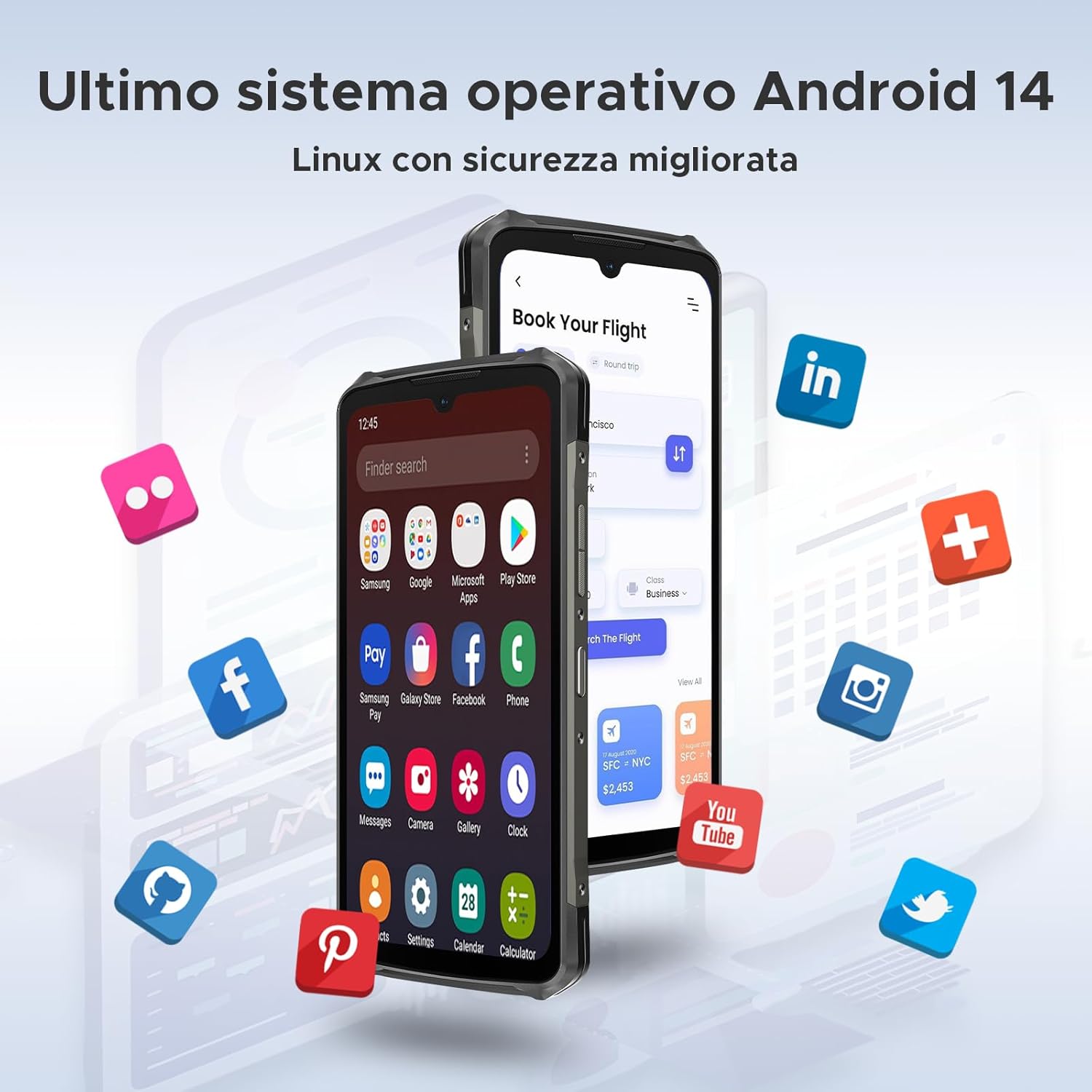
Image: The DOOGEE S119 displaying the Android 14 operating system interface, surrounded by various application icons.
7. Байланыш жана коопсуздук
The smartphone supports 4G LTE and 5G connectivity, NFC for convenient payments and data transfer, and Face ID for secure and quick unlocking. It also features a side-mounted fingerprint sensor for alternative unlocking.

Image: Illustrations of the DOOGEE S119's security and connectivity features, including facial recognition, side fingerprint unlocking, and NFC for effortless connectivity.
Техникалык тейлөө
- Тазалоо: Экранды жана корпусту тазалоо үчүн жумшак, мамыксыз чүпүрөктү колдонуңуз. Абразивдүү материалдарды же катуу химиялык заттарды колдонбоңуз. Өжөр кирлер үчүн бир азamp суу менен кездеме колдонсо болот.
- Суу каршылык: While the DOOGEE S119 is rugged and water-resistant (IP68/IP69K rated), ensure all port covers are securely closed before exposing it to water. Do not intentionally submerge the device in water for extended periods or expose it to high-pressure water jets.
- Температура: Телефонду өтө ысык же өтө суук температурага (өтө ысык же өтө суук) дуушар кылбаңыз, анткени бул батареянын иштөө мөөнөтүнө жана ички компоненттерине таасир этиши мүмкүн.
- Программалык камсыздоо жаңыртуулары: Оптималдуу аткарууну, коопсуздукту жана жаңы функцияларга жетүүнү камсыз кылуу үчүн программалык камсыздоо жаңыртууларын дайыма текшерип, орнотуп алыңыз.
- Сактагычты башкаруу: Мезгил-мезгили менен ачык-айкын керексиз files and apps to maintain smooth operation. Utilize the expandable storage for large media files.
Проблемаларды чечүү
| Көйгөй | Мүмкүн чечим |
|---|---|
| Телефон күйбөйт. | Ensure the battery is charged. Connect the phone to the charger and wait a few minutes before attempting to power on again. If unresponsive, try holding the Power button for 10-15 seconds for a forced restart. |
| Батарея бат эле түгөнөт. | Check for background apps consuming power. Reduce screen brightness, disable unused features like Wi-Fi, Bluetooth, GPS when not needed. Consider a factory reset if the issue persists after checking app usage. |
| Wi-Fi/Мобилдик интернетке туташа албай жатат. | Restart the phone and the router (for Wi-Fi). Check if Airplane Mode is off. Verify SIM card is correctly inserted and mobile data is enabled in settings. Contact your network provider if mobile data issues persist. |
| Колдонмолор бузулуп же катып жатат. | Clear the cache and data for the problematic app in Settings > Apps. Ensure the app is updated to the latest version. If the issue continues, uninstall and reinstall the app. |
| Fingerprint sensor/Face ID not working. | Ensure your finger/face is clean and dry. Re-register your fingerprint/face in the security settings. Ensure there is adequate lighting for Face ID. |
Техникалык шарттар
| Өзгөчөлүк | Деталь |
|---|---|
| Бренд | DOOGEE |
| Модель аты | S119 |
| Операция системасы | Android 14 |
| Негизги дисплей | 6.72 inches FHD+ IPS (1080 x 2408) |
| Арткы дисплей | 1.32 inches Multifunction |
| Процессор | Octa-Core MediaTek MT8788 |
| RAM | 24 ГБ (8 ГБ физикалык + 16 ГБ чейин кеңейтилген) |
| Ички сактагыч | 512 ГБ |
| Кеңейтүүчү сактагыч | MicroSD картасы аркылуу 2 ТБ чейин |
| Башкы камера | 100 мегапиксел |
| Түнкү көрүнүш камерасы | 20 мегапиксел |
| Алдыңкы камера | 16 мегапиксел |
| Батарея сыйымдуулугу | 10200 мАч литий-иондук полимер |
| Заряддоо | 33W Fast Charge, OTG Reverse Charging |
| Байланыш | 4G LTE, 5G, Wi-Fi, Bluetooth 5.2, NFC, GPS |
| SIM картаны колдоо | Кош SIM (Nano-SIM) |
| Коопсуздук өзгөчөлүктөрү | Face ID, Side Fingerprint Sensor |
| Туруктуу | IP68/IP69K Water/Dust Resistant, MIL-STD-810H Drop Protection |
| Өлчөмдөрү (калыңдыгы) | 15.7 mm (Ultra-thin) |
Кепилдик жана колдоо
DOOGEE products typically come with a standard manufacturer's warranty. Please refer to the warranty card included in your product packaging for specific terms and conditions, including warranty period and coverage details. For technical support, service, or further inquiries, please visit the official DOOGEE website or contact their customer service through the contact information provided in your product documentation.
Эскертүү: Information regarding software updates and spare parts availability was not provided in the product specifications. Please check the official DOOGEE webакыркы маалымат алуу үчүн сайт.


