Introduction
The Razer Kraken V4 is a versatile wireless gaming headset designed for immersive audio experiences across multiple platforms. It offers three modes of connectivity: 2.4 GHz wireless, Bluetooth, and a wired USB connection. Key features include a retractable HyperClear Super Wideband Mic for clear voice communication, Razer TriForce Titanium 40 mm drivers for detailed sound, THX Spatial Audio for positional sound, and customizable 9-zone Chroma RGB lighting.

Image: The Razer Kraken V4 Wireless Gaming Headset, showcasing анын дизайнына жана USB ачкычын камтыган.
Пакеттин мазмуну
Пакетиңизде бардык буюмдар бар экенин текшериңиз:
- Razer Kraken V4 Wireless Gaming Headset
- USB зымсыз кабыл алгыч (донгл)
- USB-Aдан USB-Cге заряддоо кабели
- Маанилүү продукт маалыматы колдонмосу

Image: All components included in the Razer Kraken V4 package, laid out on a flat surface.
Продукт бүттүview
Familiarize yourself with the various components and controls of your Razer Kraken V4 headset.
Retractable HyperClear Super Wideband Mic
The microphone can be extended or retracted as needed. It captures a wide frequency range for clear voice communication.

Сүрөт: Жакын план view of the Razer Kraken V4 headset, highlighting the retractable HyperClear Super Wideband Microphone in both extended and retracted positions.
Кулакчындын көзөмөлү
The headset features intuitive controls on the earcups for quick adjustments during use.

Image: Detail of the earcup controls on the Razer Kraken V4, showing buttons for game/chat balance and volume adjustment.
9-Zone Chroma RGB Lighting
Each earcup features customizable RGB lighting zones.

Image: The Razer Kraken V4 headset displaying its 9-zone Chroma RGB lighting on the earcups.
Жайгашуу
1. Гарнитураны заряддоо
Before initial use, fully charge your Razer Kraken V4 headset. Connect the included USB-A to USB-C charging cable to the headset's USB-C port and to a powered USB port on your computer or a wall adapter. The LED indicator will show charging status.
2. Connecting via 2.4 GHz Wireless (USB Dongle)
This mode provides a low-latency wireless connection for PC, Mac, PS5, Nintendo Switch, and Steam Deck.
- Insert the USB wireless transceiver into an available USB port on your device.
- Power on your Razer Kraken V4 headset.
- The headset should automatically connect to the transceiver. A status indicator on the headset will confirm the connection.
- On your device, ensure the Razer Kraken V4 is selected as the audio output and input device in your sound settings.

Image: The Razer Kraken V4 headset connected via its USB wireless dongle to a laptop, illustrating the 2.4 GHz wireless connectivity.
3. Bluetooth аркылуу туташуу
Use Bluetooth for connecting to smartphones and other compatible devices.
- With the headset powered on, activate Bluetooth pairing mode (refer to the headset's specific button combination for Bluetooth pairing, usually a long press on the power button or a dedicated Bluetooth button).
- Түзмөгүңүздө Bluetooth жөндөөлөрүнө өтүп, жеткиликтүү түзмөктөрдү издеңиз.
- Select "Razer Kraken V4" from the list of found devices to pair.
4. Connecting via USB Wired
For a direct, non-stop gaming experience, connect the headset using a USB cable.
- Connect the USB-A to USB-C cable from the headset's USB-C port to an available USB port on your PC, Mac, PS5, Nintendo Switch, or Steam Deck.
- The headset will function as a wired audio device. Ensure it is selected as the default audio device in your system settings.
Иштөө нускамалары
Күйгүзүү/өчүрүү
Гарнитураны күйгүзүү же өчүрүү үчүн кулакчында жайгашкан күйгүзүү баскычын басып, кармап туруңуз.
Үндү көзөмөлдөө
Adjust the master volume using the volume wheel on the earcup. Rotate up to increase volume, down to decrease.
Микрофонду колдонуу
Extend the retractable microphone for voice communication. To mute the microphone, press the microphone mute button on the earcup. Retract the microphone when not in use.
Game/Chat Mix Balance
Use the dedicated game/chat balance control on the earcup to adjust the audio levels between game sound and voice chat. This allows you to prioritize one over the other without affecting overall volume.
THX Spatial Audio
The headset supports THX Spatial Audio for enhanced positional sound. This feature can be enabled and configured through the Razer Synapse software on compatible devices (PC/Mac) to optimize your audio experience for specific games.
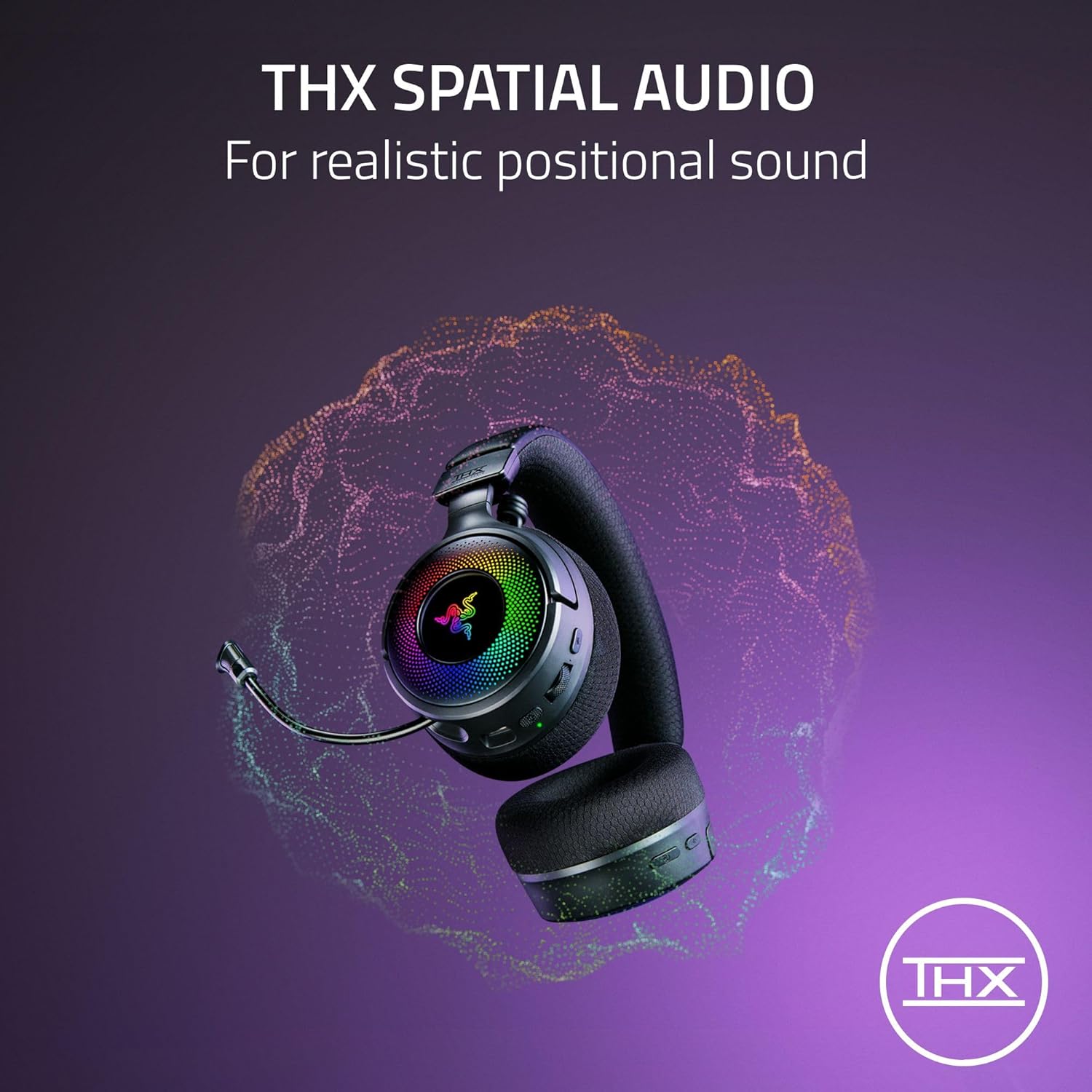
Image: A visual representation of THX Spatial Audio technology, indicating its ability to create realistic positional soundscapes.
Chroma RGB Lighting Customization
Customize the 9-zone RGB lighting on the earcups using the Razer Synapse software. This allows you to select from 16.8 million colors and various lighting effects to personalize your headset.
Техникалык тейлөө
Тазалоо
- Гарнитураны жумшак, кургак чүпүрөк менен сүртүңүз.
- Кулак жаздыкчалары үчүн жарнама менен акырын сүртүңүзamp зарыл болсо, чүпүрөк жана жумшак самын менен сүртүңүз, андан кийин толугу менен кургатыңыз.
- Катуу химиялык заттарды же абразивдүү материалдарды колдонбоңуз.
Сактагыч
Гарнитураны күн нурунан жана экстремалдык температурадан алыс салкын, кургак жерде сактаңыз. Гарнитурага оор нерселерди коюудан алыс болуңуз.
Батареяга кам көрүү
Батареянын иштөө мөөнөтүн узартуу үчүн, гарнитуранын тез-тез толук зарядын жоготпоңуз. Гарнитураны үзгүлтүксүз колдонбосоңуз да, аны үзгүлтүксүз кубаттап туруңуз.
Проблемаларды чечүү
If you encounter issues with your Razer Kraken V4 headset, refer to the following common solutions:
- Аудио жок / Үнү төмөн:
- Ensure the headset is powered on and properly connected (2.4 GHz, Bluetooth, or USB wired).
- Check the volume wheel on the headset and your device's system volume settings.
- Verify that the Razer Kraken V4 is selected as the default audio output device.
- Микрофон иштебейт:
- Микрофон узартылганын жана үнсүз эместигин текшериңиз (үнсүздөө баскычын текшериңиз).
- Verify that the Razer Kraken V4 is selected as the default audio input device in your system settings and communication applications.
- Wireless Disconnections (2.4 GHz):
- Ensure the USB wireless transceiver is securely plugged into a working USB port.
- Reduce the distance between the headset and the transceiver.
- Minimize interference from other wireless devices (e.g., Wi-Fi routers, other 2.4 GHz devices).
- Try plugging the transceiver into a different USB port or a different device to rule out port issues.
- Bluetooth жупташтыруу маселелери:
- Гарнитуранын Bluetooth жупташтыруу режиминде экенин текшериңиз.
- Түзмөгүңүздүн Bluetooth'ун өчүрүп, күйгүзүңүз.
- Forget the device from your Bluetooth list and attempt to pair again.
- RGB жарыктандыруу иштебей жатат:
- Гарнитура күйгүзүлгөнүн текшериңиз.
- If customizing, verify that Razer Synapse software is installed and running on your PC/Mac, and the headset is recognized.
Техникалык шарттар
| Өзгөчөлүк | Деталь |
|---|---|
| Модель аты | Kraken V4 |
| Байланыш технологиясы | Wireless (2.4 GHz with USB dongle, Bluetooth), USB Wired |
| Аудио драйвер түрү | Razer TriForce Titanium 40 mm Dynamic Drivers |
| Жыштык диапазону | 20 Гц - 20 000 Гц |
| Микрофон | Retractable HyperClear Super Wideband Mic |
| Мейкиндик аудио | THX Spatial Audio |
| Жарыктандыруу | 9-Zone Earcup Chroma RGB Lighting |
| Шайкеш түзмөктөр | PC, Mac, PS5, Nintendo Switch, Steam Deck, Smartphone |
| Башкаруу ыкмасы | App Control (Razer Synapse), On-earcup controls |
| Материал | Булгаары (кулак жаздыкчалары) |
| Элемент Салмагы | 1.54 фунт |
| Батареялар | 1 литий-иондук батарейка талап кылынат |
| UPC | 840272917961 |
Кепилдик жана колдоо
Кепилдик маалымат
The Razer Kraken V4 Wireless Gaming Headset comes with a manufacturer's warranty. Please refer to the Important Product Information Guide included in your package for specific warranty terms and conditions, including duration and coverage details. Keep your proof of purchase for warranty claims.
Техникалык колдоо
For further assistance, technical support, or to download the latest drivers and software (such as Razer Synapse), please visit the official Razer support webсайт:


