1. Киришүү
The GTMEDIA HDTV Converter X1 is a versatile device designed to enhance your television viewing experience. It supports Next-Gen ATSC3.0 and ATSC1.0 digital terrestrial signals, offering advanced features like DVR recording, Dolby AC4 audio, and offline DRM playback. Running on Android 11 with built-in Bluetooth 5.0 and dual-band Wi-Fi, it transforms your TV into a smart entertainment hub.

Image: GTMEDIA HDTV Converter X1 highlighting its core specifications.
2. Кутуда эмне бар
Upon unboxing your GTMEDIA HDTV Converter X1, you should find the following items:
- 1 x HDTV Converter X1 Unit
- 1 х IR алыстан башкаруу
- 1 х кубат адаптери
- 1 х HD Cable
- 1 x User Manual

Image: All items included in the GTMEDIA HDTV Converter X1 package.
3. Продукт бүтүп калдыview жана порттор
The GTMEDIA HDTV Converter X1 features a compact design with essential ports for connectivity. Familiarize yourself with the device's layout:

Сүрөт: деталдуу view of the interface ports on the GTMEDIA HDTV Converter X1.
- КУРТКА: Санариптик телекөрсөтүү антеннаңызды бул жерге туташтырыңыз.
- LAN: Зымдуу тармакка туташуу үчүн Ethernet порту.
- HD OUT: HDMI output to connect to your TV or monitor.
- 5V=2A: Кошулган адаптер үчүн кубат киргизүү.
- USB: For connecting external storage devices for DVR or media playback.
4. Орнотуу колдонмосу
4.1. Физикалык байланыштар
- Connect your digital TV antenna to the ANT IN конвертердеги порт.
- Connect one end of the HD Cable to the HD OUT port on the converter and the other end to an HDMI input on your TV.
- Интернетке кирүү үчүн Ethernet кабелин туташтырыңыз LAN port (optional, Wi-Fi is also available).
- Кубат адаптерин розеткага сайыңыз 5V=2A port on the converter and then into a power outlet.
- Сыналгыңызды күйгүзүңүз жана туура HDMI киргизүү булагын тандаңыз.
4.2. Баштапкы конфигурация
Upon first startup, the device will guide you through initial settings:
- Тил: Select your preferred system language (e.g., English).
- Убакыт алкагы: Set your local time zone for accurate program guide display.
- Дисплей: Adjust screen size to fit your TV display (usually 100%).
- Тармак: Connect to your Wi-Fi network or ensure your Ethernet connection is active.
4.3. Канал скандоо
After initial setup, perform a channel scan to find available over-the-air broadcasts:
- Navigate to the 'Channel Scan' option in the main menu.
- Select 'Full Channel Scan' to automatically detect all available ATSC 1.0 and ATSC 3.0 channels.
- The device will display a progress bar and list found channels. Once complete, save the scanned channels.
Video: User guide interface and program search demonstration.
Видео: Бүттүview of the HDTV Converter X1's compatibility with Next-Gen ATSC3.0.
5. Иштөө нускамалары
5.1. DVR жаздыруусу
The GTMEDIA HDTV Converter X1 supports both PVR (Personal Video Recorder) and DVR (Digital Video Recorder) functionalities, allowing you to record your favorite shows.
- Пландаштырылган жаздыруу: Access the program guide to schedule recordings for future shows. You can set up series recordings for recurring programs.
- Ыкчам жаздыруу: While watching a live channel, press the record button on your remote to start recording immediately.
- Batch DVR Function: When watching a program on a specific channel, use shortcut keys to view a list of all programs on the current frequency point. This allows simultaneous recording of multiple programs on the same frequency point.
- Сактагыч: Recordings can be saved to the device's internal 32GB storage or an external USB drive connected to the USB port.
- Offline DRM: The device supports offline DRM, allowing you to enjoy encrypted 4K programs even without an internet connection.
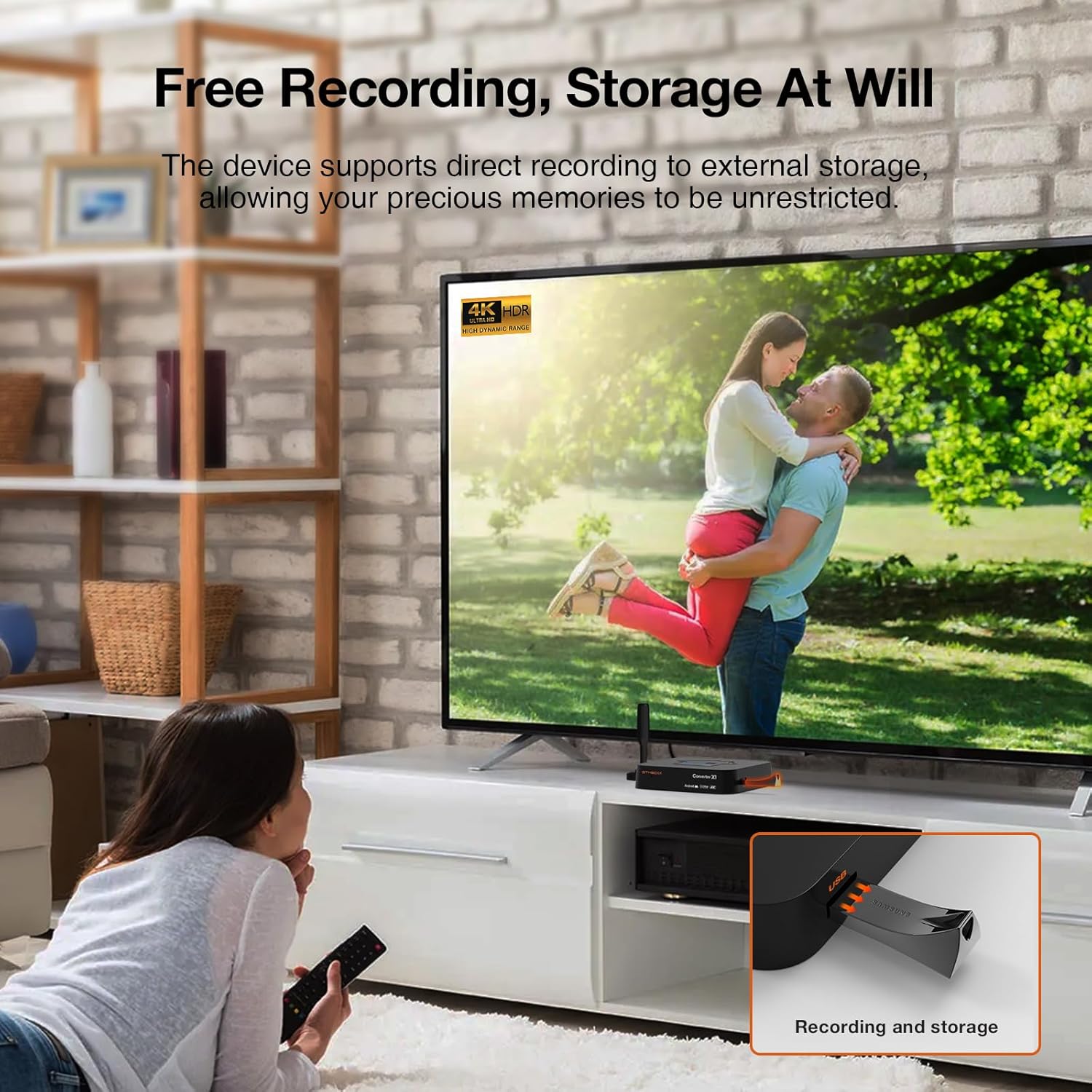
Image: Demonstrating DVR recording to external storage.
Video: Demonstration of Converter X1 recording frequency TS stream.
5.2. App Management and Media Playback
As an Android 11 device, the Converter X1 provides access to the Google Play Store, allowing you to download various applications and games.
- Колдонмолорду орнотуу: Access the Google Play Store to download streaming services, news apps, games, and more.
- Медиа борбору: Use the built-in media center to play videos, music, and photos from connected USB drives.
- Bluetooth байланышы: Connect Bluetooth game controllers or audio devices for an enhanced experience.

Image: Seamless connection and HD vision through the converter's interface.
6. Алыстан башкаруу функциялары
The included IR remote control provides full functionality for navigating the GTMEDIA HDTV Converter X1. Key buttons include:
- Күч: Аппаратты күйгүзөт/өчүрөт.
- Navigation Keys (Up/Down/Left/Right/OK): Менюда навигация жана тандоо үчүн.
- Көлөм +/-: Аудионун үнүн тууралайт.
- CH +/-: Каналдарды өзгөртөт.
- Меню: Негизги менюга кирет.
- EPG (Электрондук программалык колдонмо): Displays the program schedule.
- РЕК: Starts/stops DVR recording.
- Ыңгайлаштырылган: Programmable hotkey for quick access to a favorite function.
7. Техникалык шарттар
| Өзгөчөлүк | Деталь |
|---|---|
| Модель номери | X1 |
| Бренд | GTMEDIA |
| Операция системасы | Android 11 |
| RAM | 2 ГБ |
| Ички сактагыч | 32 ГБ |
| Тюнердин шайкештиги | ATSC 3.0 / ATSC 1.0 |
| Аудио технологиясы | Dolby AC4 |
| Зымсыз байланыш | Dual-band WiFi (802.11b/g/n/ac), Bluetooth 5.0 |
| Video Output | 4K UHD |
| Interface Type | Bluetooth, HDMI, WiFi |
| Пакеттин өлчөмдөрү | 7.87 x 5.2 x 2.24 дюйм |
| Салмагы | 1.15 фунт |
8. Кыйынчылыктарды
- Сигнал жок/Каналдар жок:
- Ensure your antenna is properly connected to the ANT IN port.
- Perform a 'Full Channel Scan' from the settings menu.
- Check your antenna's placement and orientation for optimal signal reception.
- Аудио/видео синхрондоштуруу көйгөйлөрү:
- Аппаратты кайра иштетиңиз.
- Check for any available firmware updates for the device.
- Ensure your TV's audio settings are correctly configured.
- Колдонмолор иштебей жатат/бузулуп жатат:
- Аппараттын интернетке туташып турганын текшериңиз.
- Google Play Дүкөнүнөн колдонмо жаңыртууларын текшериңиз.
- Clear the cache and data for the problematic app in Android settings.
- Алыстан башкаруу жооп бербейт:
- Пульттагы батарейкаларды алмаштырыңыз.
- Пульт менен түзмөктүн инфракызыл кабыл алгычынын ортосунда эч кандай тоскоолдуктар жок экенин текшериңиз.
9. Кепилдик жана колдоо
The GTMEDIA HDTV Converter X1 comes with a standard manufacturer's warranty. Please refer to the included 'Product Warranty Card' for specific terms and conditions, including warranty duration and coverage details.
For technical support, troubleshooting assistance, or warranty claims, please contact GTMEDIA customer service through their official webсайт же продукт документациясында көрсөтүлгөн байланыш маалыматы.


