Introduction
Welcome to the world of the OnePlus 13. This device is engineered for exceptional speed and performance, featuring the Snapdragon 8 Elite processor, a vibrant 120Hz Super Fluid AMOLED display, and an advanced 5th Generation Hasselblad Camera System. This manual provides detailed instructions to help you get the most out of your new smartphone.
Кутуда эмне бар
Upon unboxing your OnePlus 13, please verify that all the following items are included:
- OnePlus 13 Handset
- Кубаттагыч (80 Вт SUPERVOOC)
- USB маалымат кабели
- SIM чыгаруучу курал
- Quick колдонмо
- Коопсуздук колдонмосу
- Мүчөлүк картасы
- Бренд чаптамасы
- Салам кат
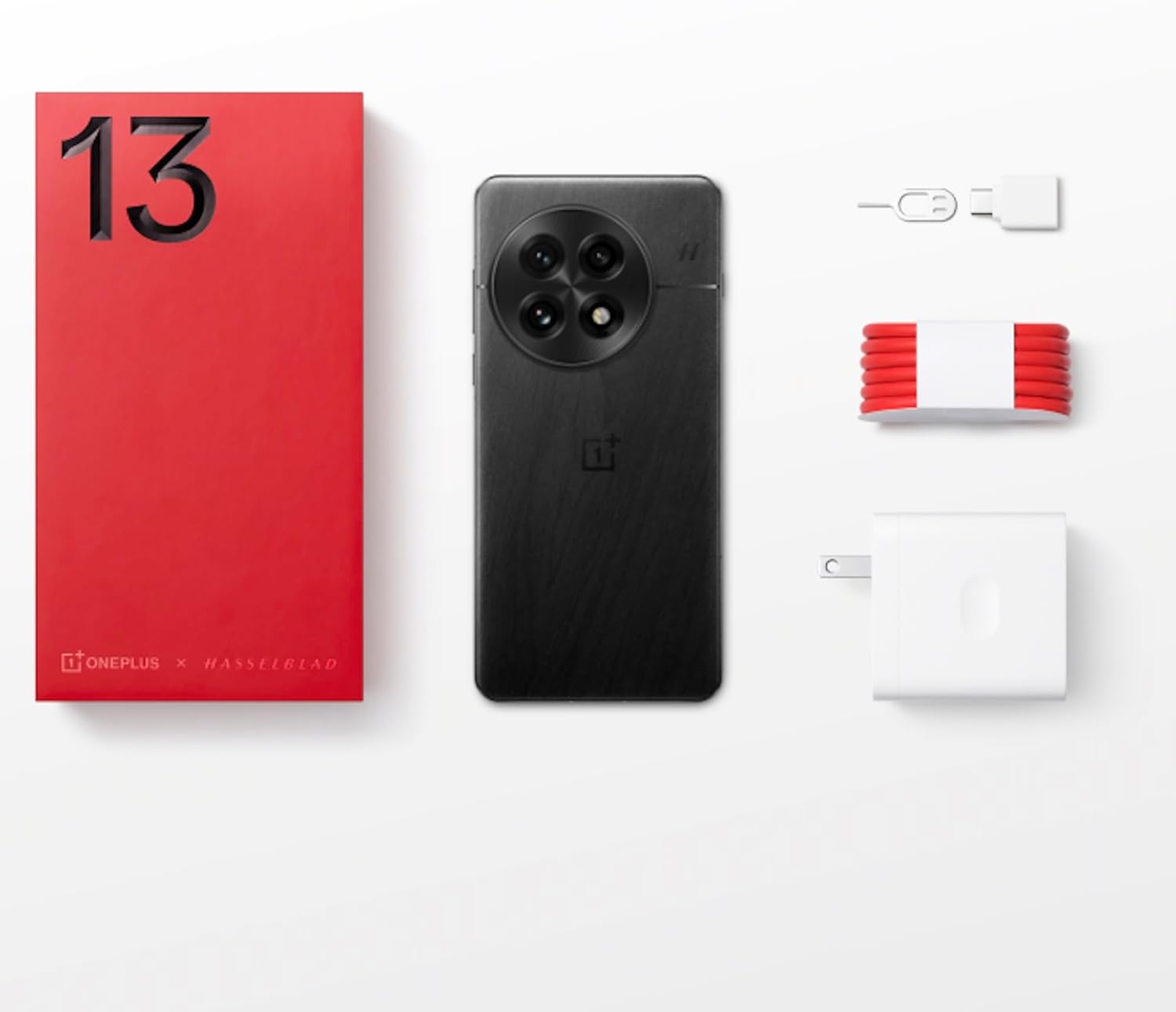
Figure 1: OnePlus 13 Box Contents
Жайгашуу
1. SIM картаны салуу
- Locate the SIM card tray on the side of your OnePlus 13.
- SIM чыгаруучу куралды лотоктун жанындагы кичинекей тешикке кыстарыңыз жана лоток чыкканча акырын басыңыз.
- Place your Nano-SIM card(s) into the tray with the gold contacts facing down. The OnePlus 13 supports Dual SIM functionality.
- Лотокту телефондун корпусу менен тегиз болгонго чейин акырындык менен уячага түртүңүз.
2. Күйгүзүү жана баштапкы орнотуу
- OnePlus логотиби пайда болгонго чейин Кубат баскычын (оң жагында жайгашкан) басып туруңуз.
- Тилиңизди тандоо, Wi-Fi тармагына туташуу жана Google аккаунтуңузду орнотуу үчүн экрандагы көрсөтмөлөрдү аткарыңыз.
- Configure security features such as the built-in ultrasonic fingerprint sensor and facial recognition.
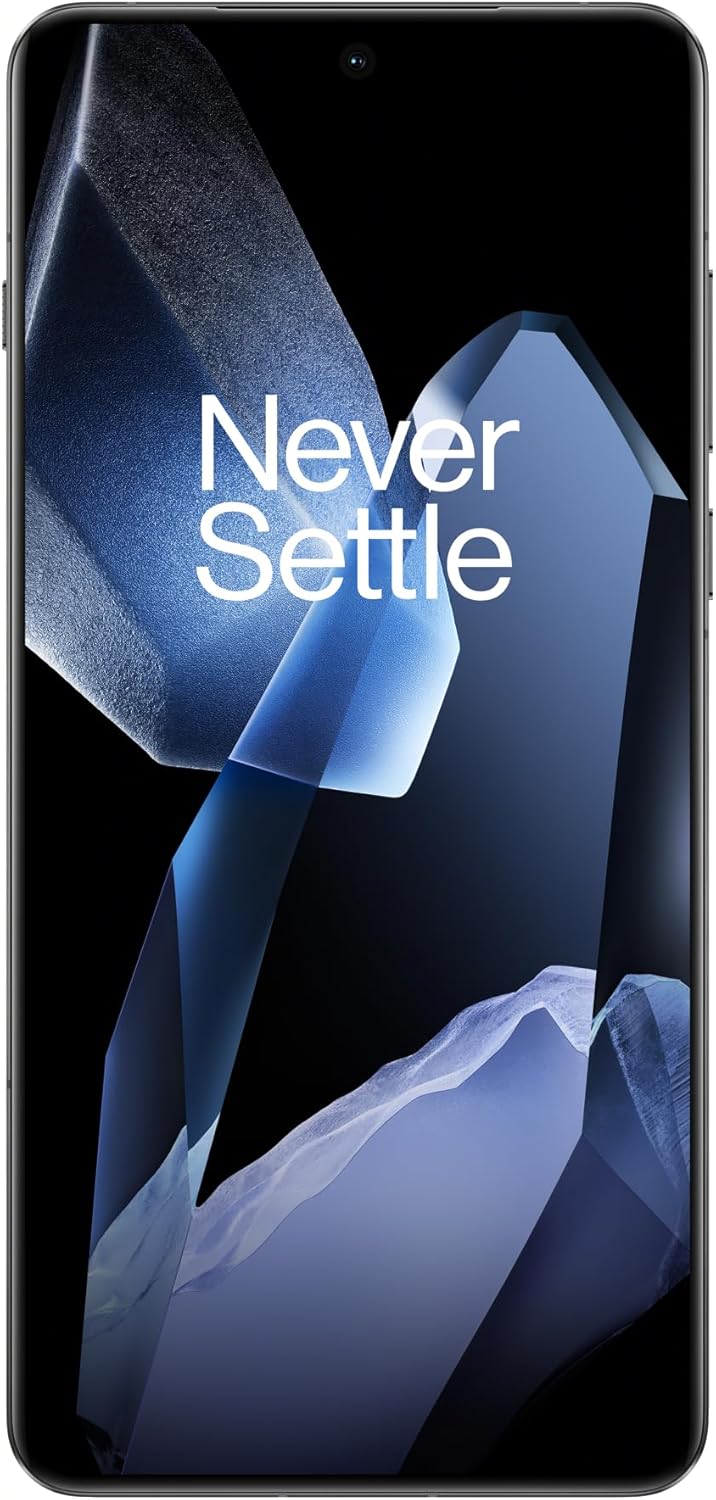
Figure 2: OnePlus 13 Front View
Operating Your OnePlus 13
OxygenOS 15
The OnePlus 13 runs on OxygenOS 15, providing a smooth, intuitive, and customizable Android experience. Explore various features and settings to personalize your device.
Негизги өзгөчөлүктөрү жана функциялары
- AI Notes: Your meeting companion. This feature allows for intelligent transcription and organization of notes, enhancing productivity.
- Акылдуу издөө: Know instantly. Quickly find files, contacts, and information across your device with smart search capabilities.
- Fluid Cloud: Touch and go. Experience seamless interaction and data synchronization across your devices.
- РадиантView Дисплей: Bright in any light. The display automatically adjusts to provide optimal visibility even in direct sunlight.
- Built-In Ultrasonic Fingerprint Sensor: Unlock your phone securely and effortlessly with the advanced ultrasonic fingerprint sensor for quick access to your device.

Figure 3: Ultrasonic Fingerprint Sensor in action
Камера системасы
The OnePlus 13 features a 5th Generation Hasselblad Camera System, designed to capture every moment in breathtaking detail. The advanced triple-camera setup includes a versatile 50MP lens for stunning photos and videos, day or night.
- Портрет режими: Achieve studio-grade portraits with professional-looking depth and bokeh effects.
- Snapshot Photography: Eye for speed. Capture fast-moving subjects with clarity and precision.
- Clear Burst: Capture the whole moment. This feature allows you to take multiple shots in quick succession, ensuring you don't miss any action.

Figure 4: Hasselblad Camera System

Figure 5: Capturing Moments with the OnePlus 13 Camera
Батарея жана заряддоо
The OnePlus 13 is equipped with a massive 6000mAh battery, designed to keep you powered throughout the day. It supports advanced charging technologies:
- 80W SUPERVOOC Fast Charging: Get back up and running quickly with incredibly fast wired charging speeds.
- 50W AIRVOOC Wireless Charging: Enjoy the convenience of rapid wireless charging, ensuring you stay powered up with North America's fastest wireless charging speed.
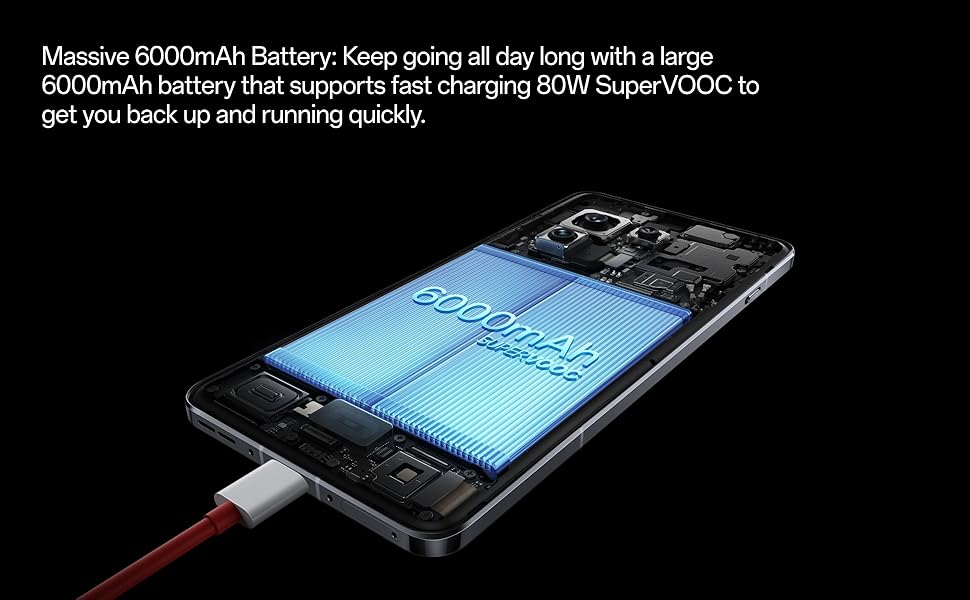
Figure 6: Massive 6000mAh Battery with SUPERVOOC Charging
Performance
Experience unparalleled speed and efficiency with the OnePlus 13:
- Lightning-Fast Snapdragon 8 Elite Processor: Powered by the latest Qualcomm Snapdragon 8 Elite chipset, enjoy exceptional speed, efficiency, and performance for gaming, multitasking, and productivity.
- Ample Memory and Storage: With up to 16GB of RAM and 512GB of storage, the OnePlus 13 handles demanding applications and large fileс оңой менен.

Figure 7: Snapdragon 8 Elite Processor and Memory Configuration
Дисплей
The OnePlus 13 features a stunning 120Hz ProXDR Display:
- Жандуу көрүнүштөр: Experience vibrant colors and ultra-smooth visuals on a QHD+ ProXDR display.
- 120Hz жаңыртуу ылдамдыгы: Perfect for gaming, streaming, and everyday use, providing a highly responsive and fluid visual experience.

Figure 8: Stunning 120Hz ProXDR Display
Туруктуу
The OnePlus 13 is built to withstand the elements:
- IP68 & IP69 Water and Dust Resistance: The OnePlus 13 is built to withstand the elements with an IP69 rating, offering superior protection against dust, dirt, and water. Whether you're caught in the rain or working in harsh environments, your device remains safe and fully functional.

Figure 9: IP69 Water and Dust Resistance
Техникалык шарттар
| Өзгөчөлүк | Деталь |
|---|---|
| Модель аты | OnePlus 13 (CPH2655) |
| Бренд | OnePlus |
| Операция системасы | Android 15 |
| CPU модели | Snapdragon 8 Elite |
| CPU ылдамдыгы | 4.32 ГГц |
| RAM эстутум орнотулган өлчөмү | 16 ГБ |
| Эстутум сактоо сыйымдуулугу | 512 ГБ |
| Screen Size | 6.82 дюйм |
| Резолюция | 2K DCI 1080p |
| Жаңыртуу ылдамдыгы | 120 Гц |
| Батарея сыйымдуулугу | 6000 мАч |
| Телефон менен сүйлөшүү убактысы | 38.2 саат |
| Өзгөчөлүктөр | Dual SIM, Wireless Charging, Ultrasonic Fingerprint Sensor |
| Connectivity Technologies | Bluetooth, GPS (Dual band: GPS(L1+L5) Galileo(E1+E10a)) |
| Продукциянын өлчөмдөрү | 6.41 x 3.01 x 0.33 дюйм |
| Элемент Салмагы | 7.5 унция (213 грамм) |
| Түс | Black Eclipse |
| Өндүрүүчү | OnePlus |
| Келип чыккан өлкө | Кытай |
| Дата биринчи жеткиликтүү | 15-март, 2025-жыл |
Проблемаларды чечүү
If you encounter any issues with your OnePlus 13, please refer to the following general troubleshooting steps:
- Түзмөгүңүздү өчүрүп күйгүзүңүз: Жөнөкөй кайра күйгүзүү көбүнчө программалык камсыздоонун майда мүчүлүштүктөрүн чечет.
- Байланыштарды текшерүү: Ensure Wi-Fi, Bluetooth, and cellular data are properly enabled and connected.
- Программаны жаңыртуу: Make sure your OxygenOS is updated to the latest version. Go to Settings > About device > OxygenOS version.
- Кэшти тазалоо: For app-specific issues, try clearing the app's cache (Settings > Apps > App management > [App Name] > Storage usage > Clear cache).
- Заводдук абалга кайтаруу (акыркы курорт): Эгерде көйгөйлөр чечилбесе, заводдук жөндөөлөргө кайтарууну карап көрсөңүз болот. Эскертүү: Бул телефонуңуздагы бардык дайындарды жок кылат. Улантуудан мурун маанилүү маалыматтардын камдык көчүрмөсүн сактаңыз. Go to Settings > System settings > Back up and reset > Reset phone > Erase all data.
Кепилдик жана колдоо
Your OnePlus 13 comes with a standard manufacturer's warranty. Please refer to the warranty card included in your product packaging for specific terms and conditions.
For further assistance, technical support, or warranty claims, please visit the official OnePlus support webсайтына кириңиз же алардын кардарларды тейлөө кызматына кайрылыңыз. Сатып алганыңызды тастыктаган документти жаныңызда сактаңыз.
- OnePlus Official Webсайт: www.oneplus.com/support
- Кардарларды тейлөө: Refer to your region-specific contact information on the official webсайт.


