Introduction
This manual provides instructions for the setup, operation, and maintenance of your Incase Wireless Mobile Mouse 1850. This compact and comfortable mouse is designed for both left and right-handed users and offers reliable wireless connectivity for various computing environments.
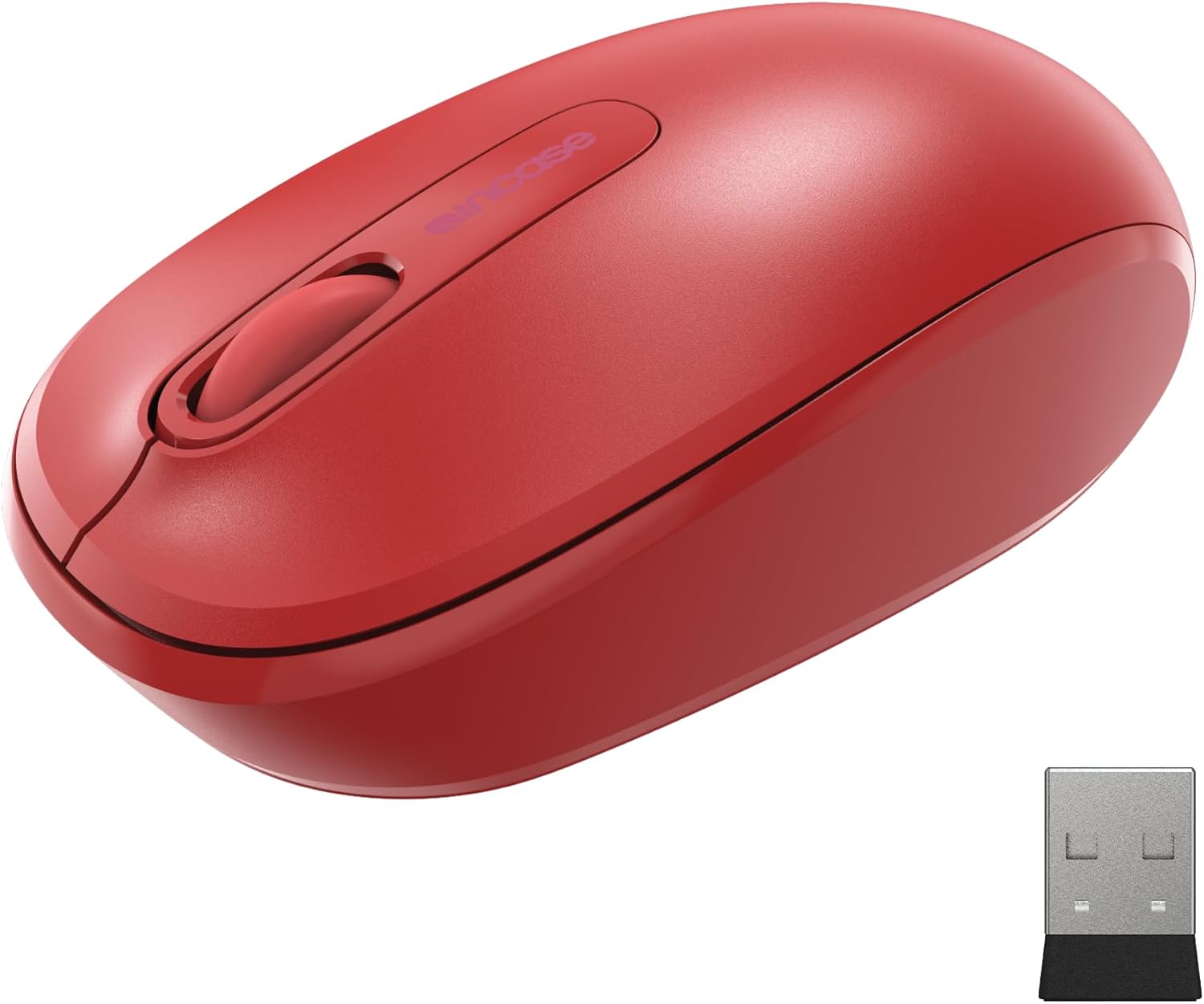
Image: The Incase Wireless Mobile Mouse 1850 in Flame Red, shown alongside its compact USB nano transceiver.
Пакеттин мазмуну
Пакетте бардык буюмдар бар экенин текшериңиз:
- Incase Wireless Mobile Mouse 1850
- USB Nano Transceiver
- 1 AA Батарея
Жайгашуу
1. Батареяны орнотуу
- Чычкандын астыңкы жагындагы батарея бөлүкчөсүн табыңыз.
- Батарея бөлүгүнүн капкагын жылдырыңыз.
- Туура полярдуулукту (+/-) текшерип, комплекттеги AA батареясын салыңыз.
- Батарея уясынын капкагын бекем жабыңыз.

Image: The underside of the mouse, illustrating the battery compartment and the slot for storing the USB nano transceiver.
2. Connecting the USB Nano Transceiver
- Remove the USB nano transceiver from its storage slot on the underside of the mouse (if stored).
- Plug the USB nano transceiver into an available USB port on your computer (Mac or Windows 8/10/11).
- Компьютериңиз керектүү драйверлерди автоматтык түрдө таап, орнотуп алышы керек. Бул бир нече мүнөткө созулушу мүмкүн.
The nano transceiver is designed for "plug-and-go" convenience and can be left plugged into your computer or stored in the mouse when not in use.
Операция
Күйгүзүү/өчүрүү
Locate the On/Off power switch on the underside of the mouse. Slide the switch to the "On" position to activate the mouse. Slide it to "Off" when not in use to conserve battery life.
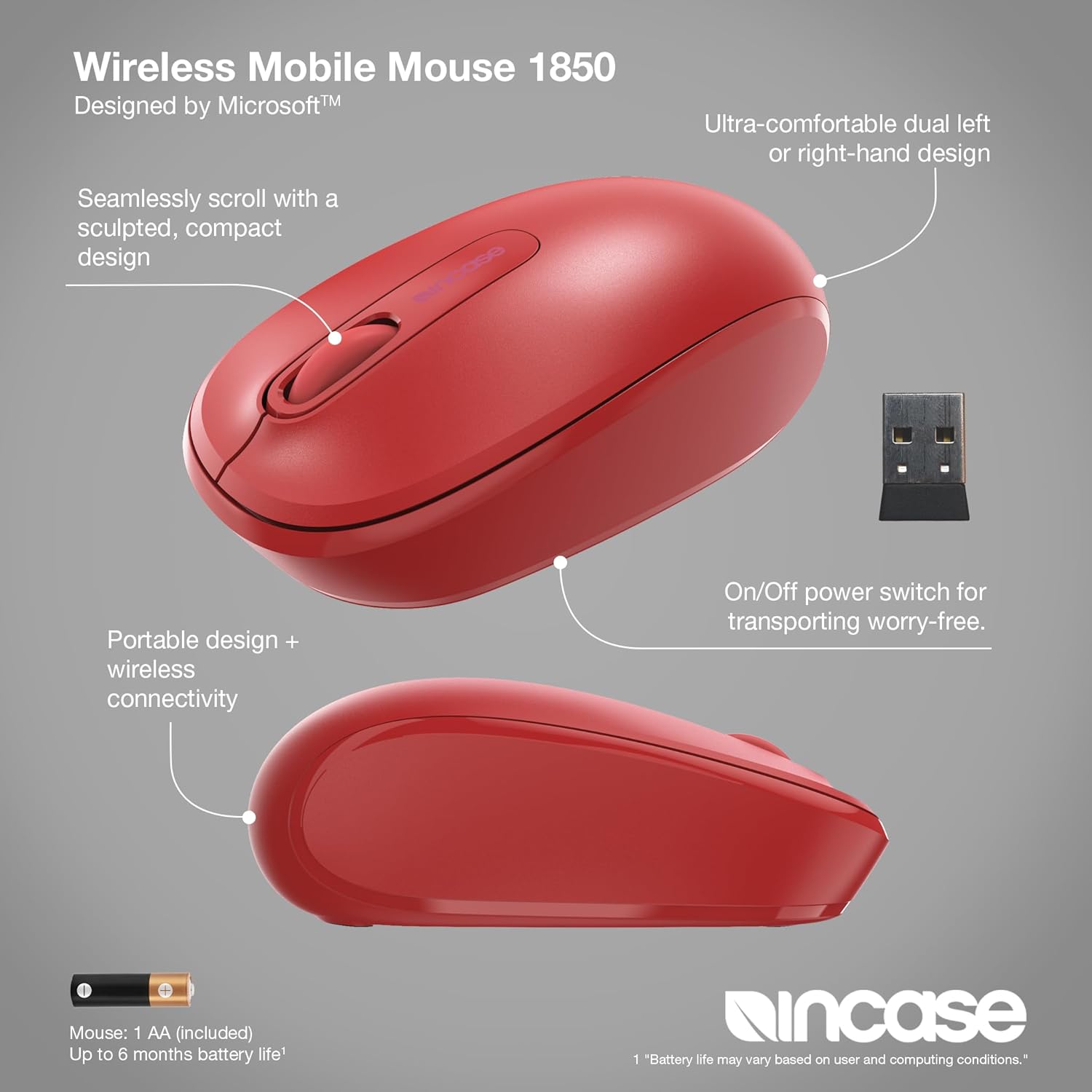
Сүрөт: деталдуу view of the mouse, pointing out its ambidextrous design, scroll wheel, and the location of the On/Off power switch.
Негизги функциялар
- Сол чыкылдатуу: Press the left button to select items or activate functions.
- Оң чыкылдатуу: Press the right button to access context menus.
- Жылдыруу дөңгөлөгү: Документтерди карап чыгуу үчүн жылдыруу дөңгөлөгүн өйдө же ылдый жылдырыңыз web pages. The scroll wheel can also be pressed for middle-click functionality, depending on your operating system settings.
Ambidextrous Дизайн
The Incase Wireless Mobile Mouse 1850 features a symmetrical design, making it comfortable for both left-handed and right-handed users. No special configuration is required for ambidextrous use, though you may adjust primary button settings in your operating system's mouse preferences.
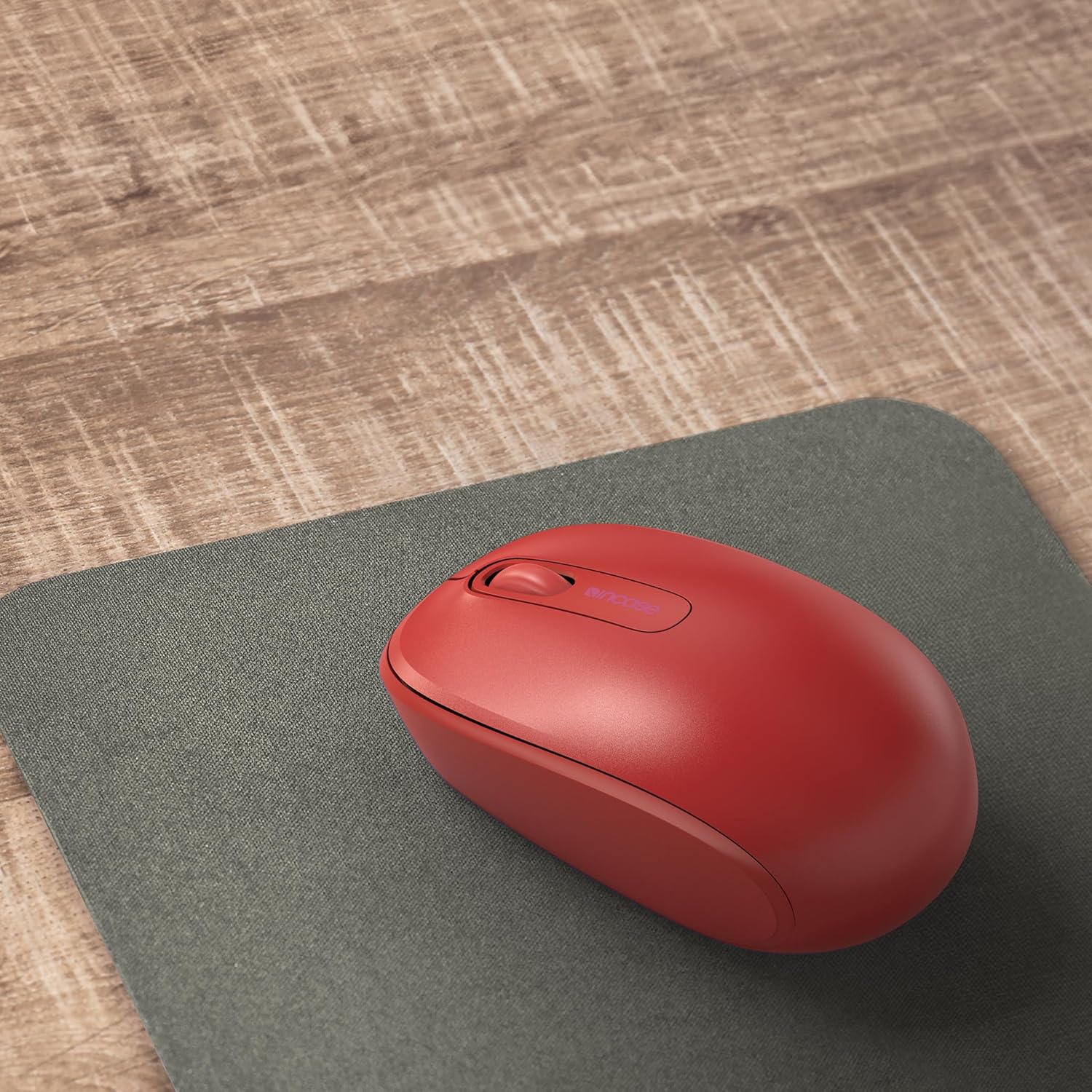
Image: The mouse positioned on a mousepad, demonstrating its ergonomic shape suitable for general use.
Техникалык тейлөө
Тазалоо
- Чычкандын бетин сүртүү үчүн жумшак, түксүз чүпүрөктү колдонуңуз.
- өжөр кир үчүн, бир аз гampчүпүрөктү суу же жумшак тазалоо эритмеси менен жууп салыңыз. Ашыкча нымдуулуктан сактаныңыз.
- Катуу химиялык заттарды, абразивдүү тазалагычтарды же эриткичтерди колдонбоңуз.
Батареяны алмаштыруу
The mouse is designed for up to six months of battery life. When the mouse performance degrades or stops responding, replace the AA battery by following the "Installing the Battery" steps in the Setup section.
Проблемаларды чечүү
| Көйгөй | Чечим |
|---|---|
| Чычкан жооп бербей жатат |
|
| Курсордун туура эмес кыймылы |
|
| Зымсыз байланыш көйгөйлөрү |
|
Техникалык шарттар
- Модель номери: U7Z-00001
- Байланыш: 2.4 GHz Wireless (USB Nano Transceiver)
- Кыймылды аныктоо: Оптикалык
- Батарея түрү: 1 x AA (киргизилген)
- Батареянын иштөө мөөнөтү: 6 айга чейин (типтүү колдонуу)
- Өлчөмдөрү (L x W x Y): Болжол менен 4.0 x 2.3 x 1.5 дюйм
- Салмагы: 3.2 унция (батарея менен)
- Шайкештик: Windows 8, Windows 10, Windows 11, Mac OS
- Өзгөчөлүктөр: Ambidextrous design, Portable, Lightweight, Nano Transceiver storage

Image: A visual representation of the mouse with its approximate length (4.0 in), width (2.3 in), and height (1.5 in) indicated.
Кепилдик жана колдоо
Кепилдик маалымат
The Incase Wireless Mobile Mouse 1850 is backed by a 1 жылдык чектелген кепилдик from the date of purchase. This warranty covers defects in materials and workmanship under normal use. It does not cover damage caused by accident, abuse, misuse, or unauthorized modification.
Кепилдик дооматтары үчүн сатып алганыңыздын далилин сактап коюңуз.
Кардарларды колдоо
For technical assistance, warranty claims, or further information, please visit the official Incase support website or contact their customer service department. Refer to the product packaging or the Incase webакыркы байланыш маалыматы үчүн сайт.
Сиз да зыярат кылсаңыз болот Incase Store on Amazon кошумча продукт маалымат үчүн.


