1. Продукт бүтүп калдыview
The ARPHA D180W is an advanced keyless entry smart deadbolt lock designed to enhance residential and commercial security. It features integrated WiFi for remote control and seamless integration with smart home ecosystems.
- Integrated WiFi: Enables keyless entry control via smartphone app from any location.
- Smart Home шайкештиги: Seamlessly integrates with Amazon Alexa and Google Assistant for voice-activated control.
- Өркүндөтүлгөн коопсуздук: Features an anti-peep keypad, single-use temporary passcodes, customizable auto-locking timers, and real-time access logs.
- Туруктуу курулуш: ANSI Grade 3 Certified, constructed with military-grade alloy, and IP54-rated weather resistance for reliable operation in extreme temperatures (-4°F to 140°F).
- Узартылган батареянын иштөө мөөнөтү: Operates on 8 AA batteries (not included) providing 9+ months of functionality with low-battery alerts.

Figure 1.1: ARPHA D180W Smart Door Lock, showcasing the exterior keypad, interior unit, and mobile app interface.
2. Орнотуу жана орнотуу
The ARPHA D180W smart lock is designed for quick and straightforward installation, typically completed within 15 minutes without the need for electrical wiring or specialized technical expertise.
2.1 Орнотууга чейинки текшерүүлөр
- Ensure your door specifications are compatible using the provided gauge card.
- Verify the compatible deadbolt tongue length (2-3/8" or 2-3/4").
- Confirm you have 8 AA batteries ready for installation (not included).
2.2 Орнотуу кадамдары
- Measure door specifications using the provided gauge card.
- Select and install the compatible deadbolt tongue length.
- Complete tool-free mounting with pre-drilled alignment.
- Install the 8 AA batteries into the interior unit.
- Follow the in-app instructions for initial setup and calibration.

Figure 2.1: Easy Installation Guide, illustrating dimensions and components for setup.
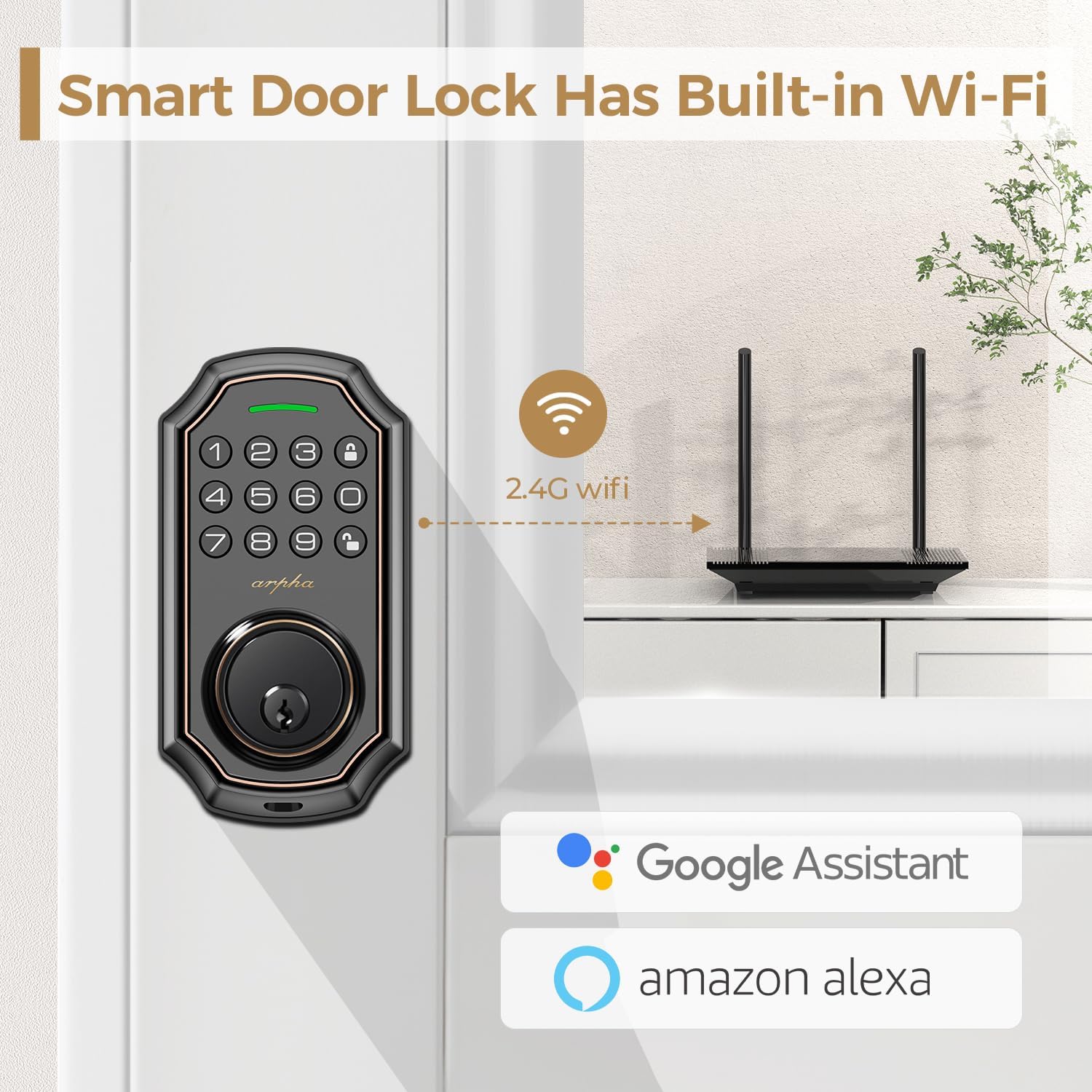
Figure 2.2: Built-in Wi-Fi Connectivity, showing the lock's direct connection capability.
3. Иштөө нускамалары
The ARPHA D180W offers multiple convenient ways to access your home.
3.1 Multiple Access Methods
- Баскычтоп киргизүү: Жарыктандырылган баскычтопко жекелештирилген сырсөзүңүздү киргизиңиз.
- One-Time Codes: Generate temporary, single-use passcodes for guests or service personnel via the mobile app.
- Физикалык ачкычтар: Use the traditional backup keys provided for manual unlocking.
- Мобилдик колдонмону башкаруу: Lock or unlock your door remotely using the dedicated smartphone application.
- Үн менен башкаруу: Integrate with Amazon Alexa or Google Assistant for hands-free locking and unlocking.
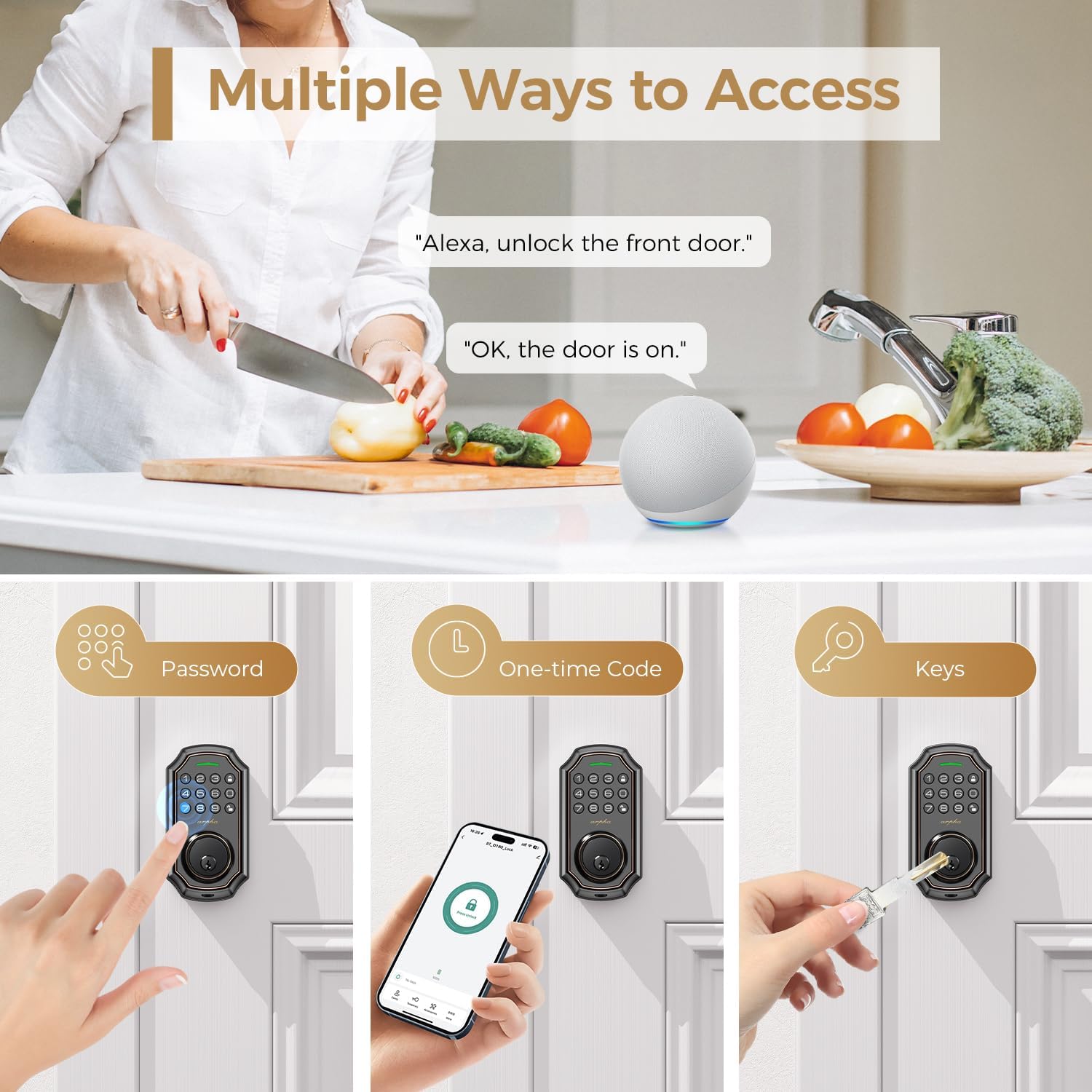
Figure 3.1: Multiple Access Methods, including voice, keypad, one-time codes, and physical keys.
3.2 Карап чыгууга каршы сырсөз
To prevent others from guessing your passcode, you can enter random digits before or after your actual password. The lock will only recognize the correct sequence within the longer string of numbers.

Figure 3.2: Anti-Peeping Password, demonstrating how to use random digits for enhanced security.
3.3 One-Time Code Generation
The mobile app allows you to generate temporary, single-use codes. These codes are ideal for granting access to visitors, delivery personnel, or maintenance services for a limited duration.

Figure 3.3: One-Time Code Usage, showing a delivery person using a temporary code.
3.4 Автоматтык кулпу жана бир тийүү менен кулпулоо
- Автоматтык кулпулоо: Configure the lock to automatically engage after a set period (e.g., 10 seconds to 3 minutes) once the door is closed.
- Бир тийүү кулпусу: Simply press and hold the lock button on the keypad to instantly secure the deadbolt.

Figure 3.4: Auto-Lock and One-Touch Lock, illustrating the convenience of automatic locking.
4. Техникалык тейлөө
4.1 Батареяны алмаштыруу
The ARPHA D180W operates on 8 AA batteries. The system proactively issues low-battery alerts through the app and keypad display when replacement is needed. This ensures uninterrupted operation and prevents unexpected lock failures.

Figure 4.1: Low Battery Warning, indicating the need for battery replacement.
4.2 Аба ырайына туруктуулук
The smart lock is IP54-rated for weather resistance, ensuring reliable performance across a wide range of environmental conditions, from -4°F to 140°F. This robust design protects against blizzards, monsoons, and extreme heat.

Figure 4.2: All-Weather Operation, demonstrating the lock's resilience in various climates.
5. Кыйынчылыктарды
This section provides solutions to common issues you might encounter with your ARPHA D180W smart lock.
| Көйгөй | Мүмкүн себеп | Чечим |
|---|---|---|
| Lock is unresponsive or not powering on. | Батареялар аз же түгөндү. Батарея туура эмес орнотулган. | Replace all 8 AA batteries. Ensure batteries are inserted with correct polarity. |
| Keypad does not light up or accept input. | Low battery. Keypad malfunction. | Replace batteries. If issue persists, contact customer support. |
| Wi-Fi же колдонмого туташа албай жатат. | Weak Wi-Fi signal. Incorrect Wi-Fi password. Router issues. | Ensure lock is within Wi-Fi range. Verify Wi-Fi password. Restart router. Re-pair lock with app. |
| Автоматтык бөгөттөө функциясы иштебейт. | Auto-lock disabled in settings. Door sensor misalignment. | Check app settings to ensure auto-lock is enabled and configured correctly. Verify door sensor alignment. |
| Үн менен башкаруу (Alexa/Google Жардамчысы) жооп бербей жатат. | Incorrect setup in smart home app. Device offline. | Ensure proper linking in Alexa/Google Home app. Check lock's Wi-Fi connection. |
If you encounter issues not listed here or require further assistance, please refer to the Warranty and Support section for contact information.
6. Техникалык шарттар
| Өзгөчөлүк | Деталь |
|---|---|
| Бренд | АРФА |
| Модель аты | D180W |
| Кулпу түрү | Туюк, баскычтоп |
| Материал | Металл |
| Түс | Brown trim |
| Аяктоо түрү | Brushed |
| Элементтин өлчөмдөрү (L x W x Y) | 1 x 1 x 1 дюйм |
| Элемент Салмагы | 2.16 фунт |
| Connectivity Protocol | Wi-Fi |
| Controller Type | Amazon Alexa, Google Жардамчысы |
| Башкаруу ыкмасы | Колдонмо, Үн |
| Өзгөчөлүктөр | Сырсөздү көрүүгө каршы, автоматтык кулпу, бир тийүү менен кулпулоо, сырсөз менен ачуу, аба ырайына туруктуу |
| Power Source | 8 АА батарейка (кошумча эмес) |
| Камтылган компоненттер | Arpha Smart Lock x 1, Backup key x 2, Door latch x 1, Indoor controller x 1, User manual x 1 |
7. Кепилдик жана колдоо
ARPHA is committed to providing exceptional support and assurance for your smart lock.
- Акчаны кайтарып берүү кепилдиги: Enjoy a 30-day money-back period from the date of purchase.
- Product Assurance: Продукция 18 айлык кепилдик мөөнөтү менен келет.
- Техникалык колдоо: Lifetime technical support is available for all ARPHA smart locks.
- Кардарларды тейлөө: Our dedicated support team is available 24/7 via email service to assist you with any inquiries or issues.
Please do not hesitate to contact us if you need assistance. Refer to the product packaging or the ARPHA official webконкреттүү байланыш маалыматы үчүн сайт.

Figure 7.1: ARPHA Customer Support, highlighting commitment to service.


