1. Киришүү
This manual provides essential instructions for the safe and efficient use of your Blackview BV6200 Plus rugged smartphone. Please read this guide thoroughly before operating your device to ensure optimal performance and longevity. The Blackview BV6200 Plus is designed for durability, featuring a robust construction, a large capacity battery, and advanced communication capabilities.
2. Продукт бүтүп калдыview
The Blackview BV6200 Plus is a rugged smartphone built to withstand challenging environments. It features a durable exterior, a powerful 11000mAh battery, a 3W ultra-loud speaker, and a high-resolution camera system. The device operates on Android 14 and supports dual SIM functionality.
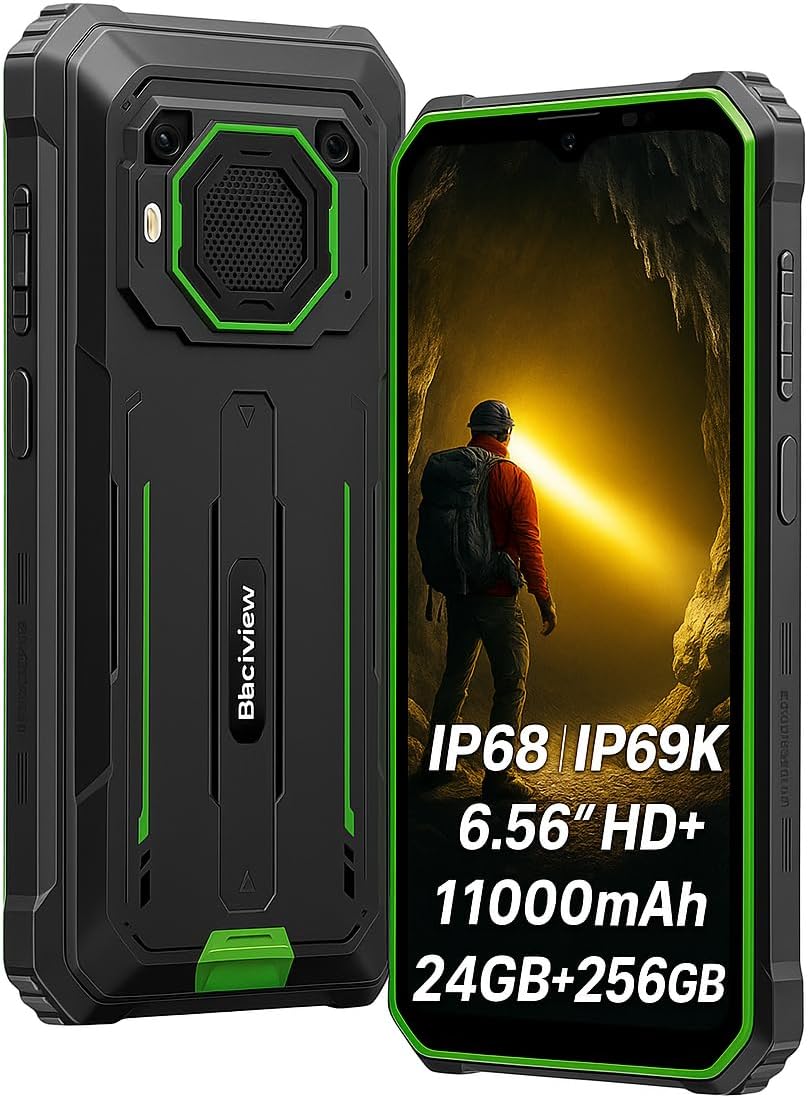
Сүрөт 2.1: Алдыңкы жана арткы view Каранынview BV6200 Plus смартфону.
2.1 Пакеттин мазмуну
Upon unboxing, please verify that the following items are included:
- Караview BV6200 Plus Smartphone
- USB Type-C кабели
- Кубаттуу адаптер
- SIM чыгаруучу курал
- Колдонуучунун Колдонмосу (бул документ)
3. Орнотуу
3.1 SIM картаны жана SD картаны орнотуу
- Аппараттын капталындагы SIM карта салгычын табыңыз.
- SIM чыгаруучу куралды лотоктун жанындагы кичинекей тешикке кыстарыңыз жана лоток чыкканча акырын басыңыз.
- Place your Nano-SIM card(s) and/or microSD card (up to 1TB) into the designated slots on the tray. Ensure the gold contacts face downwards.
- Табаны телефондун ичине кылдаттык менен кайра кыстарыңыз.
3.2 Баштапкы күйгүзүү
Press and hold the Power button (located on the right side of the device) for a few seconds until the Blackview logo appears. Follow the on-screen instructions to complete the initial setup, including language selection, Wi-Fi connection, and Google account setup.
3.3 Аппаратты заряддоо
Before first use, it is recommended to fully charge the device. Connect the USB Type-C cable to the phone's charging port and the other end to the power adapter. Plug the adapter into a wall outlet. The device supports 18W fast charging, allowing a full charge in approximately 3 hours.

3.1-сүрөт: Караview BV6200 Plus supports 18W fast charging.
4. Иштөө нускамалары
4.1 Негизги функциялар
- Чалууларды жасоо: Телефон колдонмосун ачып, номерди киргизип, чалуу сөлөкөтүн таптаңыз.
- Кабарларды жөнөтүү: Кабарлар колдонмосун ачып, "Чат баштоо" баскычын таптап, алуучуну жана билдирүүнү киргизип, андан соң жөнөтүңүз.
- Интернет байланышы: Wi-Fi'га Орнотуулар > Тармак жана интернет > Wi-Fi аркылуу туташыңыз же мобилдик маалыматтарды Орнотуулар > Тармак жана интернет > Мобилдик тармак аркылуу иштетиңиз.
4.2 Камеранын иштеши
The Blackview BV6200 Plus features a 16MP AI rear camera and a 13MP AI front camera. Open the Camera app to capture photos and videos. Various modes, including an underwater camera mode, are available.

Figure 4.1: The 16MP AI rear camera system.
4.3 Ultra-Loud Speaker
The device is equipped with a 3W ultra-loud stereo speaker, capable of producing sound up to 98dB. This feature is ideal for outdoor use or situations where high volume is required.

Figure 4.2: Detail of the 3W ultra-loud stereo speaker.
4.4 Дисплейдин өзгөчөлүктөрү
The 6.56-inch HD+ display offers clear visuals. It features an intelligent 90Hz dynamic refresh rate for smooth scrolling and responsive touch interactions.
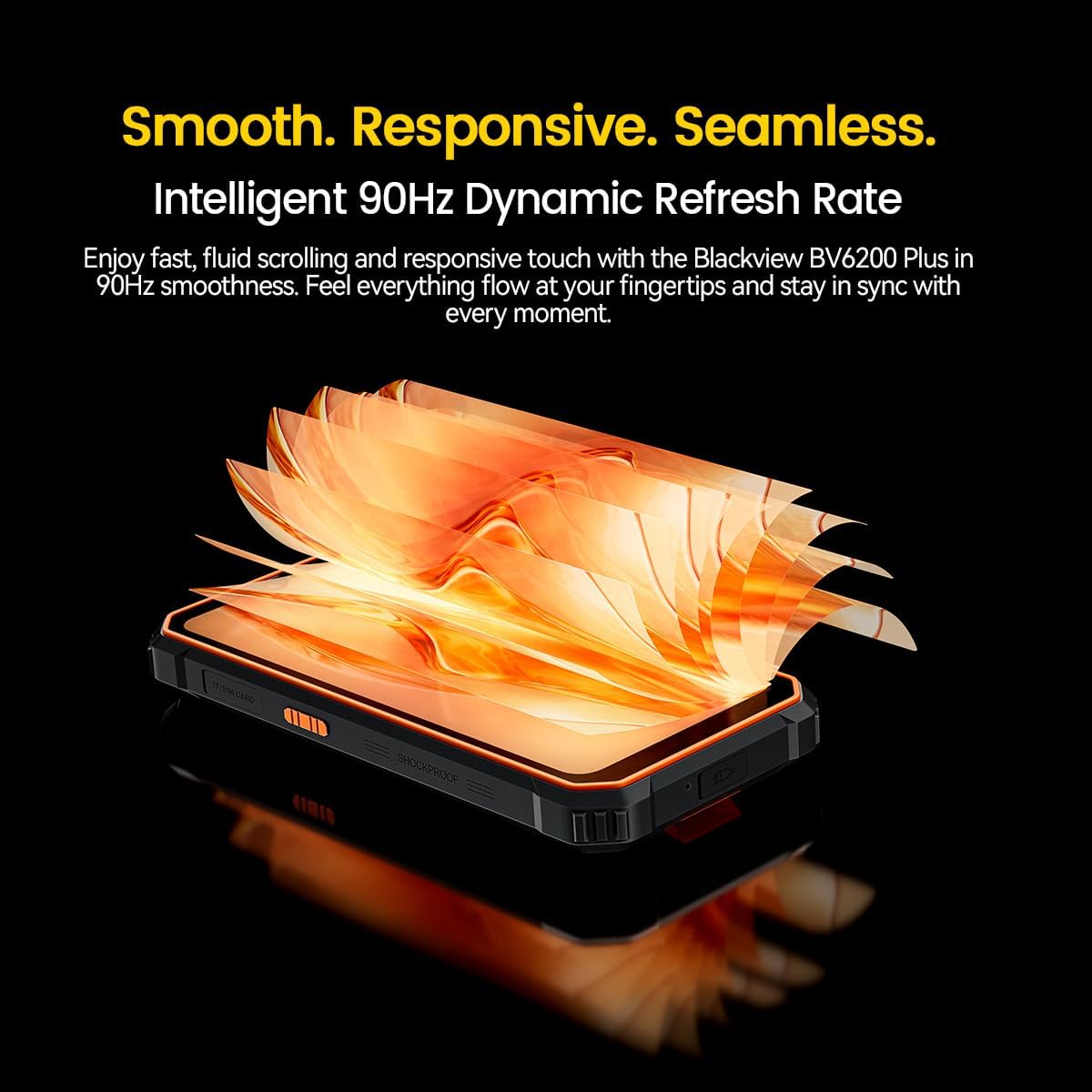
Figure 4.3: The 90Hz dynamic refresh rate display.
4.5 Кол кап режими
The Blackview BV6200 Plus includes a Glove Mode, allowing you to operate the touchscreen effectively even while wearing gloves. This is particularly useful in cold weather or industrial environments. To activate/deactivate Glove Mode, navigate to Settings > Smart Assistant > Glove Mode.
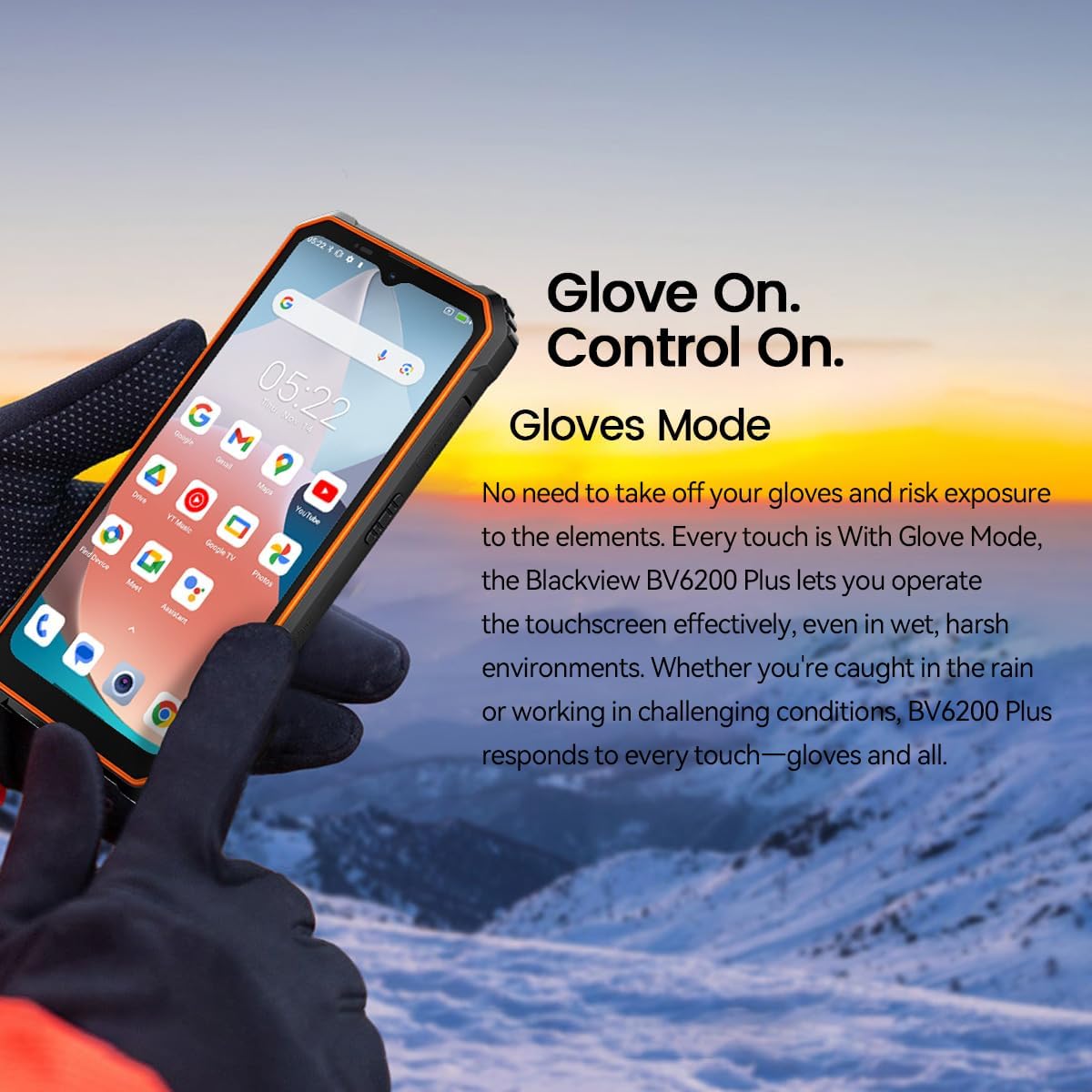
Figure 4.4: Operating the device with gloves using Glove Mode.
4.6 NFC функциясы
The device supports Near Field Communication (NFC) for contactless payments, quick pairing with compatible devices, and data exchange. Ensure NFC is enabled in Settings > Connected devices > Connection preferences > NFC.
5. Техникалык тейлөө
5.1 Суу жана чаңга туруктуулук (IP68 & IP69K)
The Blackview BV6200 Plus is certified with IP68 and IP69K ratings, indicating resistance to dust ingress and water immersion. It can withstand submersion in water up to 1.5 meters for 30 minutes. While designed to be robust, avoid intentional prolonged submersion or exposure to high-pressure water jets beyond specified limits. Ensure all ports are securely closed before exposing the device to water or dust.
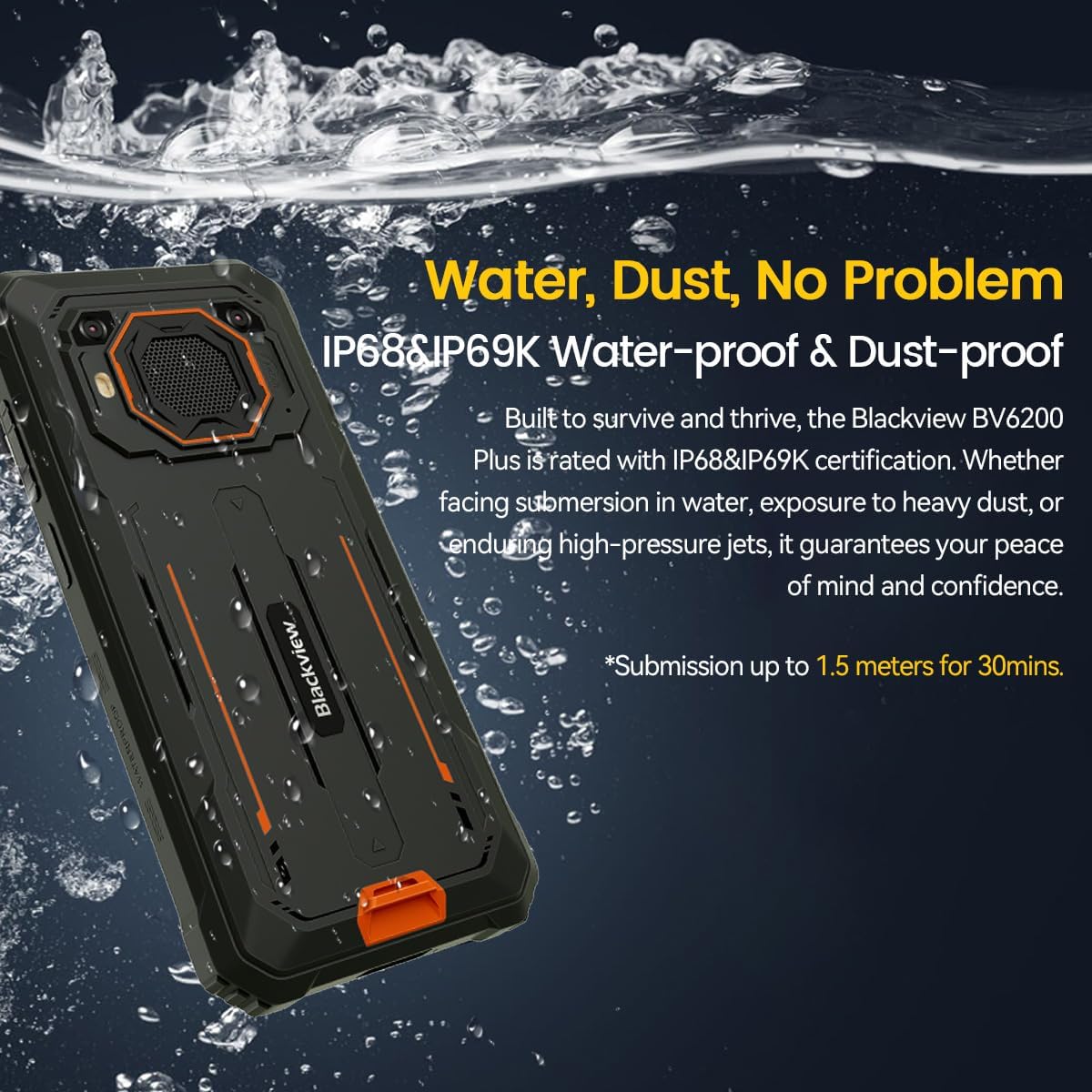
Figure 5.1: The device's water and dust resistance.
5.2 Drop Protection
The device features a reinforced, shock-absorbing frame and is MIL-STD 810H certified, providing 360° drop protection. It is designed to withstand drops from up to 1.2 meters. Despite its ruggedness, extreme impacts should still be avoided to prevent potential damage.

Figure 5.2: The device's robust drop protection design.
5.3 Батареяга кам көрүү
Батареянын иштөө мөөнөтүн жана иштешин жогорулатуу үчүн:
- Аппаратты экстремалдык температурага тийгизүүдөн сактаңыз.
- Берилген оригиналдуу заряддагычты жана кабелди гана колдонуңуз.
- Батареянын бат-баттан толук зарядсызданышына жол бербеңиз.
- Эгер аппарат узак убакыт бою колдонулбаса, сактоо алдында аны болжол менен 50% га чейин заряддаңыз.
6. Кыйынчылыктарды
Эгерде сиз кара тери менен көйгөйлөргө туш болсоңузview BV6200 Plus, refer to the following common solutions:
- Түзмөк күйбөй жатат: Батарея заряддалганын текшериңиз. Кайра күйгүзүүдөн мурун заряддагычка кеминде 15 мүнөт туташыңыз.
- Заряддоо маселелери: Check if the charging cable and adapter are securely connected. Try a different outlet or charging accessory.
- Тармакка туташуу көйгөйлөрү: Verify that your SIM card is correctly inserted and activated. Check network settings and ensure mobile data or Wi-Fi is enabled. Restart the device.
- Колдонмолор бузулуп же катып жатат: Close and reopen the app. Clear the app's cache and data in Settings > Apps. If the issue persists, uninstall and reinstall the app.
- Сенсордук экран жооп бербейт: Restart the device. If the issue continues, perform a factory reset (backup data first).
For more complex issues, please contact Blackview кардарларды колдоо.
7. Техникалык шарттар
| Өзгөчөлүк | Спецификация |
|---|---|
| Бренд | Караview |
| Модель номери | BV6200 PLUS |
| Операция системасы | Android 14 |
| Дисплей өлчөмү | 6.56 дюйм |
| Display Resolution | 720 x 1280 |
| RAM | Up to 24GB (8GB + 16GB Extended) |
| Ички сактагыч | 256 ГБ |
| Кеңейтүүчү сактагыч | SD card slot up to 1TB |
| Батарея сыйымдуулугу | 11000 мАч литий-полимер |
| Заряддоо | 18 Вт тез кубаттоо, 5 Вт тескери кубаттоо |
| Арткы камера | 16 Megapixels AI |
| Алдыңкы камера | 13 Megapixels AI |
| Баяндамачы | 3W Ultra-loud Stereo Speaker (98dB) |
| Байланыш | TYPE-C, GSM, 3G, 4G, Bluetooth, GPS, WIFI, NFC |
| Туруктуу | IP68 & IP69K Water/Dust Resistant, MIL-STD 810H Drop Protection |
| CPU ылдамдыгы | 1.6 ГГц |
8. Кепилдик жана колдоо
Сиздин караңызview BV6200 Plus smartphone comes with a 2 жылдык өндүрүүчүнүн кепилдигиБул кепилдик кадимки колдонуудагы өндүрүштүк кемчиликтерди камтыйт. Кепилдик дооматтары үчүн сатып алганыңызды тастыктаган документти сактап коюңуз.
For technical support, warranty service, or further inquiries, please visit the official Blackview website or contact their customer service department. Contact information can typically be found on the Blackview расмий webсайтында же таңгактоо материалдарында.


