Introduction
This manual provides detailed instructions for the assembly, operation, maintenance, and troubleshooting of your FLEXISPOT One-Piece Electric Standing Desk. Please read this manual thoroughly before use to ensure proper function and safety.

Image: The FLEXISPOT One-Piece Electric Standing Desk, featuring a maple top and white frame, with a monitor, keyboard, mouse, and headphones. This desk offers a seamless and sturdy workspace.
Орнотуу жана чогултуу
Your FLEXISPOT standing desk is shipped in two separate packages, which may arrive at different times. Ensure all components are present before beginning assembly.
Пакеттин мазмуну
- One-piece desktop (Maple Top, 40x24 inches)
- Electric lifting frame (White Frame)
- Башкаруу панели жана мотор
- Assembly hardware and tools (some assembly may require an electric drill, not included)
- Колдонмо
Монтаждоо көрсөтмөлөрү
- Бардык компоненттерди таңгактан чыгарып, өзүнчө чогултуу колдонмосунда берилген тетиктердин тизмеси менен салыштырып текшериңиз.
- Attach the lifting columns to the desktop, ensuring proper alignment.
- Көтөргүч мамычаларга бут таянычтарын орнотуңуз.
- Connect the control panel and motor cables according to the wiring diagram.
- Secure all connections and ensure the desk is stable.

Image: Desktop dimensions indicating a width of 40 inches, a depth of 24 inches, and a thickness of 1 inch. This illustrates the compact and sturdy design of the one-piece desktop.

Сүрөт: деталдуу view кош-тордунtage legs, highlighting their robust construction and the mechanism for continuous height adjustment from 28.1 to 45.7 inches.
Иштөө нускамалары
Бийиктигин тууралоо
The desk features an electric height control system, allowing for effortless adjustment. The height can be adjusted from a minimum of 28.1 inches to a maximum of 45.7 inches.
- колдонуу Up жана Төмөн buttons on the control panel to manually adjust the desk to your desired height.
- The motor operates quietly, under 50 dB, ensuring a peaceful work environment.

Image: Visual representation of the desk's height adjustment capabilities, demonstrating its range from a minimum of 28.1 inches to a maximum of 45.7 inches, suitable for various user heights and preferences.

Image: A close-up of the desk surface with a graphic illustrating minimal noise during operation, emphasizing the smooth and quiet movement of the electric motor.
Memory Presets
The control panel includes 4 memory height presets, allowing you to save and quickly recall your preferred sitting and standing positions.
- Өйдө/Төмөн баскычтары менен үстөлдү каалаган бийиктикке тууралаңыз.
- басыңыз 'М' button (or similar memory set button, if applicable) followed by the desired preset number (1, 2, 3, or 4) to save the current height.
- Сакталган бийиктикти кайра чакырып алуу үчүн, жөн гана тиешелүү алдын ала коюлган сан баскычын басыңыз.

Сүрөт: деталдуу view of the smart control panel, illustrating the LED display, the Up and Down adjustment buttons, and the four programmable memory preset buttons for quick height recall.
Кошумча функциялар
- Seamless One-Piece Desktop: The 1-inch thick desktop provides a smooth, gap-free, and stable surface.
- Наушник илгич: The desk includes a convenient headphone hook for organized storage.

Сүрөт: Үстөл көргөзмөсүasing its whole-piece desktop with smoothly rounded edges, emphasizing the seamless and durable surface design.
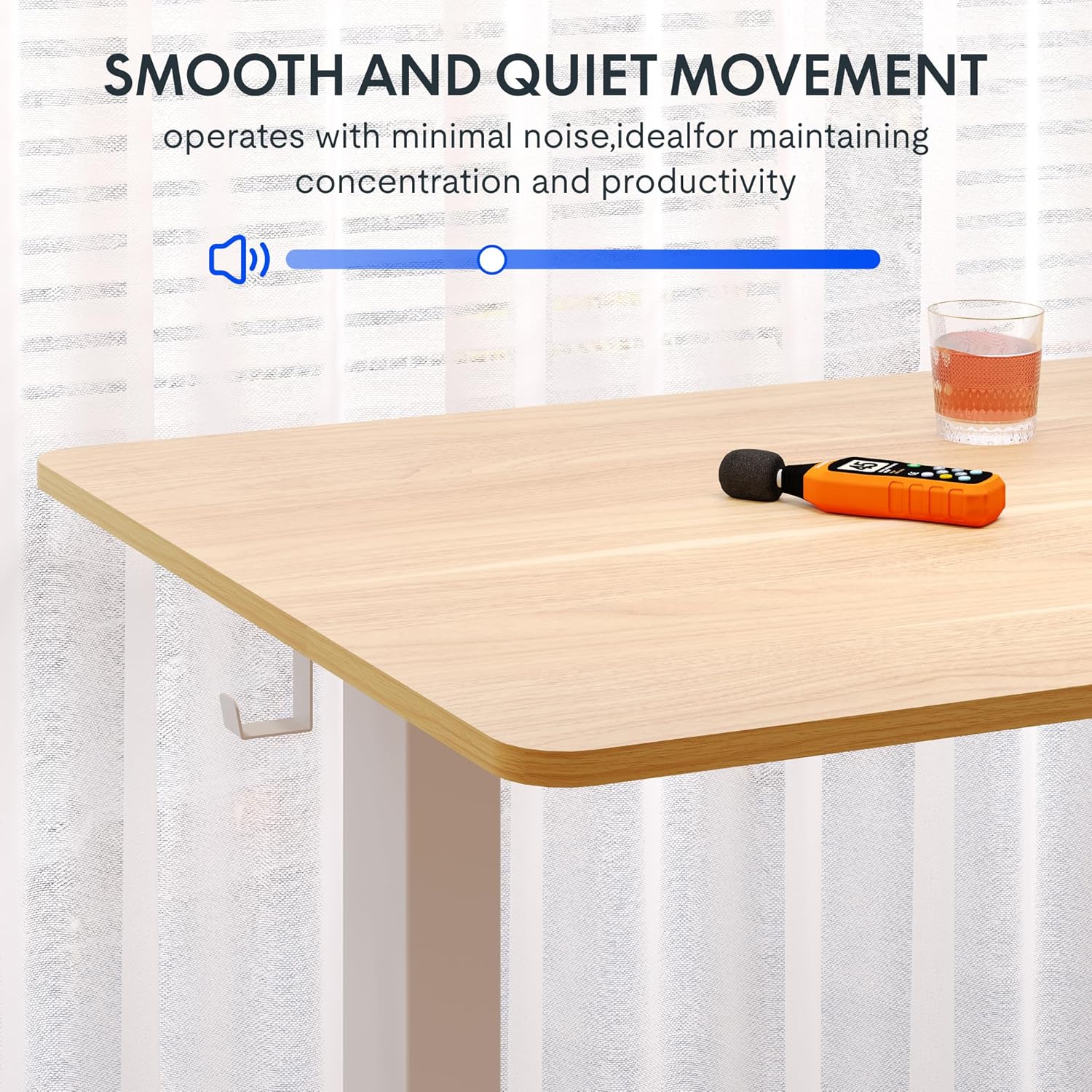
Image: A close-up of the two integrated desk hooks, designed for convenient storage of items such as headphones or bags, keeping your workspace tidy.
Техникалык тейлөө жана кам көрүү
Жалпы кам көрүү
- Жумушчу столдун бетин жумшак, d менен тазалаңызamp кездеме. Абразивдүү тазалагычтардан же катуу химиялык заттардан алыс болуңуз.
- Бардык бурамалар менен байланыштарды дайыма текшерип, алар бекем бойдон калууда.
- Keep the desk away from direct heat sources and excessive moisture.
Коопсуздук чаралары
- Do not exceed the maximum weight recommendation of 132 pounds on the desktop. The frame is built to hold up to 176 lbs, but the desktop's recommended limit is 132 lbs.
- Be cautious when adjusting the desk height to prevent injury or pinching. Ensure no objects are obstructing the desk's movement.
- Колдонуудан мурун, столдун тегиз жана туруктуу бетке коюлганын текшериңиз.
- Балдарга столду чоңдордун көзөмөлүсүз иштетүүгө уруксат бербеңиз.
Проблемаларды чечүү
If you encounter any issues with your FLEXISPOT standing desk, please refer to the following common troubleshooting tips. For more complex problems, contact customer support.
| Көйгөй | Мүмкүн себеп | Чечим |
|---|---|---|
| Иш стол кыймылдабайт же башкаруу элементтерине жооп бербейт. | Электр кабели үзүлдү; мотордун ашыкча жүктөлүшү; башкаруу панелиндеги ката. | Check power connection. Unplug and replug the desk. Reduce weight on the desk. Perform a reset (refer to specific reset instructions in the full manual, if available). |
| Үстел бир калыпта эмес кыймылдайт же адаттан тыш үндөрдү чыгарат. | бош байланыштар; салмактын бирдей эмес бөлүштүрүлүшү; тоскоолдук. | Ensure all assembly screws are tight. Redistribute weight evenly on the desktop. Check for any obstructions under or around the desk. |
| Эстутум алдын ала орнотуулары иштебей жатат. | Incorrect saving procedure; temporary control panel glitch. | Re-save the memory presets following the operating instructions. Power cycle the desk. |
Продукт спецификациялары
- Бренд: FLEXISPOT
- Модел: Maple Top + White Frame, 40x24 Inches
- Продукциянын өлчөмдөрү (D x W x Y): 24" Т x 40" Т x 28" Б (минималдуу бийиктик)
- Бийиктикти жөндөө диапазону: 28.1-45.7"
- Иш такта материалы: Инженердик жыгач (клен түстүү)
- Иш тактасынын калыңдыгы: 1 дюйм (бир бөлүктүү)
- Рамка материалы: Alloy Steel (White finish)
- Максималдуу Салмак сыйымдуулугу: 132 Pounds (Desktop), 176 Pounds (Frame)
- Ызы-чуу деңгээли: 50 дБ төмөн
- Өзгөчөлүктөр: 4 Memory Height Presets, Headphone Hook, Seamless One-Piece Desktop
- Ассамблея талап кылынат: Ооба
- UPC: 840460428897
Кепилдик жана колдоо
Кепилдик маалымат
FLEXISPOT provides the following warranty for your electric standing desk:
- Frame, Motor, and Mechanical Parts: 5 жылдык чектелген кепилдик.
- Электрондук компоненттер: 2 жылдык чектелген кепилдик.
Кепилдик талаптары үчүн сатып алганыңызды тастыктаган документти сактап коюңуз. Кепилдик кадимки колдонуудагы материалдардагы жана жасалгалоодогу кемчиликтерди камтыйт.
Кардарларды колдоо
For technical assistance, warranty claims, or any questions regarding your FLEXISPOT product, please visit the official FLEXISPOT store or contact their customer service directly.
Official FLEXISPOT Store: Amazonдагы FLEXISPOT дүкөнү


