1. Киришүү
The NEDIS SmartLife Outdoor Pan-Tilt Spotlight Camera (WIFICO22CWT) is designed to enhance your home security with advanced features and seamless integration. This manual provides essential information for the proper installation, operation, and maintenance of your camera.
Key features include a 3MP (1296p) sensor for clear images, remote pan and tilt control, automatic tracking, color and infrared night vision, two-way audio, motion and sound detection with instant notifications, and an IP65 weatherproof rating for outdoor reliability.
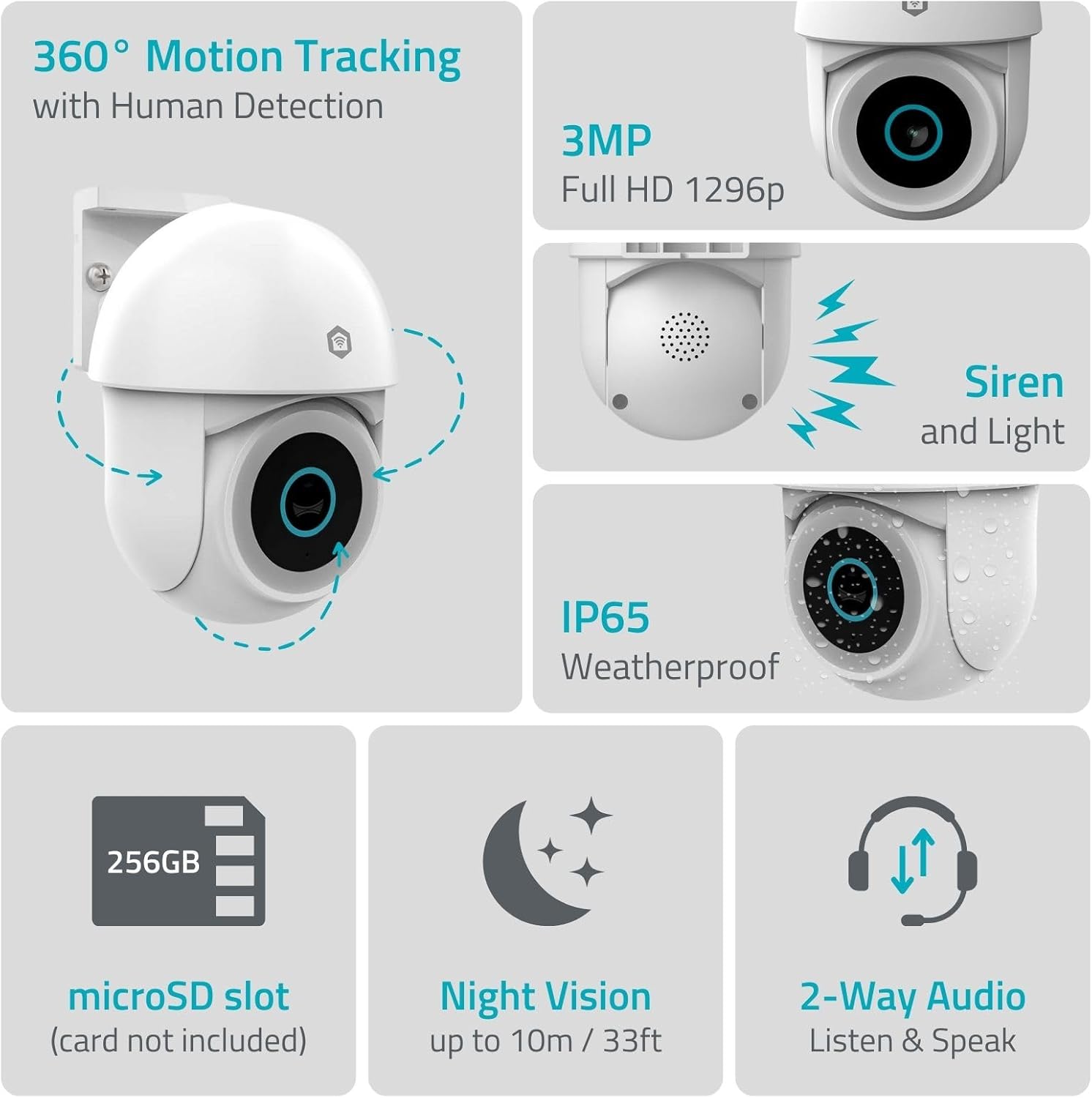
Сүрөт 1.1: Бүттүview of NEDIS SmartLife Outdoor Camera features, including 360-degree motion tracking, 3MP resolution, siren and light, IP65 weatherproofing, microSD slot, night vision, and two-way audio.
2. Пакеттин мазмуну
Сураныч, пакетте төмөнкү нерселерди текшериңиз:
- NEDIS SmartLife Outdoor Pan-Tilt Spotlight Camera (WIFICO22CWT)
- Кубат адаптери (5V DC)
- Монтаждоо кронштейндери жана буроолор
- Ыкчам баштоо колдонмосу (бул колдонмо)
3. Орнотуу
3.1. Колдонмону орнотуу
- жүктөп алыңыз Nedis SmartLife App Store (iOS) же Google Play Дүкөнүнөн (Android) колдонмо.
- Жаңы аккаунтка катталыңыз же сизде мурунтан эле бар болсо кириңиз.
3.2. Күйгүзүү жана баштапкы туташуу
- Камераны кубат адаптерине туташтырыңыз жана аны электр розеткасына сайыңыз.
- Камеранын индикатор жарыгы күйүп-өчүшүн күтө туруңуз, бул анын жупташууга даяр экенин билдирет.
- Open the Nedis SmartLife app, tap '+' to add a new device, and follow the on-screen instructions to connect the camera to your 2.4 GHz Wi-Fi network.
3.3. MicroSD картасын орнотуу (милдеттүү эмес)
For local storage of recordings, install a microSD card (up to 256GB, not included).
- Locate the microSD card slot on the camera (refer to the camera diagram in the quick start guide).
- Carefully insert the microSD card into the slot until it clicks into place.
- Format the microSD card via the camera settings in the Nedis SmartLife app.
3.4. Камераны орнотуу
The camera comes with a wall/ceiling mount. Choose a suitable location with a clear view жана Wi-Fi диапазонунда.

Image 3.1: Camera dimensions for mounting reference.
- Шаблон катары орнотуу кронштейнин колдонуп, бургулоочу жерлерди белгилеңиз.
- Тешиктерди бургула жана зарыл болсо, дубал тыгындарын салгыла.
- Secure the mounting bracket to the wall or ceiling with screws.
- Attach the camera to the mounting bracket and adjust its initial angle.
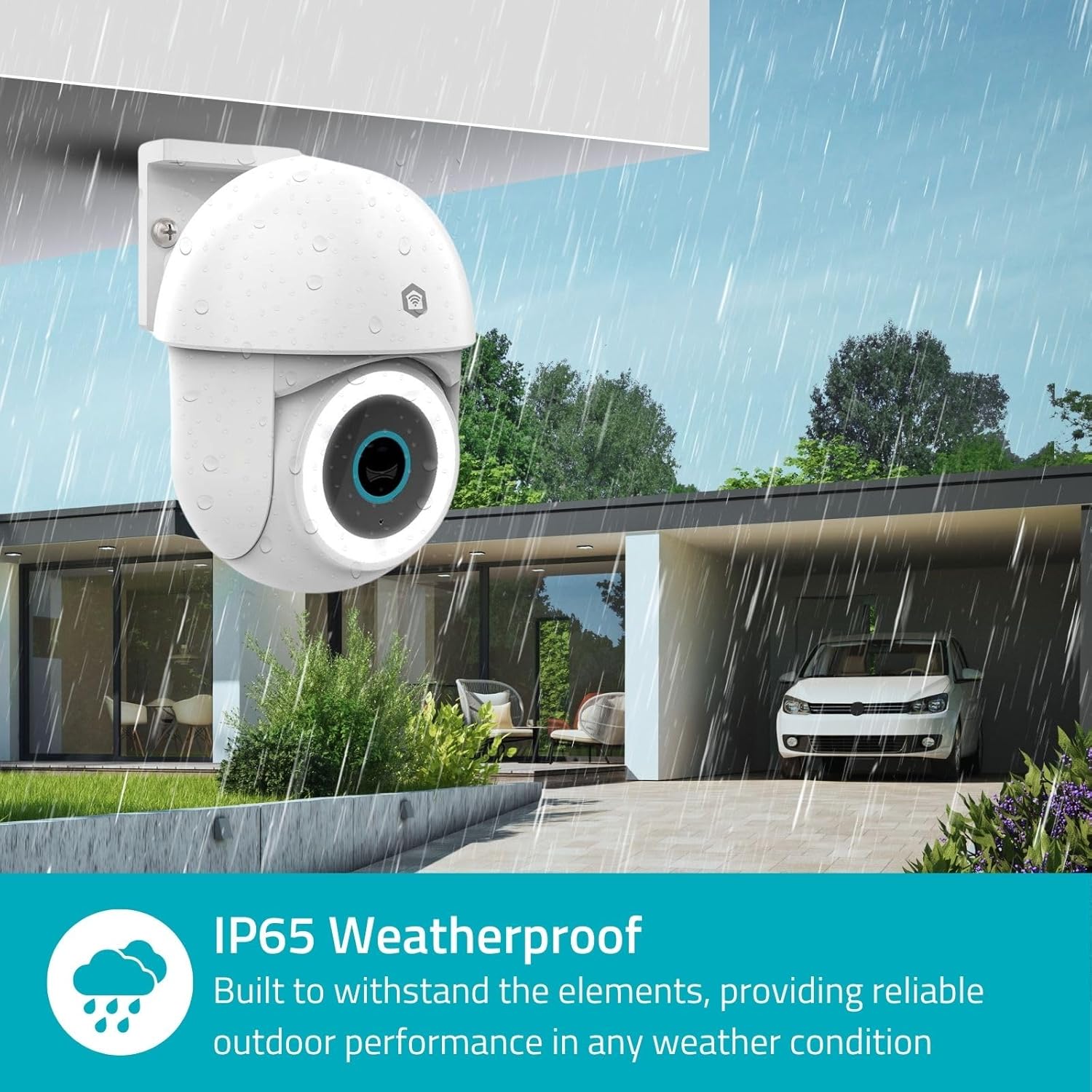
Image 3.2: The IP65 weatherproof design ensures reliable outdoor performance in various weather conditions.
4. Иштөө нускамалары
4.1. Түз эфир View жана панорамалоо/кыйшайтуу башкаруусу
Access the live feed from your camera through the Nedis SmartLife app. Use the on-screen controls to remotely pan (horizontal) and tilt (vertical) the camera to monitor a wide area.
4.2. Кыймылды аныктоо жана көзөмөлдөө
The camera features advanced motion detection, including human detection, to minimize false alarms. You can customize detection zones within the app.
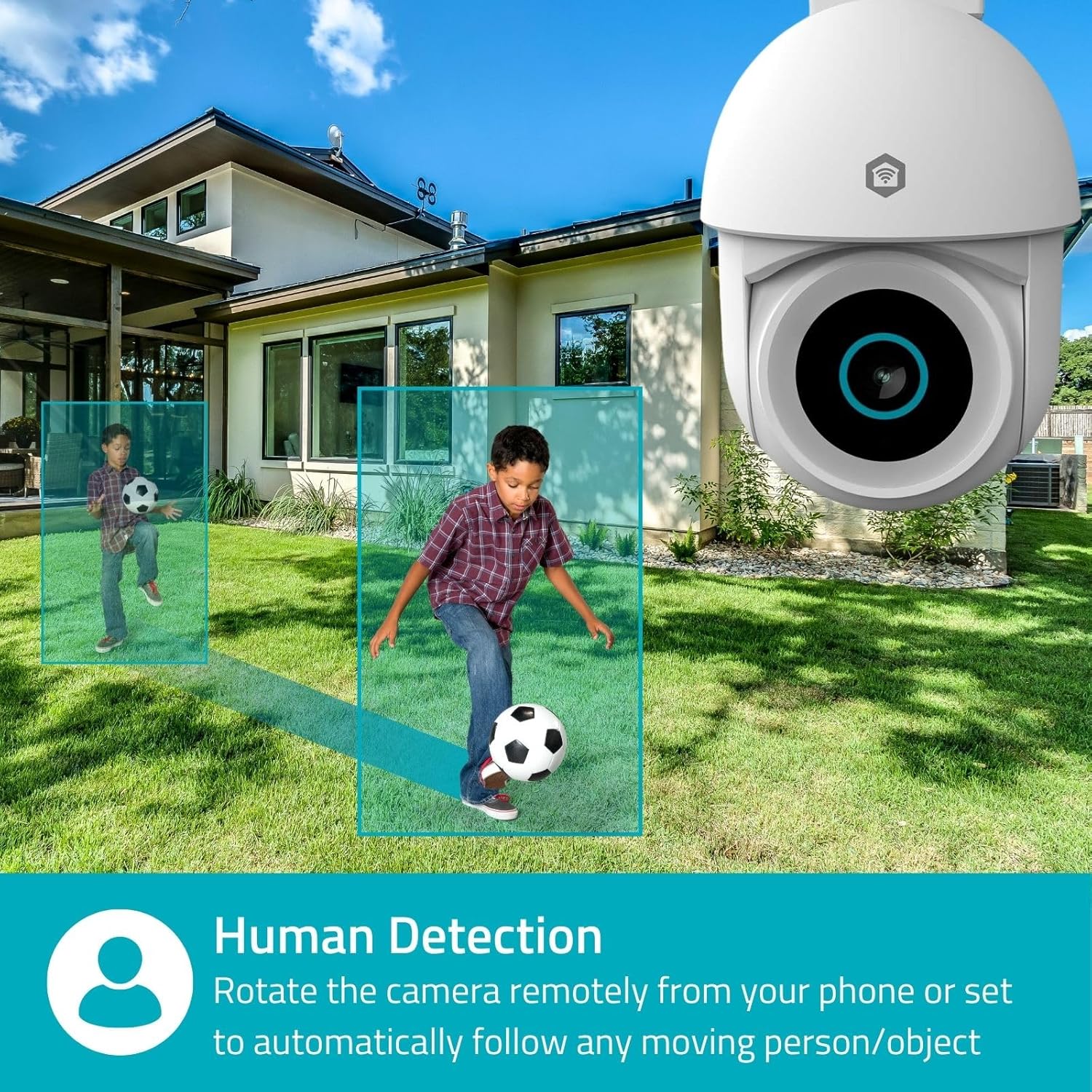
Image 4.1: Human Detection allows the camera to automatically follow moving persons or objects.
Иштетүү Авто-көз салуу in the app settings to have the camera automatically follow detected movement.
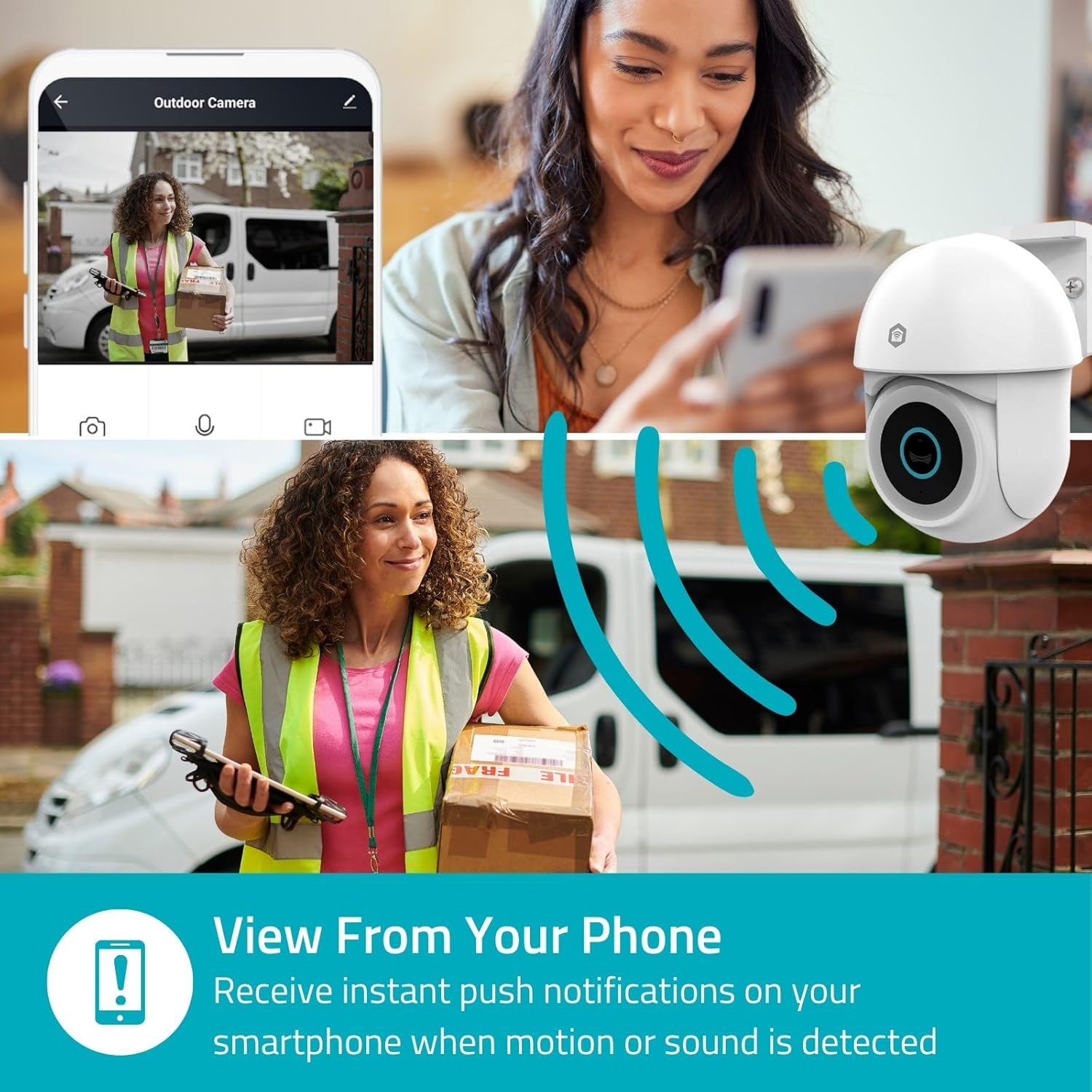
Image 4.2: Receive instant push notifications on your smartphone when motion or sound is detected.
4.3. Эки тараптуу аудио
Utilize the built-in microphone and speaker for two-way communication. You can listen to the environment and speak through the camera via the app.
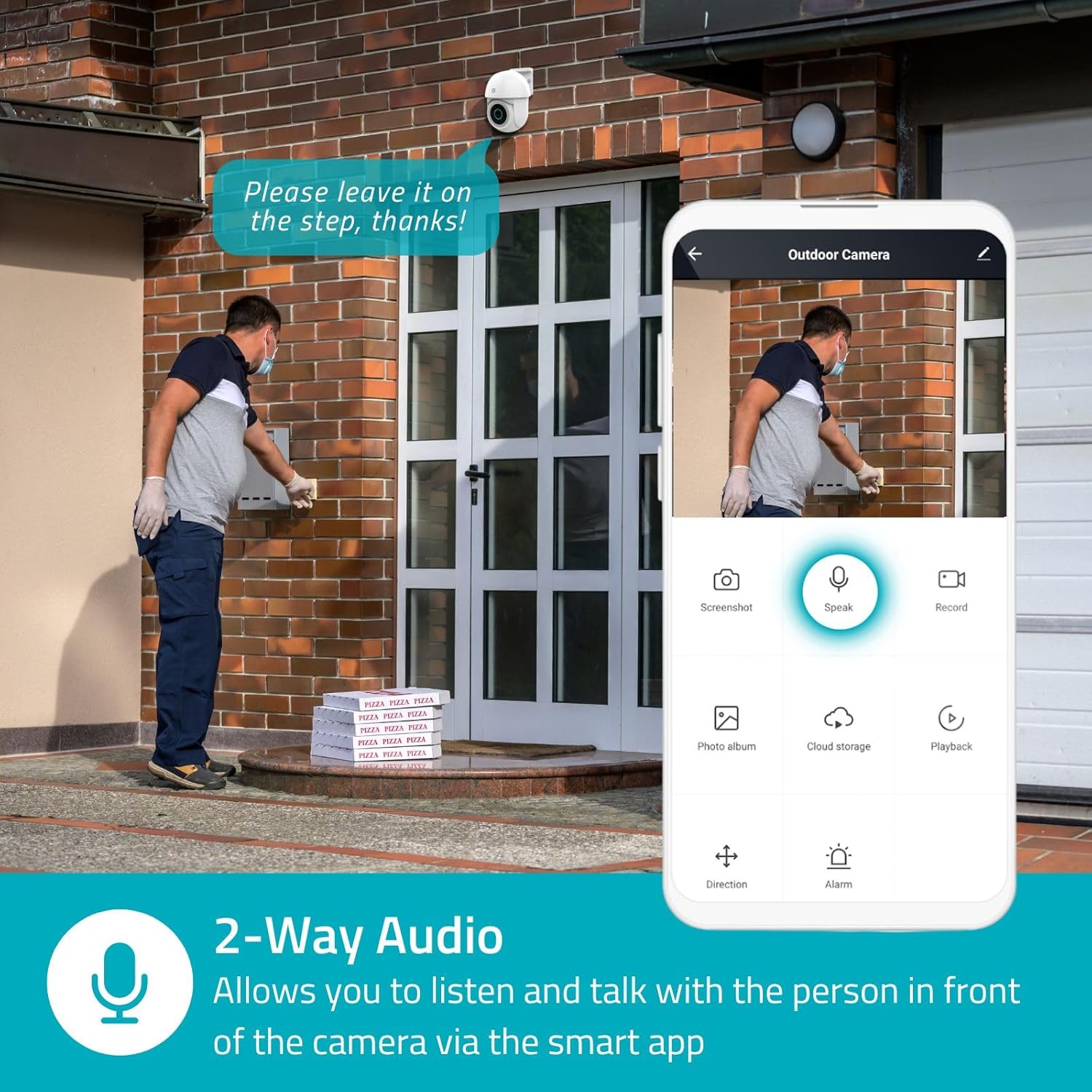
Image 4.3: Two-Way Audio allows you to listen and talk with individuals in front of the camera.
4.4. Түнкү көрүнүш
Камера эки түнкү көрүү режимин колдойт:
- Түнкү көрүнүш: Achieved using dimmable white LEDs, providing full-color images in low light.
- Инфракызыл түнкү көрүнүш: Standard black and white night vision using infrared LEDs, effective up to 10 meters (33 feet).

Image 4.4: Comparison of Day Mode and Night Mode, illustrating the camera's 3MP resolution and 10m night vision capability.
4.5. Spotlight and Siren
When motion is detected, you can configure the camera to activate its white LEDs (spotlight) and/or a siren. This can deter intruders or provide illumination.

Image 4.5: The camera's light and siren can be activated upon motion detection to deter unwanted visitors.
4.6. Жазуу жана ойнотуу
Recordings can be stored on a microSD card (up to 256GB) or via optional cloud storage. Access and playback recorded footage through the Nedis SmartLife app.
4.7. Купуялык режими
Activate Privacy Mode in the app to temporarily disable recording and live view when you are home, ensuring your privacy.
4.8. Smart Home интеграциясы
The camera is compatible with Google Home and Amazon Alexa, allowing for voice control and integration into your smart home ecosystem.
5. Техникалык тейлөө
- Тазалоо: Камера линзасын жана корпусун жумшак, d менен акырын сүртүңүзamp кездеме. Катуу химиялык заттарды же абразивдүү тазалагычтарды колдонбоңуз.
- Программалык камсыздоонун жаңыртуулары: Regularly check the Nedis SmartLife app for available firmware updates to ensure optimal performance and security.
- Электр камсыздоо: Кубат адаптеринин жана кабелинин бузулбагандыгын текшериңиз.
6. Кыйынчылыктарды
6.1. Камера Wi-Fiга туташпай жатат
- Wi-Fi тармагыңыз 2.4 ГГц экенин текшериңиз. Камера 5 ГГц Wi-Fi колдобойт.
- Wi-Fi сырсөзү туура киргизилгенин текшериңиз.
- Орнотуу учурунда камераны Wi-Fi роутериңизге жакыныраак коюңуз.
- Роутериңизди жана камераңызды өчүрүп күйгүзүңүз.
6.2. Видеонун сапаты начар
- Wi-Fi сигналыңыздын күчүн текшериңиз. Алсыз сигнал видеонун сапатына таасир этиши мүмкүн.
- Камера объективинин таза жана тоскоолдуктар жок экенин текшериңиз.
- Adjust the video resolution settings in the app if your network bandwidth is limited.
6.3. Кыймылды аныктоо иштебей жатат
- Колдонмонун жөндөөлөрүндө кыймылды аныктоо иштетилгенин текшериңиз.
- Check the sensitivity settings and detection zones.
- Камеранын иштешине эч кандай физикалык тоскоолдуктар жок экенин текшериңиз view.
6.4. No Audio or Two-Way Audio Issues
- Check the microphone and speaker volume settings in the app.
- Ensure your smartphone's microphone is not muted when speaking through the app.
- Verify network connectivity for real-time audio transmission.
7. Техникалык шарттар
| Өзгөчөлүк | Спецификация |
|---|---|
| Модель номери | WIFICO22CWT |
| Резолюция | 3 MP (1296p) |
| Байланыш | Wi-Fi (2.4 GHz) |
| Панорамалоо/кыйыштыруу функциясы | Ооба |
| Аба ырайына каршы рейтинг | IP65 |
| Түнкү көрүнүш | Color (white LEDs) & IR (up to 10m) |
| Эки тараптуу аудио | Ооба |
| Сактагыч параметрлери | MicroSD (up to 256GB, not included), Cloud Storage (optional) |
| Power Input | 5V DC |
| Өлчөмдөрү (L x W x Y) | 10 x 8.3 x 11 см |
| Салмагы | 292 грамм |
| Өзгөчөлүктөр | Human Detection, Auto-Tracking, Spotlight, Siren, Privacy Mode, Onvif support |
| Шайкештик | Google Home, Amazon Alexa |
8. Кепилдик жана колдоо
This product comes with a standard manufacturer's warranty. For detailed warranty information, please refer to the warranty card included in your package or visit the official NEDIS webсайт.
For technical support, troubleshooting assistance, or further inquiries, please contact NEDIS customer service through their official webсайтына же продукттун таңгагында көрсөтүлгөн байланыш маалыматына кайрылыңыз.
Онлайн ресурстар:
- зыярат кылыңыз NEDIS webсайт продукт жаңыртуулары жана колдоо үчүн.
- Check the Nedis SmartLife app for FAQs and in-app support options.


