1. Киришүү
The ThermoWorks DOT is a simple alarm thermometer designed for accurate temperature monitoring in various cooking applications. This manual provides instructions for its proper setup, operation, and maintenance.
2. Пакеттин мазмуну
- DOT Thermometer Unit
- Pro-Series Temperature Probe
- 2 AAA батарейка (алдын ала орнотулган же өзүнчө кошулган)
3. Продукт бүтүп калдыview
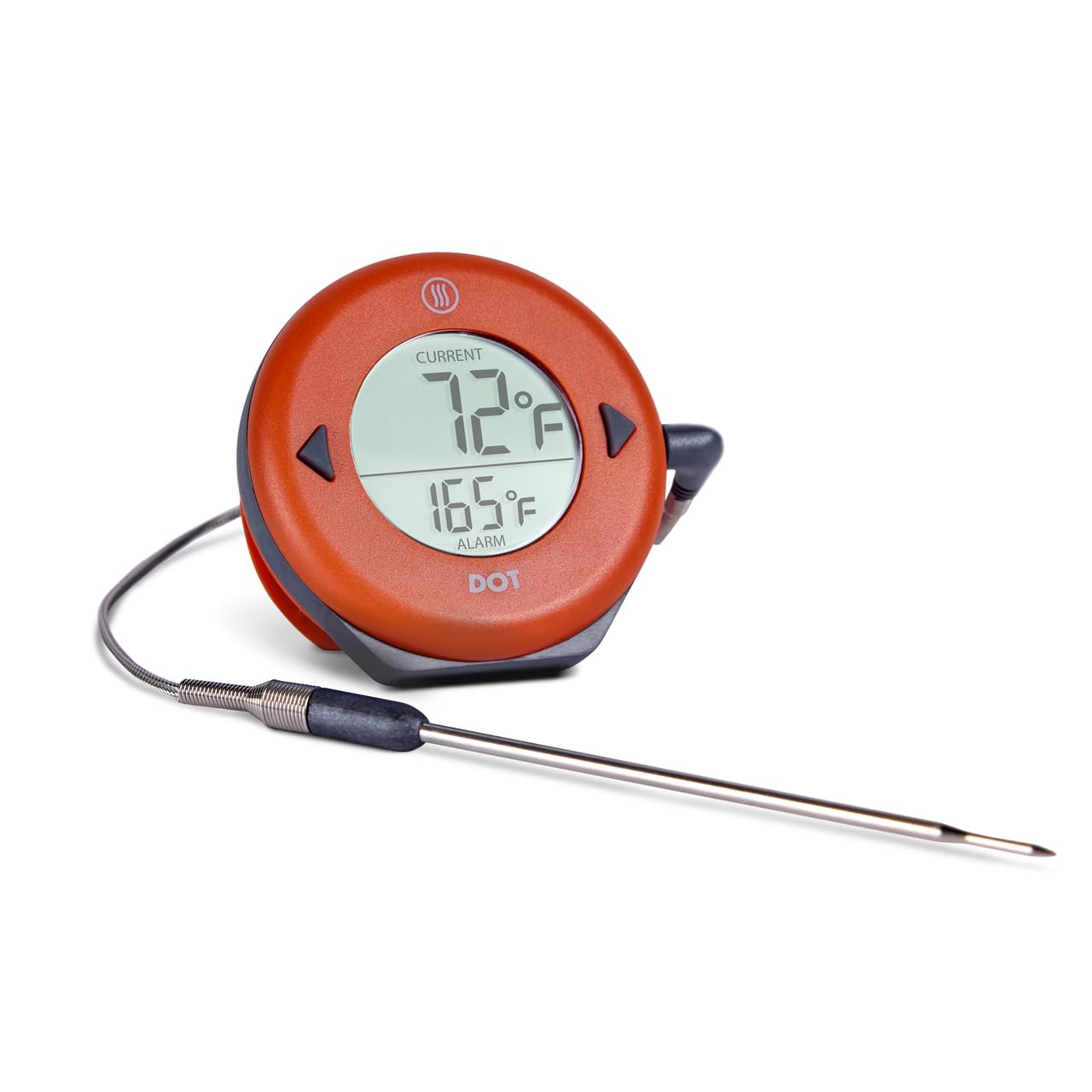
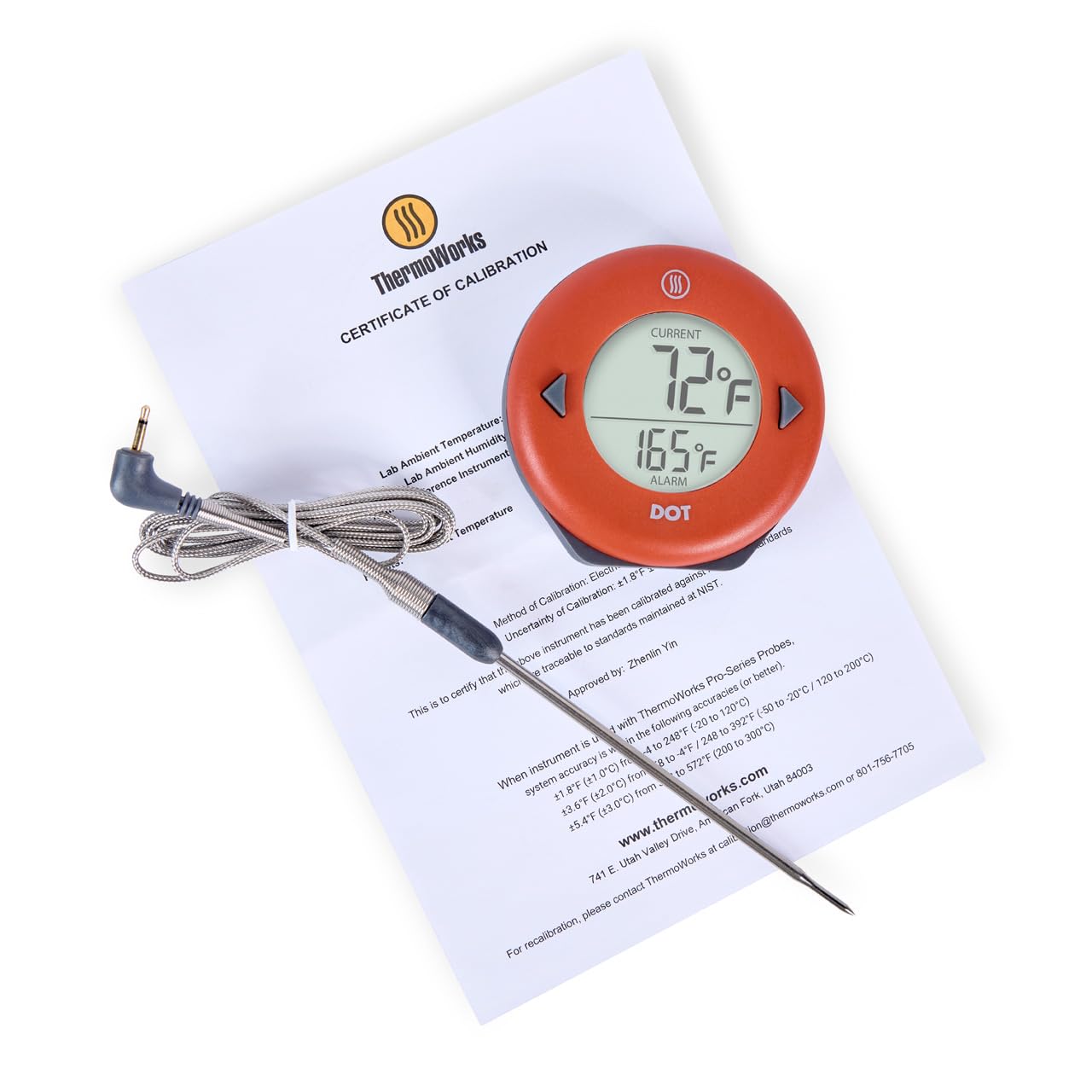
The DOT thermometer features a large, easy-to-read digital display. It includes two buttons for setting the alarm temperature and a backlight button on the rear. The unit is designed with a magnetic backing for attachment to metal surfaces and a fold-out kickstand for tabletop placement. The included Pro-Series probe is durable and designed for high-accuracy temperature measurement.
4. Орнотуу
4.1 Батареяны орнотуу
The DOT thermometer requires 2 AAA batteries. These are typically included. If not pre-installed, open the battery compartment on the back of the unit and insert the batteries, observing the correct polarity (+/-) markings.
4.2 Зонд туташуусу
Insert the stainless steel probe's jack firmly into the port on the side of the DOT unit. Ensure a secure connection for accurate readings.
4.3 Баштапкы күйгүзүү
The unit will power on automatically when the probe is connected. The display will show the current temperature measured by the probe and the set alarm temperature.
4.4 Монтаждоо параметрлери
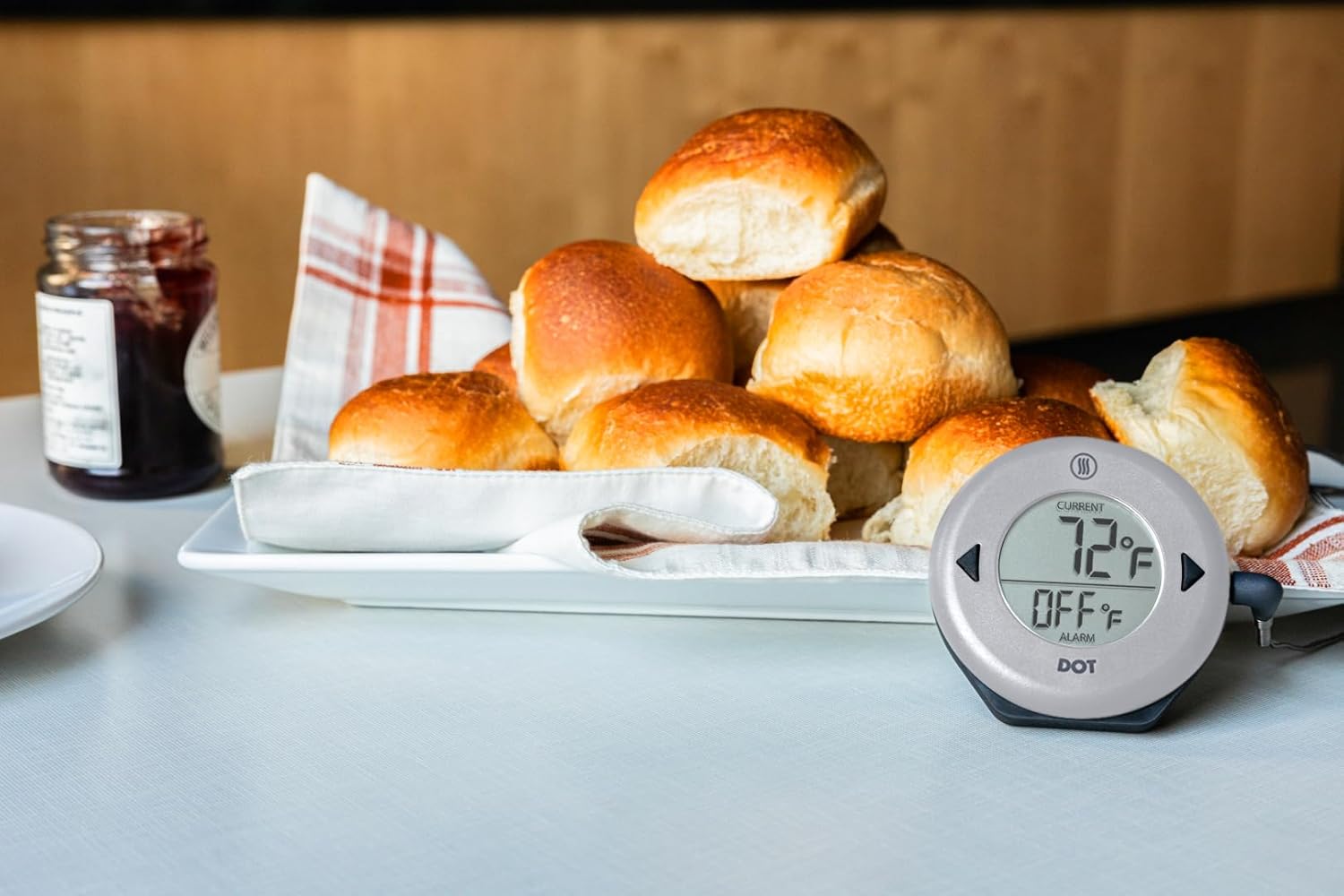
- Магниттик колдоо: Attach the DOT unit to any magnetic surface, such as an oven door or refrigerator.
- Кикстенд: Fold out the integrated kickstand on the back of the unit to place it on a countertop or flat surface.
5. Иштөө нускамалары
5.1 Setting the Alarm Temperature
- басыңыз ▲ (Жогору) же ▼ (Down) buttons to adjust the desired alarm temperature. The alarm temperature is displayed on the lower part of the screen.
- кармаңыз ▲ or ▼ buttons to rapidly scroll through temperatures.
- The alarm will automatically set after a few seconds of inactivity.
5.2 Monitoring Temperature
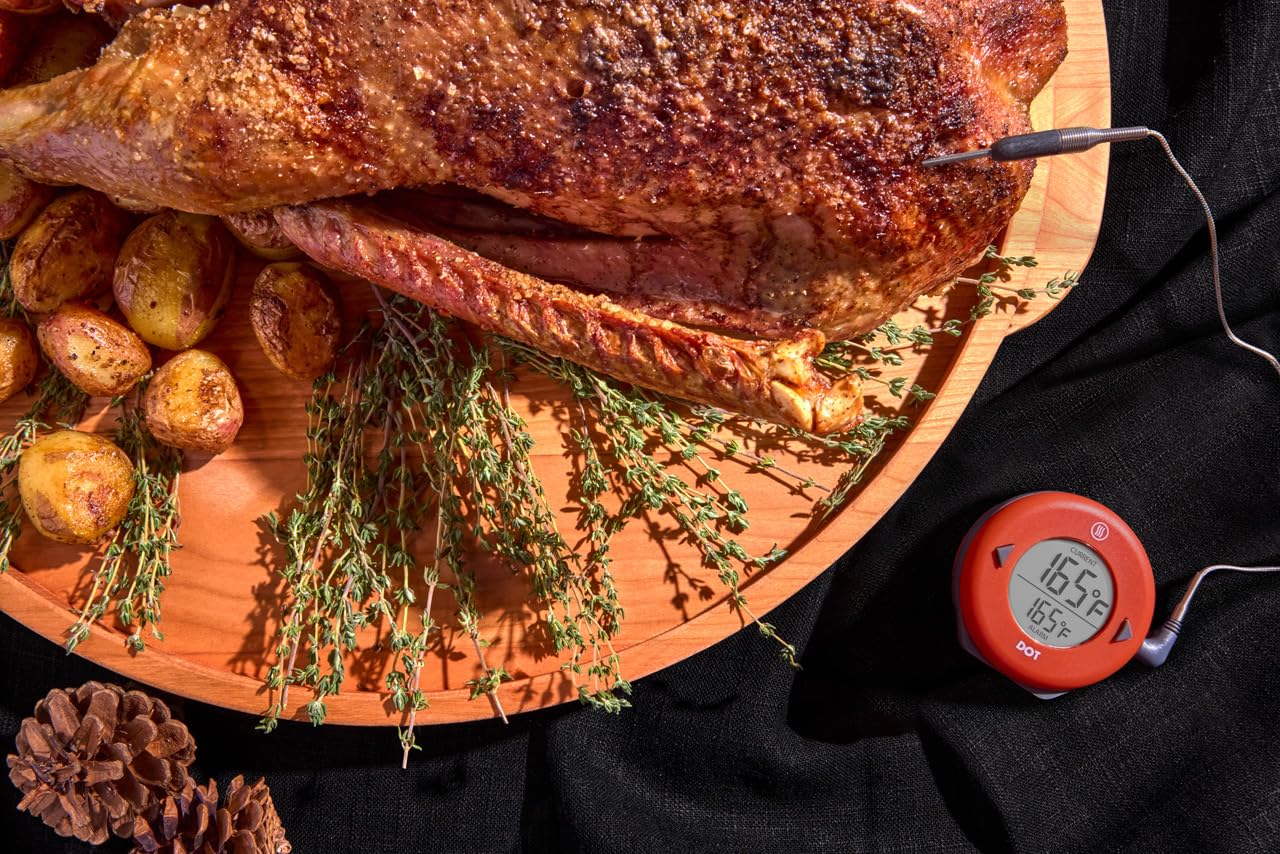
Insert the tip of the Pro-Series probe into the thickest part of the food item, avoiding bone or gristle. The current internal temperature will be displayed on the upper part of the screen.
5.3 Ойготкуч функциясы
When the current temperature reaches the set alarm temperature, the DOT will emit an audible alarm. To silence the alarm, press any button on the unit.
5.4 Арткы жарык
Press the light bulb button on the back of the unit to activate the display backlight for improved visibility in low-light conditions.
5.5 Температура бирдигин тандоо
To switch between Fahrenheit (°F) and Celsius (°C), locate the small switch inside the battery compartment. Use a small tool to toggle the switch to your preferred unit.
6. Техникалык тейлөө
6.1 Тазалоо
- Текшерүү: Clean the stainless steel probe with a damp cloth and mild detergent after each use. Rinse thoroughly and dry completely. Do not immerse the probe connector in water.
- Бирдиги: The DOT unit has an IP65 waterproof rating, meaning it is protected against water jets. Wipe the unit clean with a damp кездеме. Агрегатты сууга салбаңыз.
6.2 Батареяны алмаштыруу
When the display dims or the unit fails to power on, replace the 2 AAA batteries. Open the battery compartment on the back, remove old batteries, and insert new ones, ensuring correct polarity.
6.3 Сактоо
Store the DOT thermometer and probe in a clean, dry place when not in use. Avoid extreme temperatures or direct sunlight.
7. Кыйынчылыктарды
- No Display/Unit Not Turning On: Check battery installation and ensure batteries are fresh. Verify the probe is securely plugged into the unit.
- Туура эмес окуулар: Ensure the probe tip is fully inserted into the food and not touching bone or the cooking vessel. Calibrate the thermometer if necessary (refer to ThermoWorks support for calibration procedures).
- Ойготкуч угулбайт: Confirm the alarm temperature is set correctly and the current temperature has reached or exceeded it.
- Probe Error Message: If an error message related to the probe appears, try unplugging and re-plugging the probe. If the issue persists, the probe may need replacement.
8. Техникалык шарттар
| Өзгөчөлүк | Спецификация |
|---|---|
| Модель аты | DOT |
| Температура диапазону | -58°F – 572°F (-50°C – 300°C) |
| Дисплей түрү | Санариптик, арткы жарык |
| Power Source | 2 AAA батарейкалары (кошулган) |
| Суу өткөрбөйт рейтинги | IP65 |
| Сырткы материал | Acrylonitrile бутадиен Styrene |
| Продукциянын өлчөмдөрү | 3.12 x 3.12 x 0.75 дюйм |
| Элемент Салмагы | 5.61 унция |
| Камтылган компоненттер | DOT Thermometer and Probe |
9. Кепилдик маалыматы
The ThermoWorks DOT thermometer comes with a 2 жылдык кепилдик against defects in materials and workmanship. For warranty claims or further details, please contact ThermoWorks Customer Support.
10. Кардарларды колдоо кызматы
For any questions regarding product features, setup, troubleshooting, or technical assistance, please contact ThermoWorks Customer Care and Tech Support. Our team is based in American Fork, Utah, and is available to assist you.
Расмий ThermoWorks сайтына кириңиз webбайланыш маалыматы жана кошумча ресурстар үчүн сайт.


