1. Киришүү
The Lifelong Lightbeam 2 Pro Smart Projector offers a versatile and immersive viewing experience. This manual provides essential information for setting up, operating, maintaining, and troubleshooting your projector to ensure optimal performance.
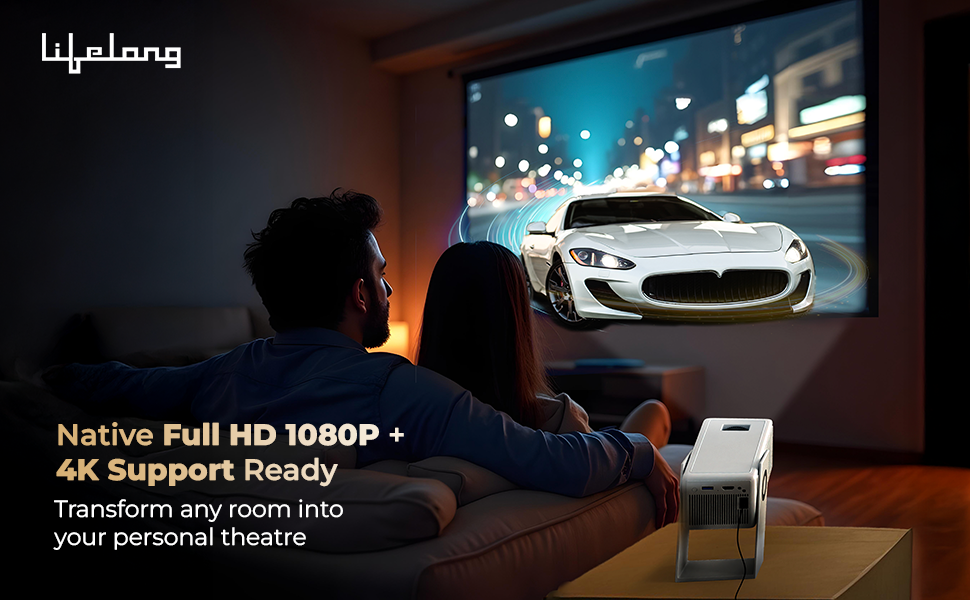
Сүрөт: бүттүview of the Lifelong Lightbeam 2 Pro Smart Projector's main features.
Негизги өзгөчөлүктөрү:
- Native 1080P Full HD & 4K Ultra HD Support: Delivers crisp, detailed images and vibrant colors for a cinema-quality viewтажрыйбасы.
- 4000 люмен жарыктыгы: Ensures clear visibility even in well-lit environments.
- Android 11 операциялык системасы: Provides direct access to popular streaming services like Netflix, Prime Video, Disney+ Hotstar, and YouTube.
- 360-Degree Rotation with 180-Degree Projection: Offers flexible placement and projection angles.
- Automatic Vertical Keystone Correction & Manual Focus: Allows for precise screen adjustments and distortion-free images.
- Built-in 6W Speakers: Provides integrated audio for convenience.
- Байланыш: Supports WiFi 6 with Miracast, Bluetooth 5.0, USB, and HDMI.
2. Продукт бүтүп калдыview & Кутуда эмне бар
Familiarize yourself with the components included with your Lifelong Lightbeam 2 Pro Smart Projector.
Пакеттин мазмуну:
- Lifelong Lightbeam 2 Pro Smart Projector Unit
- Алыстан башкаруу
- Кубаттуу адаптер
- User Manual

Сүрөт: алдыңкы view проектордун.
Сүрөт: каптал view проектордун.

Сүрөт: Арткы view of the projector, highlighting connectivity ports.
3. Орнотуу
Проекторуңузду биринчи жолу орнотуу үчүн бул кадамдарды аткарыңыз.
3.1 Орнотуу
Position the projector on a stable, flat surface. The 360-degree rotation feature allows for flexible projection onto walls, ceilings, or floors. Ensure adequate ventilation around the unit.

Image: Projector demonstrating 360-degree rotation for ceiling projection.
3.2 Кубат туташтыруу
- Кубат адаптерин проектордун кубат киргизүү портуна туташтырыңыз.
- Кубат адаптерин ылайыктуу электр розеткасына сайыңыз.
3.3 Баштапкы күйгүзүү
- Аппаратты иштетүү үчүн проектордун же пульттун кубат баскычын басыңыз.
- Allow the projector to boot up. The Android 11 interface will appear.
3.4 Фокусту жана Keystone жөндөөсүн
Achieve a clear and rectangular image using the focus and keystone correction features.
- Автоматтык вертикалдуу негизги ташты оңдоо: The projector automatically adjusts vertical image distortion.
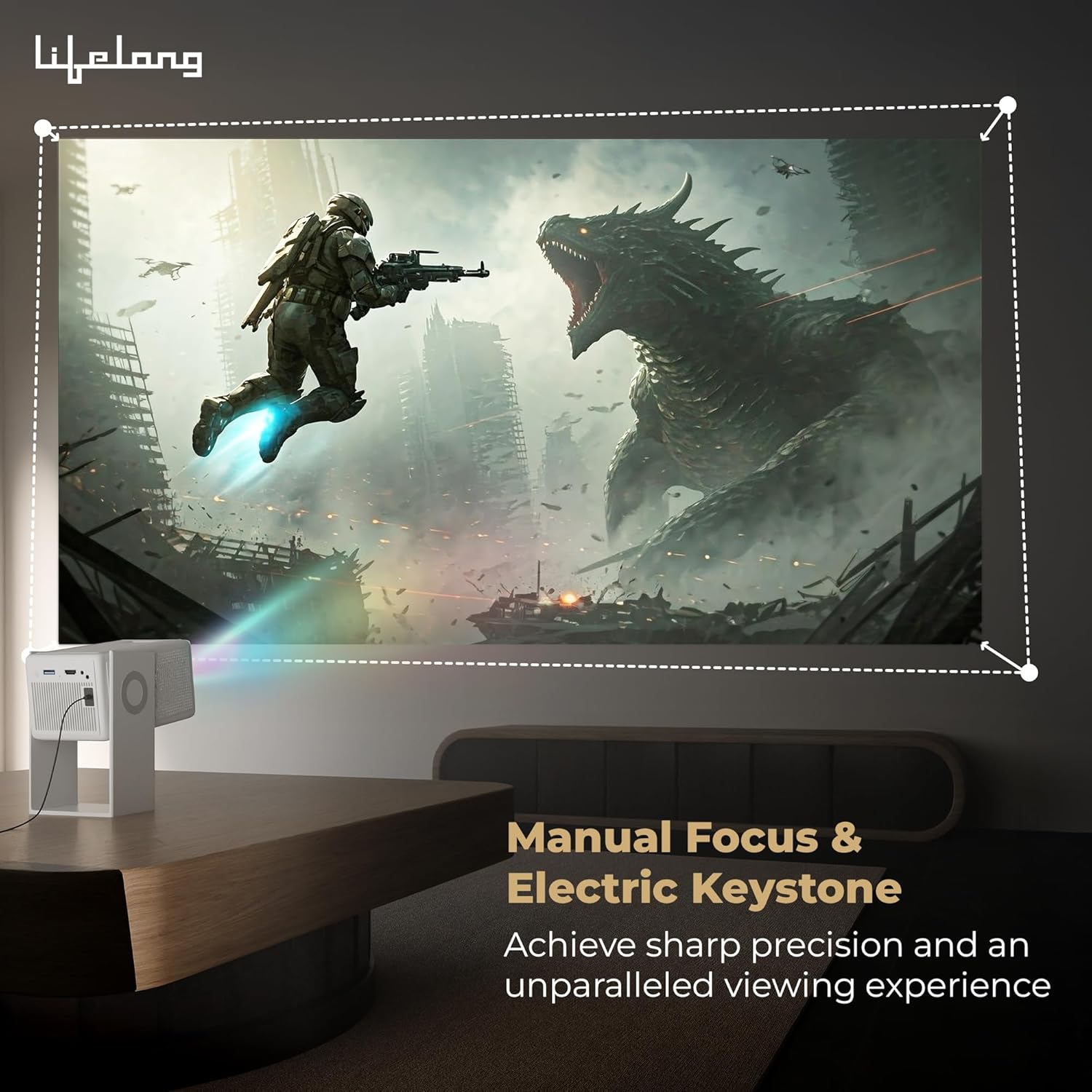
- Кол менен Фокус: Use the focus ring on the projector lens to sharpen the image until it is clear.
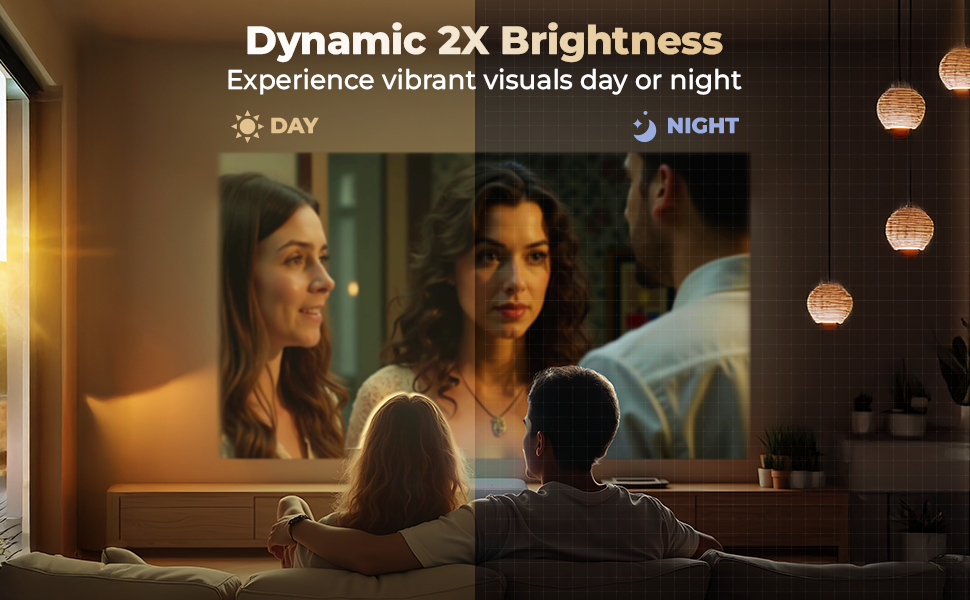
Image: Demonstrating manual focus and electric keystone for a sharp image.
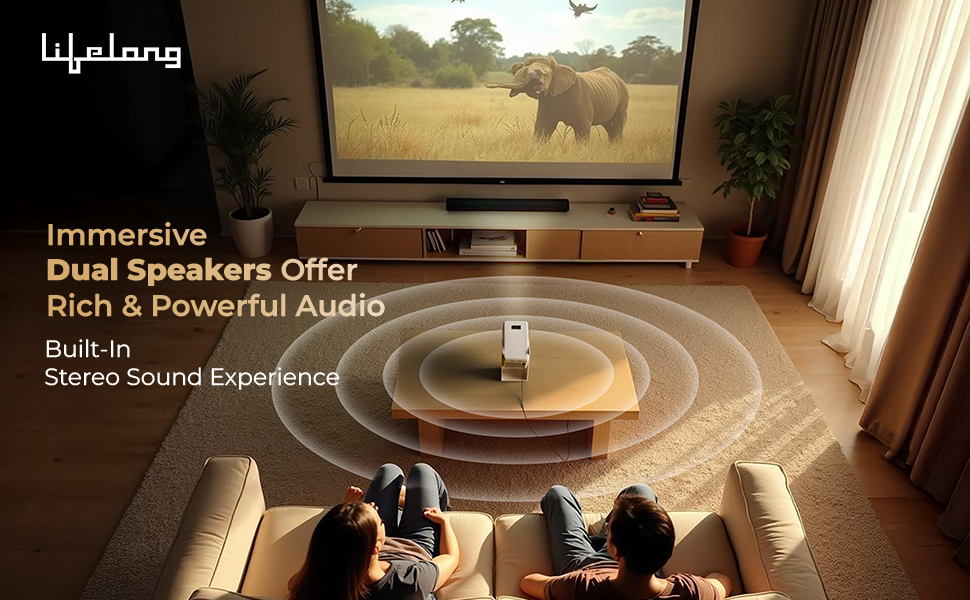
Image: Illustrating projection sizes up to 150 inches at varying distances.
4. Иштөө нускамалары
Learn how to navigate and use your Lifelong Lightbeam 2 Pro Smart Projector.
4.1 Android 11 Smart Operating System
The projector runs on Android 11, providing a user-friendly interface and access to a wide range of applications.
- Башкы экран: Navigate using the remote control to access installed apps, settings, and media.
- Колдонмого мүмкүндүк алуу: Pre-installed OTT apps like Netflix, Prime Video, Disney+ Hotstar, and YouTube are available. Connect to Wi-Fi to use these services.

Image: Android 11 interface showing available streaming applications.
4.2 Байланыш
The projector offers multiple ways to connect to external devices and networks.
- Wi-Fi 6 with Miracast: Connect to your home network for internet access and screen mirroring from compatible devices.
- Bluetooth 5.0: Pair with external Bluetooth speakers, headphones, or other accessories for enhanced audio.
- HDMI: Connect gaming consoles, laptops, or other HDMI-enabled devices.
- USB: Медиа ойнотуу fileтүздөн-түз USB дискинен.
4.3 Аудио чыгаруу
The projector features built-in 6W (3W x 2) speakers. For a more immersive audio experience, connect external speakers via Bluetooth or the audio output port.
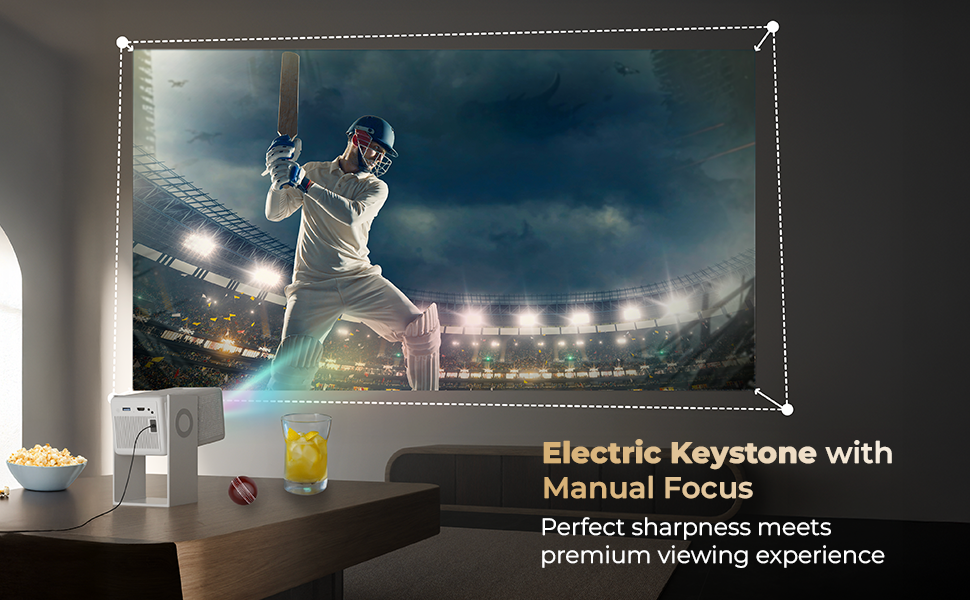
Image: Demonstrating immersive sound from the projector's built-in speakers.
4.4 Алыстан башкаруу
Use the included remote control to navigate the interface, adjust settings, and control media playback.
5. Техникалык тейлөө
Туура тейлөө проекторуңуздун узак иштөөсүн жана оптималдуу иштешин камсыз кылат.
5.1 Линзаны тазалоо
Проектордун линзасын оптикалык беттер үчүн атайын жасалган жумшак, мамыксыз чүпүрөк менен акырын сүртүңүз. Абразивдүү тазалоочу каражаттарды же ашыкча күч колдонуудан алыс болуңуз.
5.2 Проектордун корпусун тазалоо
Проектордун сыртын жумшак, кургак чүпүрөк менен сүртүңүз. Суюк тазалоочу каражаттарды түз эле түзмөккө колдонбоңуз.
5.3 Вентиляция
Ensure that the projector's ventilation openings are clear and unobstructed to prevent overheating. Do not place the projector on soft surfaces that may block airflow.
5.4 Сактоо
When not in use for extended periods, store the projector in a cool, dry place, away from direct sunlight and extreme temperatures. Consider using the original packaging for protection.
6. Кыйынчылыктарды
Бул бөлүмдө проекторуңузда жолуга турган жалпы маселелер каралат.
6.1 Күч жок
- Кубат адаптери проекторго жана иштеп жаткан электр розеткасына бекем туташтырылганын текшериңиз.
- Электр розеткасынын иштешин башка аспап менен текшерүү аркылуу текшериңиз.
6.2 No Image or Blurry Image
- Adjust the manual focus ring on the lens until the image is sharp.
- Check the projection distance. Ensure the projector is within the recommended range for the desired screen size.
- Verify that the input source is correctly selected (e.g., HDMI, USB).
- Линзанын таза жана чаңсыз же таксыз экенине ынаныңыз.
6.3 No Sound or Low Sound
- Проектордун да, туташкан булак түзмөгүнүн да үнүн жогорулатыңыз.
- Эгер тышкы динамиктерди колдонсоңуз, алардын туура туташып, күйгүзүлгөнүн текшериңиз.
- If using Bluetooth audio, ensure the projector is correctly paired with the Bluetooth device.
6.4 Apps are Slow or Unresponsive
- Туруктуу жана күчтүү Wi-Fi байланышын камсыз кылыңыз.
- Фондо иштеп жаткан колдонулбаган колдонмолорду жабуу.
- Restart the projector to clear temporary system issues.
6.5 Байланыш көйгөйлөрү (Wi-Fi/Bluetooth)
- Wi-Fi роутериңизди же Bluetooth түзмөгүңүздү өчүрүп-күйгүзүңүз.
- Bluetooth түзмөктөрүн унутуп, кайра жупташтырыңыз.
- Ensure the projector is within range of the Wi-Fi router or Bluetooth device.
7. Техникалык шарттар
Detailed technical specifications for the Lifelong Lightbeam 2 Pro Smart Projector.
| Өзгөчөлүк | Спецификация |
|---|---|
| Бренд | Өмүр бою |
| Модел | LLPJH32 |
| Продукциянын өлчөмдөрү | 10.5 x 11.5 x 20.5 см |
| Элемент Салмагы | 904 г |
| Дисплей түрү | LED |
| Сүрөттүн жарыктыгы | 4000 Lumens |
| Сүрөттүн карама-катышы | 2000:1 |
| Аспект катышы | 16:10 |
| Native Screen Resolution | 1920 x 1080 (Full HD) |
| Колдоого алынган резолюция | Up to 4K Ultra HD |
| Тtage | 220 вольт |
| Ватtage | 70 Ватт |
| Жаңыртуу ылдамдыгы | 60 Гц |
| Операция системасы | Android 11 |
| Байланыш технологиясы | Bluetooth 5.0, HDMI, USB, Wi-Fi 6 (with Miracast) |
| Өзгөчөлүктөр | 360 Degrees Rotation, Built-In Speaker, Digital Keystone Correction |
| Монтаж түрү | Шыпка орнотуу |
| Сунушталган Колдонуулар | Үй кинотеатры |
8. Кепилдик жана колдоо
8.1 Кепилдик маалыматы
Your Lifelong Lightbeam 2 Pro Smart Projector comes with a 6 айлык кепилдик сатып алынган күндөн тартып. Кепилдик дооматтары үчүн сатып алганыңыздын далилин сактап коюңуз.
8.2 Кардарларды колдоо
For technical assistance, troubleshooting, or warranty inquiries, please contact Lifelong customer support. Refer to the contact information provided with your product packaging or visit the official Lifelong webсайт.
Өндүрүүчү: Imported and Marketed by Lifelong Online Retail Private Limited, 5th Floor, Unit No. 508, DLF, South Court, Saket District Center, Saket, New Delhi, India-110017


