Продукт бүттүview
The Xtreme LED Bluetooth Speaker is a portable audio device designed to deliver clear sound and dynamic LED light shows. It features multiple connectivity options and a rechargeable battery for extended use.

Image: The Xtreme LED Bluetooth Speaker shown alongside its retail packaging, highlighting its design and branding.
Негизги өзгөчөлүктөрү:
- Иммерсивдүү аудио: Delivers rich, full-range sound with clear highs and deep bass.
- Dynamic LED Light Show: Multiple light modes that sync with music, creating a visual atmosphere.
- Кеңейтилген Bluetooth диапазону: Connects wirelessly up to 33 feet (10 meters) from your device.
- Ар тараптуу байланыш: Supports Bluetooth, Aux-in, USB, and Micro-SD card playback.
- Портативдик дизайн: Lightweight with a convenient carrying loop and rechargeable USB-C battery.
Кутуда эмне бар
- Xtreme LED Bluetooth Speaker
- USB-C заряддоо кабели
- Instruction Manual
Башкаруу каражаттары жана порттор

Сүрөт: деталдуу view of the speaker's front panel, illustrating the control buttons and highlighting features like multi-color LEDs, loud audio, quality sound, and the portable carrying loop.
- Кубат баскычы: Динамикти күйгүзүү/өчүрүү үчүн басып кармап туруңуз.
- Көлөмү / Кийинки трек: Үнүн жогорулатуу үчүн кыска басыңыз, кийинки трекке узакка басыңыз.
- Үндү төмөндөтүү / Мурунку трек: Үндү азайтуу үчүн кыска басыңыз, мурунку трек үчүн көпкө басыңыз.
- Play/Pause / Bluetooth Pairing: Short press to play/pause, long press to enter Bluetooth pairing mode.
- Жарык режим баскычы: Press to cycle through different LED light show modes.
- Режим баскычы (M): Press to switch between Bluetooth, Aux, USB, and Micro-SD card modes.
- Заряддоо порту (USB-C): Заряддоо кабелин туташтыруу үчүн.
- Көмөкчү порт: Зымдуу аудио туташуу үчүн.
- USB порт: USB дисктен аудио ойнотуу үчүн.
- Micro-SD карта слоту: For playing audio from a Micro-SD card.
Жайгашуу
1. Динамикти кубаттоо
Before first use, fully charge the speaker. Connect the provided USB-C charging cable to the speaker's charging port and the other end to a USB power adapter (not included) or a computer's USB port. The LED indicator will show charging status and turn off when fully charged.
2. Күйгүзүү / Өчүрүү
басып, кармап туруңуз Кубат баскычы for approximately 3 seconds to turn the speaker ON or OFF. A sound prompt will indicate the power status.
Иштөө нускамалары
Bluetooth режими
- Динамикти күйгүзүңүз. Ал автоматтык түрдө Bluetooth жупташтыруу режимине кирет, жаркыраган LED жарыгы менен көрсөтүлөт.
- Түзмөгүңүздө (смартфон, планшет ж.б.) Bluetooth иштетиңиз жана жеткиликтүү түзмөктөрдү издеңиз.
- Select "Xtreme Speaker" from the list of devices.
- Once paired, the LED indicator will stop flashing, and a confirmation sound will play.
- Эми сиз түзмөгүңүздөн аудиону динамик аркылуу ойной аласыз.
- To disconnect or pair with a new device, long press the Play/Pause / Bluetooth Pairing Button.
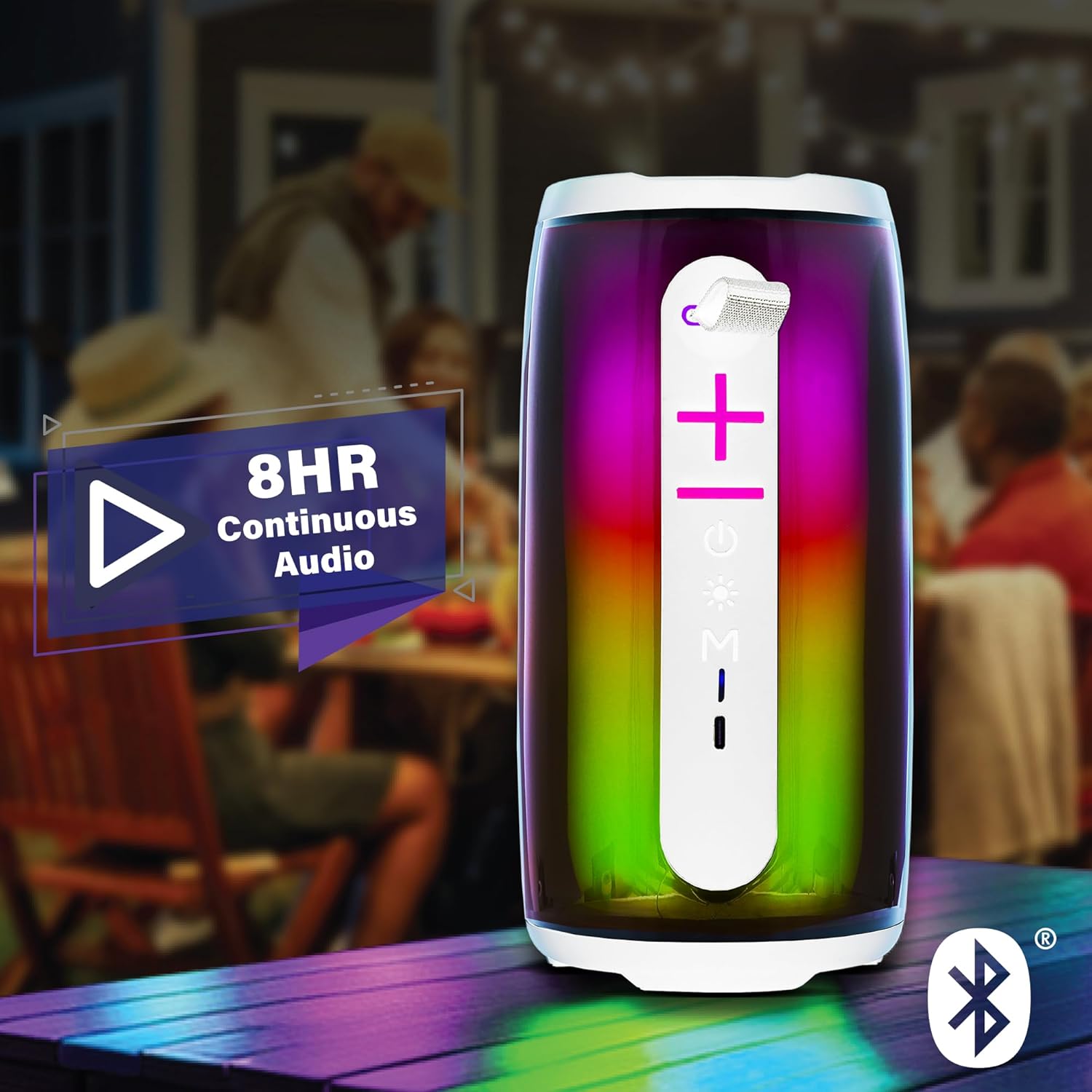
Image: The Xtreme LED Bluetooth Speaker providing music at an outdoor social event, demonstrating its portability and highlighting its 8-hour continuous audio playback capability.
Жардамчы режим
- Connect one end of a 3.5mm audio cable (not included) to the speaker's Aux-in port.
- Connect the other end to the audio output of your device.
- басыңыз Режим баскычы (M) Aux-in режимине өтүү үчүн.
- Audio will now play through the wired connection.
USB and Micro-SD Card Playback
- Insert a USB drive into the USB port or a Micro-SD card into the Micro-SD card slot.
- басыңыз Режим баскычы (M) to switch to USB or Micro-SD card mode. The speaker will automatically detect and play audio files.
Аудио ойнотууну көзөмөлдөө
- Ойнотуу/тындыруу: баскычын кыска басыңыз Ойнотуу/тындыруу баскычы.
- Көлөмү: баскычын кыска басыңыз Үндү жогорулатуу (+) баскычы.
- Үнүн азайтуу: баскычын кыска басыңыз Үндү азайтуу (-) баскычы.
- Кийинки трек: көпкө басыңыз Үндү жогорулатуу (+) баскычы.
- Мурунку трек: көпкө басыңыз Үндү азайтуу (-) баскычы.
LED Light Show Modes
басыңыз Жарык режиминин баскычы to cycle through various LED light show patterns. The lights will pulse and change color, syncing with the music.
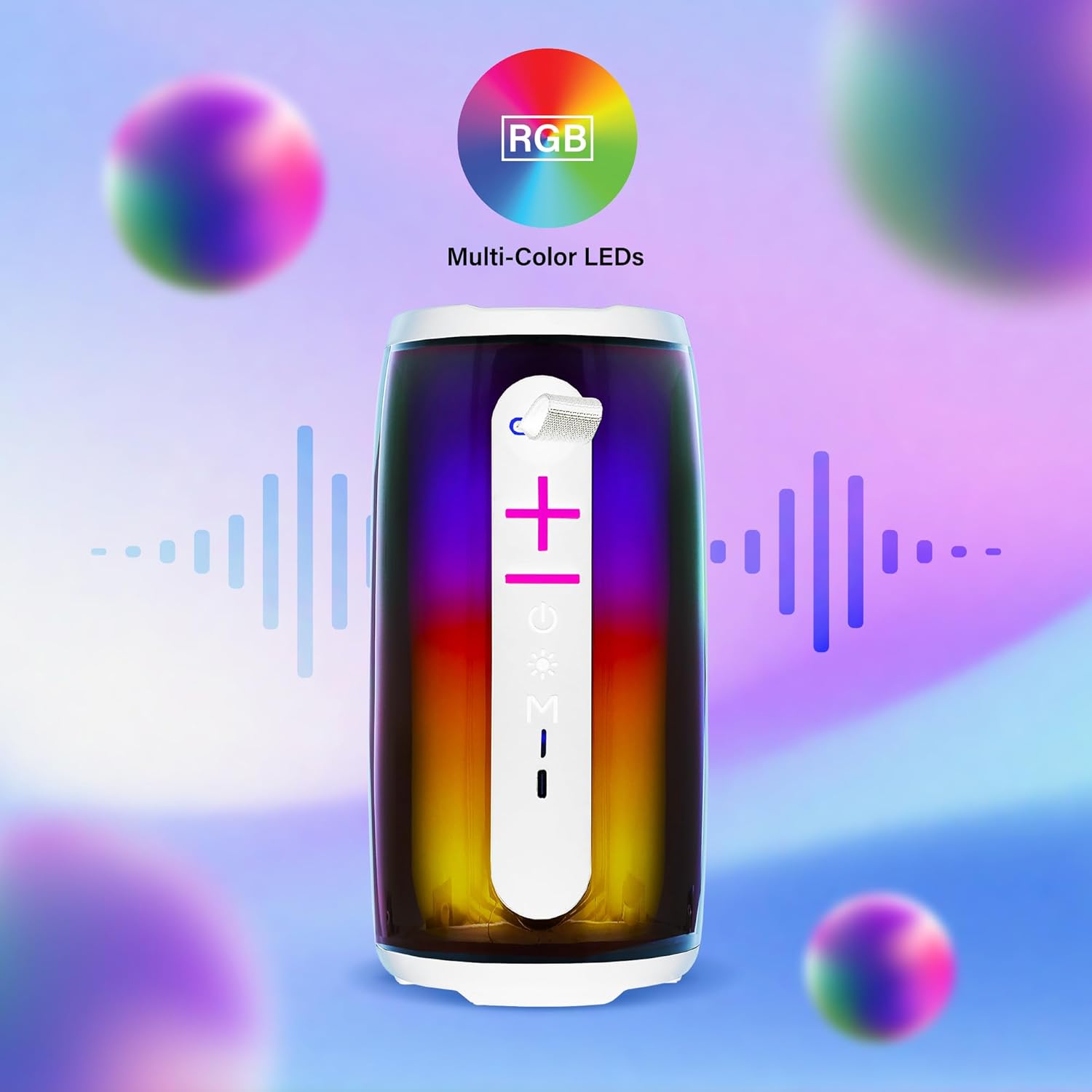
Image: The Xtreme LED Bluetooth Speaker showcasing its vibrant RGB multi-color LED lights, with visual representations of sound waves indicating its audio synchronization feature.
Техникалык тейлөө
- Тазалоо: Динамиктин сыртын тазалоо үчүн жумшак, кургак чүпүрөктү колдонуңуз. Абразивдүү тазалагычтарды же эриткичтерди колдонбоңуз.
- Сактагыч: Динамикти түз күн нурунан жана өтө температурадан алыс салкын, кургак жерде сактаңыз.
- Батареяга кам көрүү: To prolong battery life, charge the speaker regularly, even if not in frequent use. Avoid fully depleting the battery for extended periods.
- Суу таасири: Бул динамик суу өткөрбөйт. Аны сууга же ашыкча нымдуулукка дуушар кылуудан алыс болуңуз.
Проблемаларды чечүү
| Көйгөй | Чечим |
|---|---|
| Динамик күйбөйт. | Динамиктин кубатталганын текшериңиз. Аны USB-C кабели аркылуу кубат булагына туташтырыңыз. |
| Bluetooth аркылуу жупташтыруу мүмкүн эмес. |
|
| Үн жок. |
|
| LED жарыктары иштебейт. | Press the Light Mode Button to cycle through the light show modes. Ensure the speaker is powered on. |
Техникалык шарттар
- Модел: XBS9-1078
- Бренд: XTREME САНАРИПТИК ЖАШОО ТАРЗЫ АКСЕССУАРЛАРЫ
- Байланыш: Bluetooth, Aux-in, USB, Micro-SD
- Bluetooth диапазону: 33 фут (10 метр) чейин
- Динамик чыгаруу күчү: 10 Watts (based on product image)
- Батарея: Кайра заряддалуучу USB-C
- Батареянын иштөө мөөнөтү: Up to 8 hours (continuous audio, varies with usage)
- Өлчөмдөрү: 7" (Height) x 3" (Width) x 3" (Depth)
- Салмагы: Болжол менен 0.9 фунт (14.4 унция)
- Түсү: Ак
Кепилдик жана колдоо
For warranty information or technical support, please refer to the contact details provided on the product packaging or visit the official XTREME DIGITAL LIFESTYLE ACCESSORIES webсайт. Сатып алуу квитанциясын кепилдик дооматтары үчүн сатып алуунун далили катары сактаңыз.
Өндүрүүчү: XTREME САНАРИПТИК ЖАШОО ТАРЗЫ АКСЕССУАРЛАРЫ
UPC: 805106238797


