1. Киришүү
This manual provides essential information for the safe and efficient operation of your NexiGo PJ40 Ultra Outdoor Netflix Projector. Please read this manual thoroughly before using the projector and retain it for future reference.
2. Коопсуздук маалыматы
Проекторго зыян келтирбөө жана колдонуучунун коопсуздугун камсыз кылуу үчүн төмөнкү коопсуздук чараларын сактаңыз:
- Вентиляция тешиктерин жаап албаңыз. Проектордун айланасында адекваттуу аба агымын камсыз кылыңыз.
- Проекторду жамгырдын, нымдуулуктун же экстремалдык температуранын таасиринде калтырбаңыз.
- Проектор менен келген кубат адаптерин гана колдонуңуз.
- l болгондо проектордун объективине түз кароодон качыңызamp күйүк.
- Проекторду жылуулук булактарынан жана түз күн нурунан алыс кармаңыз.
- Чагылгандуу жаан учурунда же көпкө чейин колдонулбаган учурда электр шнурун сууруп коюңуз.
3. Пакеттин мазмуну
Пакетте бардык буюмдар бар экенин текшериңиз:
- NexiGo PJ40 Ultra Projector
- Алыстан башкаруу пульту (2x AAA батарейкалары менен)
- Кубаттуу адаптер
- HDMI кабели
- AV Cable
- Линзаны тазалоочу кездеме
- Запастык аба чыпкасы
- User Manual
4. Продукт бүтүп калдыview
The NexiGo PJ40 Ultra is a high-performance projector designed for versatile entertainment. It features native 1080p resolution, 800 ANSI lumens brightness, and AI image enhancement for clear, vibrant visuals. Integrated 20W speakers provide immersive audio. The projector includes officially licensed streaming apps like Netflix, YouTube, and Prime Video, along with comprehensive connectivity options.

Figure 4.1: NexiGo PJ40 Ultra Projector with projected Netflix screen.
Негизги өзгөчөлүктөрү:
- Түпкү 1080p чечилиши: Delivers crisp images with incredible detail.
- 800 ANSI Lumens Brightness: Provides clear visuals in various lighting conditions.
- AI Picture Quality Enhancement: Optimizes clarity, detail, and color reproduction with HDR and HLG support.
- Officially Licensed Streaming: Pre-installed Netflix, YouTube, and Prime Video for immediate access to content.
- AI-Enhanced Surround Sound: 20W speakers with DSP decoding for immersive audio.
- Автоматтык негизги ташты оңдоо: Сүрөттүн вертикалдуу бурмаланышын автоматтык түрдө тууралайт.
- Зымсыз экранды чагылдыруу: Supports iOS, Android, and Windows devices via 5 GHz Wi-Fi.
- Бир нече туташуу параметрлери: Includes 2 USB ports, 2 HDMI inputs, AV port, and 3.5mm audio jack.
5. Орнотуу
5.1 Баштапкы күйгүзүү
- Connect the power adapter to the projector's power input and then to a power outlet.
- Аны күйгүзүү үчүн проектордун же пульттун кубат баскычын басыңыз.
- Follow the on-screen instructions for initial language and network setup.
5.2 Жайгаштыруу жана экрандын өлчөмү
Position the projector on a stable, flat surface. The projection distance affects the screen size. Refer to the table below for recommended distances.

Figure 5.1: Recommended Projection Distances.
| Screen Diagonal (in.) | Проекциялык аралык (фут) |
|---|---|
| 72 | 7.68 |
| 100 | 10.5 |
| 120 | 12.4 |
| 150 | 15.52 |
| 300 | 30.18 |
Note: Sizing measured by NexiGo Laboratory. Test measurements do not include the screen border size.
5.3 Фокустоо жана Keystone коррекциясы
- Фокусту тууралоо: Rotate the focus wheel on the projector until the image is clear.
- Авто вертикалдуу ачкыч ташы: The projector features automatic vertical keystone correction. Ensure this setting is enabled in the menu for automatic adjustment.
- Manual 4D Correction: For horizontal or more precise adjustments, navigate to the manual keystone settings in the menu.
- Чоңойтуу функциясы: Use the zoom function in the settings to shrink the screen size from 100% down to 60% without moving the projector.
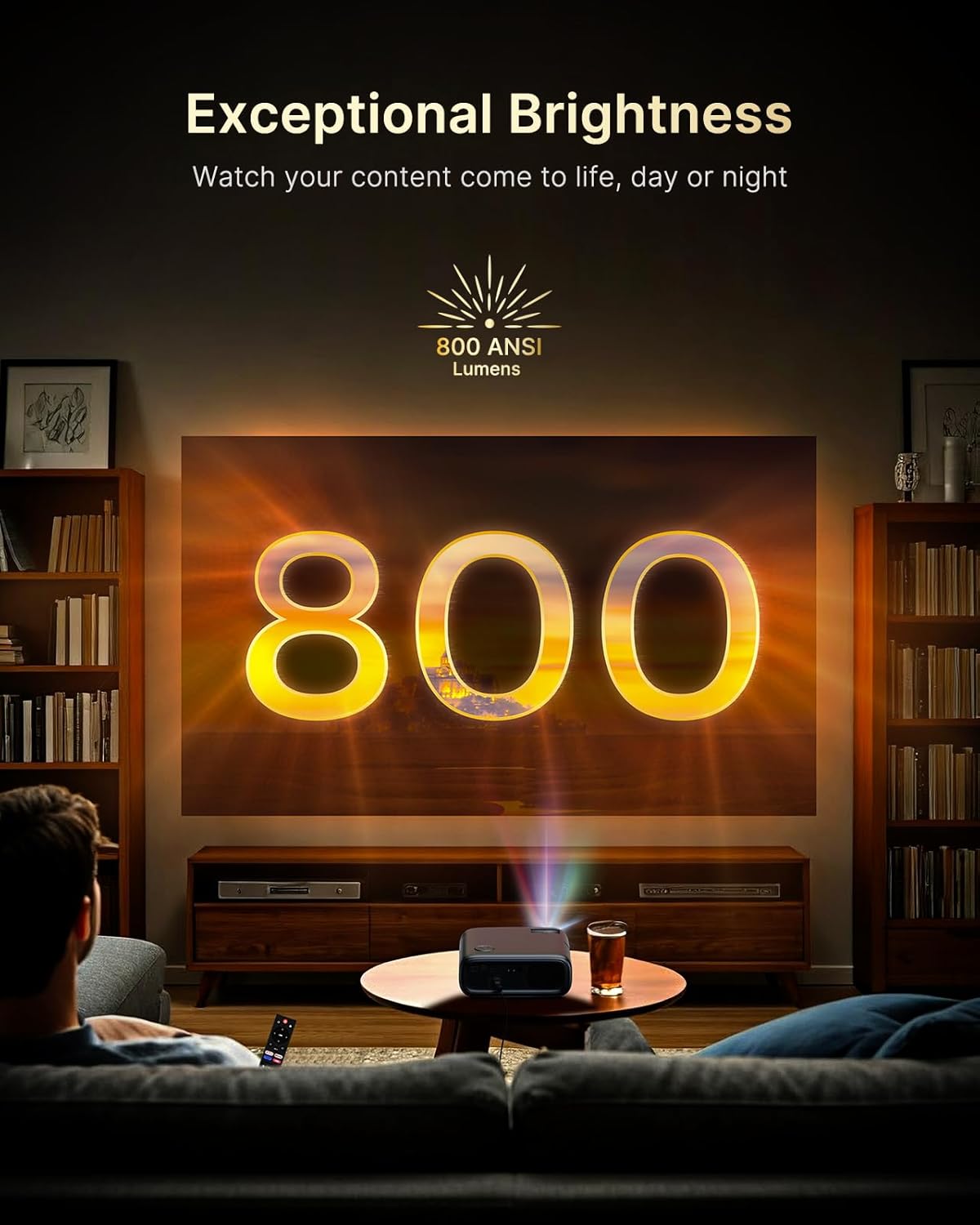
Figure 5.2: Keystone Correction and Zoom Options.
5.4 Тармактык туташуу
To access streaming services and screen mirroring, connect the projector to a Wi-Fi network:
- "Орнотуулар" менюсуна өтүңүз.
- "Тармак" же "Wi-Fi" тандаңыз.
- Тизмеден каалаган Wi-Fi тармагын тандап, сырсөздү киргизиңиз.

Figure 5.3: Dual-Band Wi-Fi Connectivity.
5.5 Тышкы түзмөктөрдү туташтыруу
The PJ40 Ultra offers various ports for connecting external devices:
- HDMI Ports (HDMI 1, HDMI 2): Connect gaming consoles (PS5, Nintendo Switch), TV sticks, laptops, or other HDMI-enabled devices. HDMI 1 supports ARC & CEC, HDMI 2 supports CEC.
- USB порттору: Connect USB flash drives or hard drives for media playback.
- AV киргизүү порту: Connect older devices using the included AV cable.
- 3.5 мм аудио уячасы: Тышкы кулакчындарды же динамиктерди туташтырыңыз.

5.4-сүрөт: Байланыш порттору.
6. Иштөө нускамалары
6.1 Алыстан башкаруучу навигация
Use the included remote control to navigate the projector's interface. The remote allows you to power on/off, adjust volume, select input sources, and access settings and applications.
6.2 Агымдуу тиркемелер
The projector comes with pre-installed and officially licensed applications:
- Netflix: Access your Netflix library directly.
- YouTube: Browse and watch videos from YouTube.
- Prime Video: Stream content from Amazon Prime Video.
To use these apps, ensure the projector is connected to the internet and log in with your respective account credentials.

Figure 6.1: Officially Licensed Streaming Applications.
6.3 Экранды чагылдыруу
The PJ40 Ultra supports wireless screen mirroring for various devices:
- iOS Devices (AirPlay): Connect your iPhone or iPad to the same Wi-Fi network as the projector and use AirPlay to mirror your screen.
- Android Devices (Screen Mirror): Use the Screen Mirroring feature on your Android device to connect wirelessly.
- Windows Devices (Windows Cast): Utilize Windows Cast functionality for screen sharing from compatible Windows computers.
Note: Due to copyright restrictions, some streaming apps (e.g., Netflix, Amazon Prime, Hulu) may not support direct screen mirroring.
6.4 Аудио орнотуулары
The projector features built-in 20W speakers with DSP decoding for enhanced audio. You can also connect external audio devices:
- Bluetooth байланыш: Pair Bluetooth speakers or headphones for a wireless audio experience.
- 3.5 мм аудио уячасы: Зымдуу кулакчындарды же тышкы динамиктерди туташтырыңыз.

Figure 6.2: AI-Enhanced Surround Sound.
7. Техникалык тейлөө
7.1 Линзаны тазалоо
Use the provided lens cleaning cloth to gently wipe the projector lens. Avoid using abrasive cleaners or materials that could scratch the lens surface.
7.2 Аба чыпкасын тейлөө
The projector includes an air filter to prevent dust accumulation. Periodically check and clean the air filter to maintain optimal performance and cooling. A spare air filter is included for replacement when necessary.
7.3 Жалпы кам көрүү
- Keep the projector in a clean, dry environment.
- Колдонулбай турган учурда, линзаны коргоочу капкак менен жаап коюңуз.
- Avoid dropping or subjecting the projector to strong impacts.
8. Кыйынчылыктарды
Жалпы маселелер жана чечимдер:
- Кубат жок: Ensure the power adapter is securely connected to both the projector and a working power outlet. Try a different outlet.
- Сүрөт жок:
- Проектор күйгүзүлгөнүн текшериңиз.
- Verify the input source is correctly selected (e.g., HDMI 1, HDMI 2).
- Туташкан түзмөктүн күйгүзүлүп, сигнал чыгарып жатканын текшериңиз.
- бүдөмүк сүрөт: Adjust the focus wheel on the projector until the image is sharp. Check keystone correction settings.
- Үн жок:
- Проектордогу жана туташкан булак түзмөгүндөгү үндү күчөтүңүз.
- Check if external speakers or headphones are properly connected or paired via Bluetooth.
- Ensure the audio output setting on the source device is correct.
- Wi-Fi туташуу маселелери:
- Wi-Fi сырсөзүнүн туура киргизилгендигин текшериңиз.
- Restart the projector and your Wi-Fi router.
- Move the projector closer to the Wi-Fi router to improve signal strength.
- Projector Randomly Powers On: Some users have reported the projector powering on from standby mode unexpectedly. If this occurs, ensure the projector is fully powered off at the main power switch or unplugged when not in use to prevent unintended operation. Check for any available firmware updates that might address this behavior.
9. Техникалык шарттар
| Өзгөчөлүк | Спецификация |
|---|---|
| Бренд | NexiGo |
| Модель номери | PJ40 Ultra |
| Продукциянын өлчөмдөрү | 11.3 x 10.78 x 4.8 дюйм |
| Элемент Салмагы | 7.99 фунт |
| Display Resolution | 1920 x 1080 (Түпнуска 1080p) |
| Жарыктык | 800 ANSI челинин |
| Байланыш технологиясы | HDMI, USB, Wi-Fi |
| Өзгөчөлүктөр | Official Netflix-Licensed, Built-in 20W Speaker, HDMI CEC Support, Wireless Screen Mirroring, Auto Keystone, 4K Support Input |
| Өндүрүүчү | Next INC |
| Дата биринчи жеткиликтүү | 2-январь, 2025-жыл |
10. Кепилдик жана колдоо
NexiGo is committed to customer satisfaction and provides comprehensive support for its products.
- Кардарларды колдоо: 24-hour customer support is available.
- Кайтаруу/алмаштыруу саясаты: Enjoy a 30-day return or exchange period.
- Техникалык колдоо: Өмүрүңүзгө техникалык колдоо көрсөтүлөт.

Figure 10.1: NexiGo Customer Support Information.
For further assistance or to contact support, please visit the official NexiGo webсайтка же продуктунун таңгагында берилген байланыш маалыматына кайрылыңыз.


