1. Киришүү
The PHILIPS S1209 Portable Bluetooth Speaker is designed to deliver quality sound with extra bass in a compact, portable form factor. Featuring Bluetooth 5.3 for stable connectivity and an IPX4 waterproof rating, it is suitable for both indoor and outdoor use. This manual provides essential information for setting up, operating, and maintaining your speaker.
2. Кутуда эмне бар
- PHILIPS S1209 Portable Bluetooth Speaker
- USB заряддоо кабели
- Тез орнотуу боюнча колдонмо
- Safety warranty sheet

Image: The PHILIPS S1209 speaker shown with its included USB charging cable.
3. Орнотуу
3.1 Динамикти заряддоо
Before first use, fully charge the speaker using the provided USB-C cable. Connect the USB-C end to the speaker's charging port and the other end to a compatible USB power adapter (not included). A red indicator light will illuminate during charging and turn off when fully charged.
3.2 Bluetooth жупташтыруу
- Динамик заряддалганын текшериңиз.
- Кубат баскычын басып, кармап туруңуз (⑁) on the speaker to turn it on. A blue indicator light will flash, indicating it's in pairing mode.
- Мобилдик түзмөгүңүздө Bluetooth иштетип, жеткиликтүү түзмөктөрдү издеңиз.
- Select "PHILIPS S1209" from the list of devices.
- Once connected, the blue indicator light on the speaker will remain solid.
Сүрөт: Жогорку view of the PHILIPS S1209 speaker, highlighting the control buttons for power, volume, and Bluetooth.
4. Динамикти иштетүү
4.1 Негизги башкаруу каражаттары
- Күйгүзүү/өчүрүү: Кубат баскычын басып, кармап туруңуз (⑁).
- Үнүн жогорулатуу/төмөндөтүү: '+' же '-' баскычтарын басыңыз.
- Ойнотуу/тындыруу: Press the play/pause button (⏸).
- Чалууга жооп берүү/аяктоо: Press the play/pause button (⏸) during an incoming call.
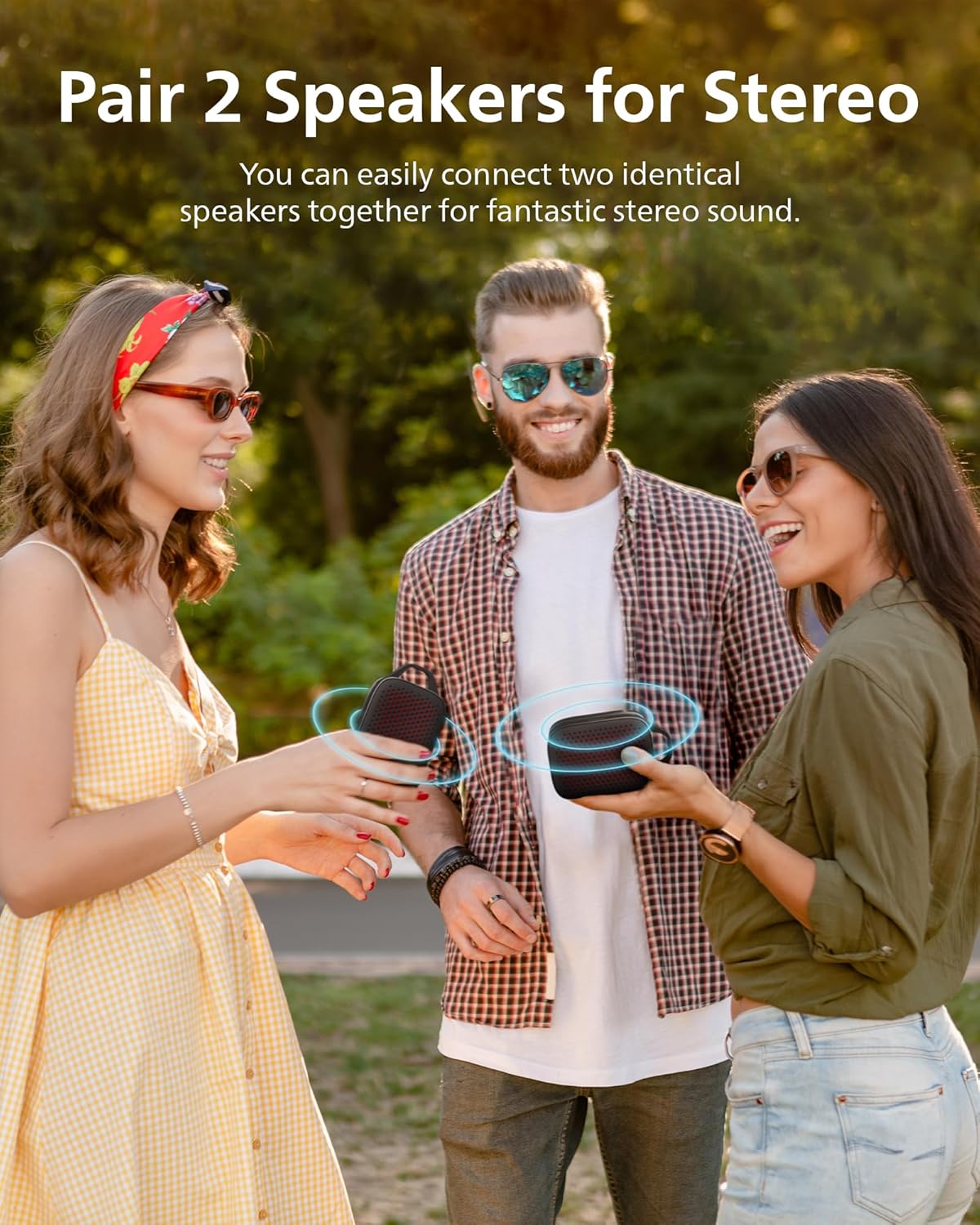
4.2 Чыныгы зымсыз стерео (TWS) жупташтыруу
To achieve a wider stereo sound experience, you can pair two PHILIPS S1209 speakers together:
- Эки динамиктин күйгүзүлгөнүн жана башка Bluetooth түзмөгүнө туташпаганын текшериңиз.
- On one speaker (this will be the primary speaker), press and hold the Bluetooth button (⑁ with Bluetooth symbol) until you hear a tone.
- Эки динамик автоматтык түрдө бири-бирин издеп, туташат. Туташкандан кийин, сиз ырастоо обонун угасыз.
- Connect your mobile device to the primary speaker via Bluetooth as described in section 3.2.

Image: Two PHILIPS S1209 speakers demonstrating True Wireless Stereo pairing, providing an immersive audio experience.
4.3 Hands-Free чалуу
The speaker features a built-in microphone for hands-free calling. When a call comes in, your music will pause, and you can answer the call by pressing the play/pause button (⏸). Press it again to end the call.

Image: The PHILIPS S1209 speaker positioned beside a smartphone showing an active call, demonstrating its hands-free calling capability.
5. Негизги өзгөчөлүктөрү
- Superior Sound with Extra Bass: Equipped with a passive radiator and a 40mm full-range driver, the speaker delivers clear audio and punchy bass with 10W maximum output power.
- Батареянын узак иштөө мөөнөтү: Enjoy up to 12 hours of continuous playtime on a single charge, powered by a 1500 mAh battery.
- Effortless Portability: Its compact size (3.1"D x 4.9"W x 1.8"H) and lightweight design (0.25 kg / 8.8 ounces) make it easy to carry. A handy carry strap is integrated for convenience.
- IPX4 сууга туруктуу: The speaker is designed to withstand splashes from rain or sweat, making it suitable for various indoor and outdoor environments.
- Bluetooth 5.3 технологиясы: Ensures fast pairing and a stable wireless connection up to 20 meters.

Сүрөт: жарылган view diagram of the PHILIPS S1209 speaker, illustrating its passive radiator for enhanced bass output.

Image: The PHILIPS S1209 speaker highlighting its 12-hour battery life, suitable for extended use.

Image: The compact PHILIPS S1209 speaker being placed into a backpack, illustrating its small size and portability.

Image: The PHILIPS S1209 speaker shown with water droplets, emphasizing its IPX4 water-resistant feature.
6. Техникалык тейлөө
- Тазалоо: жумшак колдонуу, damp cloth to clean the speaker. Avoid using abrasive cleaners or solvents.
- Сактагыч: Динамикти түз күн нурунан жана өтө температурадан алыс салкын, кургак жерде сактаңыз.
- Батареяга кам көрүү: Батареянын иштөө мөөнөтүн узартуу үчүн динамикти бат-баттан толук кубаттап турбаңыз. Узак мөөнөткө колдонулбаса да, аны үзгүлтүксүз заряддаңыз.
7. Кыйынчылыктарды
| Көйгөй | Мүмкүн чечим |
|---|---|
| Динамик күйбөйт. | Батарея заряддалганын текшериңиз. Динамикти USB-C кабели аркылуу кубат булагына туташтырыңыз. |
| Bluetooth түзмөгү менен жупташтыруу мүмкүн эмес. |
|
| Үн жок же үнү төмөн. |
|
| TWS жупташтыруу ишке ашпай калды. |
|
8. Техникалык шарттар
| Өзгөчөлүк | Деталь |
|---|---|
| Модель аты | TAS1209BK/37 |
| Динамик түрү | Портативдик Bluetooth динамиги |
| Байланыш технологиясы | Bluetooth 5.3 |
| Зымсыз диапазон | 20 метрге чейин |
| Аудио чыгаруу режими | Стерео (TWS жупташтыруусу менен) |
| Динамиктин максималдуу чыгаруу күчү | 10 Ватт |
| Аудио драйверинин өлчөмү | 40 миллиметр |
| Frequency Response | 18 KHz |
| Батареянын иштөө мөөнөтү | 12 саатка чейин |
| Батарея сыйымдуулугу | 1500 мАч |
| Заряддоо убактысы | 2.5 hours (approximate, based on A+ content image) |
| Суу каршылык | IPX4 (splash/sweat resistant) |
| Продукциянын өлчөмдөрү (D x W x Y) | 1.81" x 4.86" x 3.11" |
| Элемент Салмагы | 0.25 килограмм (8.8 унция) |
| Башкаруу ыкмасы | Сенсордук баскычтар |
| Шайкеш түзмөктөр | Ноутбук, MP3 ойноткуч, смартфон, планшет, телевизор |
9. Кепилдик жана колдоо
9.1 Чектелген Кепилдик
The PHILIPS S1209 Portable Bluetooth Speaker comes with a limited warranty. Please refer to the included "Safety warranty sheet" for detailed terms and conditions regarding your product's warranty coverage.
9.2 Кардарларды колдоо
For further assistance, technical support, or warranty claims, please visit the official Philips support website or contact their customer service. Contact information can typically be found on the Philips webсайтында же продуктунун таңгагында.
10. Расмий продукт Video
Video: An official promotional video from PHILIPS Sound showcasing the features and design of the PHILIPS S1209 Portable Bluetooth Speaker.


