Introduction
The Mibro Kids Watch Phone P6 is a children's smartwatch designed for communication, safety, and activity tracking. It features 4G connectivity, a 2MP camera, 7-in-1 GPS location tracking, SOS alert capabilities, and a durable, waterproof design. This manual provides essential information for setting up, operating, and maintaining your Mibro P6 smartwatch.
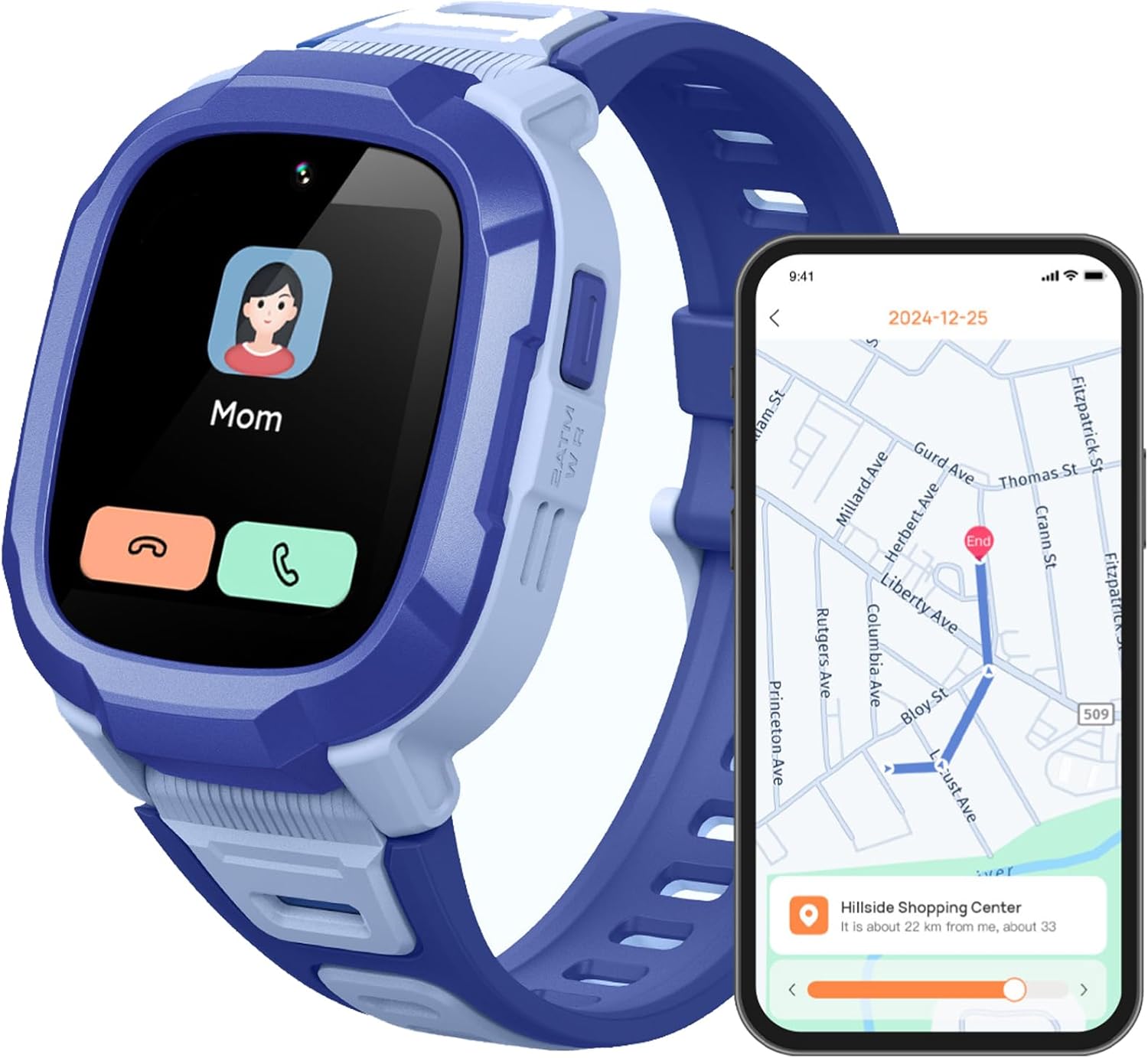
Image: The Mibro Kids Watch Phone P6, highlighting its communication and location tracking features.
Кутуда эмне бар
Пакетти ачкандан кийин, төмөнкү нерселердин бардыгы камтылганын текшериңиз:
- Mibro Kids Watch Phone P6 (Blue)
- Саат боосу (алдын ала тиркелген)
- Заряддоо кабели (USB)
- User Manual
- 1 C батареясы (алдын ала орнотулган)

Сүрөт: бүттүview of the Mibro P6 packaging and its included accessories.
Жайгашуу
1. Саатты заряддоо
Before first use, fully charge the watch. Connect the provided USB charging cable to the watch's charging port and a compatible USB power adapter (not included). A full charge takes approximately 2.5 hours. The watch has a 900 mAh battery capacity, offering up to 5 days of daily use and 8 days of standby time.

Image: Visual representation of the watch's long battery life and 900 mAh capacity.
2. SIM картаны орнотуу
The Mibro P6 requires a 4G LTE SIM card for communication features (SIM card not included). Carefully open the SIM card slot cover on the side of the watch and insert the SIM card as indicated by the diagram on the device. Ensure it is securely seated before closing the cover.
3. Initial Power On and App Pairing
Press and hold the power button to turn on the watch. Follow the on-screen instructions to complete the initial setup. To manage the watch's features, including contacts, safety zones, and tracking, download the dedicated parent application on your smartphone. Scan the QR code displayed on the watch or found in the manual to download the app and pair your device.
Иштөө нускамалары

Сүрөт: бүттүview of the Mibro P6's main smart features for kids.
Байланыш өзгөчөлүктөрү
- Two-Way Video and Phone Calls: The watch supports 4G LTE for stable calls and high-quality video communication with pre-approved contacts. Use the touch screen to navigate to the call interface and select a contact.
- Үн чат: Engage in voice messages with designated contacts through the watch.
- Rejecting Calls from Strangers: Parents can configure the watch through the app to only accept calls from pre-set contacts, enhancing child safety.
- Билдирүү эскертүүлөрү: The watch can display message notifications.
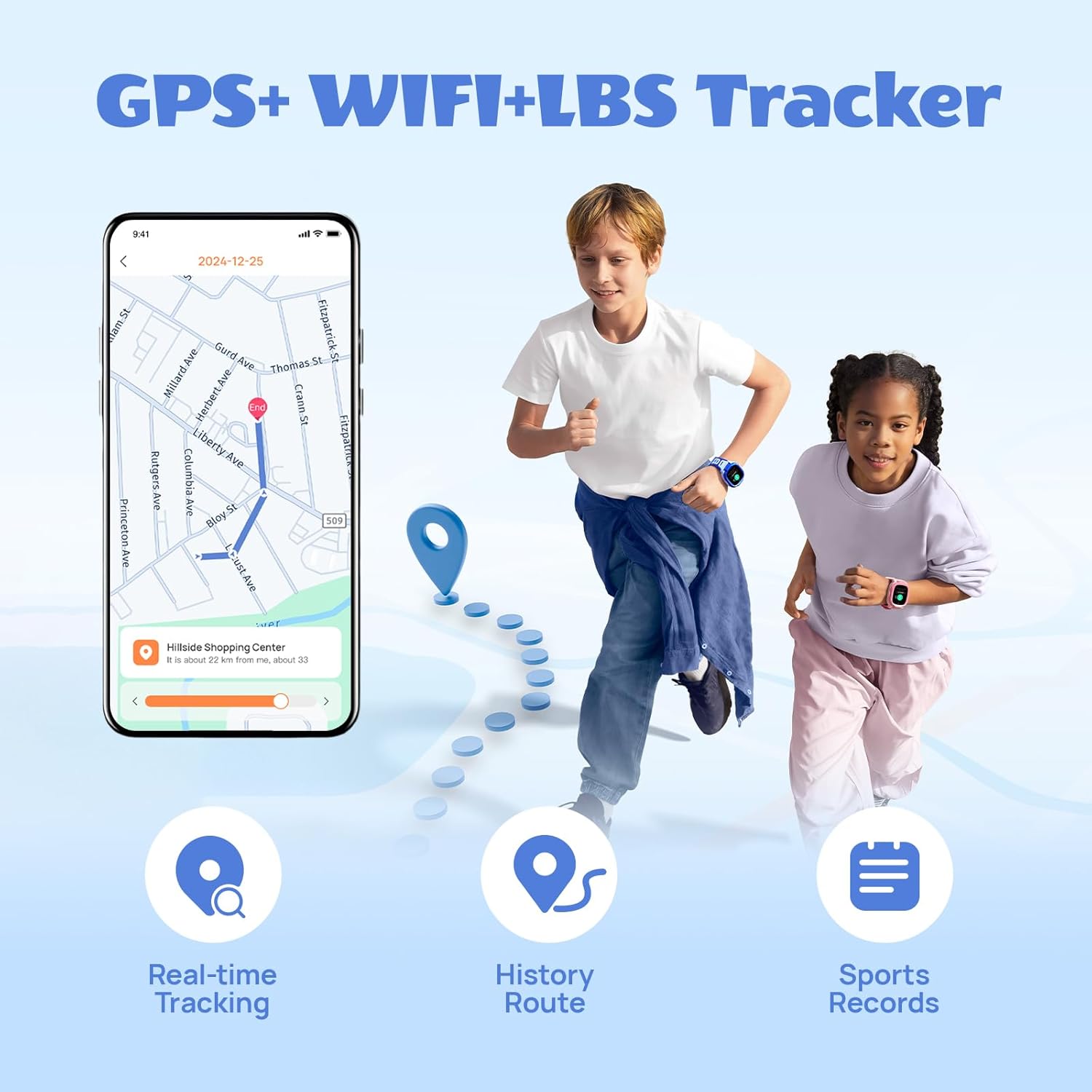
Image: Demonstrates the two-way video call feature and 4G connectivity of the watch.

Image: Illustrates the feature to reject calls from unknown numbers, managed via the parent app.
Safety and Location Tracking
- 7 Location Modes: The watch utilizes GPS, GLONASS, LBS, Wi-Fi, G-Sensor, AI, and photo tracking for accurate real-time location monitoring. Parents can view the child's current position and historical routes via the app.
- SOS өзгөчө кырдаал баскычы: In an emergency, the child can press and hold the SOS button for 3 seconds. The watch will automatically send their current location to designated contacts and initiate a 7-second recording.
- Коопсуздук зоналары: Set up virtual safe zones (e.g., home, school) in the parent app. You will receive notifications when your child enters or leaves these predefined areas.
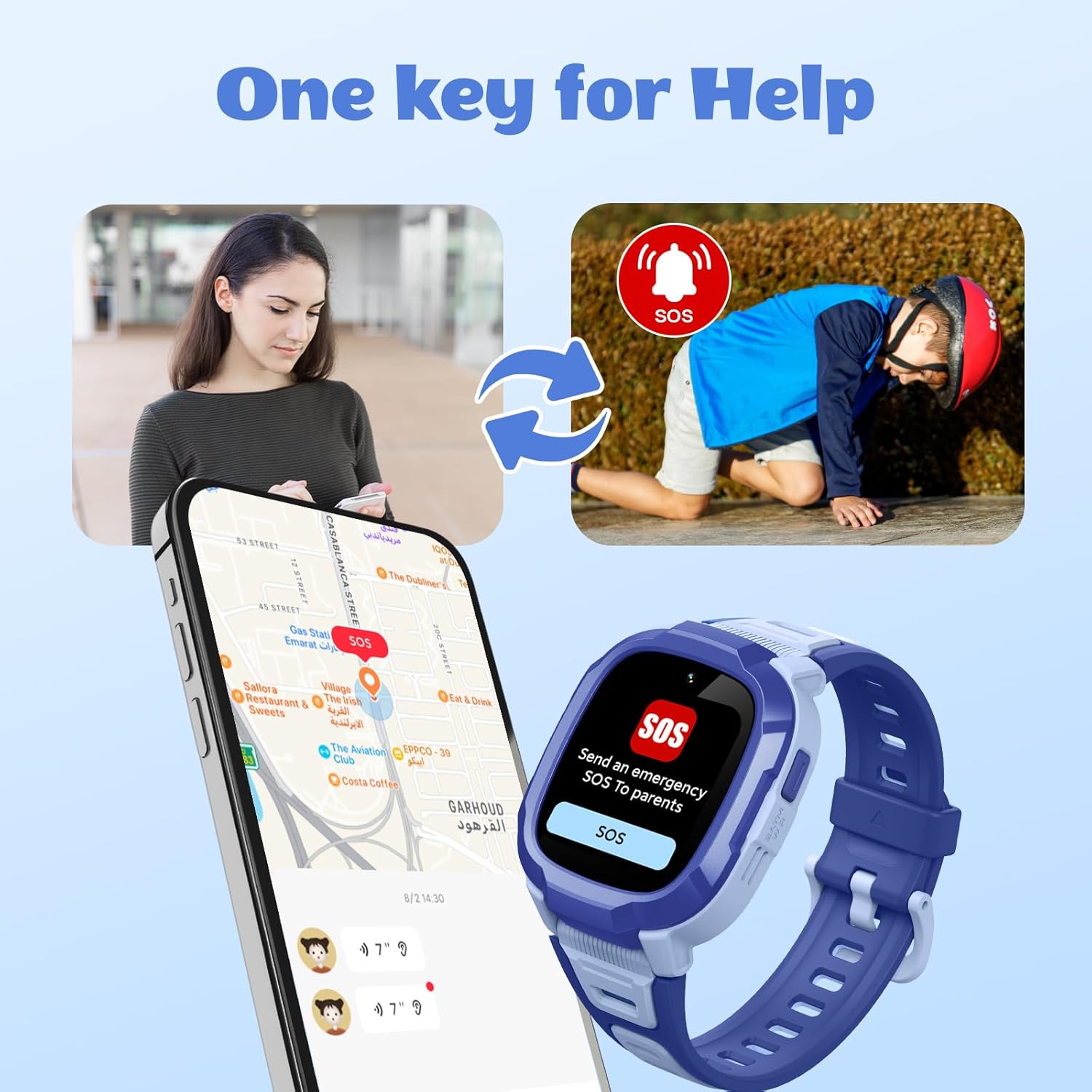
Image: Depicts the multi-mode GPS tracking capabilities, including real-time tracking and route history.

Image: Illustrates the one-key SOS emergency call function and how it alerts parents.

Image: Shows the interface for setting up safety zones and receiving location-based reminders.
Кошумча функциялар
- Class Mode (Anti-disturbing): Parents can set specific time periods during which the watch will limit functions to only contact parents and send SOS/positioning, ensuring the child focuses on school.
- Камера жана видео: The 2MP wide-angle camera allows for taking photos and recording videos.
- Спортко көз салуу: The watch includes five different sports modes to track physical activity.
- Personalize Watch Dials: Kids can choose from various watch faces or use their own pictures for customization.
- Bump-to-Friend: A feature allowing children to add friends by "bumping" watches together.
- Факел/ Фонар: The watch includes a built-in flashlight function.
- Ойготкуч саат: Set alarms for reminders or daily routines.
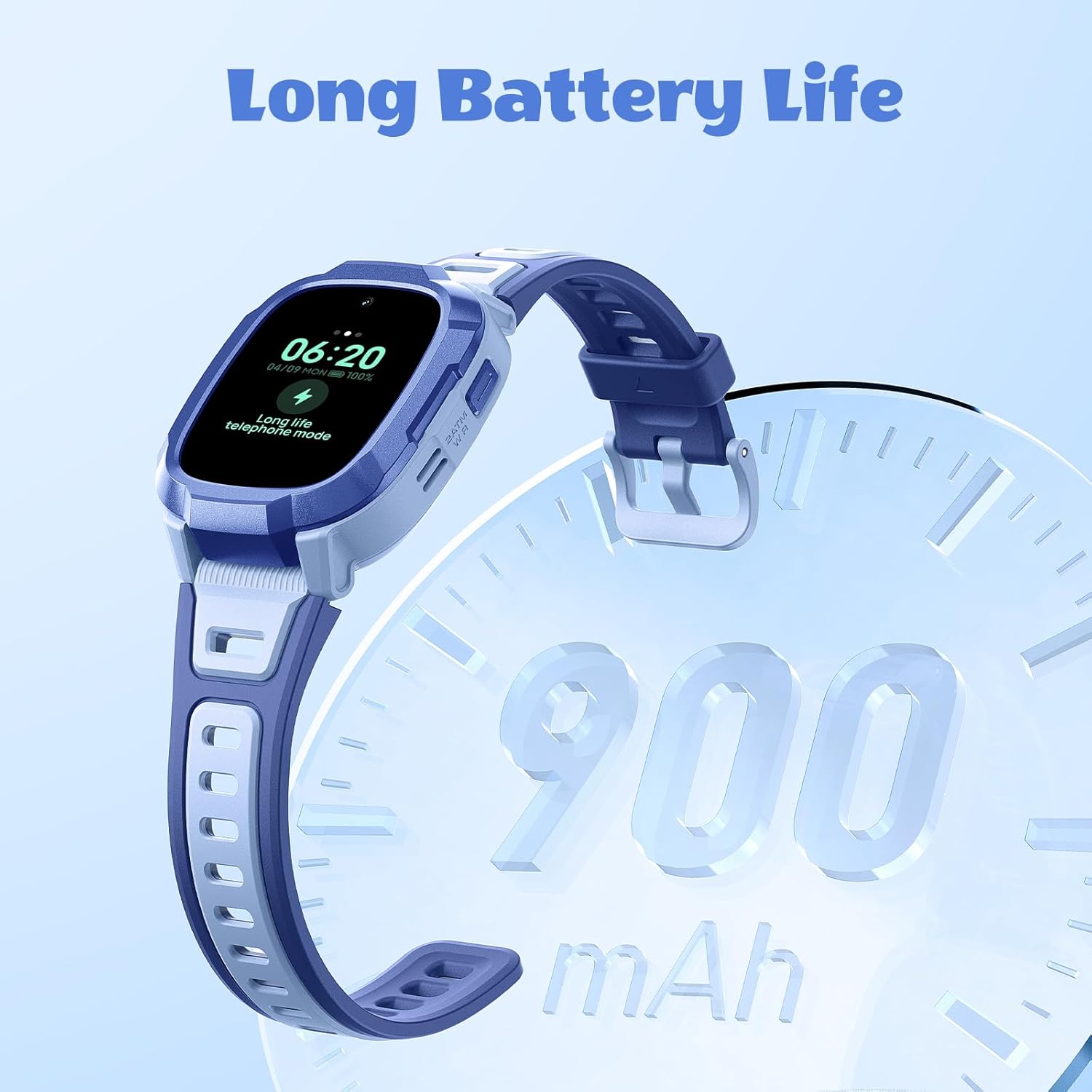
Image: Demonstrates the Class Mode (Anti-disturbing) feature, which helps children focus during school hours.
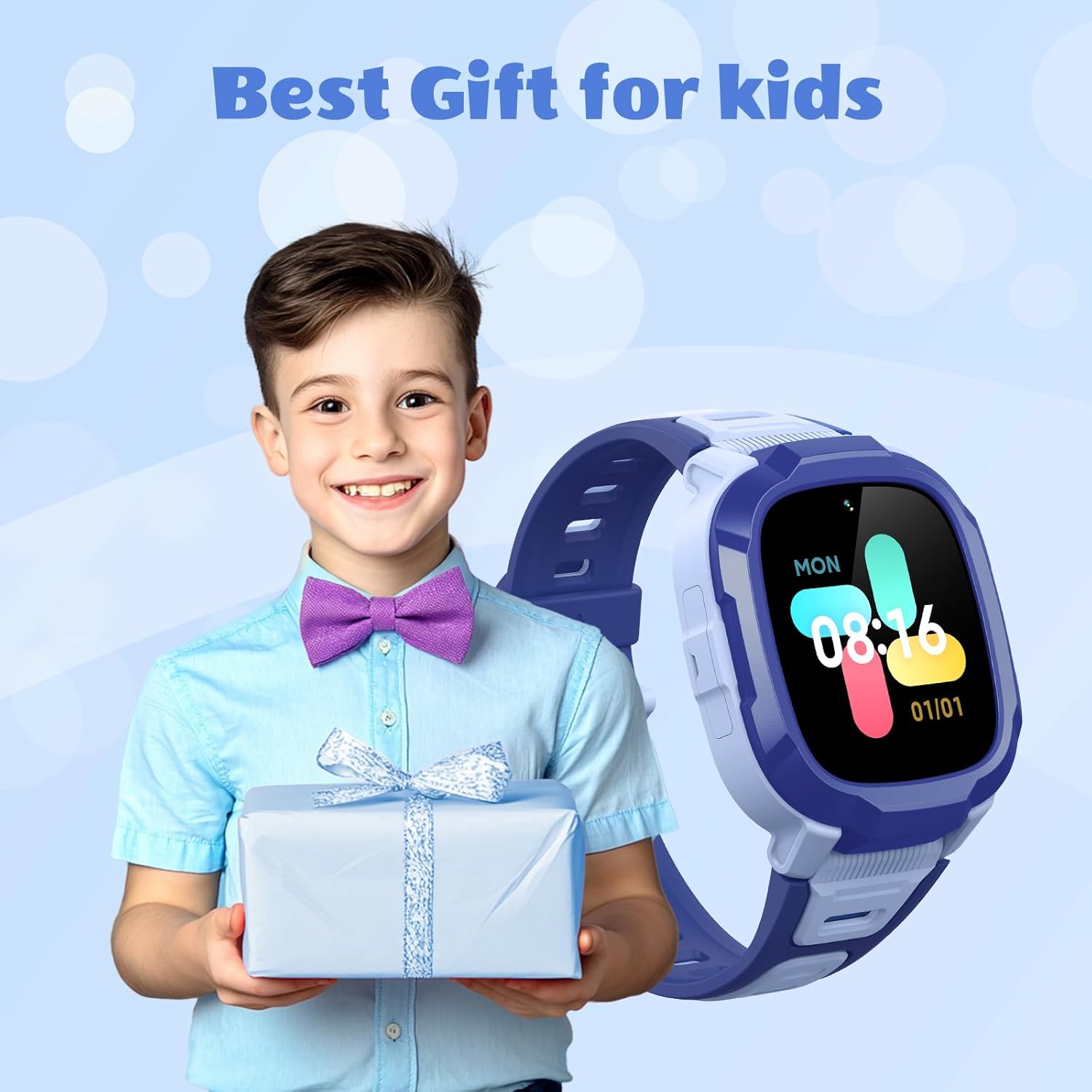
Image: Highlights the camera and video recording capabilities of the watch.

Image: Shows the variety of customizable watch dials available for the Mibro P6.

Image: Depicts the message reminder and camera functions of the watch.
Техникалык тейлөө
Суу каршылык
The Mibro P6 has a 2ATM waterproof certification, meaning it is water resistant up to 20 meters. It can withstand splashes, rain, and daily moisture like hand washing. However, avoid prolonged immersion in water, hot water, or steam, as this may damage the device. SIM картанын уячасынын капкагы суу өткөрбөө үчүн бекем жабылганын текшериңиз.

Image: Visual representation of the watch's 2ATM waterproof rating.
Тазалоо
Саатты жана боону жумшак менен дайыма сүртүп туруңуз, damp кездеме. Финишке зыян келтирүүчү катаал химиялык заттарды же абразивдүү материалдарды колдонуудан алыс болуңуз.
Батареяга кам көрүү
To prolong battery life, avoid exposing the watch to extreme temperatures. Charge the watch using only the provided cable. If the watch will not be used for an extended period, charge it to about 50% before storing.
Проблемаларды чечүү
| Көйгөй | Мүмкүн себеп | Чечим |
|---|---|---|
| Саат күйбөй жатат | Аз батарея; Кубат баскычы жетишерлик көпкө басылган жок | Саатты кеминде 30 мүнөт кубаттаңыз. Кубат баскычын 5-10 секунд басып туруңуз. |
| Чалууларды жасоо/кабыл алуу мүмкүн эмес | No SIM card; SIM card not properly installed; No network signal; Contacts not set in app; "Reject unknown calls" enabled | Ensure a 4G SIM card is installed correctly. Check network signal strength. Add contacts via the parent app. Disable "Reject unknown calls" if necessary. |
| Жайгашкан жерди так эмес көзөмөлдөө | Poor GPS signal (indoors/dense areas); Limited Wi-Fi/LBS coverage | Move to an open area for better GPS signal. Ensure Wi-Fi is enabled if available. Location accuracy varies by environment. |
| Watch not connecting to app | Bluetooth/network issues; Incorrect pairing process | Ensure both watch and phone have network connectivity. Restart both devices. Re-attempt pairing process as per setup instructions. |
| Батареянын иштөө мөөнөтү кыска | Frequent calls/video calls; High brightness; Constant GPS tracking | Reduce call frequency. Adjust screen brightness. Optimize GPS tracking frequency in the app. |
Техникалык шарттар
| Өзгөчөлүк | Деталь |
|---|---|
| Модель аты | Mibro P6 |
| Элемент моделинин номери | DE-P6-Kidwatch-Blue |
| Бренд | Микро |
| Операция системасы | Android Wear 2.9 |
| Байланыш технологиясы | Bluetooth, 4G LTE |
| Өзгөчөлүктөр | Video Call, GPS, SOS Alert, 2ATM Waterproof, Camera |
| Камера | 2 мегапиксел |
| GPS | Built-in GPS (7 Location Modes) |
| Суу каршылык | 2ATM (20м чейин) |
| Батарея сыйымдуулугу | 900 миллионamp Саат (мАч) |
| Батарея түрү | Литий-ион (1 C батареясы кошулган) |
| Эстутум сактоо сыйымдуулугу | 128 MB |
| Форма | Төрт бурчтуу |
| Пакеттин өлчөмдөрү | 11.3 x 11.1 x 6.9 см |
| Элемент Салмагы | 56.6 г |
Image: Technical drawing illustrating the dimensions of the Mibro P6 smartwatch.
Кепилдик жана колдоо
Кепилдик жөнүндө маалымат жана техникалык колдоо алуу үчүн, расмий Mibro компаниясына кайрылыңыз website or contact Mibro customer service directly. Keep your purchase receipt as proof of purchase for warranty claims.
Manufacturer: Mibro
Кошумча жардам алуу үчүн, баш багыңыз Mibro Store on Amazon.


